

Know who has read your messages in RosterElf chat
This article explains how to see who has read your messages in RosterElf Chat. The read status helps you track if staff have viewed important updates. By checking this feature, you can confirm whether your team has received and opened your communication. This reduces confusion and ensures accountability in workplace messaging.
1. Open RosterElf chat
This section explains how to open RosterElf and access the chat feature.
1.1 access chat from the web app
1.1.1 Open RosterElf.
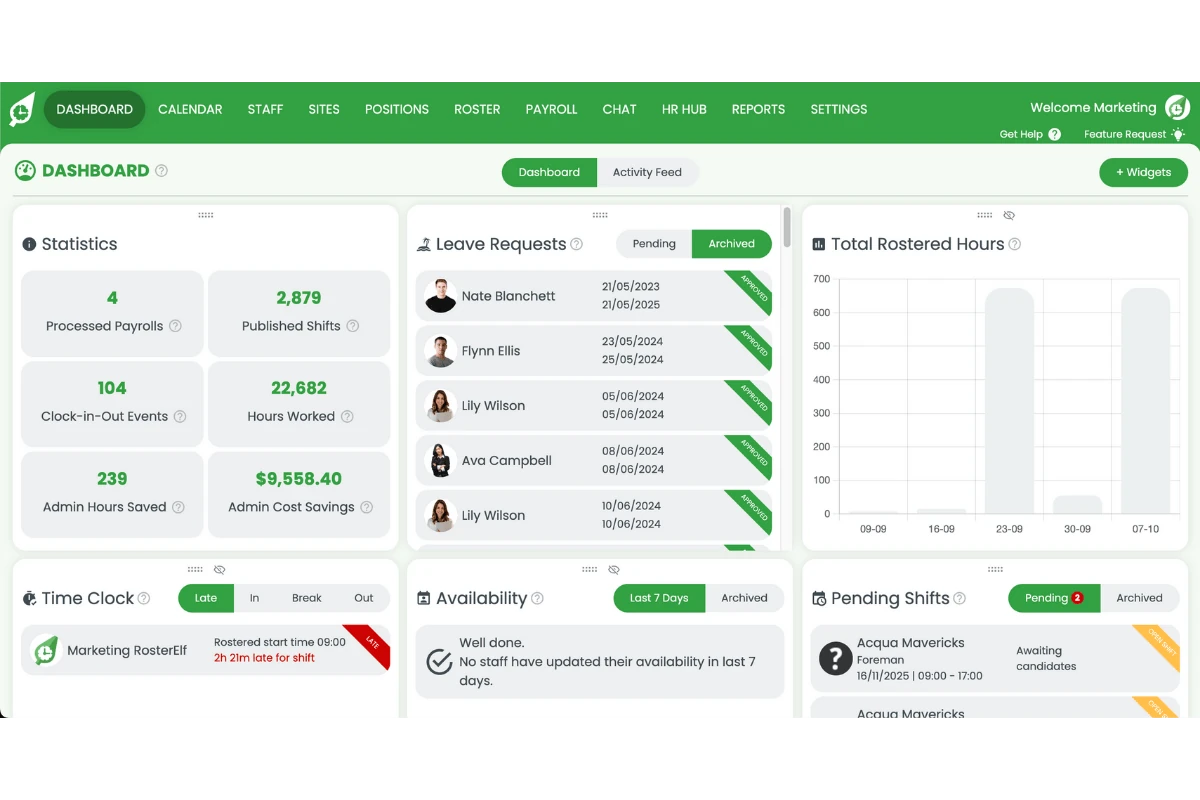
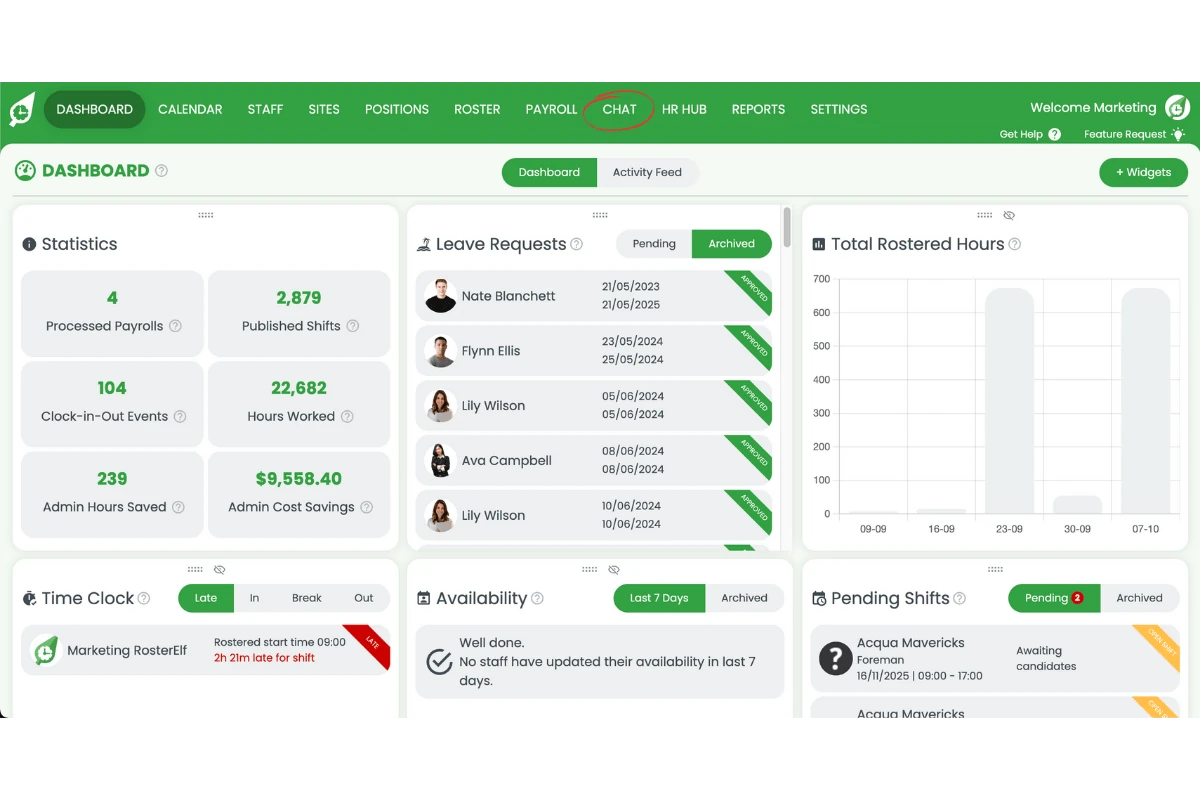
1.1.2 Press Chat on the menu.
2. View read receipts in RosterElf chat
This section explains how to find out who has read your message. The read receipt shows which staff have viewed your communication.
2.1 select your chat
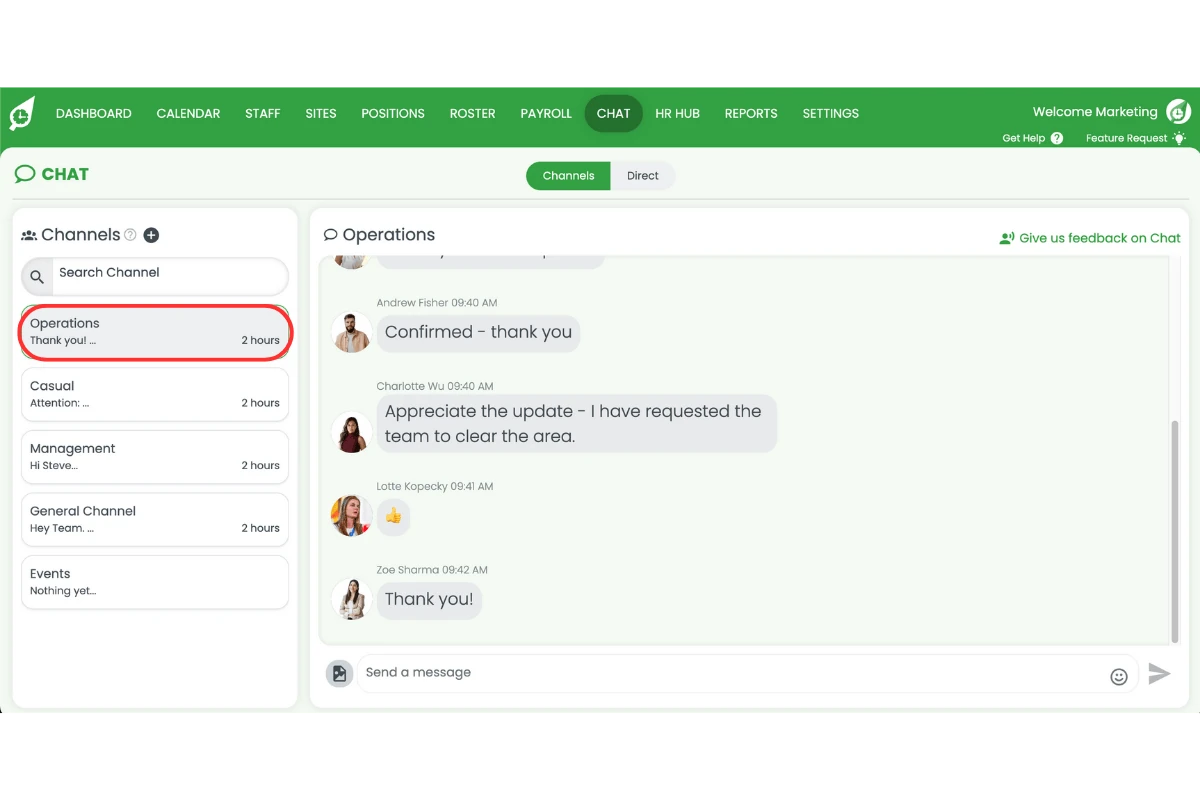
2.1.1 Select the chat you want to check.
2.2 check who has read your message
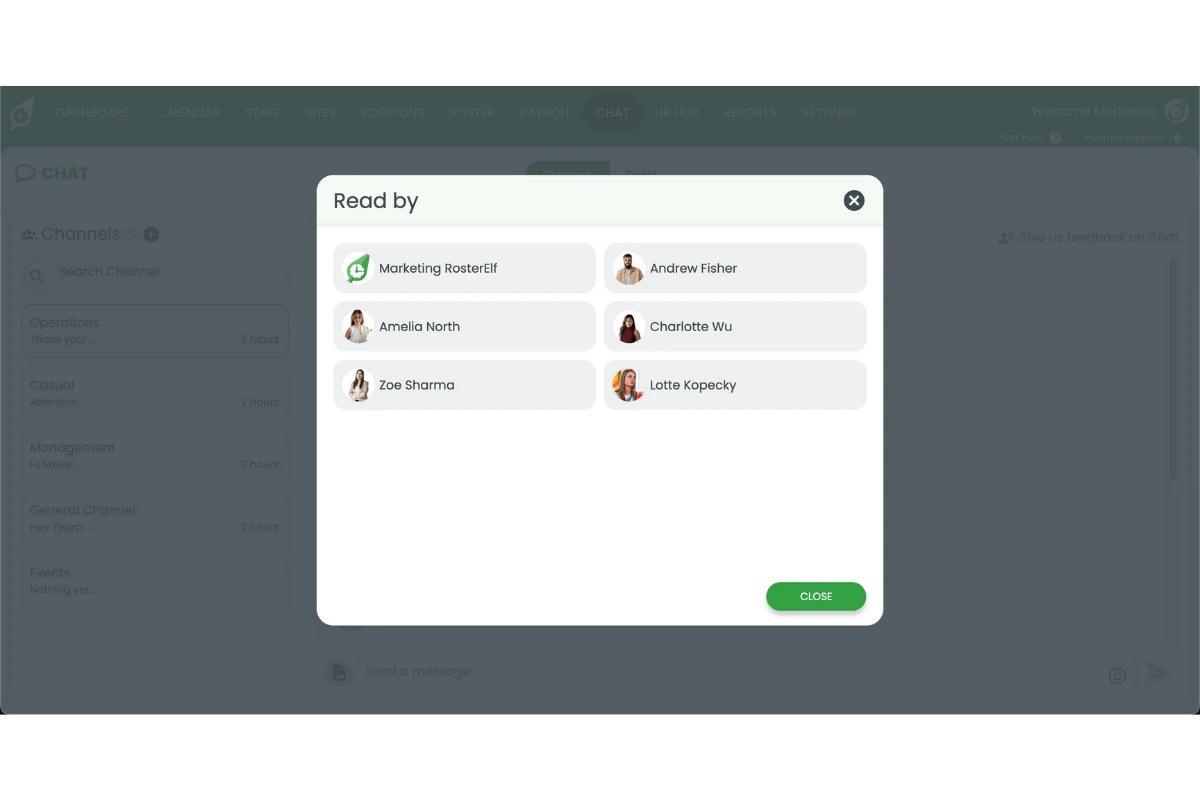
2.2.1 Hover over the sent icon next to your message.
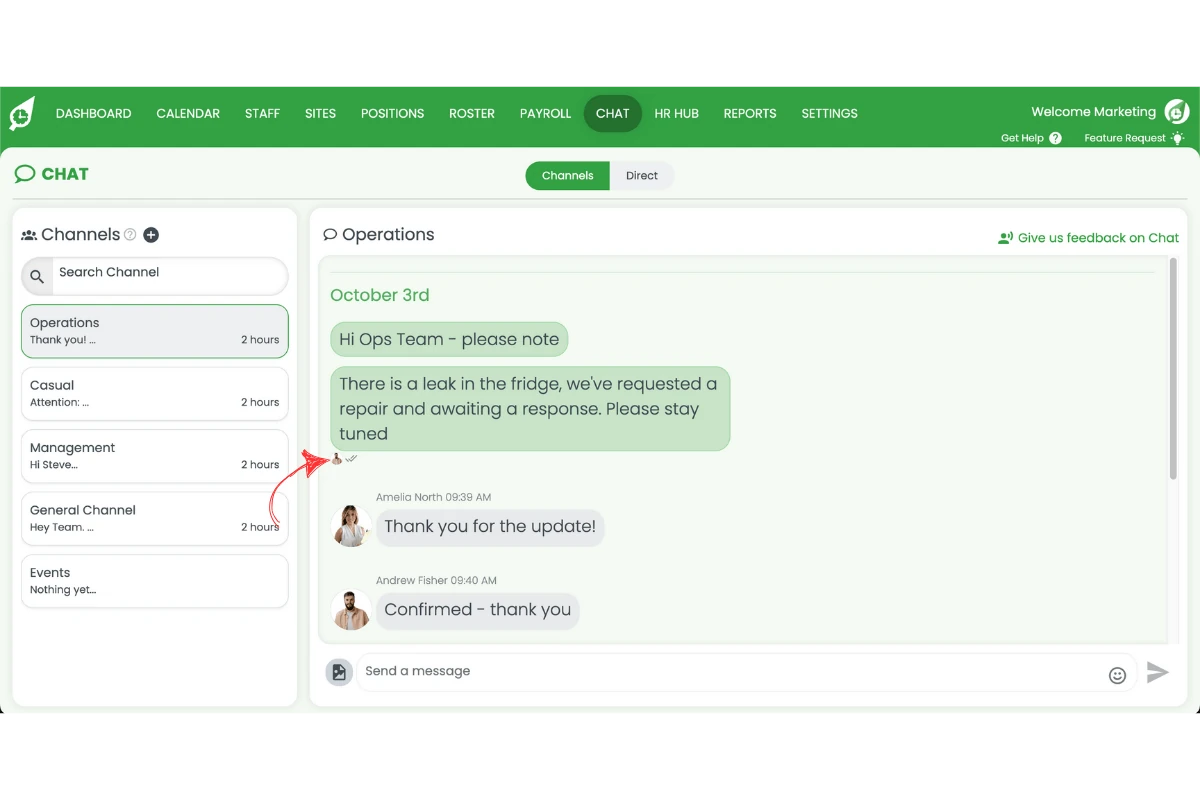
2.2.2 Press the read icon to view who read the message.
Note
Read receipts update in real time, allowing you to follow up with staff who haven’t viewed important messages.
Frequently asked questions
1. How do I see who has read my messages in RosterElf Chat?
You can check who has read your messages by opening the chat, selecting your conversation, and hovering over the sent icon. A list of staff who have viewed the message will appear.
2. Why should I check read receipts in RosterElf Chat?
Checking read receipts helps you confirm whether staff have seen important updates. This reduces confusion, improves accountability, and ensures your communication reaches the right people.
3. Can I view read receipts in both webapp and mobile versions of RosterElf Chat?
Yes, you can view read receipts across RosterElf Chat on both the webapp and mobile app. The process is the same: open your chat, select the conversation, and check the sent icon.
4. What does the read status in RosterElf Chat show me?
The read status shows which team members have viewed your message. This allows you to see message engagement and follow up with anyone who has not read the update.
5. Do read receipts in RosterElf Chat update in real time?
Yes, RosterElf Chat updates read receipts in real time. As soon as a staff member views your message, their name will appear in the list of readers.