
Onboarding software made simple for new hires
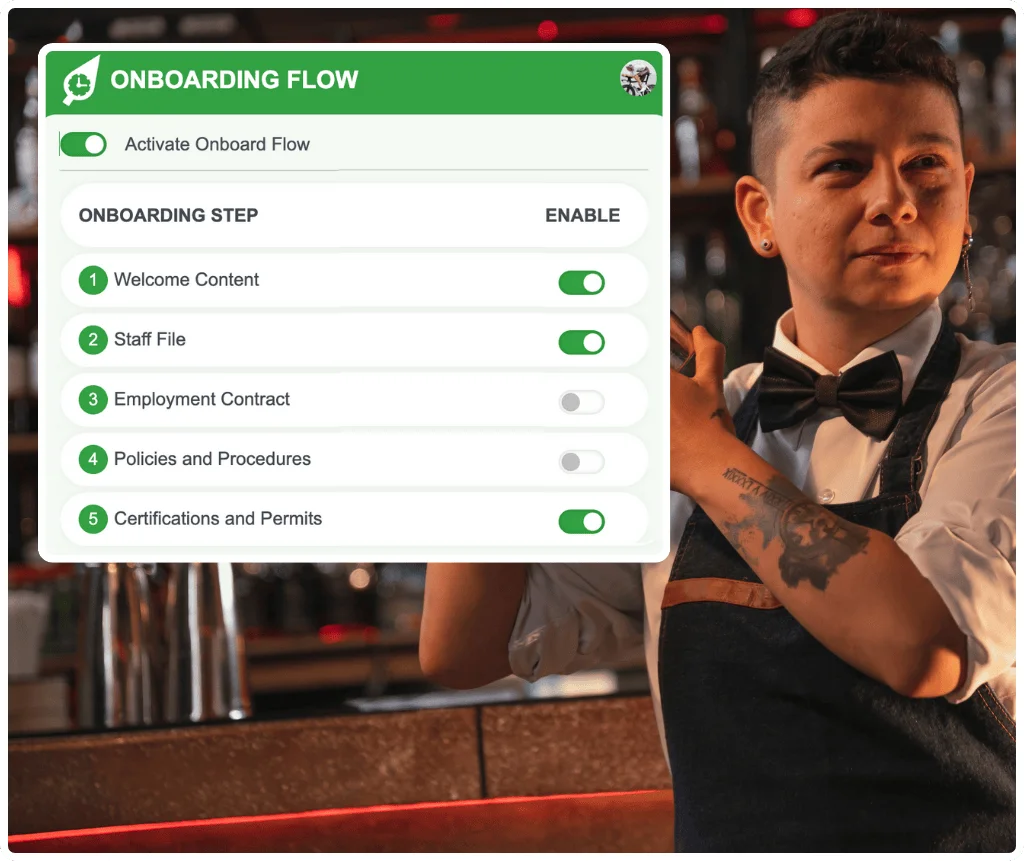
RosterElf makes onboarding fast, consistent and completely digital. Capture essential details upfront, issue contracts and policies automatically, and ensure every new hire starts with the right information.
-
Automated workflows simplify tasks
-
Paperless forms save time and effort
-
Ensures an effective process




Simple, paperless onboarding for every new hire
RosterElf automates document distribution when you add a new hire, eliminating manual follow-ups and reducing administrative burden.
What Australian employers must collect
- Australian employers must give every new employee the Fair Work Information Statement before, or as soon as practicable after, they start — and casuals must also get the Casual Employment Information Statement.
- New starters need to complete a TFN declaration and be offered a choice of superannuation fund. Where no choice is made, the employer must check for a stapled fund.
- Employee records and pay records must be kept for seven years, be legible, in English, and not be altered unless correcting an error.
- Onboarding is where most record-keeping gaps start, because the paperwork is collected once and rarely checked again.
- RosterElf collects the details, contracts and acknowledgements digitally, then carries them straight into rostering and payroll — one entry, not three.
Add new hire
Add a new employee to the system and onboarding documents are automatically sent to their email.
Complete checklist
New employees work through a digital onboarding checklist — personal details, tax forms, bank info, e-signing contracts, and policy acknowledgements.
Ready to work
Once complete, staff are ready to be rostered. All documents are stored securely in one place.
Effortless employee onboarding management
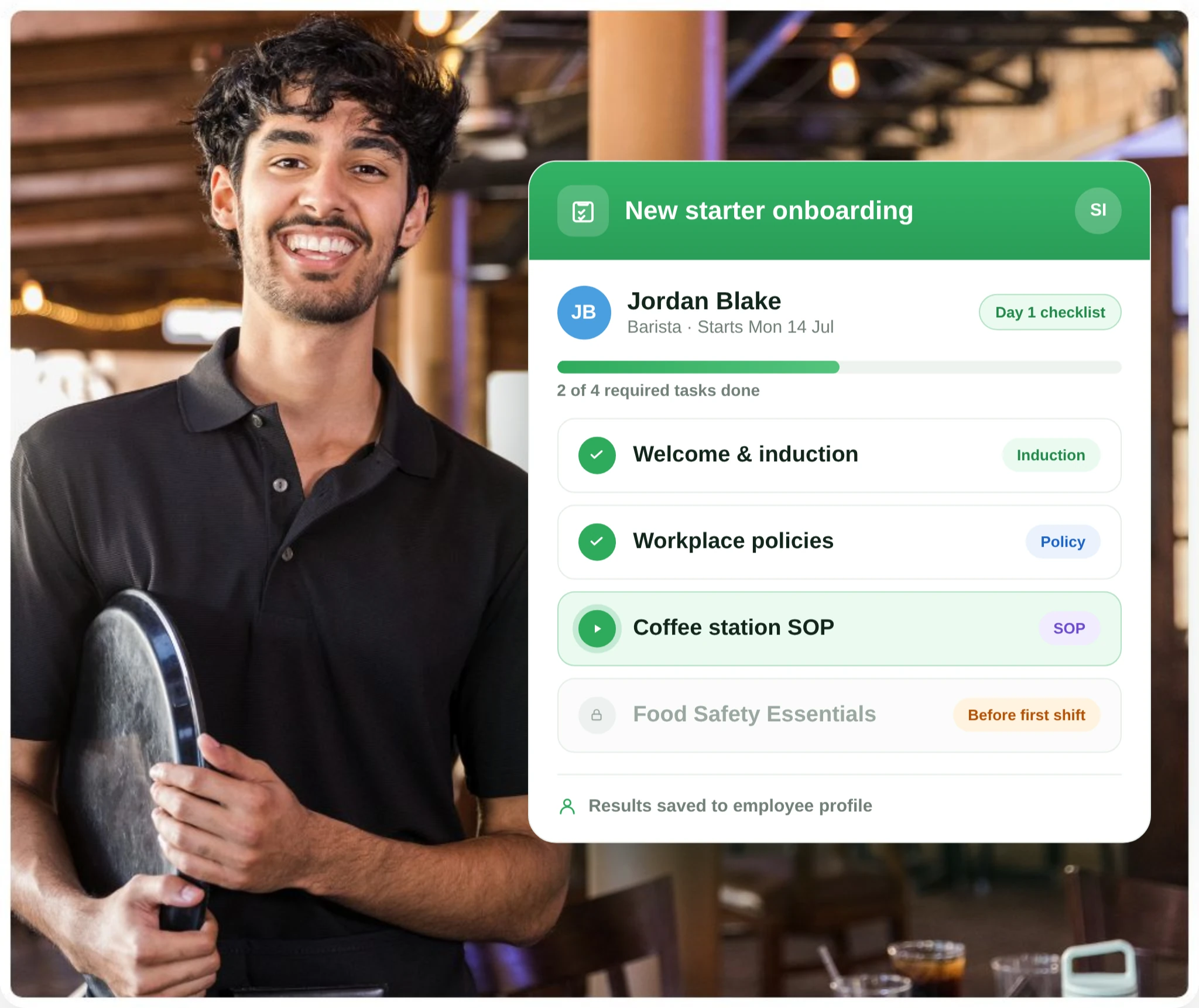
Reduce manual tasks and ensure smooth transitions
RosterElf's onboarding system reduces manual tasks and ensures smooth transitions for every new hire.
Forms are sent automatically when new hires are added, letting HR teams focus on integration while the software handles repetitive work.
- Automated document distribution
- Time-saving automation
- Meets compliance requirements from day one
Go digital with paperless onboarding

Increased efficiency through digital processes
Eliminate paper forms and manual data entry. New employees complete everything online, and all information is stored securely in the cloud.
HR teams can track progress in real time and follow up with incomplete submissions automatically.
- Greater accuracy via automated steps
- Mobile-friendly access for employee convenience
- Real-time progress tracking for HR teams
Quick and customisable onboarding setup
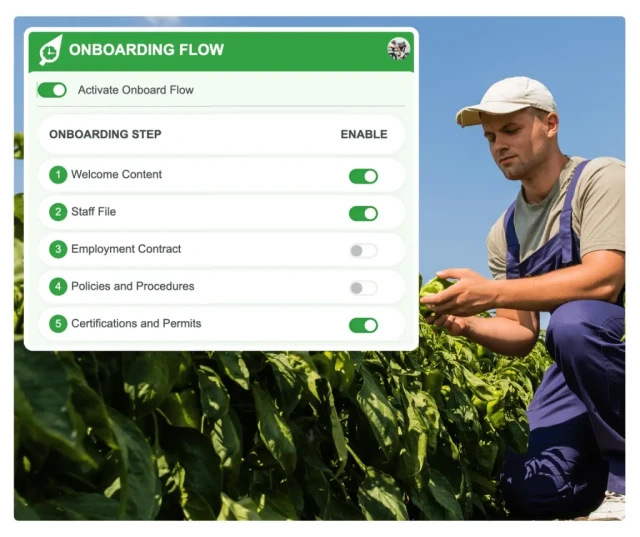
Tailor onboarding to your business needs
Employees receive instant notifications with login details and can complete onboarding in minutes through fully customisable fields.
Configure which documents are required, add custom questions, and set up automated reminders for incomplete submissions.
Benefits of digital employee onboarding
Faster employee productivity
New hires complete paperwork before their first shift, so they're ready to work from day one.
Paperless efficiency
Eliminate printing, scanning and filing. All documents are stored digitally and accessible anytime.
Improved data accuracy
Employees enter their own information directly, reducing transcription errors and incomplete records.
Enhanced legal compliance
Ensure all required documents are collected and signed before employees start working.
Better employee experience
A smooth, modern onboarding process creates a positive first impression for new team members.
Customisable workflows
Tailor onboarding steps to different roles, locations or employment types.
Onboarding data flows into rostering and payroll
Employee information captured during onboarding automatically syncs with RosterElf's rostering and time tracking features — no duplicate data entry required.
What is employee onboarding software?
Employee onboarding software is a digital platform that simplifies the process of integrating new hires into your organisation. It automates a structured onboarding checklist — document collection, e-signature, policy acknowledgement, and certification uploads — allowing new employees to complete everything online before their first day. This eliminates manual data entry, reduces errors, supports compliance, and creates a professional first impression for your new team members.
For a detailed step-by-step guide, read our employee onboarding checklist for Australian businesses.
Setting up remote employees? See our remote employee onboarding checklist — a complete guide covering pre-boarding, day one, and 30-day milestones for Australian businesses.
What every Australian employer has to collect on day one
Onboarding is where record-keeping either starts correctly or quietly goes wrong. These are the obligations that apply to a new starter in Australia, and the ones an onboarding checklist should be built around.
Fair Work Information Statement
Must be given to every new employee. Casual employees must also receive the Casual Employment Information Statement.
Tax file number declaration
Collected from the employee and provided to the ATO so the correct withholding applies from the first pay.
Superannuation choice of fund
Employees must be offered a choice. Where none is made, the employer checks the ATO for a stapled fund before defaulting.
Employment contract and terms
A written record of the role, classification and employment type, which cannot sit below the award or the NES.
Licences and certifications
Where the role requires them, sighted and recorded at the start — with an expiry date you can act on.
Record keeping
Employee and pay records kept for seven years, legible and in English, and not altered except to correct an error.
Collect these once, digitally, and they follow the employee into the roster and into payroll. Collect them on paper and they have to be found again every time somebody asks.
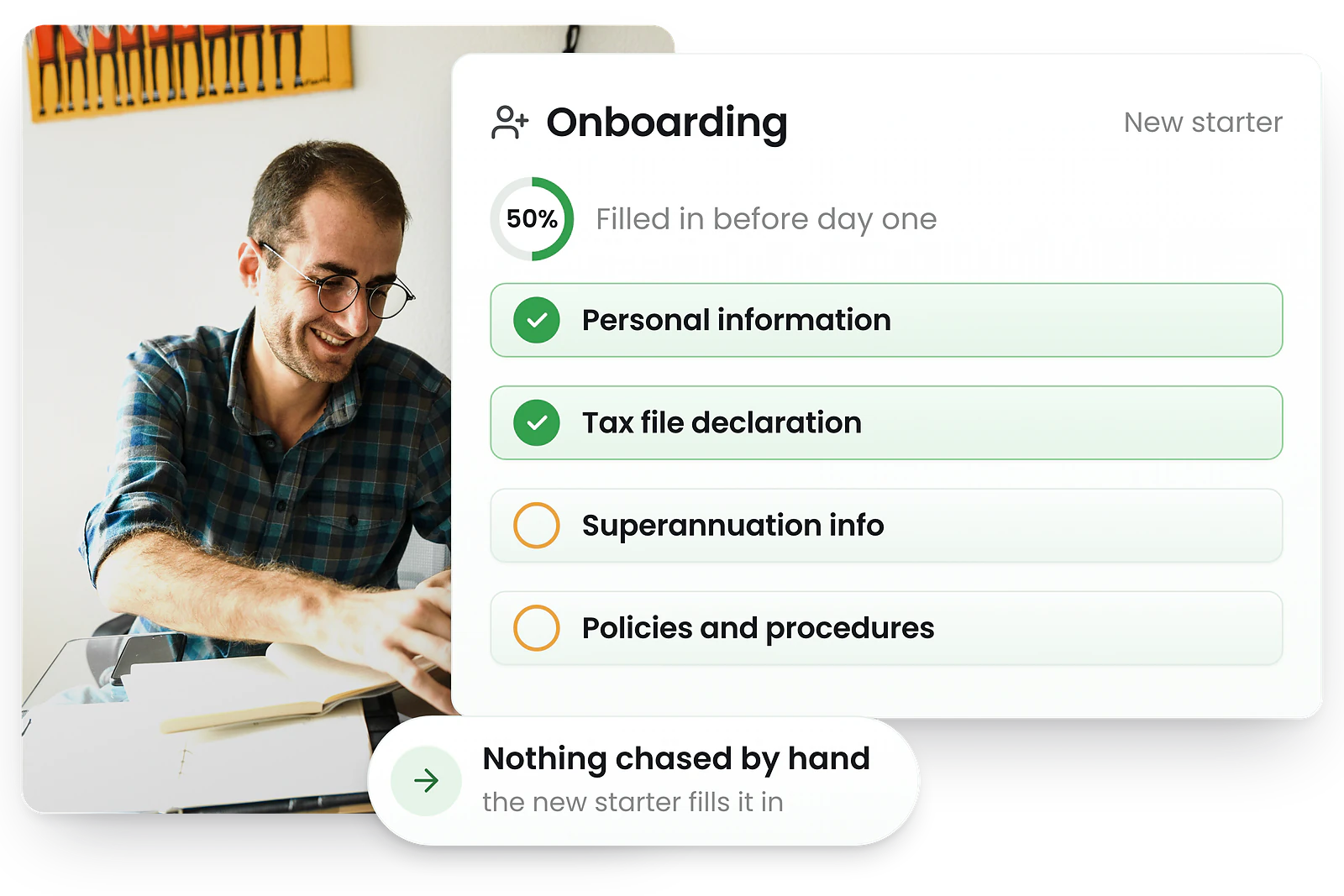
Onboarding is not the same for every employment type
Australian employment types carry different entitlements from the first day, so the same checklist cannot serve all three. A checklist that treats a casual like a full-time employee will either collect paperwork that does not apply or miss something that does.
Full-time
Ordinary hours, paid leave accruals and notice of termination all start immediately. The contract should state the classification and the ordinary hours the role is built on.
Part-time
Same entitlements as full-time, accrued pro rata. Most awards require the agreed pattern of hours to be recorded in writing at the start, and varied in writing afterwards.
Casual
No paid annual or personal leave, and a casual loading instead. Casuals must also be given the Casual Employment Information Statement, not just the Fair Work Information Statement.
RosterElf holds the employment type on the employee record, so the roster, the accruals and the pay rates all read from the same answer rather than three different ones. See how to onboard a new employee for the full process.
Employment Hero vs RosterElf, capability by capability
Assessed on 43 capabilities across 7 areas. RosterElf is a rostering-first Australian product; Employment Hero is included here because the two are frequently shortlisted together.
| Capability area | RosterElf | Employment Hero |
|---|---|---|
| Rostering & scheduling | 8/8 | 7/8 |
| Time & attendance | 7/7 | 5/7 |
| Payroll & award interpretation | 7/7 | 7/7 |
| Team communication | 5/5 | 4/5 |
| Mobile apps | 4/5 | 5/5 |
| HR & compliance | 6/6 | 5/6 |
| Reporting & analytics | 5/5 | 5/5 |
In RosterElf, not Employment Hero
- Unfilled shift alerts— Rostering & scheduling
- Device restrictions— Time & attendance
- Unscheduled shift detection— Time & attendance
- Read receipts— Team communication
- No payroll lock-in— HR & compliance
In Employment Hero, not RosterElf
- Offline clock-in— Mobile apps
Assessments are maintained in a shared data layer and applied identically across every review and comparison on this site. Feature sets change — check each vendor's own documentation before deciding.
Set the process up once
Step-by-step guides and free templates for hiring, inducting and documenting a new starter.
What Australian businesses say after switching
“We're probably paying half of what we were paying.”
“Our managers wrapped their head around it in about 45 minutes.”
“Payroll for me takes about 50% less time right now.”
Related support articles
Step-by-step guides to help you get started
Completing the onboarding form
What a new starter fills in, and what happens to it once they submit.
Employee onboarding View guideReview and approve onboarding documents
How a manager checks and signs off a new starter’s paperwork.
Employee onboarding View guideCustomise the employee onboarding process
Set different onboarding paths for full-time, part-time and casual staff.
HR Hub View guideTrack staff onboarding progress
See which steps each new hire has completed and chase what is outstanding.
HR Hub View guideThis page describes Australian onboarding and record-keeping obligations in general terms to help you choose and configure onboarding software. It is not legal advice. Obligations differ by employment type and by the award, enterprise agreement or contract covering your staff, and tax and superannuation requirements are administered by the ATO. Confirm what applies to your business, or seek advice, before relying on anything here. It does not constitute legal, HR, or professional advice and should not be relied on as a substitute for advice specific to your business, workforce, or circumstances.
Explore related features
Discover other RosterElf features that work great together
How-to guides for employee onboarding
Step-by-step guides to help you master these workflows
Start your free 15-day RosterElf trial today
Join 30,000+ Australian workplaces using RosterElf to simplify employee onboarding.
Employee onboarding guides for Australian businesses
Learn more about onboarding best practices, compliance, and new hire setup.

First-week onboarding checklist: Fair Work essentials
Complete employee onboarding checklist for Australian employers. Cover compliance requirements, documentation, and setup for new staff.
Read article
Hospitality employee onboarding guide for Australian businesses
Complete onboarding guide for hospitality staff in Australia. Covers RSA requirements, food safety, Fair Work compliance, and first-shift preparation.
Read article
The true cost of poor employee onboarding in Australia
Poor onboarding costs Australian businesses thousands per hire. Learn how bad onboarding leads to turnover, productivity loss, and compliance risk.
Read articleFrequently asked questions
- Yes. RosterElf provides a fully digital onboarding checklist that guides new hires through every required step: completing tax and personal details forms, signing their employment contract, acknowledging company policies, uploading certifications, and completing any required training. Managers see real-time progress for each new hire from the HR Hub dashboard. See our employee onboarding checklist guide for a complete walkthrough, and our guide on running an effective induction. Everything captured lands in the same employee record your HRIS keeps for the seven years the Fair Work Act requires.
- Configure which onboarding steps are required, optional, or hidden for different roles or employment types. Customize forms, add custom fields, and tailor the onboarding workflow to match your business requirements. Set up different onboarding paths for full-time, part-time, and casual employees. Customize employee onboarding →
- Monitor onboarding completion in real-time from the HR Hub dashboard. See which steps each new hire has completed, what's pending, and when tasks were finished. Send automated reminders for overdue items and receive notifications when onboarding is complete. Track staff onboarding progress →
- Configure which policies, certifications, and permits are required during onboarding. Set mandatory documents for specific roles (like RSA for hospitality, Working with Children checks for childcare). Control approval workflows and ensure compliance requirements are met before employees start. Control HR onboarding policies →
- Yes, integrate employment contracts into the onboarding flow. Upload contract templates, automatically merge employee data, and send for electronic signature. Track contract status and store signed documents with employee profiles. Manage employment contracts →
- Assign company policies to be acknowledged during onboarding. New employees read and digitally acknowledge policies like code of conduct, WHS, and privacy policies before their first shift. Track acknowledgement completion and maintain compliance records. Create and manage policies →