
Team communication software for shift-based teams
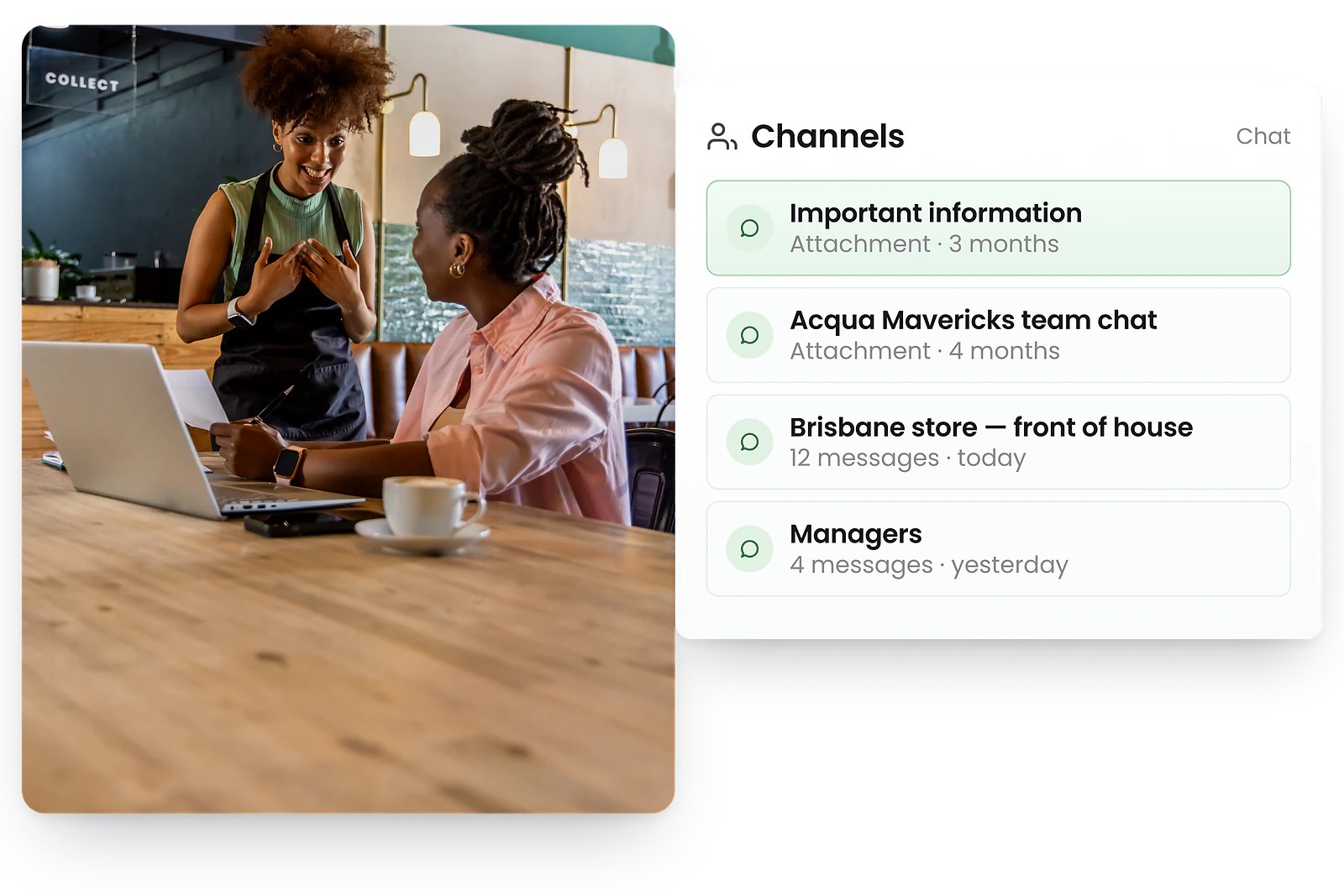
Connect your entire workforce with employee messaging, staff notifications, shift swaps, and broadcast announcements—all in one central communication platform.
-
Team chat and employee messaging
-
Real-time staff notifications
-
Shift swaps, notes and tasks




Watch how team communication software keeps your staff connected
Workplace communication tools for every team
Team chat
Real-time messaging keeps managers and staff aligned. Send direct messages, create group chats and keep shift teams in sync.
Team chat features →Staff notifications
Push, SMS and in-app notifications trigger automatically when changes occur. Alerts link directly to relevant shifts for clarity.
Learn more →Shift swaps
Staff request swaps directly from the app. Managers review in a clean workflow while maintaining Fair Work compliance.
Learn more →Shift notes
Managers add notes outlining tasks, expectations, and reminders. Staff see details instantly when viewing or clocking in.
Learn more →Tasks & checklists
Create role-aligned tasks staff receive automatically. Real-time completion tracking enables instant manager follow-up.
Learn more →Newsfeed & broadcasts
The employee newsfeed lets you broadcast announcements to entire teams or specific locations, with acknowledgement tracking so you know who has read what.
Newsfeed features →Employee messaging built for shift-based teams
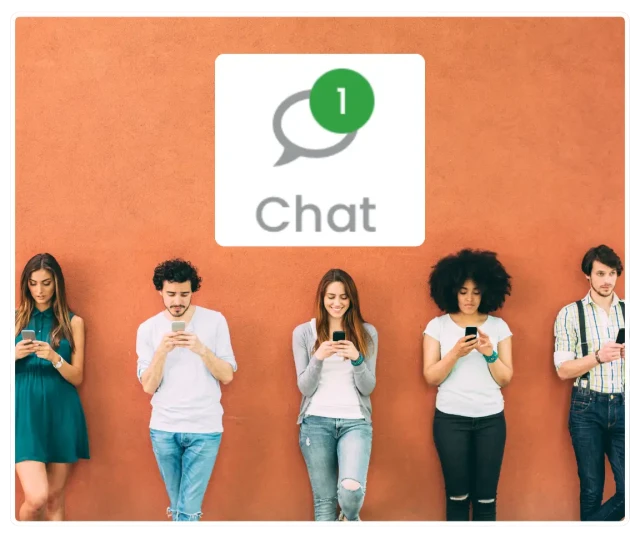
Real-time team messaging for smoother shifts
Our employee messaging app keeps managers and staff aligned by bringing all workplace conversations into one central platform. Send direct messages, create group chats, and keep shift teams in sync without switching between apps.
Share updates, answer questions, and solve issues on the spot. With team communication tied directly to shifts and roles, your whole workforce stays connected and informed.
Real-time staff notifications and alerts

Notify staff instantly about shifts and changes
RosterElf sends push, SMS and in-app notifications the moment something changes. New rosters, shift updates, time clock reminders—your team sees it instantly.
No more missed updates or last-minute confusion. Automated reminders dramatically reduce no-shows by ensuring staff never forget their shifts—learn our complete approach to managing employee no-shows effectively. Every alert links directly to the shift, so staff always know exactly what they need to do.
Let your team handle swaps, without the chaos
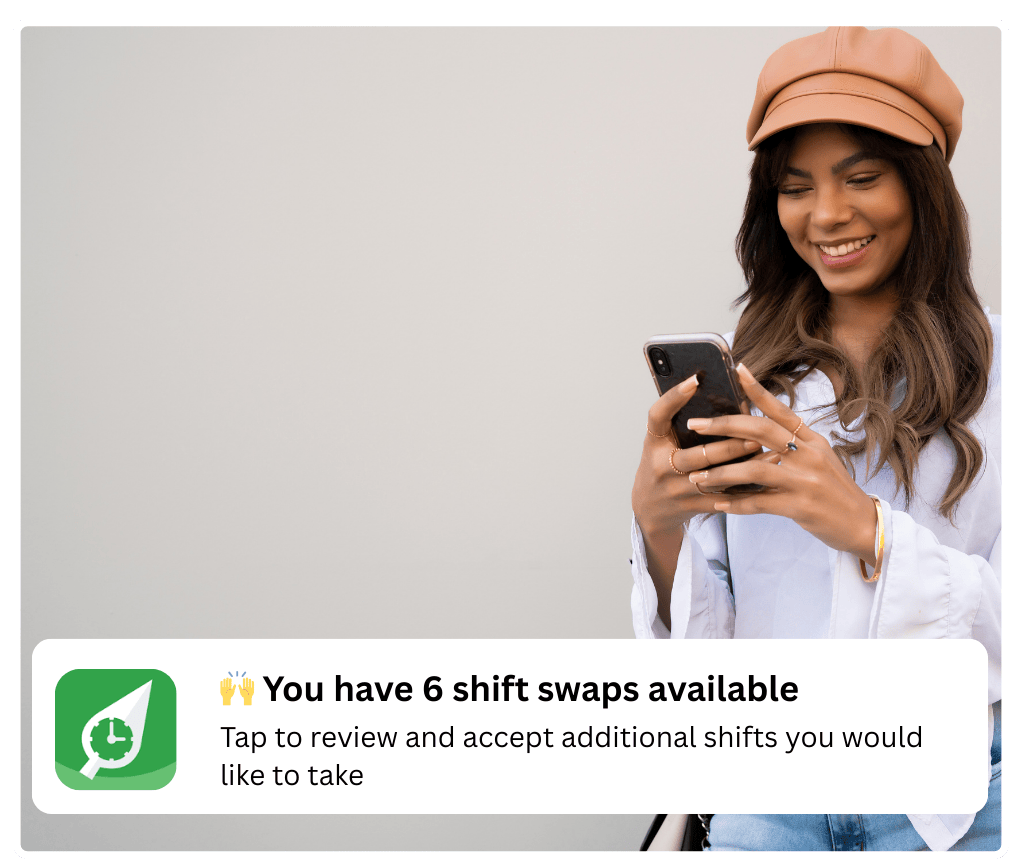
Approve or decline shift swaps with one tap
Staff can request shift swaps directly from the app, including updated availability and role requirements. Managers get a clean approval workflow that prevents unqualified swaps.
Reduce admin time, avoid overstaffing and keep every shift compliant with Fair Work rules, even when changes happen last minute.
Share shift-specific details, clearly
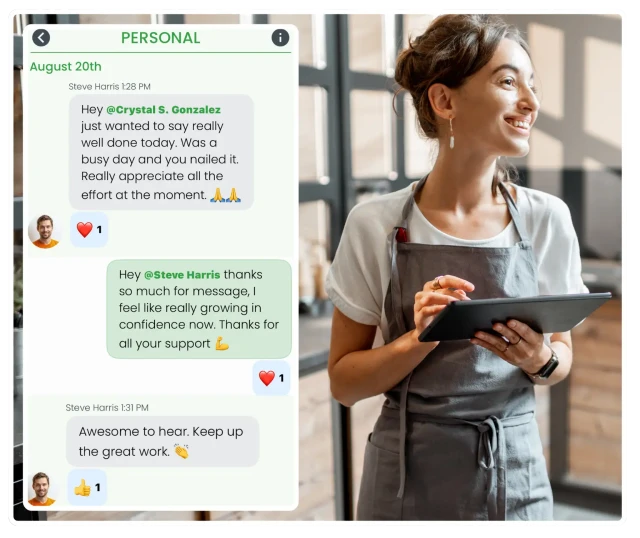
Give your team the context they need
Add notes to any shift to outline tasks, expectations, reminders and important details for the day. Staff see notes instantly when viewing or clocking in.
Clear communication reduces mistakes, boosts accountability and helps new staff feel supported from day one.
Broadcast announcements to your whole team

One post reaches everyone — instantly
Team chat is great for conversations. But for company-wide announcements — policy updates, event reminders, roster notices — you need a broadcast channel, not a group text.
The employee newsfeed lets managers post once and reach every staff member, across all sites or targeted to specific locations. Staff receive push notifications the moment a post goes live.
Require staff acknowledgement on important posts and track exactly who has read them — before a shift starts, not after.
Why shift-based teams choose RosterElf for workplace communication
Faster response times
Instant notifications mean staff see updates immediately, reducing delays and confusion.
Better team alignment
Everyone stays on the same page with centralised communication tied to rosters.
Less admin time
Automated notifications and self-service swaps reduce manager workload.
Maintained compliance
Shift swap approvals ensure only qualified staff cover shifts, supporting Fair Work requirements.
Accountability
Task tracking and completion visibility ensures nothing falls through the cracks.
All-in-one platform
No need for separate chat apps—communication lives alongside rostering and time tracking.
Popular industries we serve
RosterElf is trusted by shift-based businesses across Australia
Exploring workforce tools?
Try our free calculators and AI tools while you evaluate - no signup required.
AI employment contract generator
Generate draft employment contracts for casual, part-time, or full-time employees using AI.
AI roster generator
Generate draft staff rosters using AI based on your team size and shift requirements.
Modern award pay rate estimates
Get indicative pay rate estimates for common Australian awards. Verify with Fair Work.
Free roster builder
Build staff rosters instantly with our free drag-and-drop tool. No signup required.
Casual vs part-time calculator
Compare the estimated cost of casual vs part-time employment including loadings.
Payroll cost calculator
Estimate employee costs including super, leave, and casual loading.
Free invoice generator
Create and download professional tax invoices with GST and ABN details — no signup required.
Overtime & penalty rate calculator
Estimate shift costs including weekend, public holiday, and overtime rates.
Learn how to get the most from this feature
Step-by-step guides to help you master these workflows
Start your free 15 day RosterElf trial today
Join 30,000+ Australian businesses using RosterElf to simplify rostering, payroll and HR.
Team communication guides for Australian businesses
Learn more about improving workplace communication, reducing no-shows, and keeping your team connected.

Communication strategy planning for the year ahead
Plan communication strategies that support performance next year. Audit channels, address common problems, and invest in technology for Australian businesses.
Read article
The hidden cost of workplace communication failures
How poor workplace communication impacts costs and team performance. Practical solutions for Australian businesses managing shift workers.
Read article Shift notifications that reduce no-shows
Reduce no-shows and last-minute roster gaps with effective shift notifications. Practical strategies for Australian shift-based teams.
Read articleTeam communication FAQ
- Enable chat in your account settings to activate team messaging across your organization. Once enabled, managers and staff can send direct messages, create channels, and communicate in real-time. Our setup guide walks through activation, permissions, and first conversations. Enable and use chat →
- Send one-on-one messages to any colleague from your roster or staff list. Direct messages are private, instant, and work across desktop and mobile. Perfect for quick questions, shift coordination, or private feedback without email chains. Send direct messages →
- Create channels for teams, sites, or positions to keep group conversations organized. Channels help segment discussions by topic (like "Kitchen Team" or "Weekend Shift") and automatically include relevant staff. Learn how to set up and manage channels. Create chat channels →
- The mobile app gives staff full access to chat—send messages, respond in channels, receive push notifications, and stay connected while on the go. Perfect for shift workers who need quick communication without a desk. Use chat on smartphone →
- Mute busy channels to reduce notification overload while staying in the conversation. Unmute anytime to catch up on messages. Control notification preferences per channel to focus on what matters most. Manage chat notifications →