
Using ChatGPT for rostering
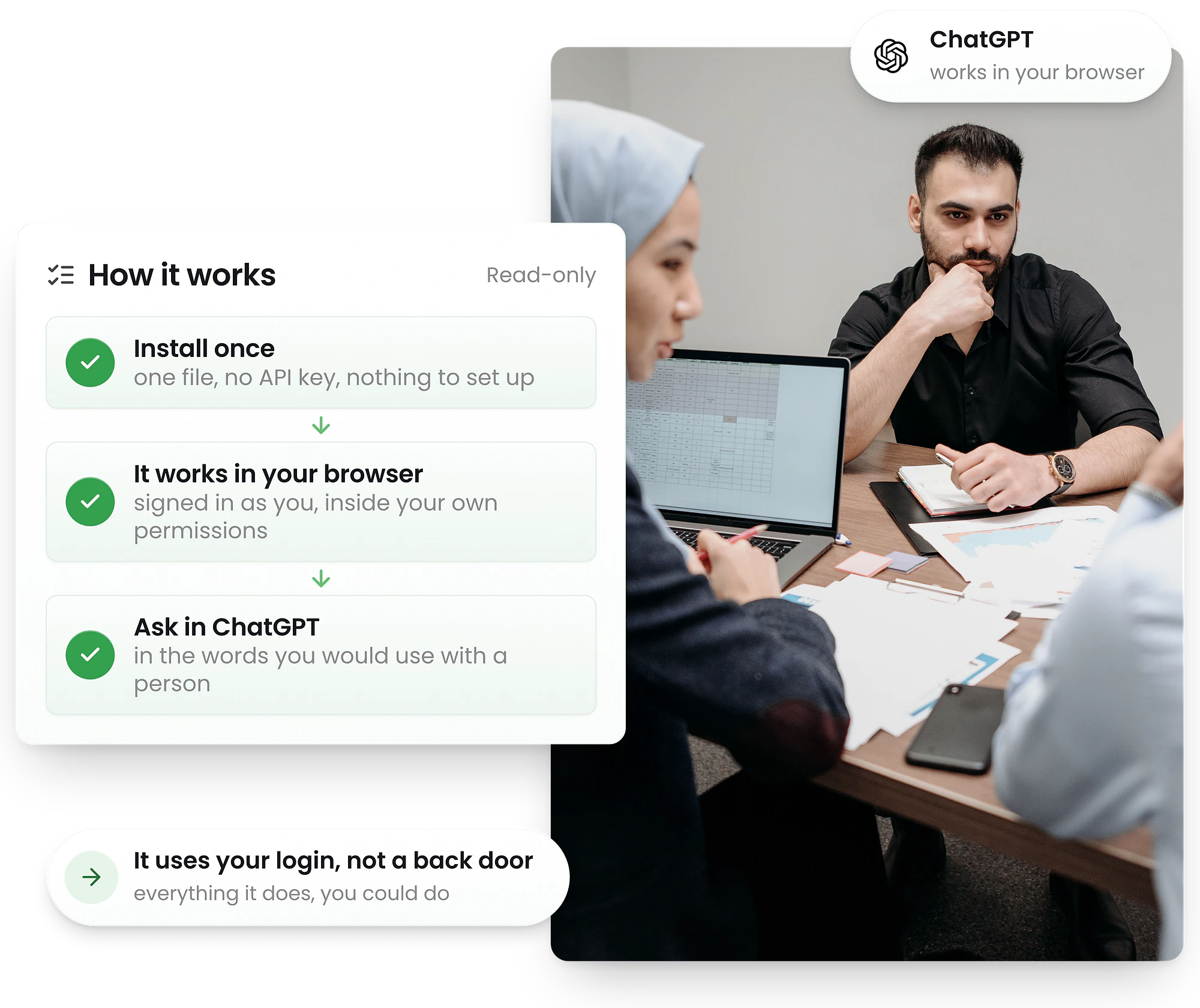
Install the RosterElf skill and ChatGPT can work inside your account — signed in as you, reading your roster, running timesheet and payroll reports and tracing who changed what. It is read-only unless you ask for a change.
-
The same skill file Claude takes — one zip, no API key
-
Ask in plain English; ChatGPT drives RosterElf in your browser
-
Read-only unless you ask — it never publishes or pays




Install the RosterElf skill in ChatGPT
The same skill file Claude takes. ChatGPT reads your roster, runs reports and traces changes by driving RosterElf in your own browser.
- 1
Download the skill
The same zip as Claude — one file, no API key.
- 2
Skills → Create → Upload from your computer
ChatGPT scans the skill before it becomes available; most are ready straight after the scan.
- 3
Add the ChatGPT extension for Chrome
This is what gives ChatGPT browser control. It works in the background and asks before anything sensitive.
- 4
Ask it a real question
“Who is rostered Friday?” “Export last fortnight’s timesheet costs.” It opens the right screen and reads the answer back.
Version 1.3.2 · released 2026-09-20 · this exact version
What you need
- ChatGPT Business, Enterprise, Healthcare or Edu — Skills are not on Free, Plus or Pro
- Skills switched on for your workspace; an admin controls this
- The ChatGPT Chrome extension or sidebar, for browser control — availability varies by plan, region and device
- A RosterElf login
No RosterElf account yet? The skill drives your own account, so start there — it works from day one and there is no card to enter.
Start free trialSkills are a workspace feature — Plus and Pro cannot install one
OpenAI ships Skills to ChatGPT Business, Enterprise, Healthcare and Edu only. A personal Plus or Pro subscription has no Skills section, so there is nowhere to upload this file — that is a plan limit, not something we can work around. If you are on Plus or Pro, use the Claude skill instead: it installs on every Claude plan, including Free. Enterprise and Edu workspaces find Skills under Plugins in the sidebar, on the Skills tab.
Agent mode and Atlas are gone — use the Chrome extension
ChatGPT agent mode was withdrawn in early August 2026 and the Atlas browser stopped working on 9 August 2026. OpenAI moved that capability into ChatGPT itself, in two forms: the Chrome extension and sidebar, for help alongside the page you are browsing, and the ChatGPT desktop app for longer agentic runs. The extension is the better fit here — it drives the browser you are already signed in to, so you never sign in to RosterElf again inside a remote session. Availability is still rolling out and depends on your plan, region and device, so confirm you have it before planning around it. Custom GPTs are not the vehicle either — OpenAI announced their retirement in September 2026 in favour of skills and plugins.
The skill holds no data of yours and sends nothing to RosterElf — it is instructions for driving the app you already pay for. It is read-only unless you ask for a change, and it will never ask for your password.
See ChatGPT in action
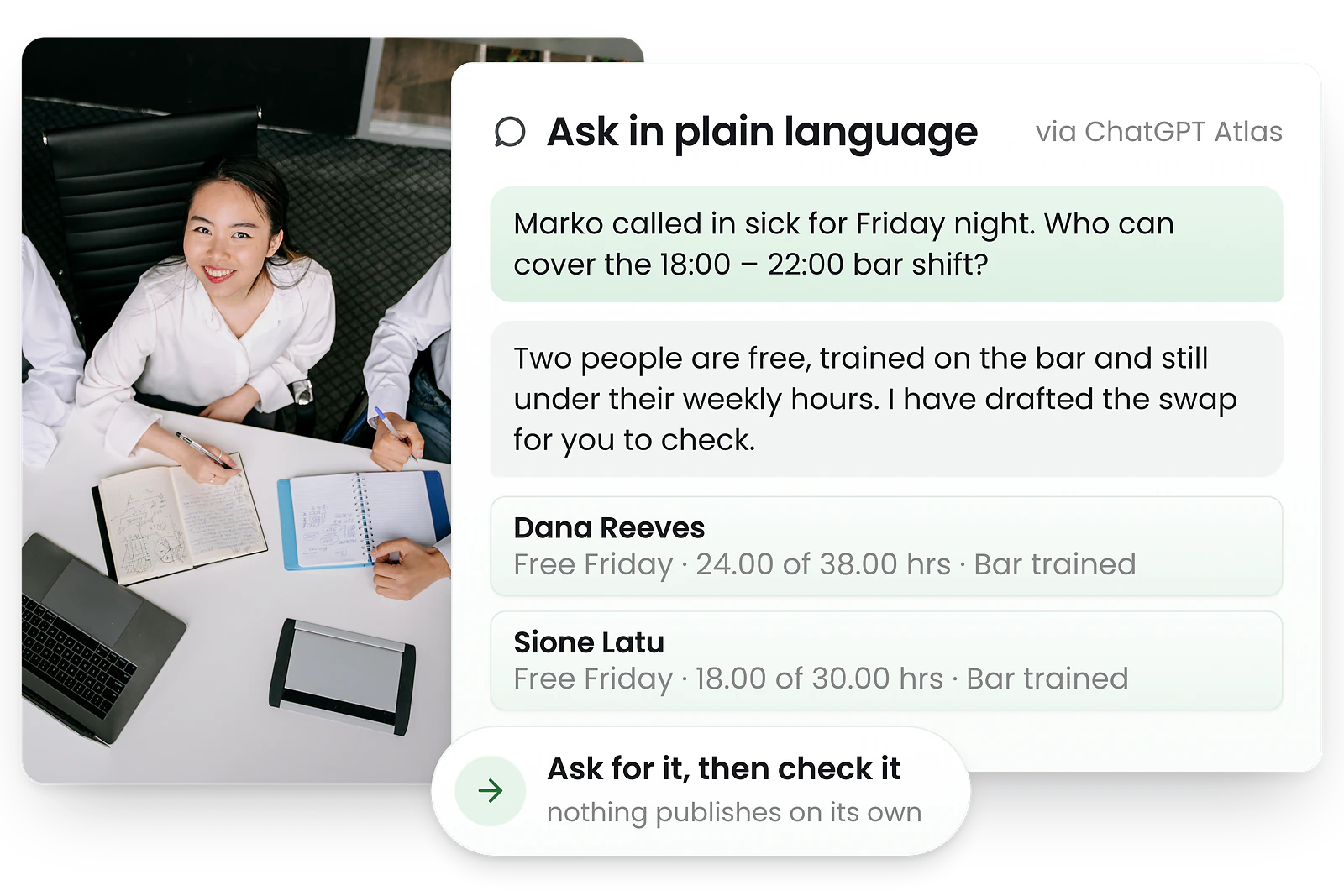
Ask ChatGPT to create rosters, find replacements, and manage scheduling conflicts.
How the ChatGPT integration works
Connect ChatGPT to RosterElf in three simple steps.
Install the ChatGPT extension
The extension lets ChatGPT act on the page you are viewing, using your own login.
Log in to RosterElf
ChatGPT works within your existing RosterElf session and permissions.
Automate tasks using ChatGPT
Ask for a report, a roster or an audit trail in plain English. It opens the right screen and reads the answer back.
Questions it answers well
It reads and explains. Anything that writes needs you to ask for that specific change, in the moment.
What it will not do is price anything. ChatGPT has no access to Fair Work award rates — award interpretation runs in RosterElf when a roster is costed, and you publish and pay from there.
Learn about AI rosteringWhy use the ChatGPT skill?
Answers without the clicking
Questions that mean opening four screens and reading a log become one sentence.
Nothing to set up
One file. No API key, no connector, and nothing to switch on in RosterElf.
Your login, your permissions
It acts as you, in your own browser, so it can never reach anything you could not.
Security and control
Your data stays secure with the ChatGPT integration.
Ask ChatGPT, roster in RosterElf
Start your free trial or book a demo to see how ChatGPT can automate your workflows.
ChatGPT Integration FAQs
- Yes, ChatGPT can assist with roster creation when integrated with RosterElf. The ChatGPT integration enables natural language commands to draft rosters, adjust shifts, and manage scheduling tasks. ChatGPT works within your RosterElf account where award compliance, payroll integration, and time tracking are maintained. For a standalone tool, try our free AI roster generator.
- Yes. You need a ChatGPT account on a paid plan, plus the ChatGPT browser extension or desktop app. Availability depends on your plan, region and device.
- No. ChatGPT drives RosterElf in your own browser, signed in as you, through the ChatGPT browser extension — there is no API key and nothing to configure in RosterElf.
- No. ChatGPT assists with tasks but does not replace core RosterElf functionality. RosterElf remains the system of record for all rostering, scheduling and compliance.
- Yes. The integration uses your existing RosterElf login and permissions. Actions run inside your browser session, and you review and approve changes before they apply.
- You can assist with roster creation and updates, manage staff setup tasks, perform repetitive admin actions, and speed up navigation and data entry. A popular use case is AI rostering. Prefer a different assistant? See using Claude, Gemini or Copilot for rostering, or compare them all in the best AI for staff rosters.