
What is digital onboarding?
Paper forms, manual follow-ups, and scattered documents slow down new hire onboarding. Digital onboarding in RosterElf automates workflows, delivers contracts and policies electronically, and tracks completion—getting new employees productive faster without the paperwork.
This article explains digital employee onboarding in RosterElf. You will learn why paper-based onboarding creates delays, how digital workflows streamline the process, and when to use automated onboarding for your business. We also cover setup steps and answer common questions about customization and compliance.
Digital onboarding is designed for Australian businesses hiring frequently or managing multiple sites. It works for any industry where getting new employees compliant and productive quickly matters. By the end of this article, you will understand how to use digital onboarding to reduce administrative burden and improve new hire experiences.
Why paper onboarding fails
Paper-based onboarding creates multiple friction points. New employees receive stacks of forms on their first day, managers manually track completion, and documents get lost or filed incorrectly. When forms are missing or incomplete, you can't verify compliance or start employees on schedule.
The administrative burden falls on managers who are already busy. Following up on missing documents, chasing signatures, and filing paperwork takes hours every week. For businesses hiring frequently or managing multiple sites, this manual process doesn't scale and creates compliance risks.
Real scenario
A retail business hires 5 casual staff for the holiday season. Each employee receives 8 paper forms on their first day. Two staff forget to bring signed forms back, one loses their contract, and the manager spends 3 hours over the next week tracking down paperwork. With digital onboarding, all documents are delivered electronically before day one, signed online, and automatically filed—zero follow-up required.
How digital onboarding works
Digital onboarding automates the entire new hire process from contract delivery to completion tracking. New employees receive everything electronically, complete tasks on their own schedule, and managers see real-time progress. This gives you three key benefits:
Automated document delivery
Employment contracts, company policies, tax declarations, and superannuation forms are delivered to new employees automatically when you add them to RosterElf. They receive email notifications with links to complete everything online—no printing, no scanning, no manual distribution.
Real-time progress tracking
See which employees have completed onboarding and who has pending tasks in the HR Hub dashboard. Get instant visibility into completion status across all new hires and sites. No more manually checking files or sending follow-up emails.
Digital document storage
All completed documents are stored securely in each employee's digital HR file. Access contracts, policies, and forms instantly when needed for audits, compliance checks, or staff queries. No more filing cabinets, lost paperwork, or searching through folders.
Best use cases
Digital onboarding works best for businesses hiring regularly or managing distributed teams. Here are three situations where it delivers the most value:
High-volume hiring
Businesses hiring multiple employees at once—seasonal peaks, new site openings, or rapid growth—benefit from automated workflows. Deliver the same onboarding experience to 10 new hires as easily as one, without multiplying administrative burden. Perfect for retail, hospitality, and healthcare businesses with regular turnover.
Multi-site operations
When hiring happens across multiple locations, digital onboarding ensures consistency. Every new employee completes the same process regardless of site, reducing compliance risk and eliminating variations in document collection. Managers at all sites see the same progress tracking and reporting.
Compliance-heavy industries
Industries with strict documentation requirements—healthcare, aged care, childcare, construction—need reliable onboarding systems. Digital onboarding creates audit trails, ensures nothing is missed, and stores documents securely for Fair Work audits or compliance inspections.
How to set up onboarding
Setting up digital onboarding takes just a few steps. Here's how it works:
1. Configure your workflow
Choose which documents, policies, and tasks new employees must complete. Customize workflows for different roles or employment types to match your requirements.
2. Add new employees
When you add a new staff member to RosterElf, the onboarding workflow triggers automatically. They
receive an email with links to complete all required tasks online.
3. Track completion
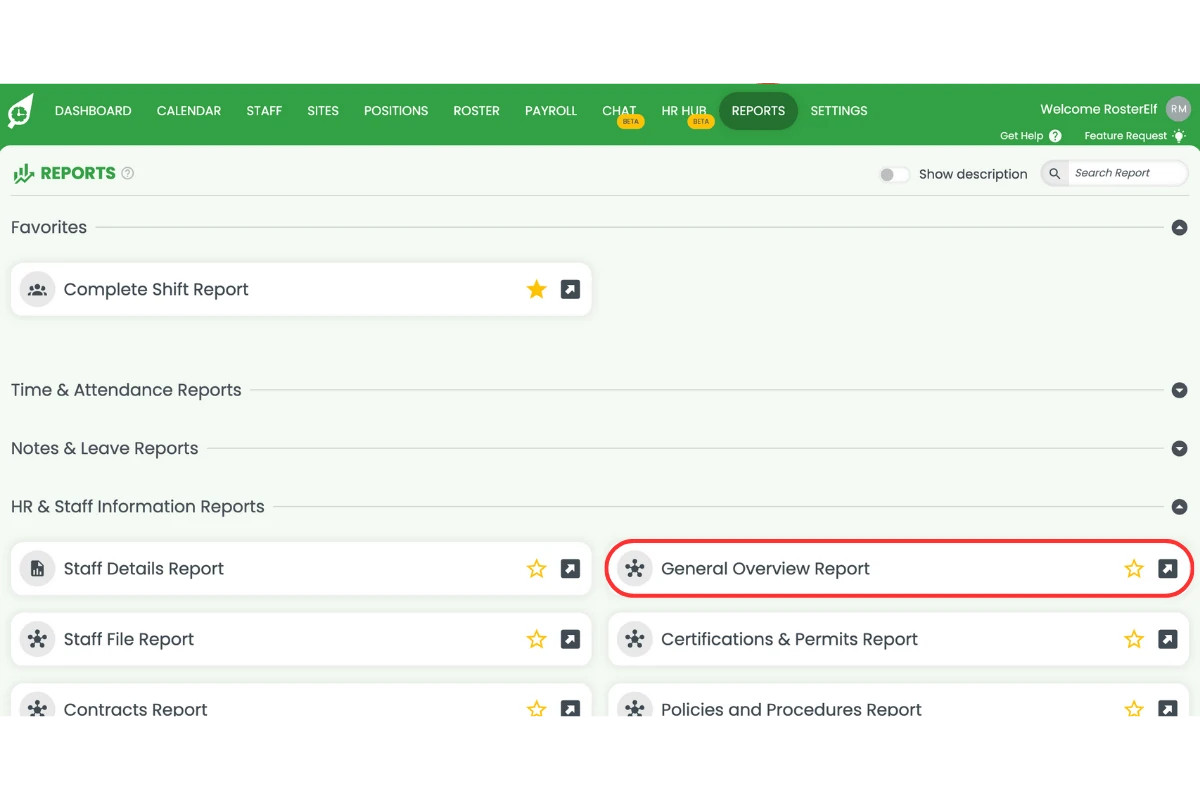
Monitor progress in the HR Hub dashboard. See who has completed onboarding and who needs follow-up. Export reports for compliance audits or recordkeeping.
Ready to set up digital onboarding?
Follow our step-by-step guide to configure onboarding workflows and track new employee progress.
View setup guide