

Understanding positions in RosterElf
This article explains how positions function in RosterElf. Customising your account with various positions allows you to manage your workforce effectively. Understanding how to set up and use positions can enhance your scheduling process. With RosterElf, you can create as many or as few positions as necessary for your business needs.
Positions represent the different roles within your business. They vary based on skills, qualifications, and responsibilities. For example, a restaurant may have positions such as:
- Manager
- Assistant Manager
- Head Chef
- Assistant Chef
- Waiter
- Bartender
- Cleaner
You can add these positions to your account and assign qualified employees to each role. This ensures that when creating rosters, only employees assigned to the relevant position will be available for scheduling.
1. What are positions in RosterElf?
In this section, we’ll clarify what positions mean within the RosterElf platform. Knowing the purpose of positions helps you optimise your workforce management.
1.1 definition of positions
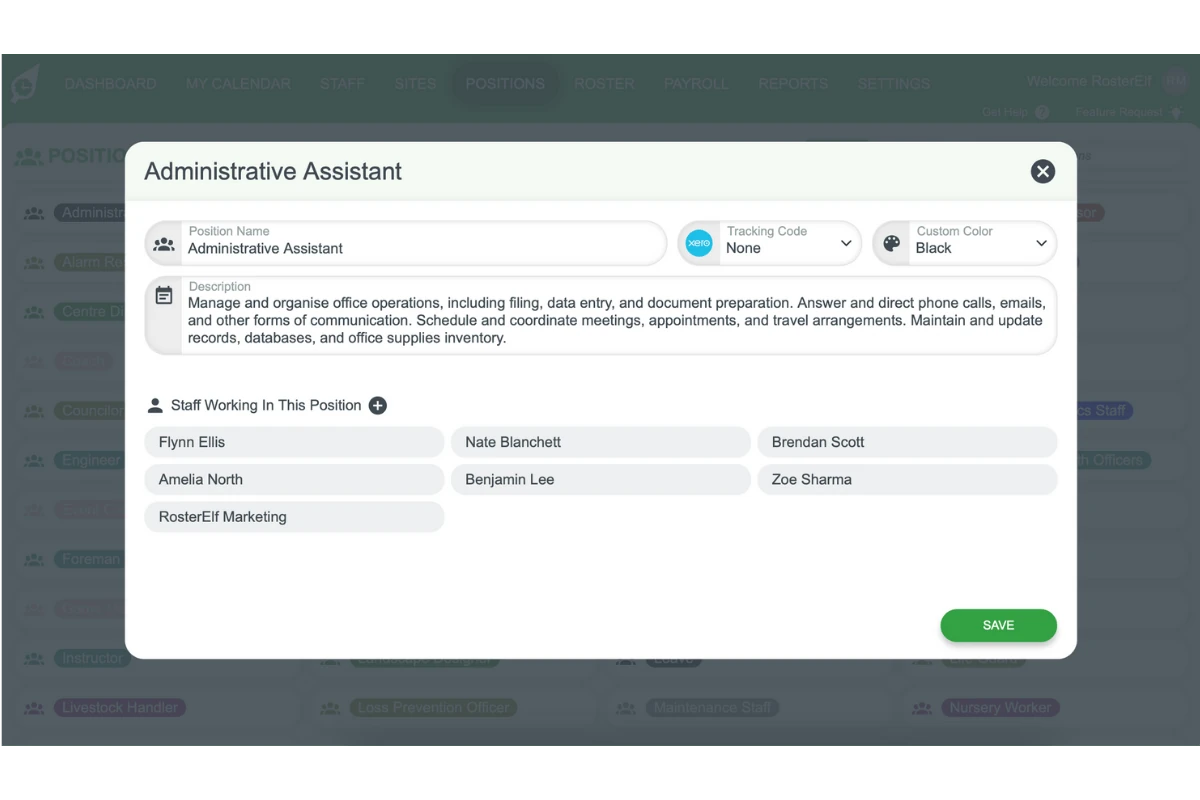
Positions are the specific roles within your organisation. Each role can differ by skill level and responsibilities.
1.1.1 Assign unique names for clarity.
1.1.2 Ensure names reflect the actual job roles.
1.1.3 Use clear distinctions to avoid confusion.
1.2 benefits of customising positions
Customising positions in RosterElf provides several advantages:
1.2.1 Streamlines scheduling by limiting choices.
1.2.2 Ensures qualified staff are assigned to appropriate roles.
1.2.3 Enhances operational efficiency.
By implementing these practices, you can make the most of RosterElf’s position management feature.
Frequently asked questions
1. What are positions in RosterElf?
Positions refer to the various roles within your business, such as manager, head chef, or waiter. You can customise these positions to match your business needs, allowing you to assign qualified employees to the right roles.
2. How do positions improve roster management?
Positions allow you to assign only the employees who are qualified for specific roles. This helps streamline your scheduling process and ensures that only suitable staff members are available for shifts.
3. Can I customise positions to fit my business needs?
Yes, you can customise positions to match the specific roles within your business. For example, you can create unique positions based on different skill levels, such as assistant manager, bartender, or cleaner.
4. What are the benefits of using customised positions?
Customising positions makes scheduling easier by reducing confusion and ensuring qualified staff are assigned to appropriate roles. It improves workforce management and increases operational efficiency.
5. How do I ensure clear distinctions between positions?
Assign clear, descriptive names to each position. Make sure the names reflect the actual responsibilities and skill levels required for each role.