

How leave request email notifications work for managers
Every time a staff member submits a leave request, RosterElf automatically sends a leave request email notification to the right manager or admin — no manual chasing required.
The system checks the staff member’s site assignments and routes the notification to the manager or assistant manager responsible for that site. If no manager is assigned, all admins (including the owner) are notified instead. This logic applies whether the request comes from the web platform or the mobile app.
Understanding this notification flow helps owners, admins, and managers respond to leave requests promptly and keep rosters accurate — especially when staff work across multiple sites.
Tip: To ensure the right person receives leave notifications, assign them as a manager or assistant manager for the site. Open the Sites tab and select the site. The site window has separate Managers and Assistants tabs — open the one for the role you want, click its plus, and search for the person’s name. There is no separate role picker: the tab you add them on sets the role. For detailed steps, see Assigning managers.
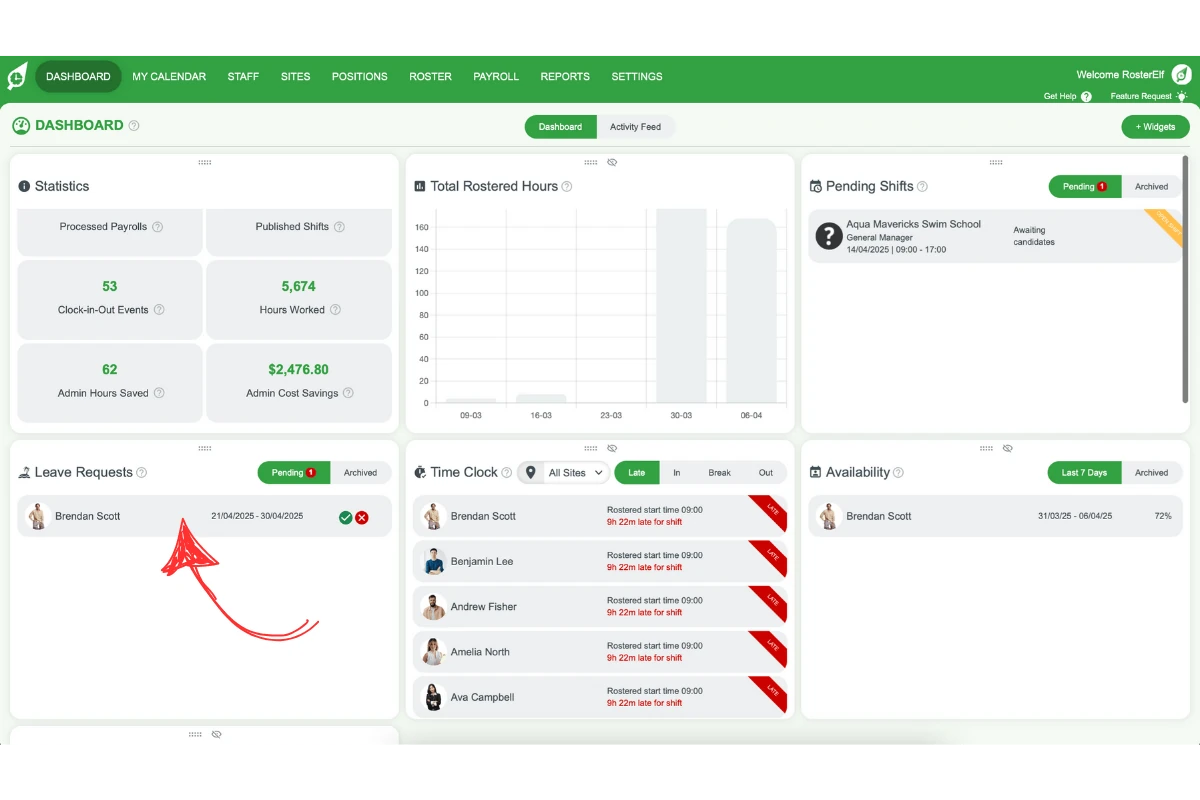
1. Leave request notifications for one site
When a staff member assigned to a single site submits a leave request, RosterElf checks whether that site has a manager or assistant manager. If one is found, they receive the email notification. If not, all admins — including the owner — are notified instead, so no request goes unnoticed.
1.1 Leave request notification flow for one site
- Staff submits a leave request via web or mobile.
- System checks that the staff member is assigned to one site only.
- If a manager or assistant manager is assigned to that site:
- They receive an email notification.
- If no manager or assistant manager is assigned:
- All admins (including the owner) receive the notification.
2. Leave request notifications for multiple sites
When a staff member is linked to more than one site, RosterElf checks each site independently. For every site, it looks for a manager or assistant manager. If one is found, they receive the notification for that site. If not, all admins — including the owner — are notified. This gives every site full visibility over leave requests, even for staff who work across multiple locations.
2.1 Leave request notification flow for multiple sites
- Staff submits a leave request via web or mobile.
- System identifies all sites assigned to the staff member.
- For each site:
- If a manager or assistant manager is assigned:
- They receive an email notification.
- If no manager or assistant manager is assigned:
- All admins (including the owner) receive the notification.
- If a manager or assistant manager is assigned:
Related guides
Frequently asked questions
1. Who gets notified when a staff member submits a leave request?
When a staff member submits a leave request, RosterElf checks their site assignments. If the site has a manager or assistant manager, they receive the email notification. If no one is assigned, the system notifies all admins, including the owner.
2. What happens if the staff member works at multiple sites?
RosterElf checks all assigned sites. For each one, it sends a notification to the manager or assistant manager if available. If not, all admins (including the owner) receive the alert. This ensures all sites are covered.
3. Do leave requests made on mobile send notifications?
Yes, RosterElf sends notifications whether the leave request is made via the web or mobile app. The system handles both platforms the same way to ensure consistency.
4. Who gets notified if there is no manager or assistant manager?
If no manager or assistant manager is assigned to a staff member’s site, RosterElf sends the leave request notification to all admins. This includes the business owner, who is treated as an admin by default.
5. Does RosterElf notify about shift gaps caused by leave?
While this article focuses on who gets notified about the leave itself, shift gaps may result in open shifts. RosterElf ensures the right people are informed so they can manage rosters proactively.
6. I wasn't notified — how can I still check when a leave request was submitted?
If you weren’t assigned as a manager for the site when the request came in, you can still check via the Activity Feed (Dashboard → Activity Feed), filtered by Type of Activity: Leave — a Leave requested entry shows the submission date. See activity log: what gets recorded and the activity feed browser guide for step-by-step filtering.