

Accept employee submitted timesheets in RosterElf
This article explains how to accept employee submitted timesheets in RosterElf. This process allows managers and admins to review and approve timesheet entries submitted by staff. It ensures that all recorded hours are accurate before payroll is processed.
Approving timesheets is an important step in maintaining accurate payroll records. It allows you to confirm that employees have worked the hours they submitted. It also helps prevent errors, reduce discrepancies, and support compliance with workplace policies. If needed, you can also deny a timesheet and request corrections before approval.
RosterElf makes it simple to review and accept timesheets directly from the payroll section. You can quickly access the shift, view the submitted changes, and choose to accept or deny the update. To enable staff to submit timesheets, see how to allow staff to submit timesheets in RosterElf. Employees can submit timesheets from the web app or the smartphone app.
1. Accept employee submitted timesheet in payroll
This section explains how to accept employee submitted timesheets in RosterElf using the payroll area. You will learn how to access the relevant shift, open the submitted timesheet, and approve or deny the changes. This process ensures that all submitted hours are reviewed before being included in payroll. It also allows you to maintain control over employee time records and ensure accuracy across your business.
1.1 Access employee submitted timesheet
1.1.1 Open RosterElf and log in to your account.
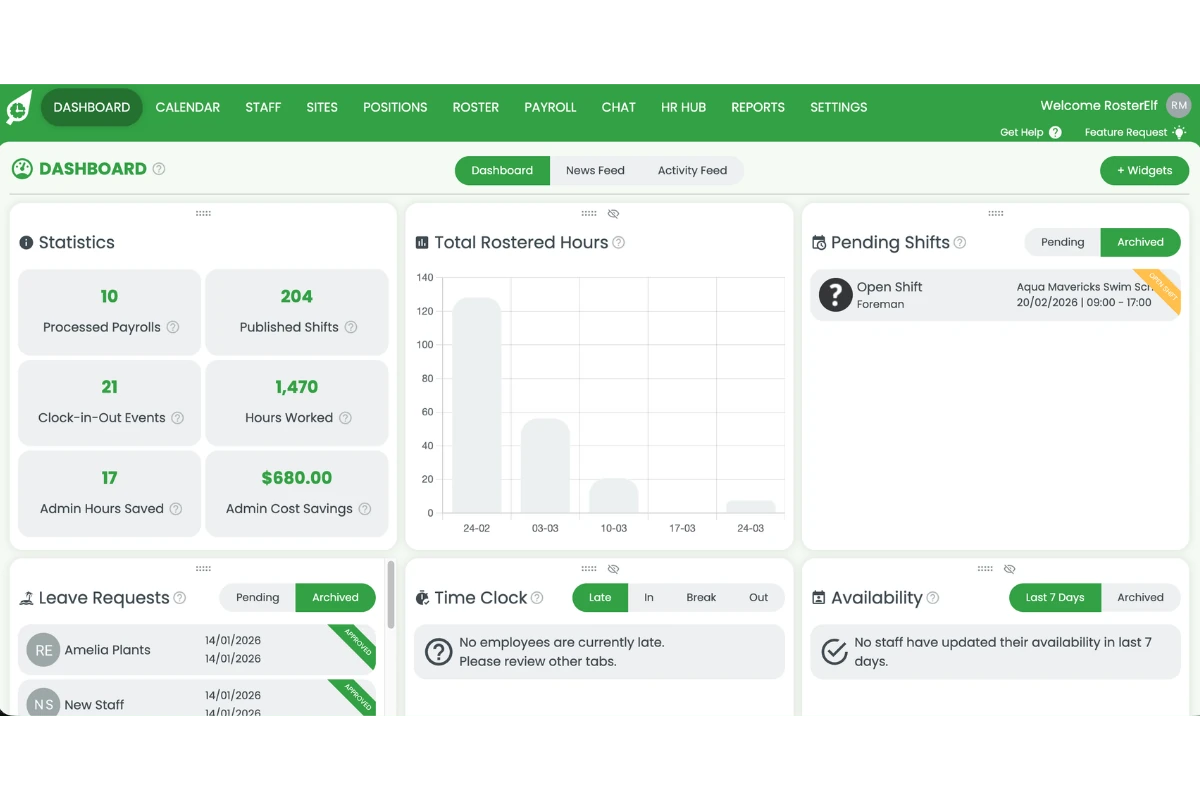
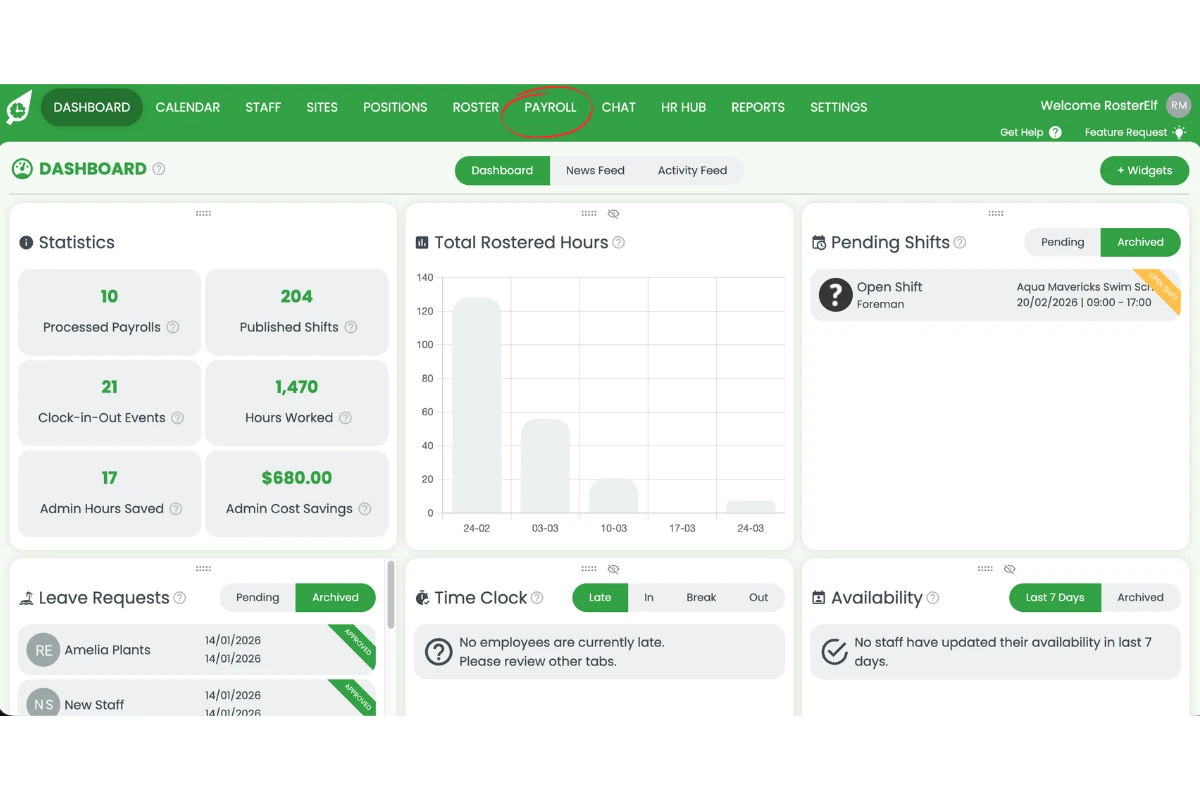
1.1.2 Press Payroll in the main navigation.
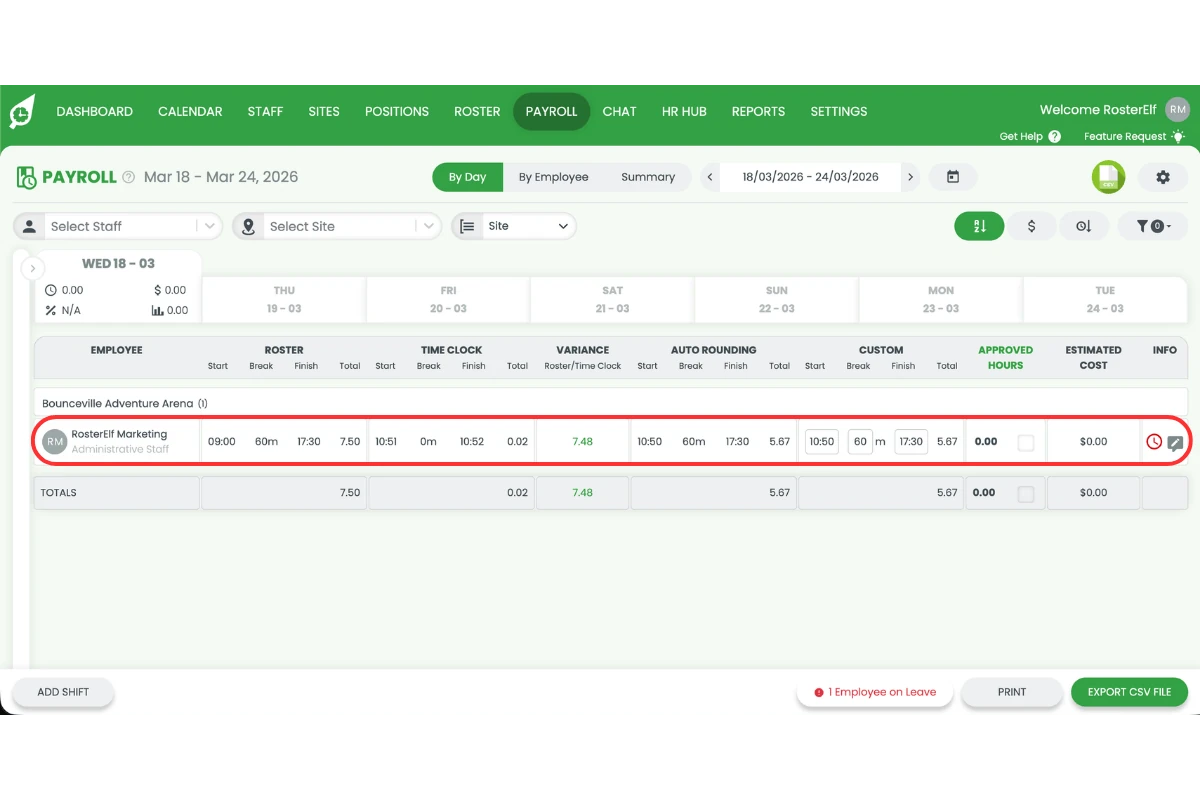
1.1.3 Go to the shift with the submitted timesheet.
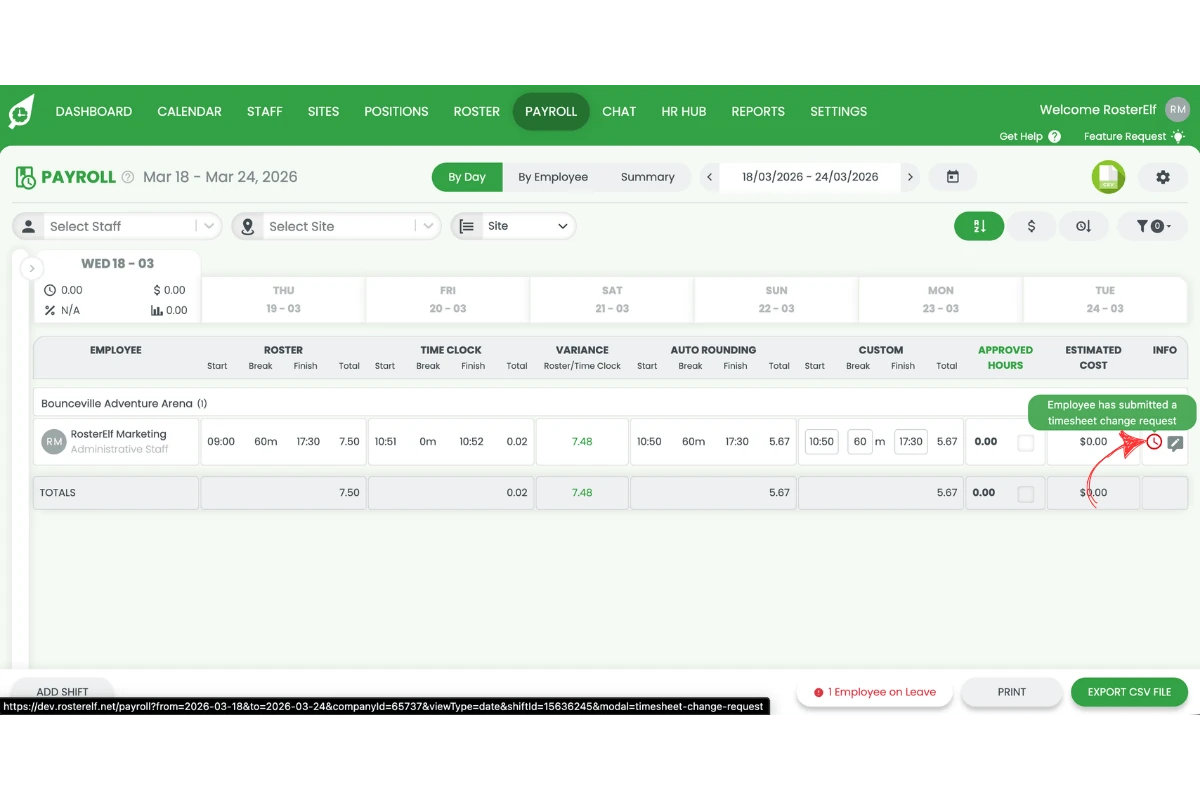
1.1.4 Press the timesheet icon on the shift to open the submitted changes.
1.2 Accept or deny timesheet change
1.2.1 Review the submitted timesheet change carefully.
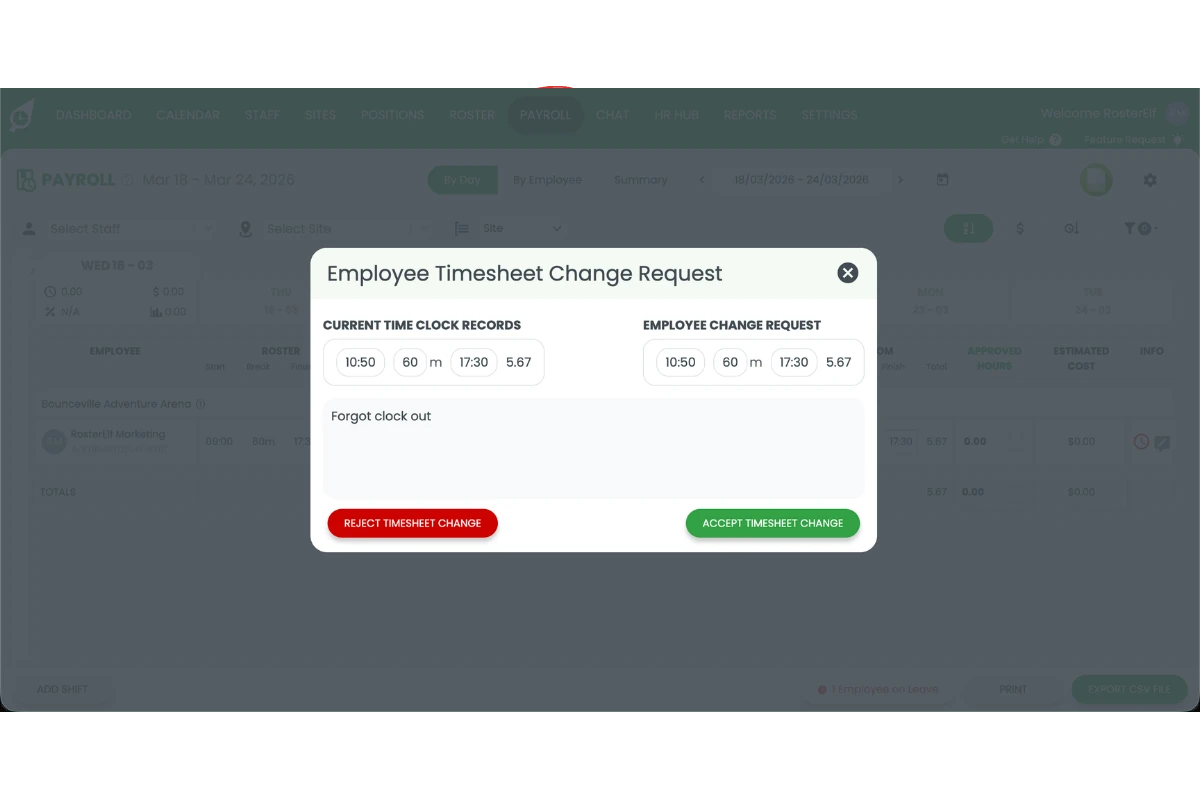
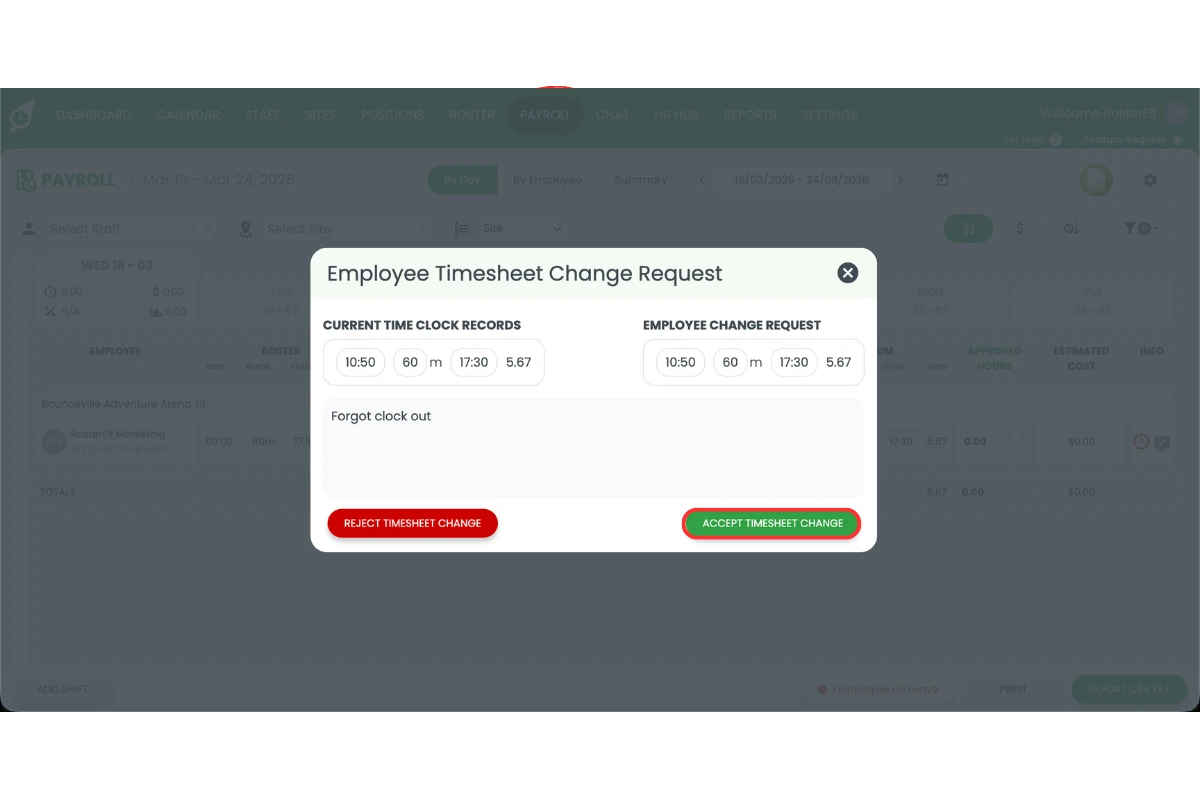
1.2.2 Press Accept to approve the timesheet.
1.2.3 Press Deny to reject the timesheet change if the details are incorrect.
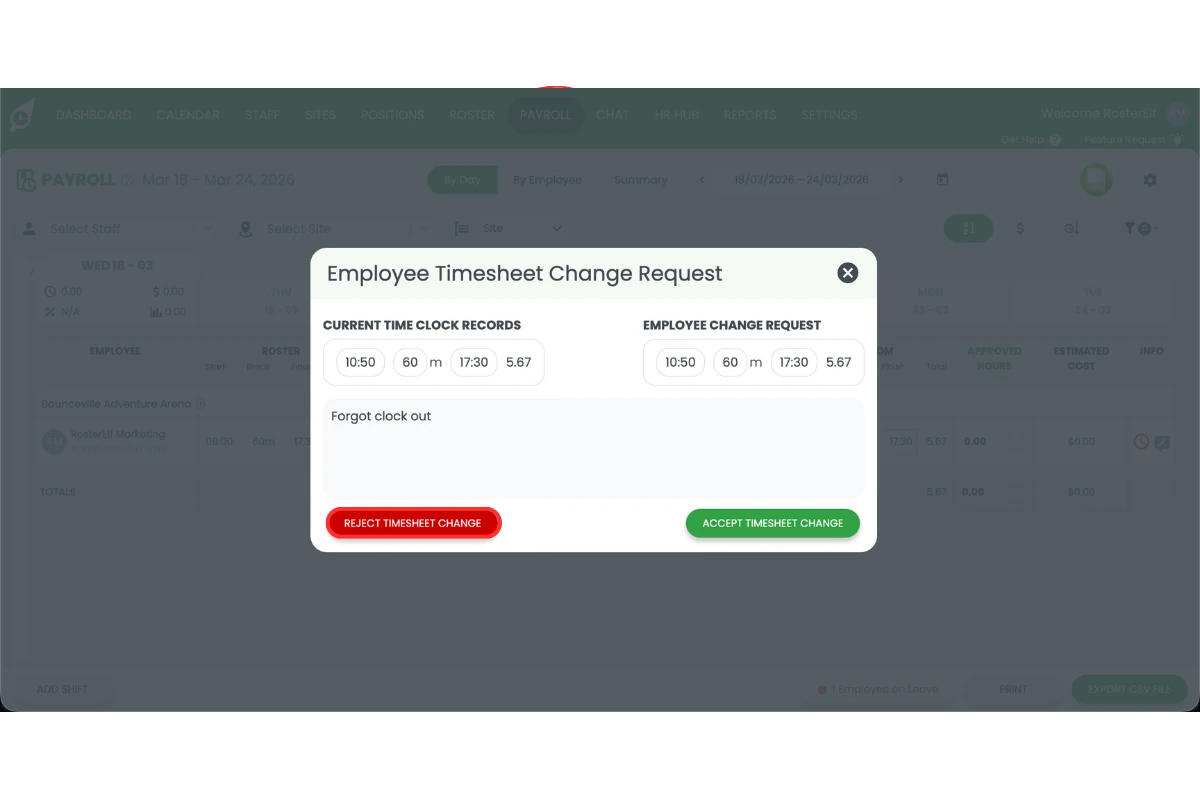
The timesheet has been reviewed. Accepted hours will be included in payroll. Denied timesheets can be corrected and resubmitted by the employee. For a full overview of payroll processing, see reviewing and approving shifts on payroll.
Frequently asked questions
1. How do I accept an employee submitted timesheet in RosterElf?
To accept an employee submitted timesheet in RosterElf, open the payroll section and locate the relevant shift. Select the timesheet icon to view the submitted changes. Review the hours carefully and press Accept to approve. This ensures the approved hours are included in payroll and recorded accurately.
2. Where can I find employee submitted timesheets in RosterElf?
You can find employee submitted timesheets in the payroll section of RosterElf. Navigate to the specific shift where the employee submitted their timesheet. Select the timesheet icon to open and review the submitted changes before taking action.
3. What happens when I accept an employee submitted timesheet?
When you accept an employee submitted timesheet, the system confirms the worked hours as accurate. These approved hours are then included in payroll calculations. This helps maintain accurate pay records and ensures employees are paid correctly.
4. Can I deny an employee submitted timesheet in RosterElf?
Yes, you can deny an employee submitted timesheet in RosterElf. Open the submitted timesheet from the payroll section. Review the changes and press Deny if the details are incorrect. This allows the employee to correct and resubmit their timesheet.
5. Why should I review an employee submitted timesheet before approval?
You should review an employee submitted timesheet before approval to ensure accuracy. This helps prevent payroll errors and ensures compliance with your business policies. Reviewing timesheets also confirms that employees are paid for the correct hours worked.
6. When can a staff member change their timesheet?
Staff can only request changes to past and current timesheets. Future timesheets become available to update on the day of the shift.