

Complete your HR Hub training in RosterElf
Completing HR Hub training allows employees to access their assigned courses and finish workplace training from either the RosterElf web browser or smartphone app. Training courses help staff stay up to date with company policies, procedures, compliance requirements, and other important learning materials.
This guide explains how to access and complete HR Hub training using both the web browser and the smartphone app. You will learn where to find your assigned training courses, how to start a course, and how to complete your training. Following these steps ensures your progress is recorded correctly and your manager can track your course completion.
Whether you are completing mandatory onboarding, refresher training, or ongoing professional development, the process is quick and easy on any device. Once you finish a course, your completion status is automatically updated within HR Hub, keeping your training records current without any extra steps.
Can't see Training in My HR Hub?
Training is a module within the HR Hub add-on, and courses must be assigned to you before they appear. If you do not see the option, see manage and enable HR Hub access or check with your manager.
1. Complete HR Hub training on the web browser
Completing HR Hub training from the RosterElf web browser lets you access your assigned learning courses from any computer. The web browser provides a simple way to view available training, start courses, and work through the required learning material. Once you complete a course, your progress is automatically recorded within HR Hub, helping your manager monitor completion across the business.
1.1 Start and finish a training course on the web browser
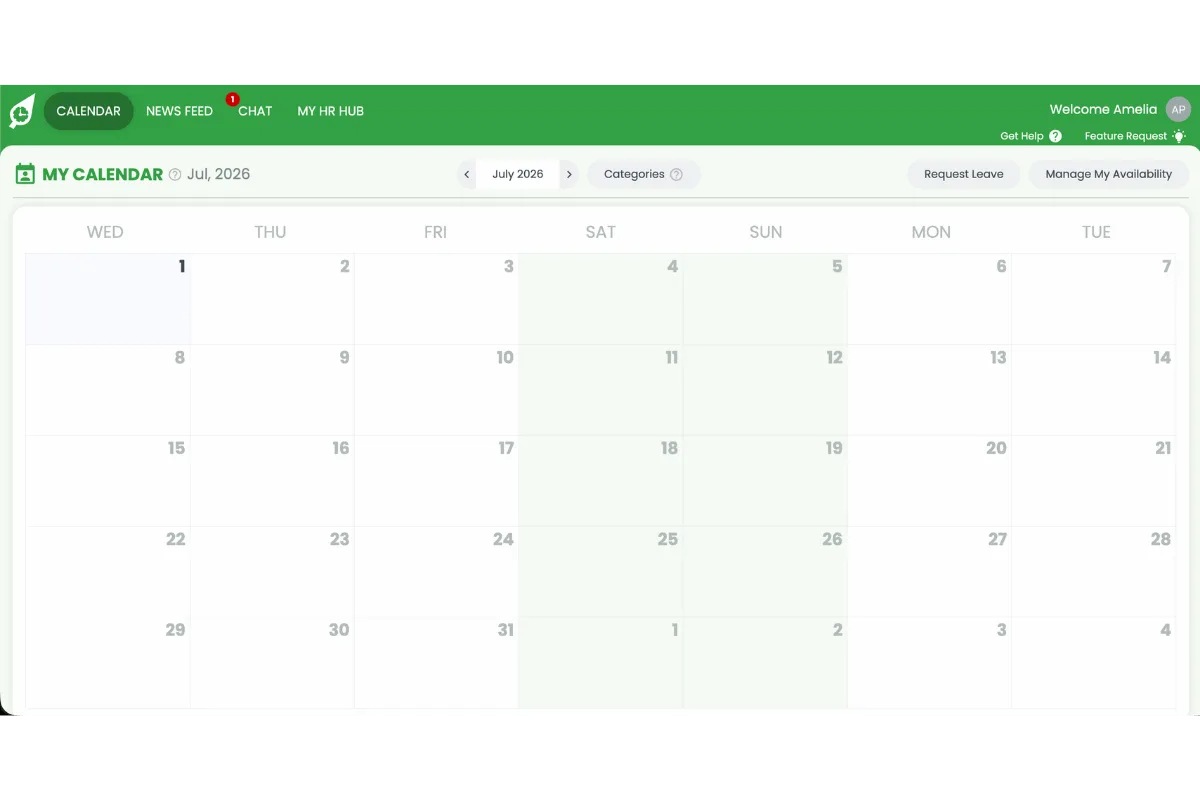
1.1.1 Open RosterElf.
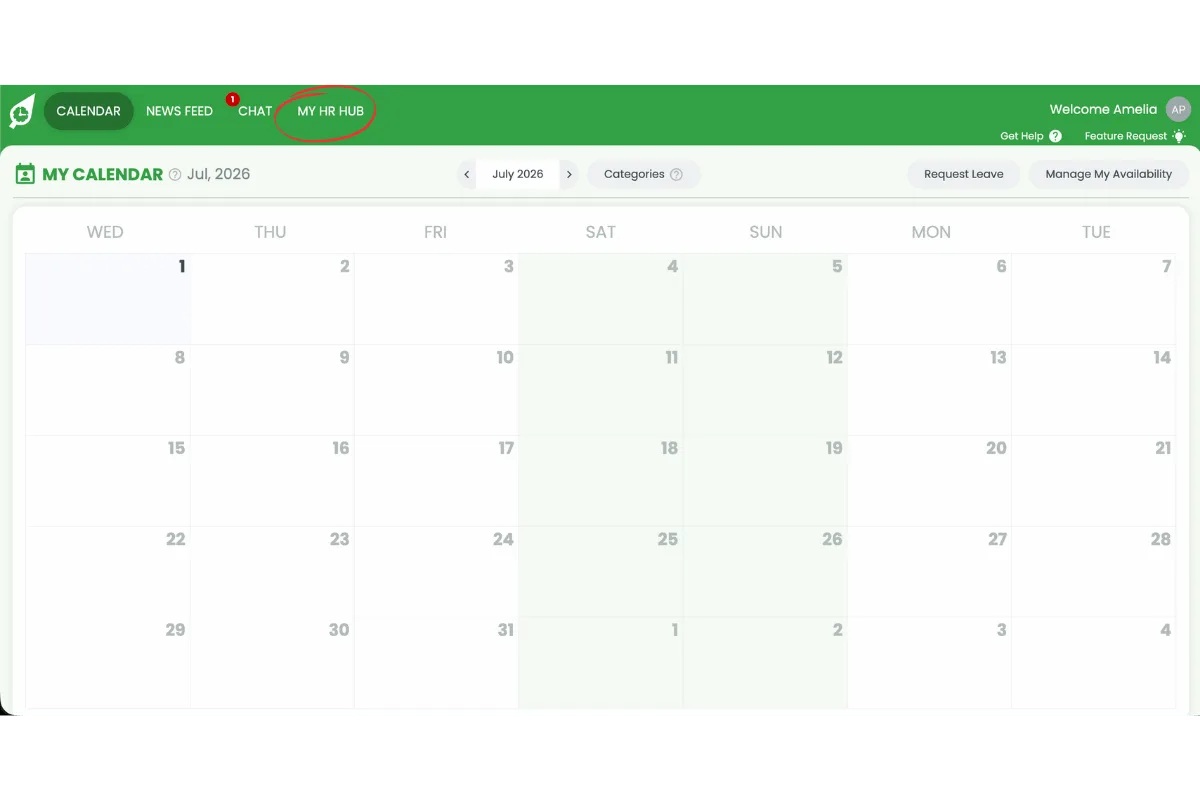
1.1.2 Press My HR Hub.
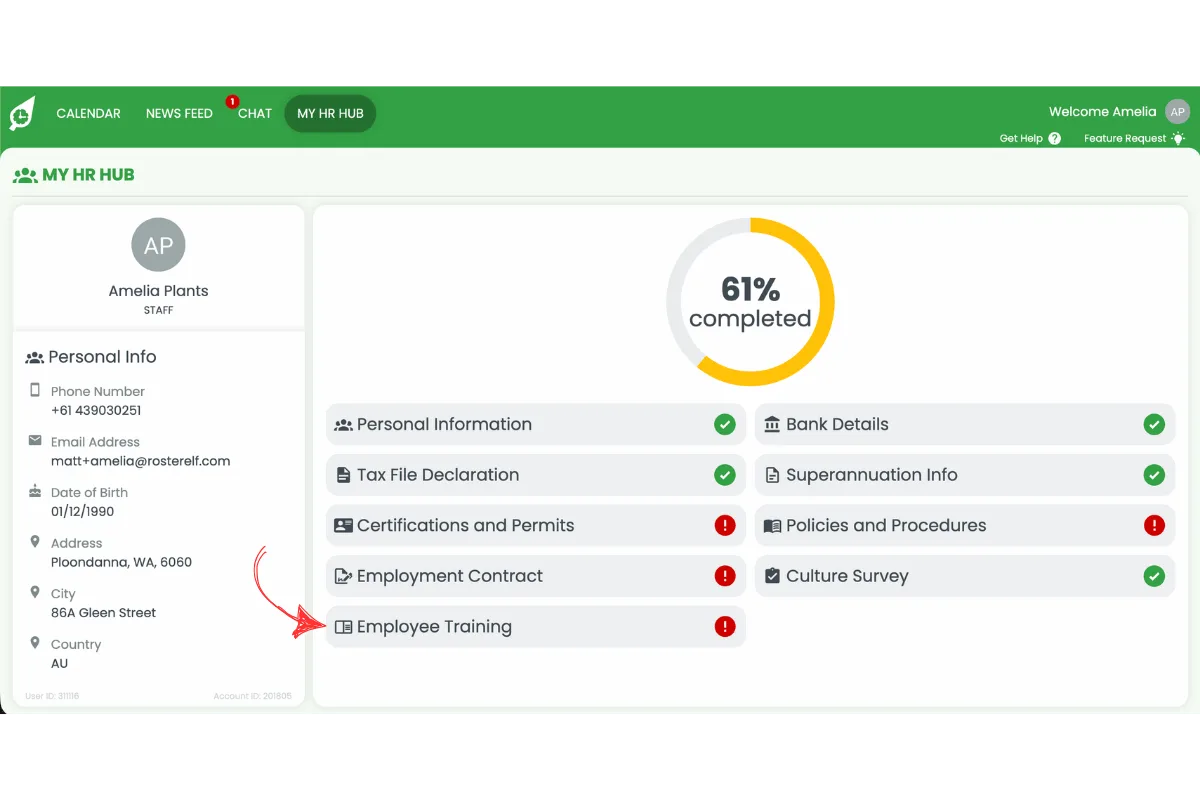
1.1.3 Press Training.
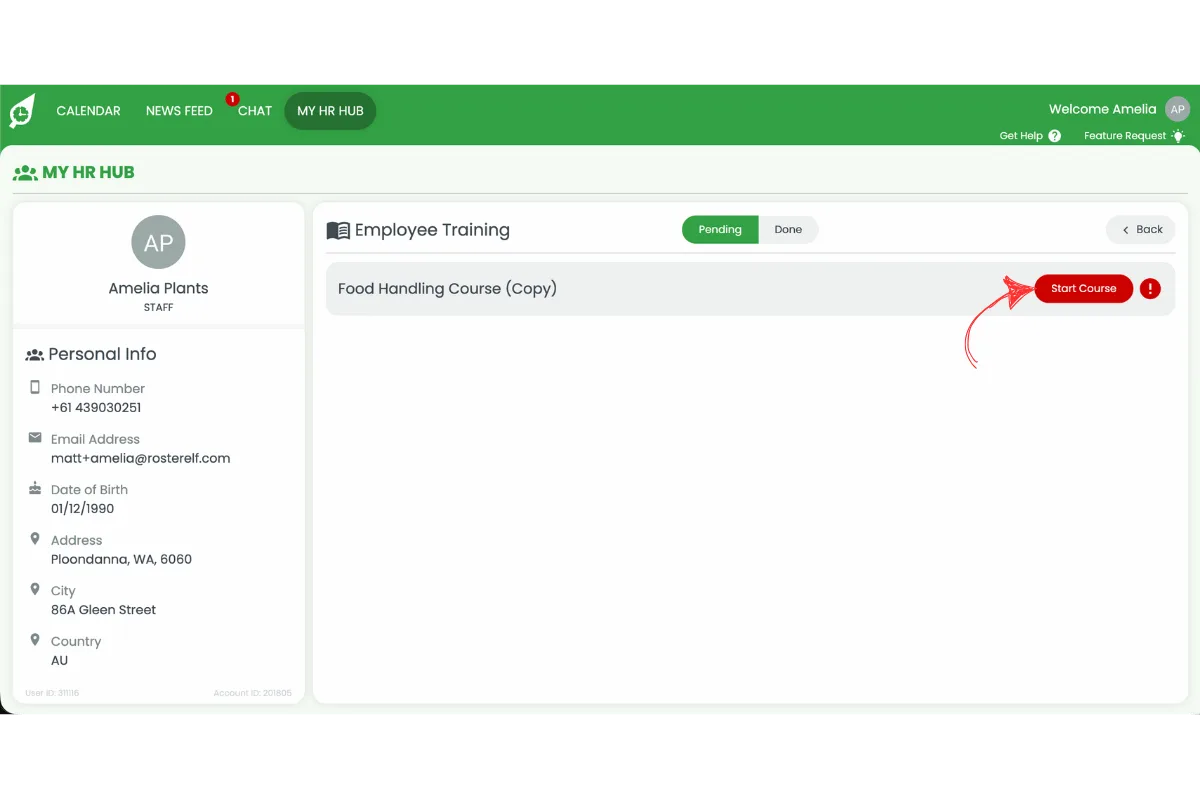
1.1.4 Press Start course on your assigned training.
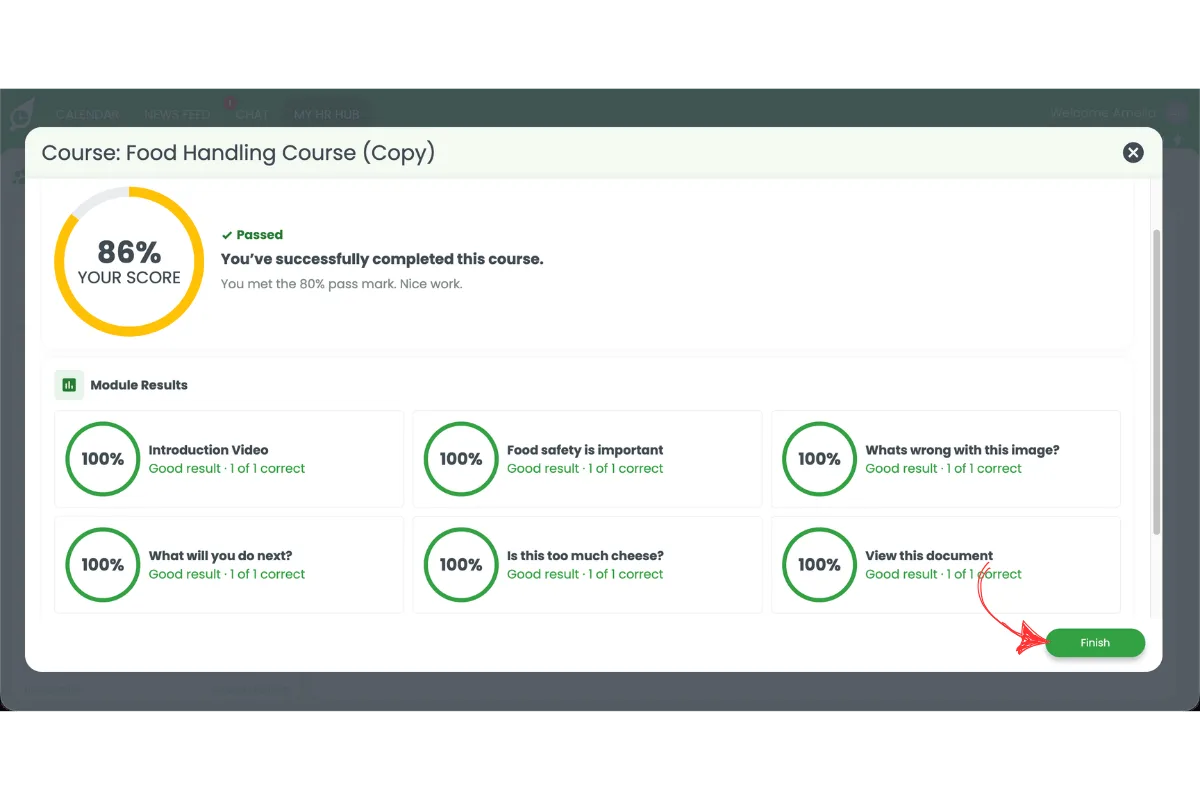
1.1.5 Complete the course modules and press Finish.
2. Complete HR Hub training on the smartphone app
Completing HR Hub training from the RosterElf smartphone app lets you finish assigned courses whenever it is convenient. The app makes it easy to complete workplace training while away from a computer, such as between shifts or while travelling. Once you finish a course, your completion is automatically recorded in HR Hub, keeping your training records current and letting managers track your progress.
2.1 Start and finish a training course on the smartphone app
2.1.1 Open the RosterElf app.
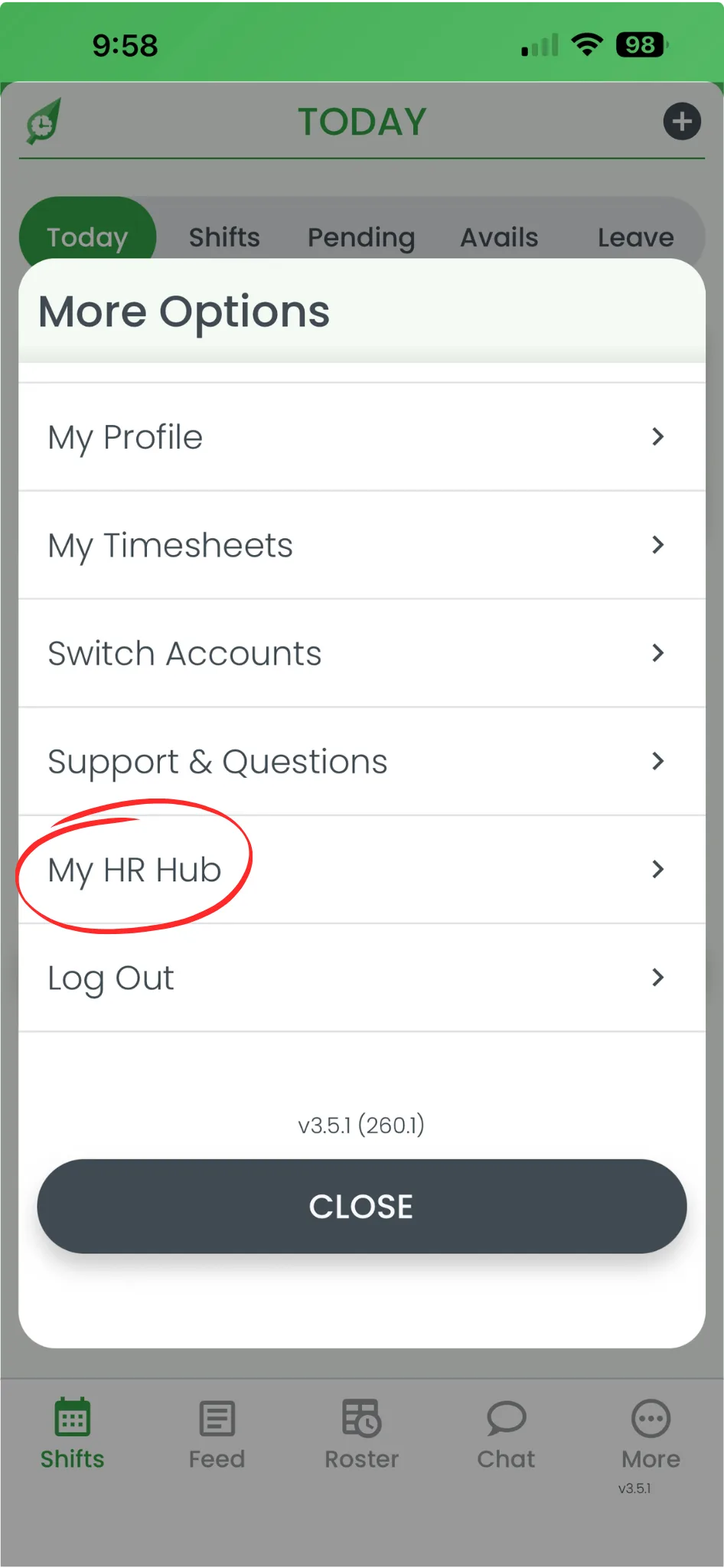
2.1.2 Press More.
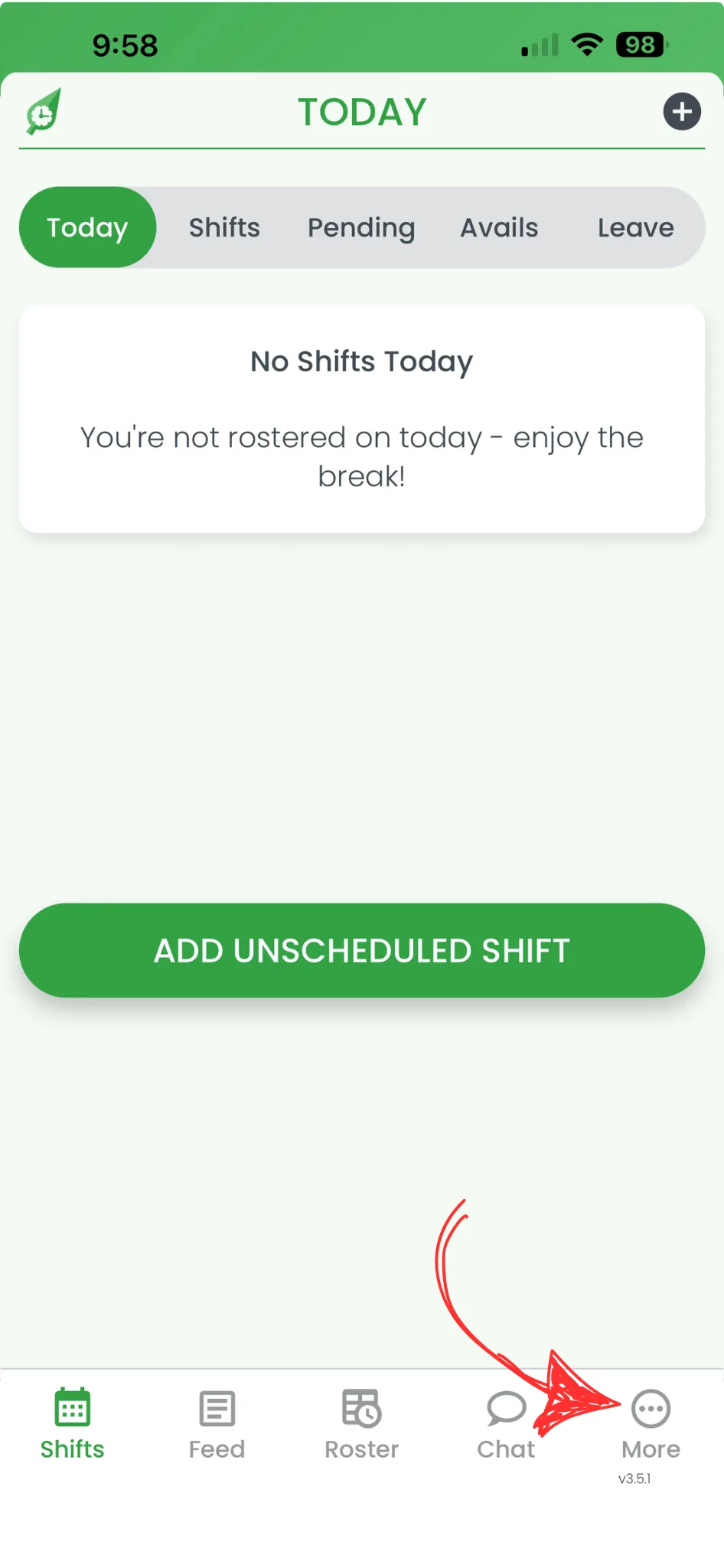
2.1.3 Press My HR Hub.
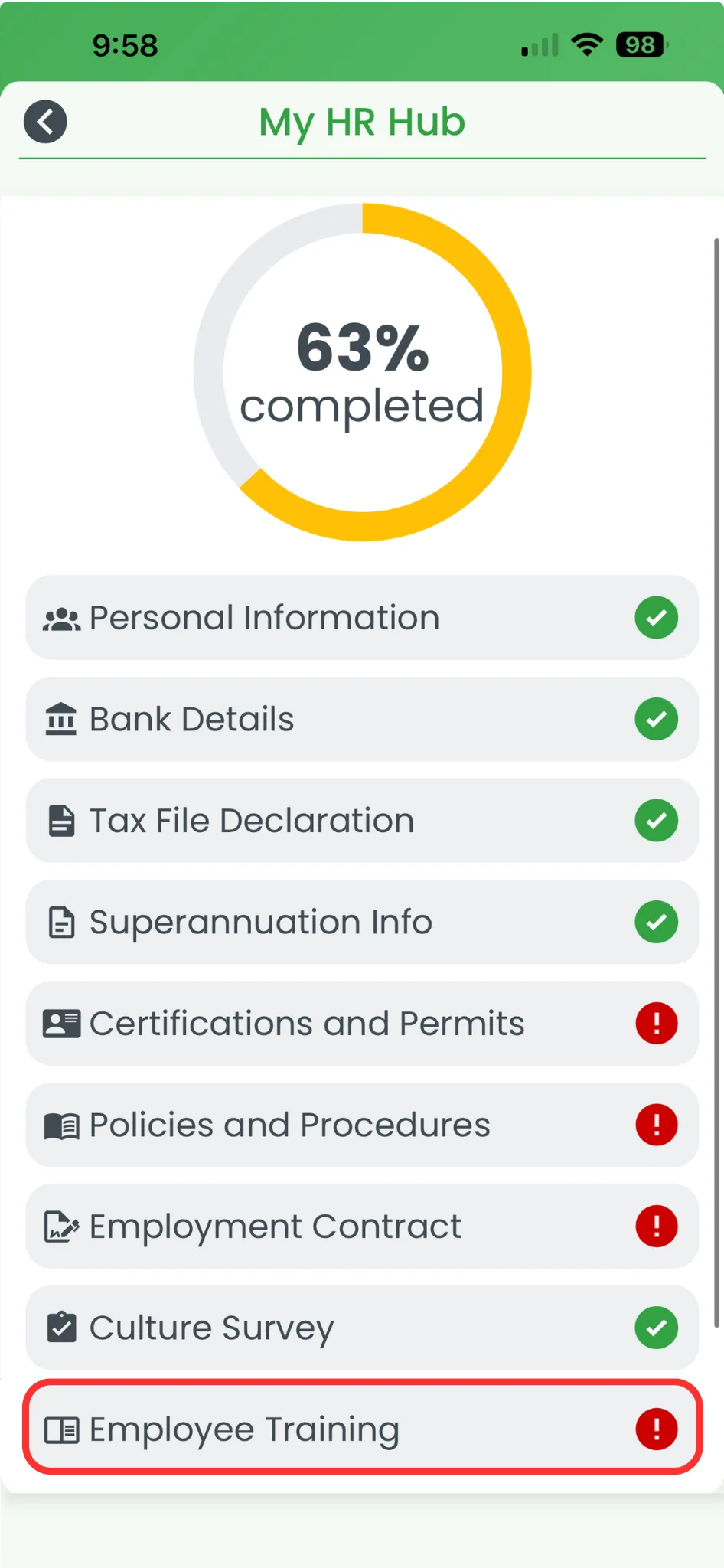
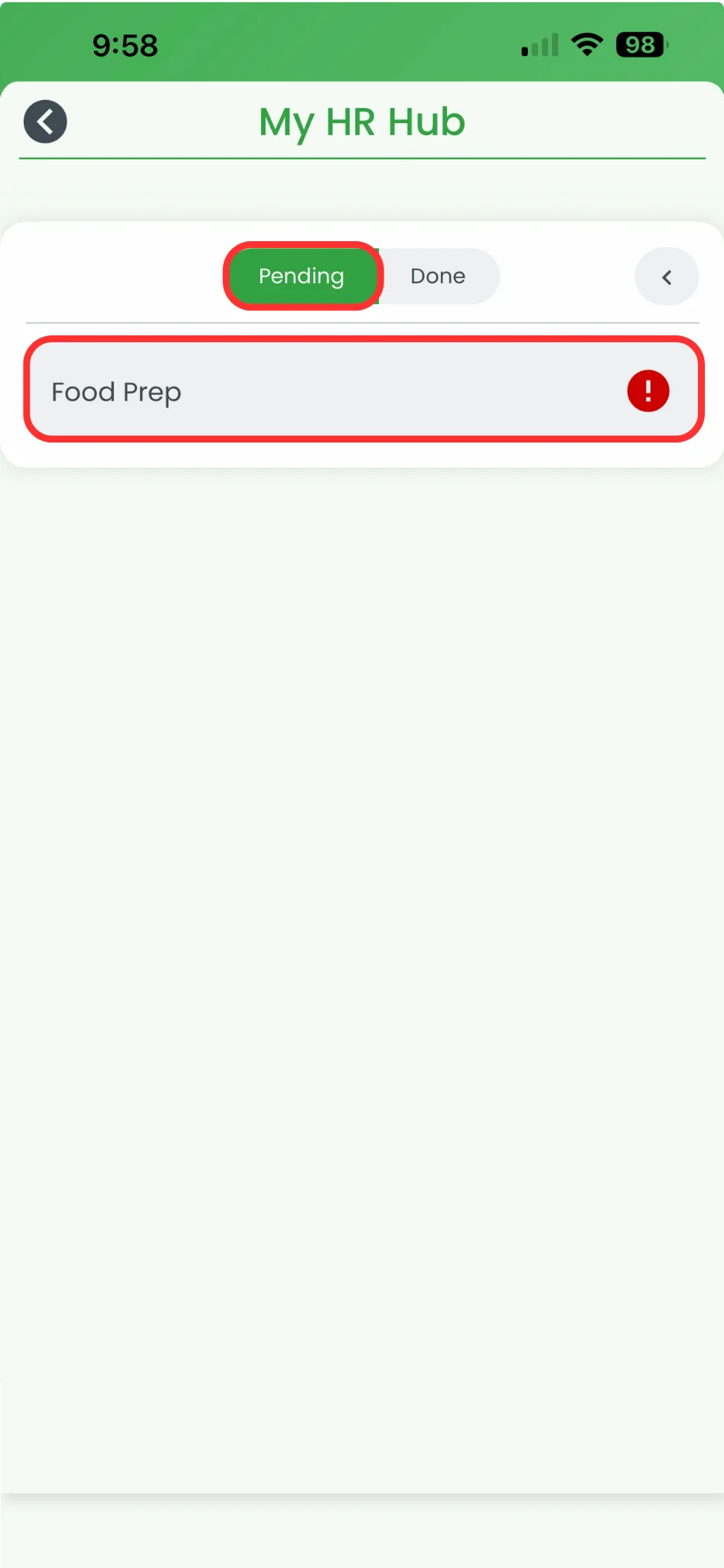
2.1.4 Press Training.
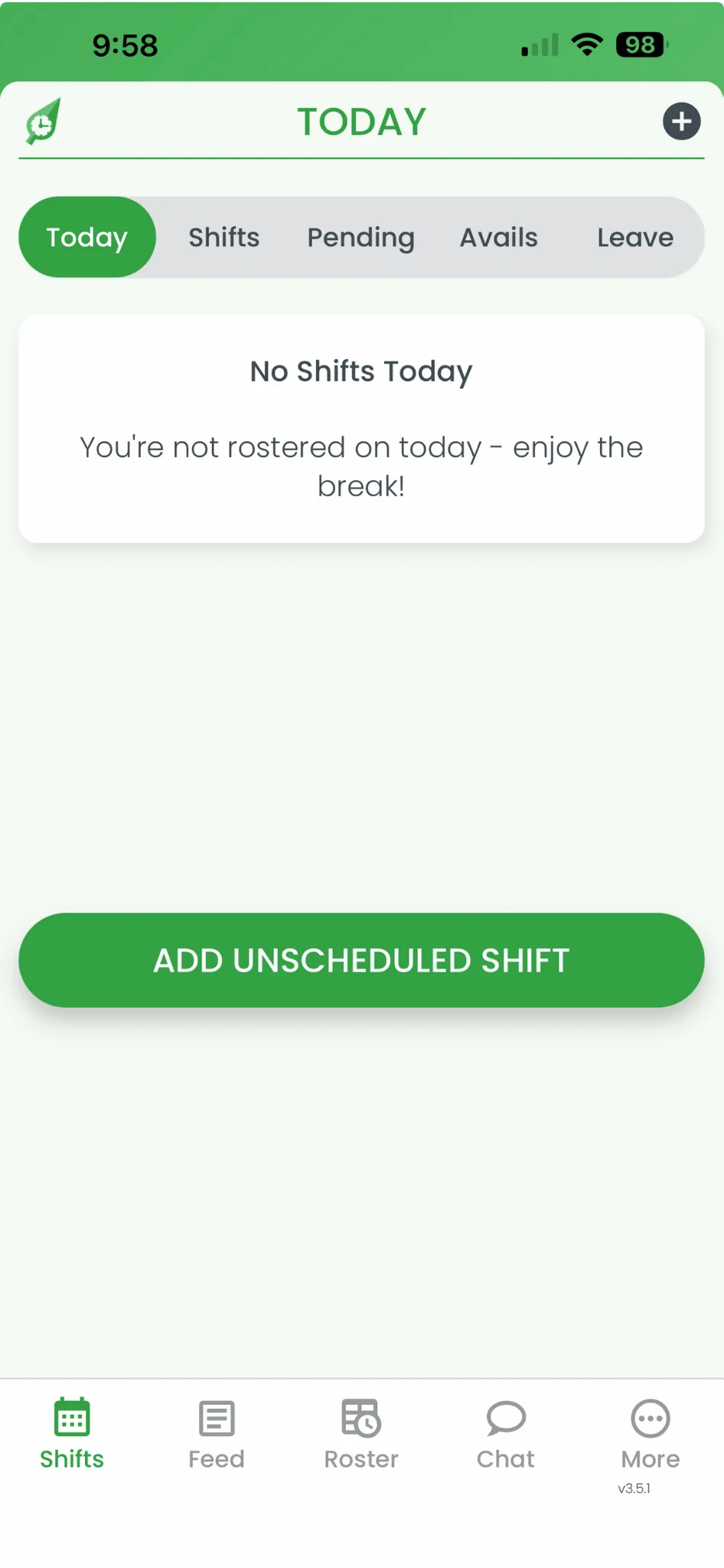
2.1.5 Select your assigned course.
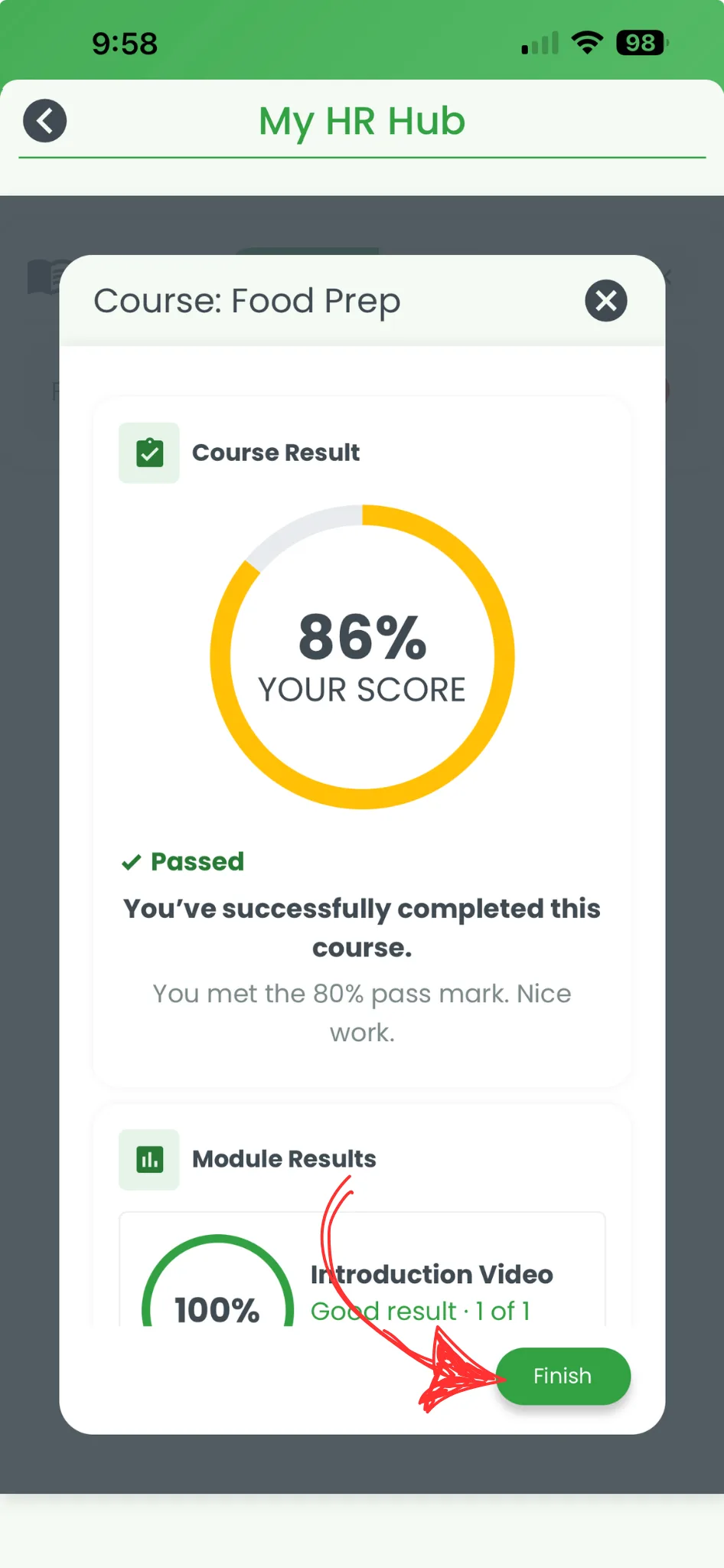
2.1.6 Complete the course modules and press Finish.
Related guides
For managers: activate training, build courses and modules, and assign them to staff
Turn on HR Hub and configure module permissions for admins, managers, and staff
Find My HR Hub from the app menu to review or complete other HR items