

Employee roster software for New Zealand businesses

Streamline workforce management with AI-assisted staff scheduling, live labour budgets, and break and agreed-hours checks—connected to Xero NZ.
-
Build rosters faster with auto-scheduling
-
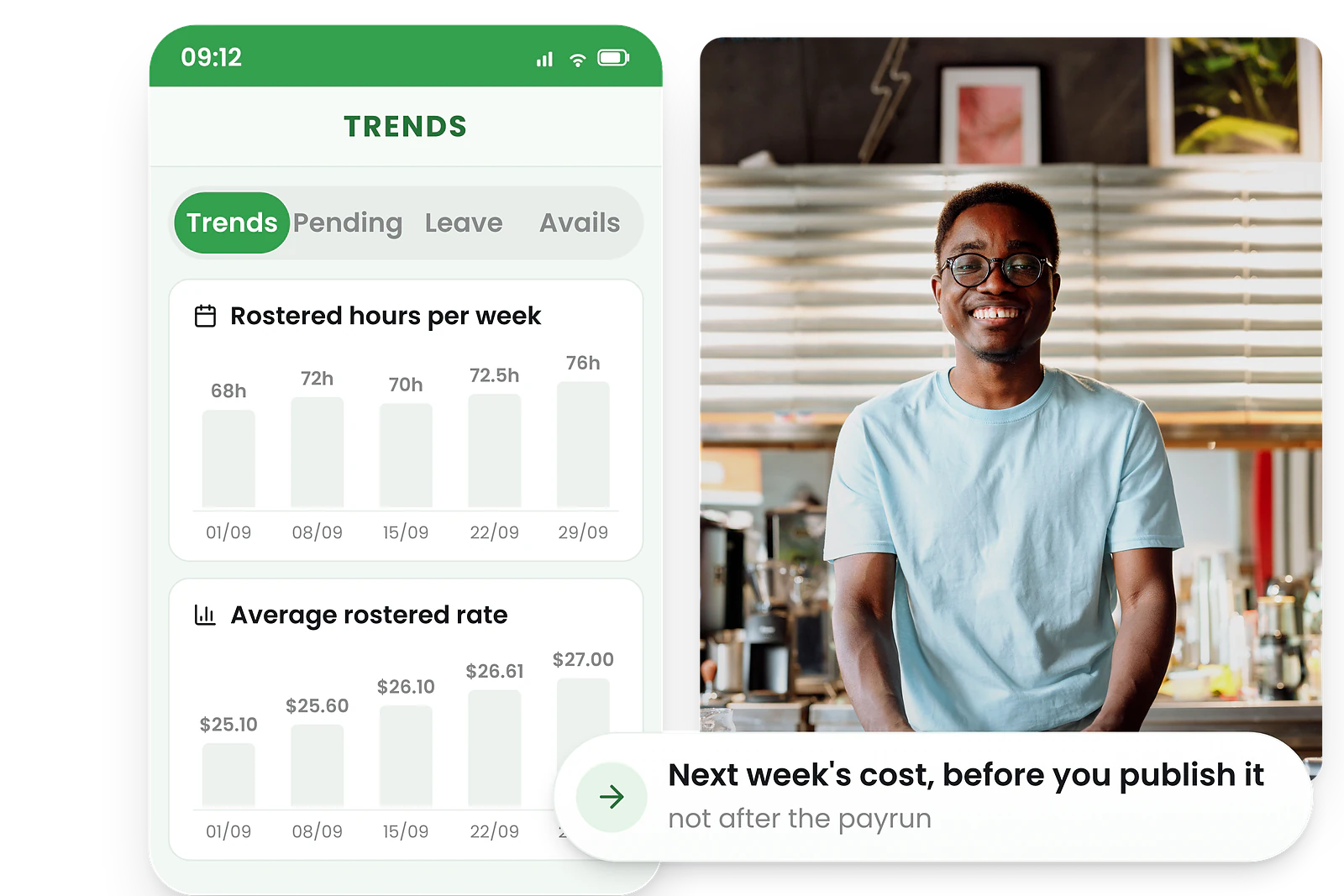
Manage labour costs in real-time in NZD
-
Staff availability & shift swaps via app




Why businesses love RosterElf employee roster software
Break and hours rules built in
RosterElf checks every roster against the break rules you configure and the agreed hours in each employment agreement, and warns you before you publish. For the underlying obligations, see rostering guidance from Employment New Zealand.
Agreed hours
Rosters that would take an employee beyond the agreed hours in their employment agreement are flagged before you publish.
Rest and meal breaks
Breaks are attached to the shift, so a rest or meal break that was never rostered shows up as a warning rather than a surprise.
Paid and unpaid breaks
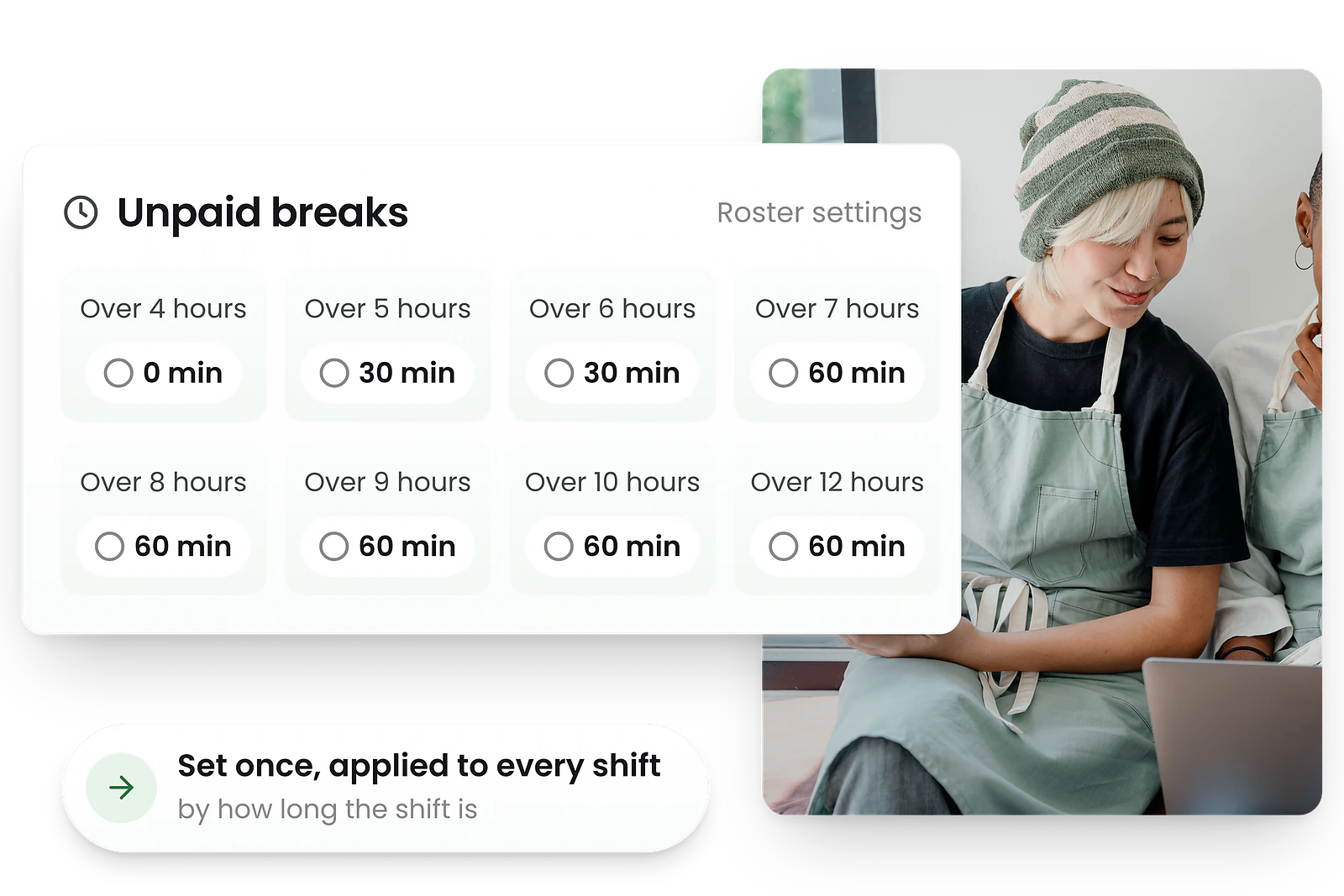
Rest breaks are a paid minimum of 10 minutes and meal breaks an unpaid minimum of 30 minutes. Configure them once and they apply to every roster.
Under-16 rostering
A person under 16 cannot be employed during school hours. RosterElf keeps a dated record of who was rostered when, so you can show a shift did not clash with the school day.
Combined with time and attendance tracking, RosterElf gives you a complete picture of planned versus actual hours — which is what your wage and time records have to show.
Auto-scheduling
Auto-scheduling software that picks the perfect person for every shift
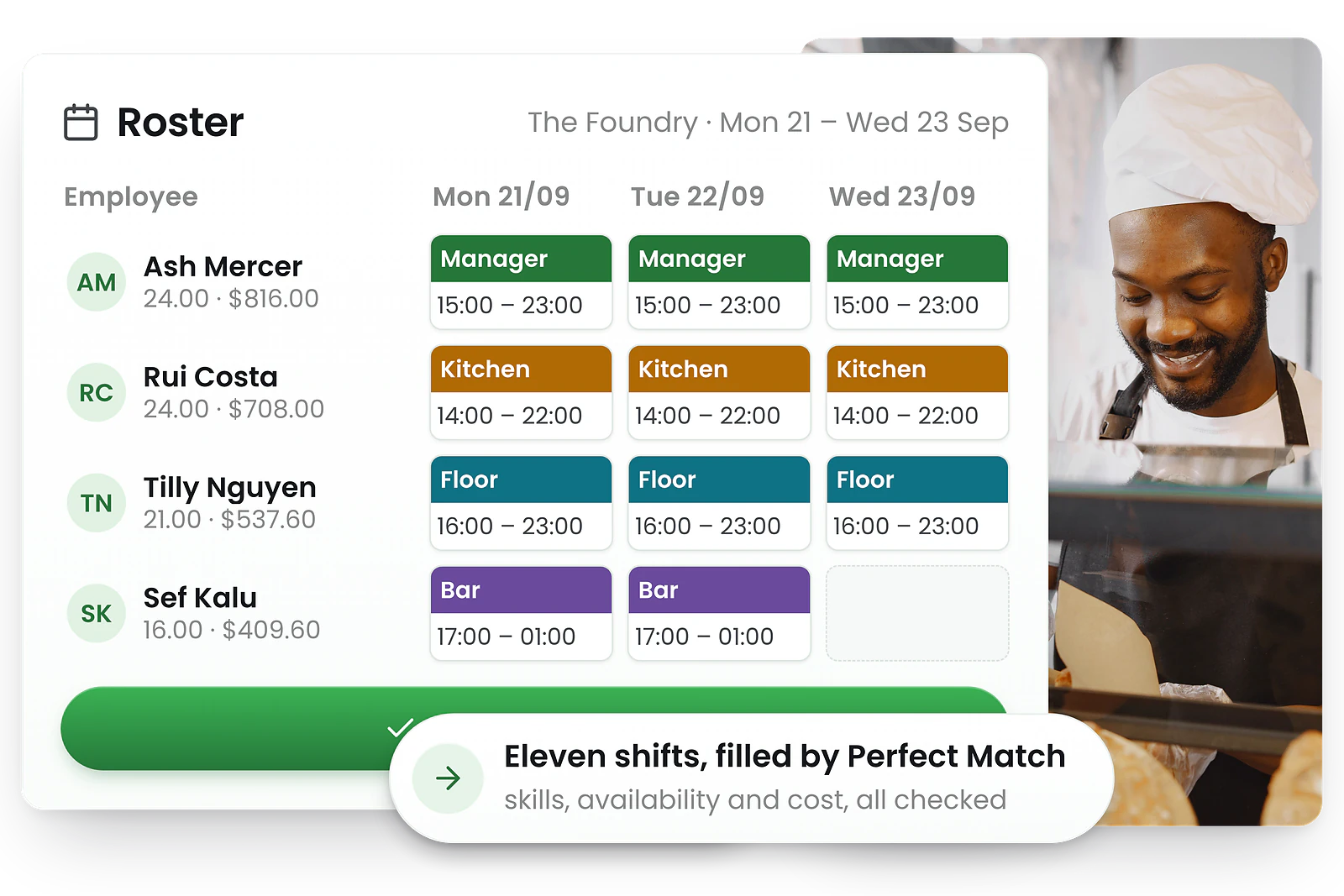
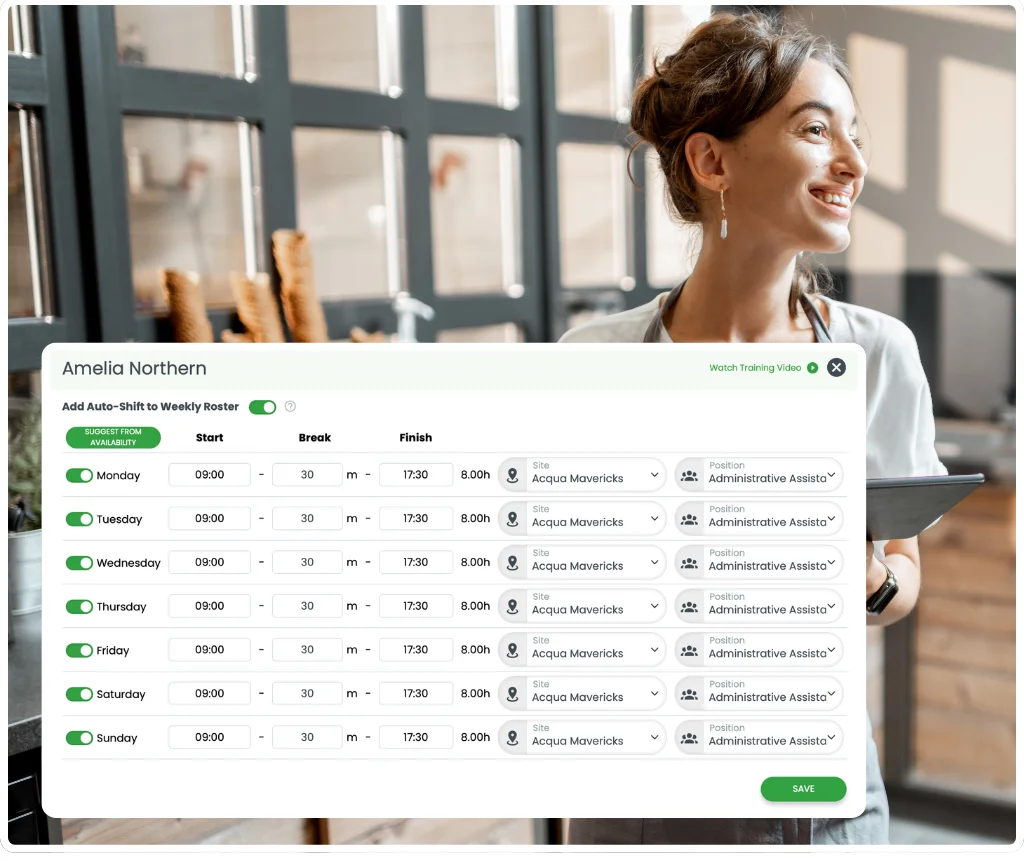
Fill every shift in seconds with Perfect Match® AI
Our auto scheduling software matches roles, skills and availability to place the best people in every slot. It flags conflicts before you publish, so you spend less time fixing mistakes.
Use our auto scheduling app on any device—tweak anything with drag-and-drop and republish in one click. Want even more automation? Learn about AI rostering with ChatGPT.
- Automated shift scheduling in one click
- Matches staff skills, availability & qualifications
- Built-in break and agreed-hours checks
- Live wage budgeting as you build the roster
What Perfect Match® AI considers
Our automated staff scheduling software weighs multiple factors simultaneously to make the best roster management decisions.
Staff availability
Automatically checks each employee's submitted availability and time-off requests.
Skills and qualifications
Matches required certifications, roles, and skill levels to shift requirements.
Site allocation
Considers if employee is assigned to work at a specific location.
Labour costs
Optimises assignments to hit budget targets while maintaining coverage.
Workload balance
Distributes hours fairly across your team based on contracted hours and preferences.
Break and hours checks
Configure minimum break lengths and timing, and RosterElf checks every shift against them.
Staff availability management
Employee availability software with self-service scheduling
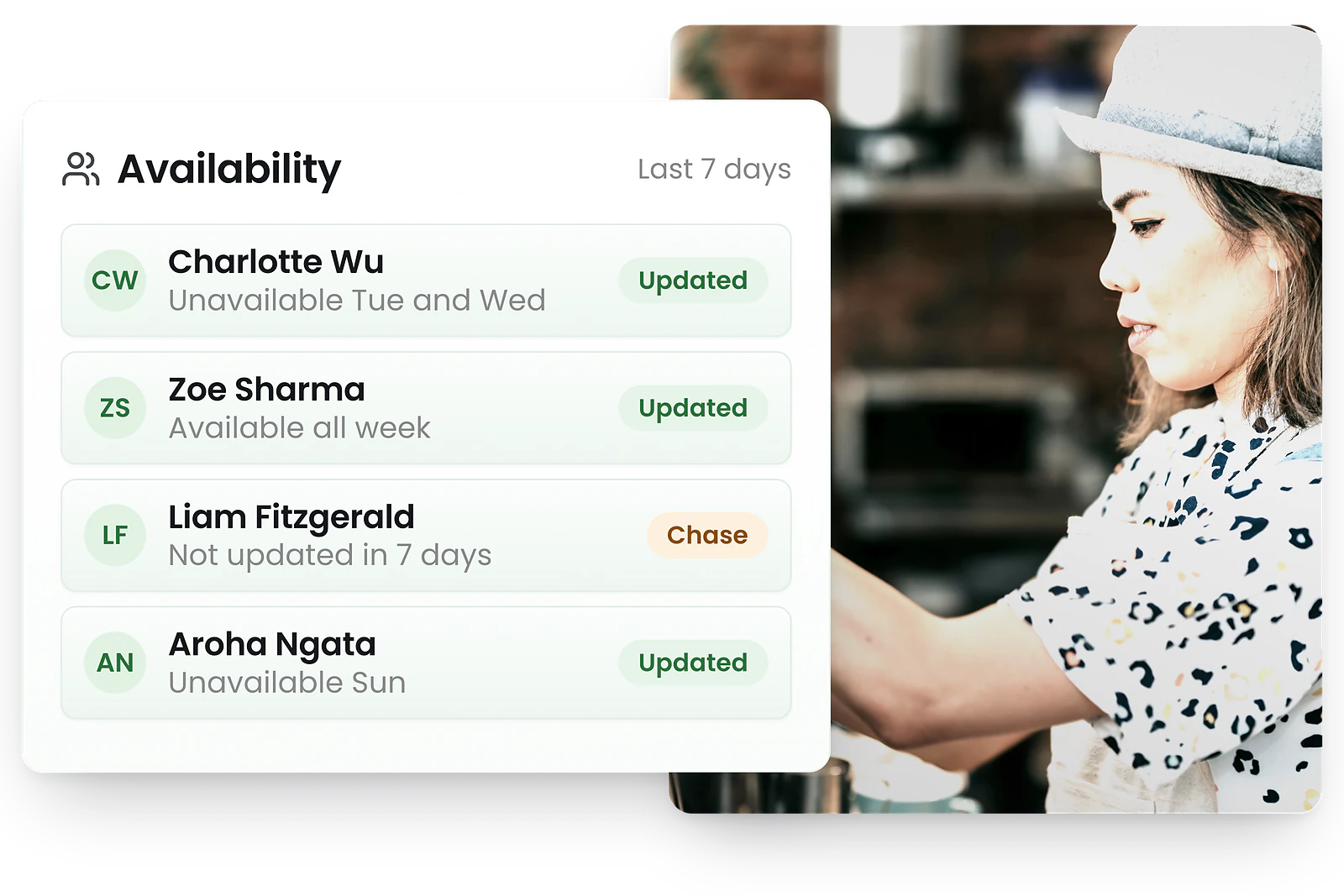
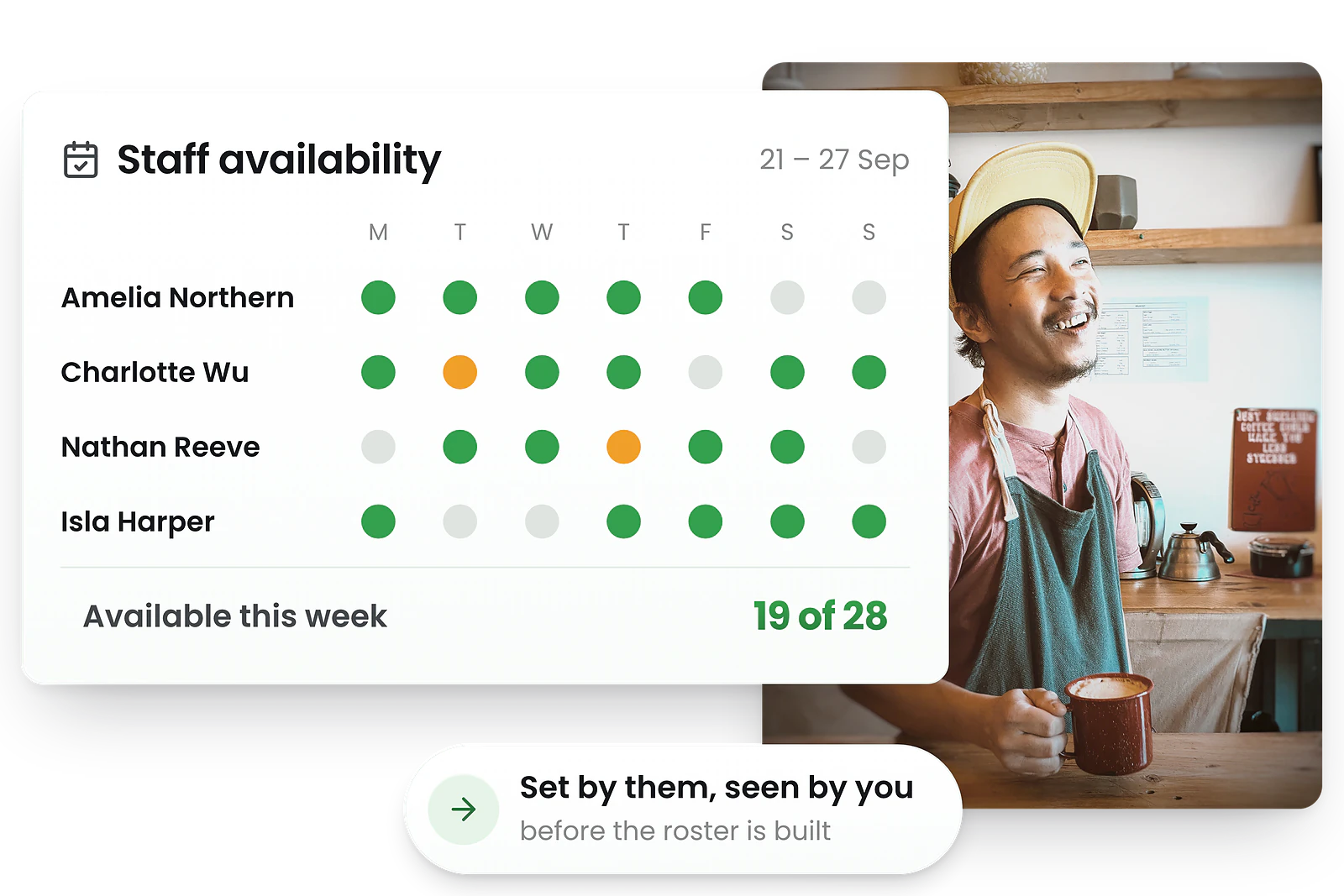
Get everyone's availability right, before you start
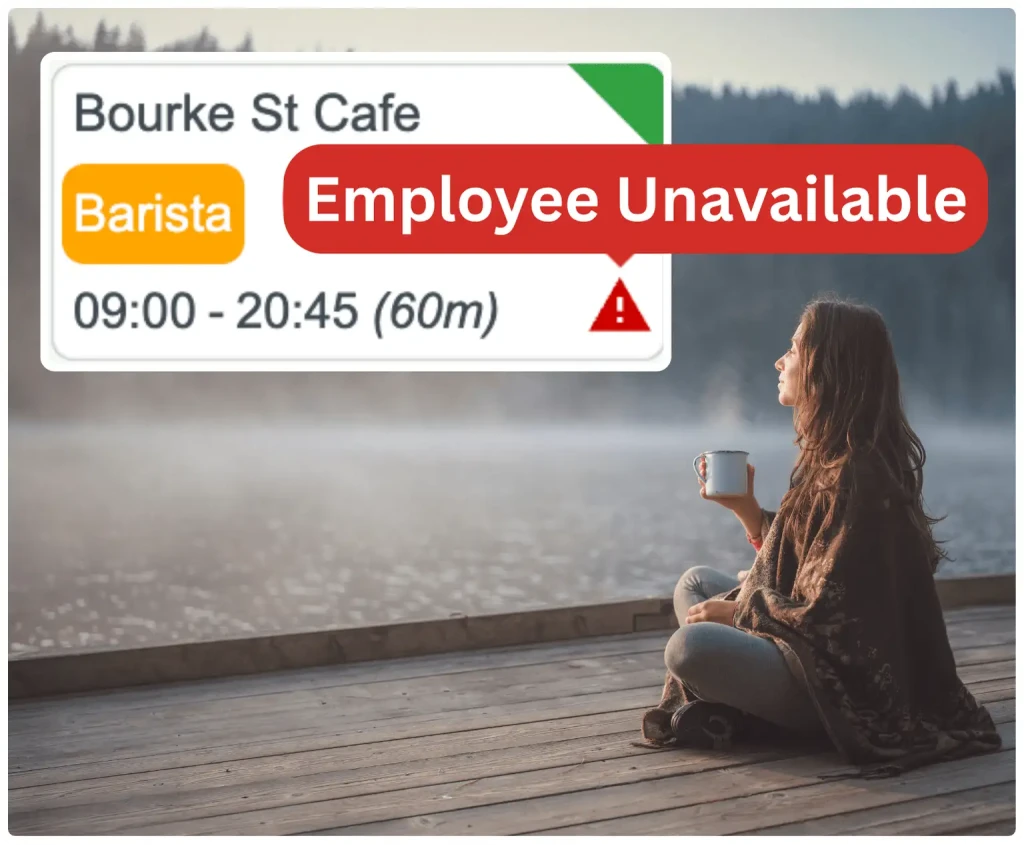
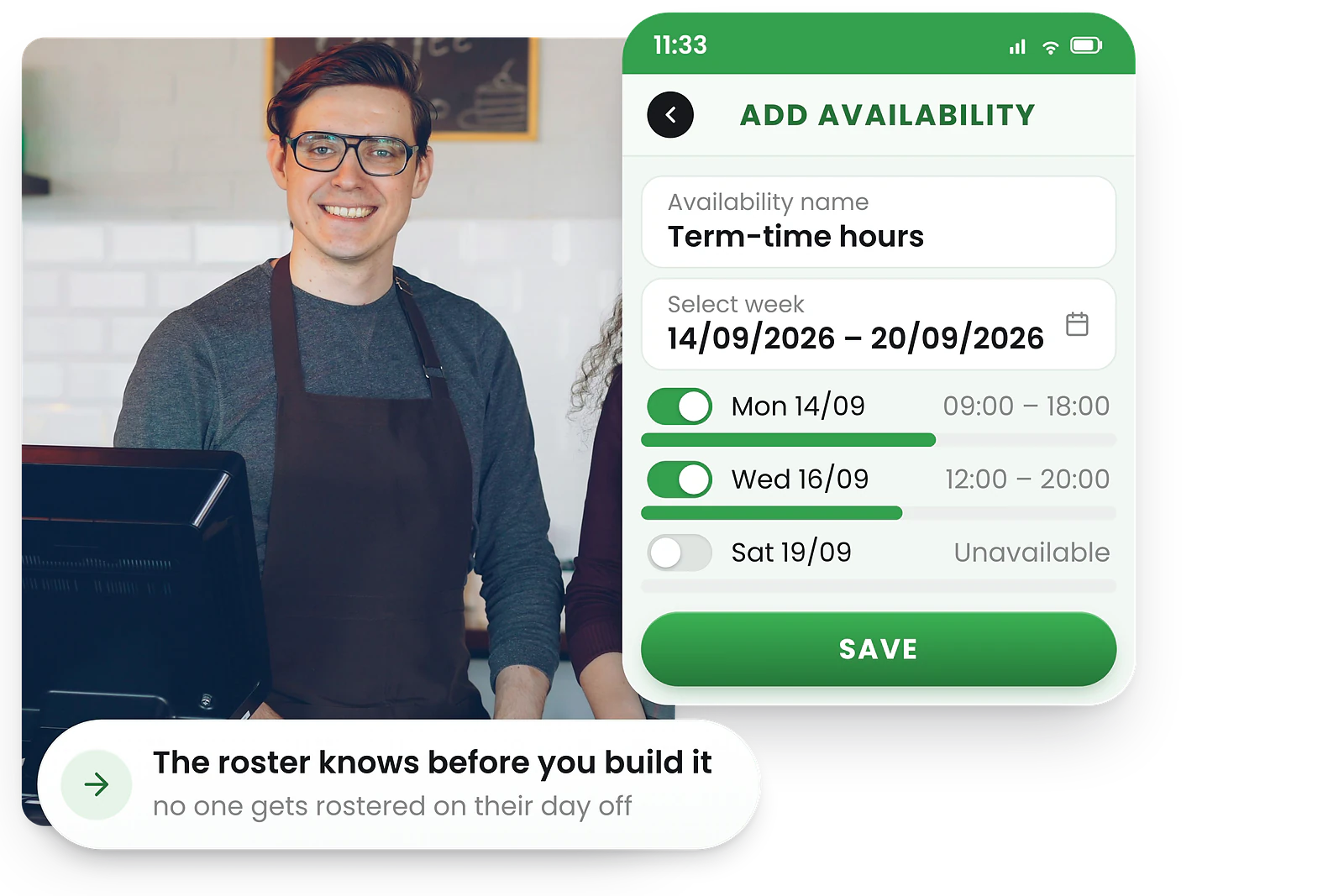
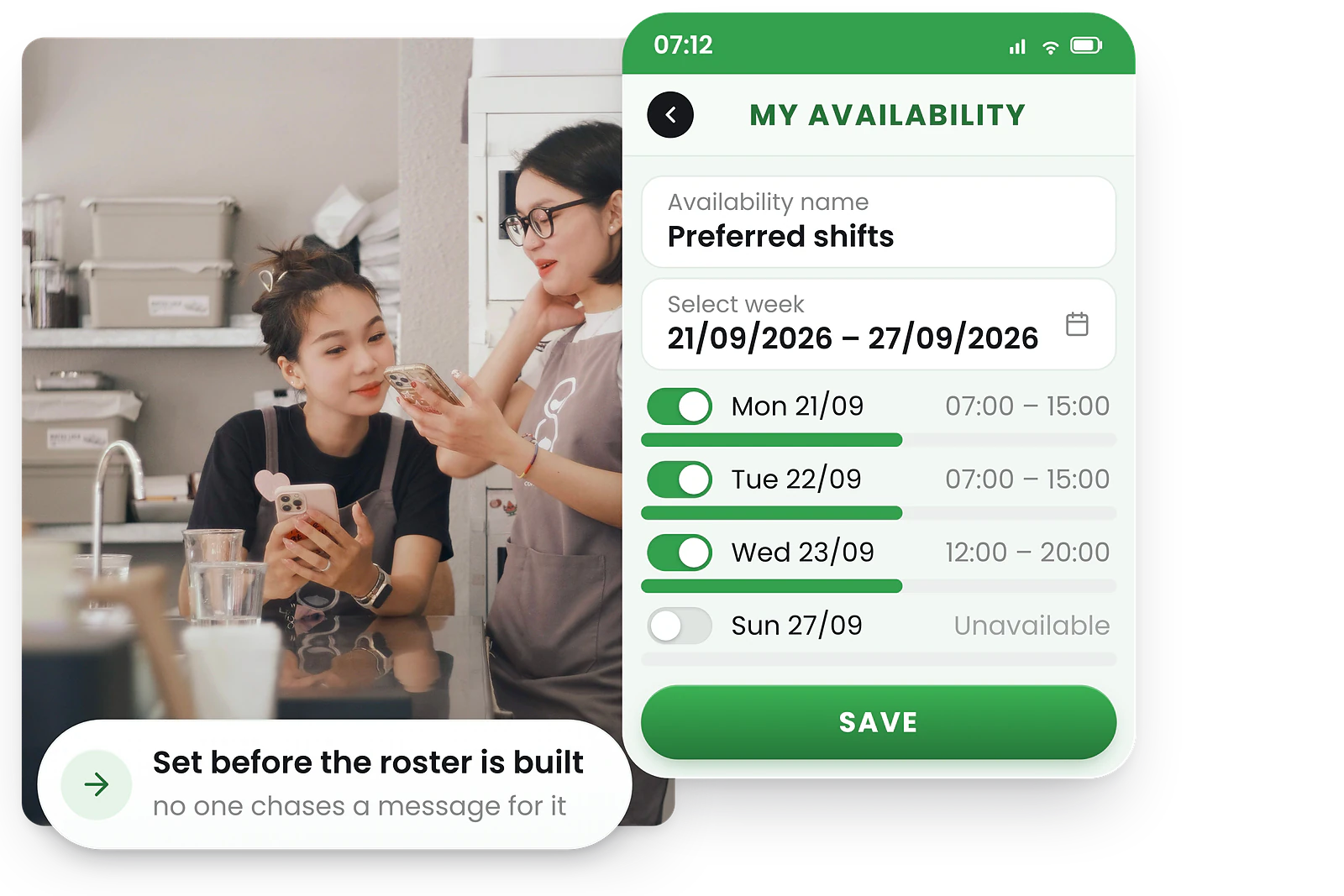
Staff input recurring availability and time-off requests via the scheduling app. Managers see warnings for clashes and double-booking before making assignments.
No more back-and-forth messages or spreadsheets—everyone stays on the same page.
- Self-service availability updates via app
- Recurring availability patterns
- Leave requests built into the roster view
- Instant warnings for scheduling conflicts
Self-service availability that keeps rosters accurate
RosterElf's availability scheduling software makes it easy for employees to set when they can work—so managers always schedule the right people at the right times.
Employees set availability
Staff enter shift preferences and available hours directly from the app. Updates sync instantly.
Real-time tracking
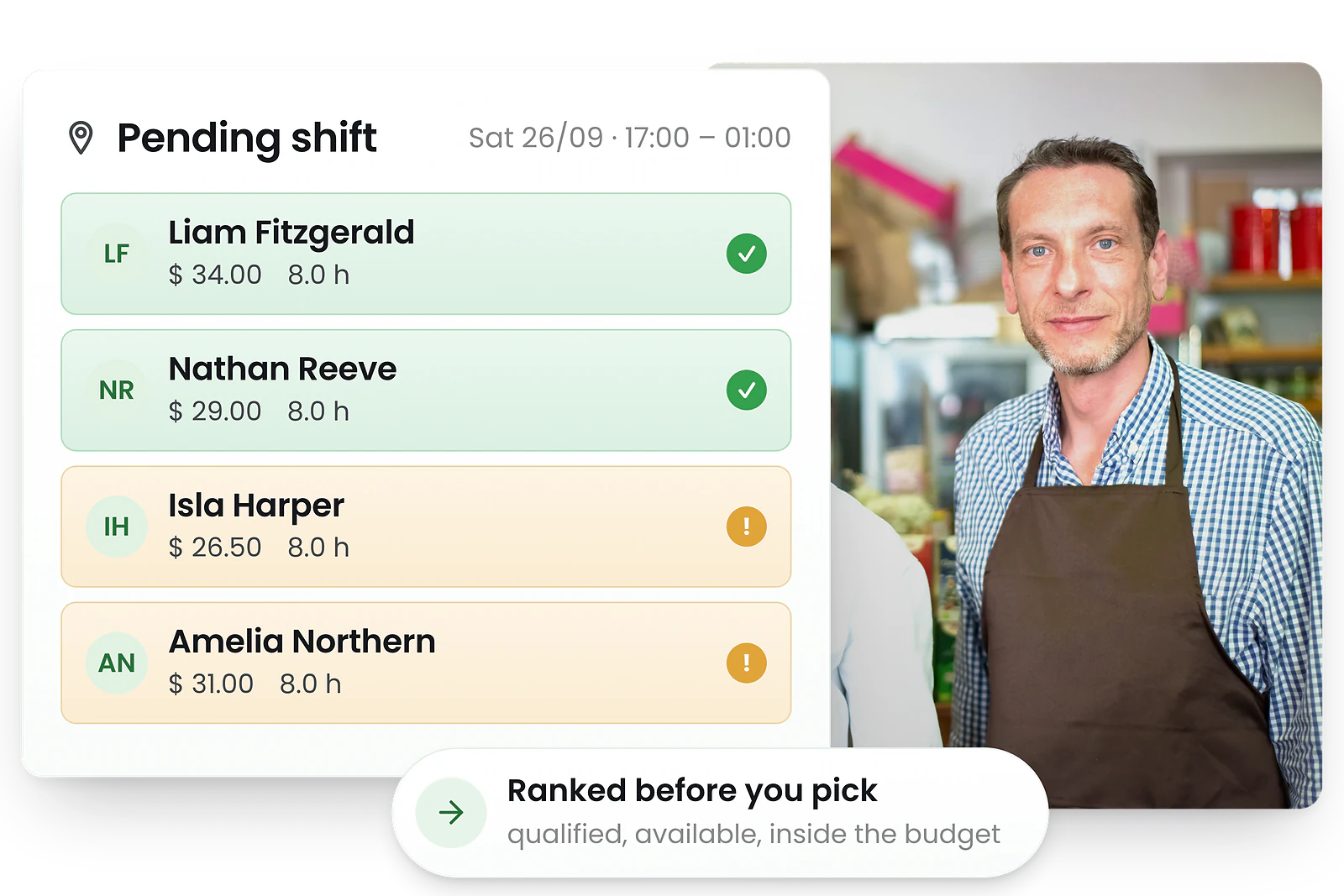
Managers see real-time availability updates. The system suggests qualified, available staff for each shift.
Conflict-free rosters
RosterElf automatically prevents scheduling clashes by blocking unavailable staff.
Roster templates
Roster templates you can reuse every week
Reuse your best rosters—on any week
Save ideal weekly patterns for each location or role and apply them with one click. Templates handle shift times, roles, and coverage requirements.
Fine-tune for exceptions without starting from scratch—build rosters in minutes, not hours.
- Save any roster as a reusable template
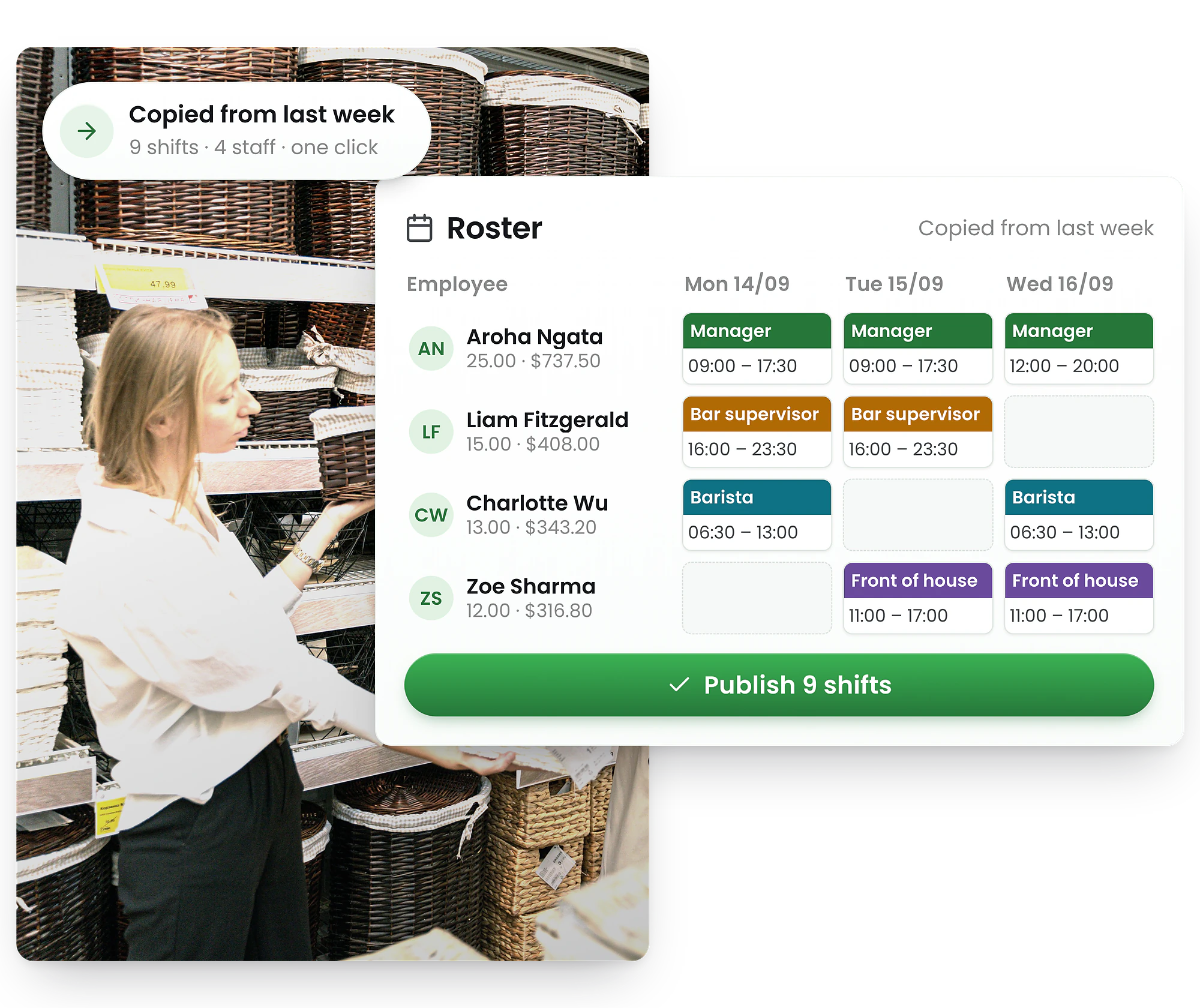
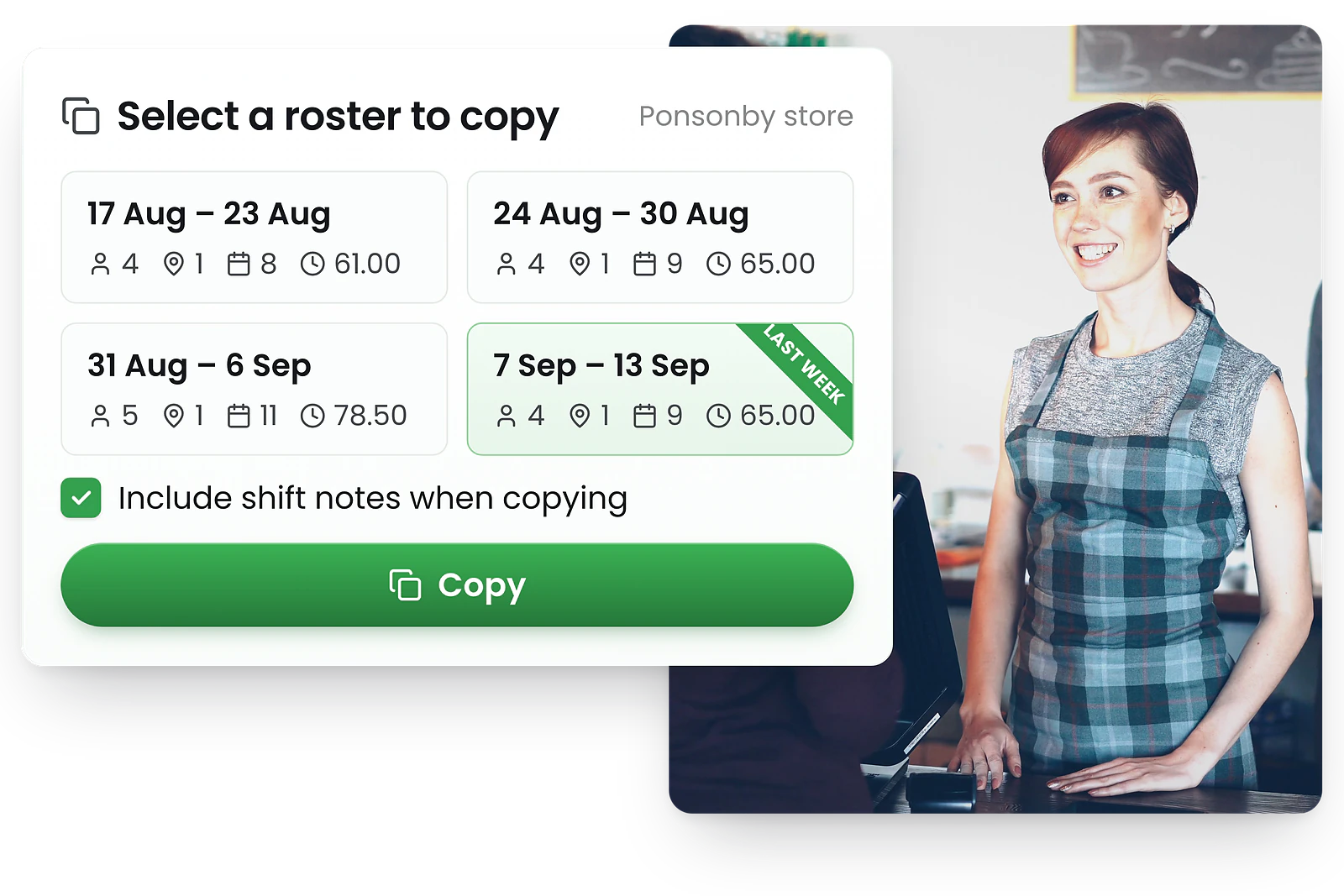
- Copy last week's roster instantly
- Clone individual shifts across days
- Fine-tune templates for exceptions
How roster templates work
RosterElf lets you save proven rosters as templates, copy last week's schedule, or duplicate individual shifts—so you spend less time building and more time managing.
Save as template
Turn any published roster into a reusable template with one click. Name it and save.
Copy last week
Replicate last week's roster instantly. All shifts, breaks, and assignments carry over.
Clone shifts
Duplicate individual shifts across days or weeks. Perfect for repeating patterns.
Tweak and publish
Make tweaks or handle any conflicts quickly, then publish to notify your team.
Multi-site roster management
Multi-location roster software for every site
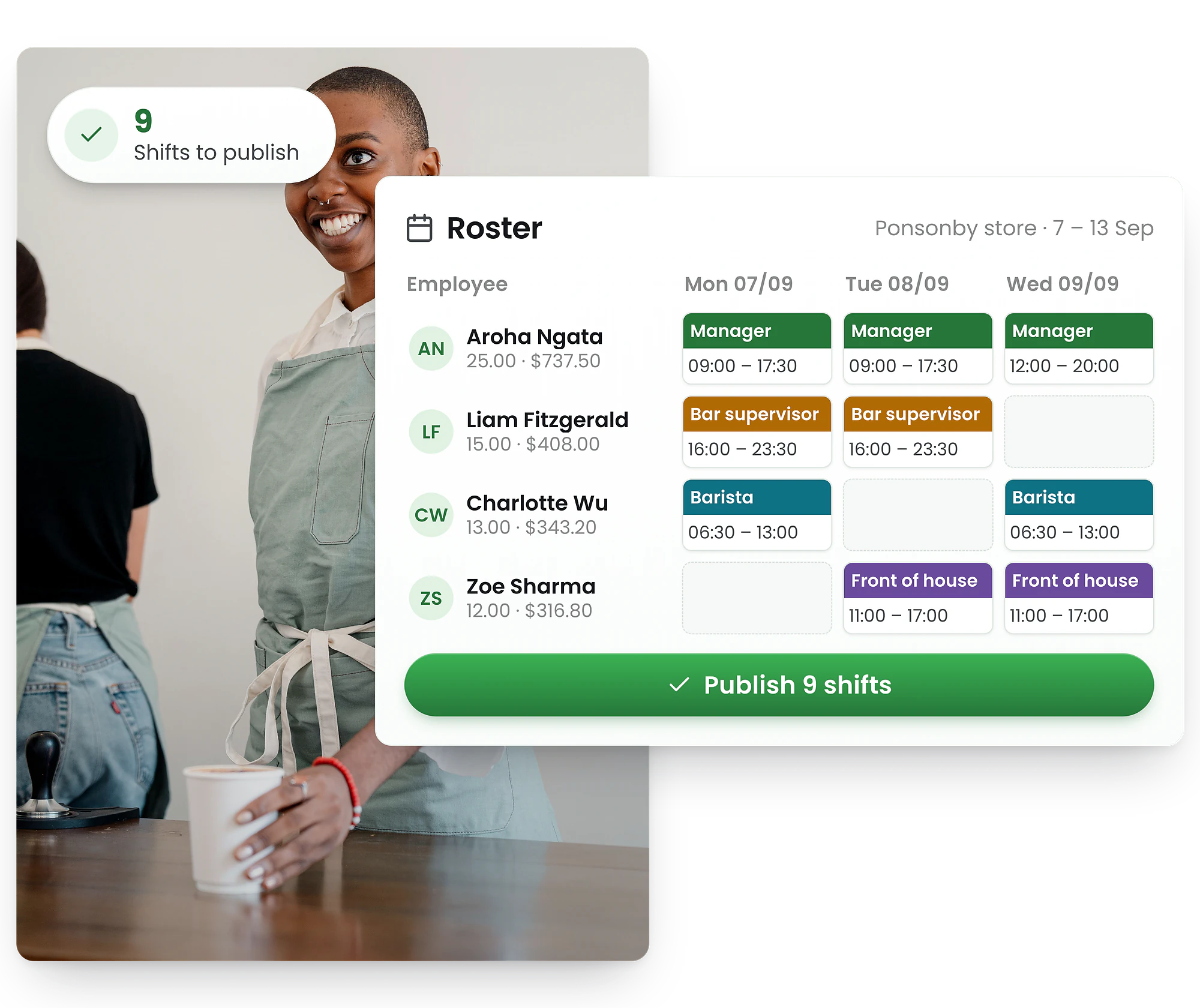
Staff scheduling software for every location
Plan by site or manage all locations from a single roster app with role and team filters. Copy shifts across locations with ease.
Permissions ensure managers see only their assigned sites, while owners get the full workforce management picture.
- Single dashboard for all locations
- Move staff between sites easily
- Compare coverage across locations
- Site-specific permissions for managers
Manage all locations from one dashboard
Whether you have 2 sites or 200, RosterElf gives you centralised visibility with local control. Configure site-specific rules while maintaining consistent standards across your business.
Centralised view
See all locations in one dashboard or drill into individual sites.
Cross-site scheduling
Assign staff to shifts at different locations without double-booking.
Location permissions
Managers see only their assigned sites while owners see everything.
Site-specific rules
Configure different break rules, budgets, and roles per location.

Break planning
Plan meal & rest breaks without breaking coverage
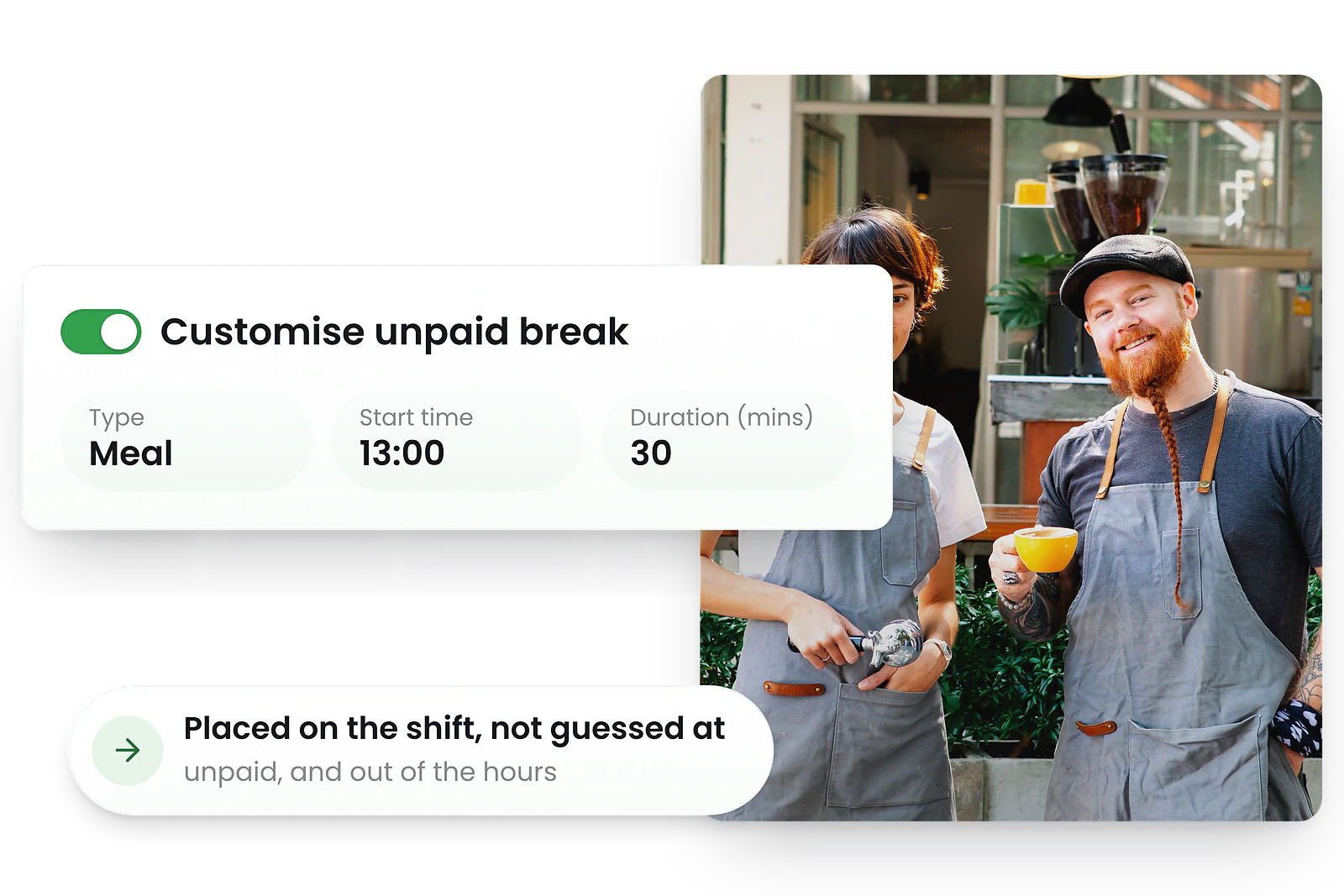
Plan meal & rest breaks without breaking coverage
Add unpaid breaks to each shift. Visual prompts help space breaks and balance coverage.
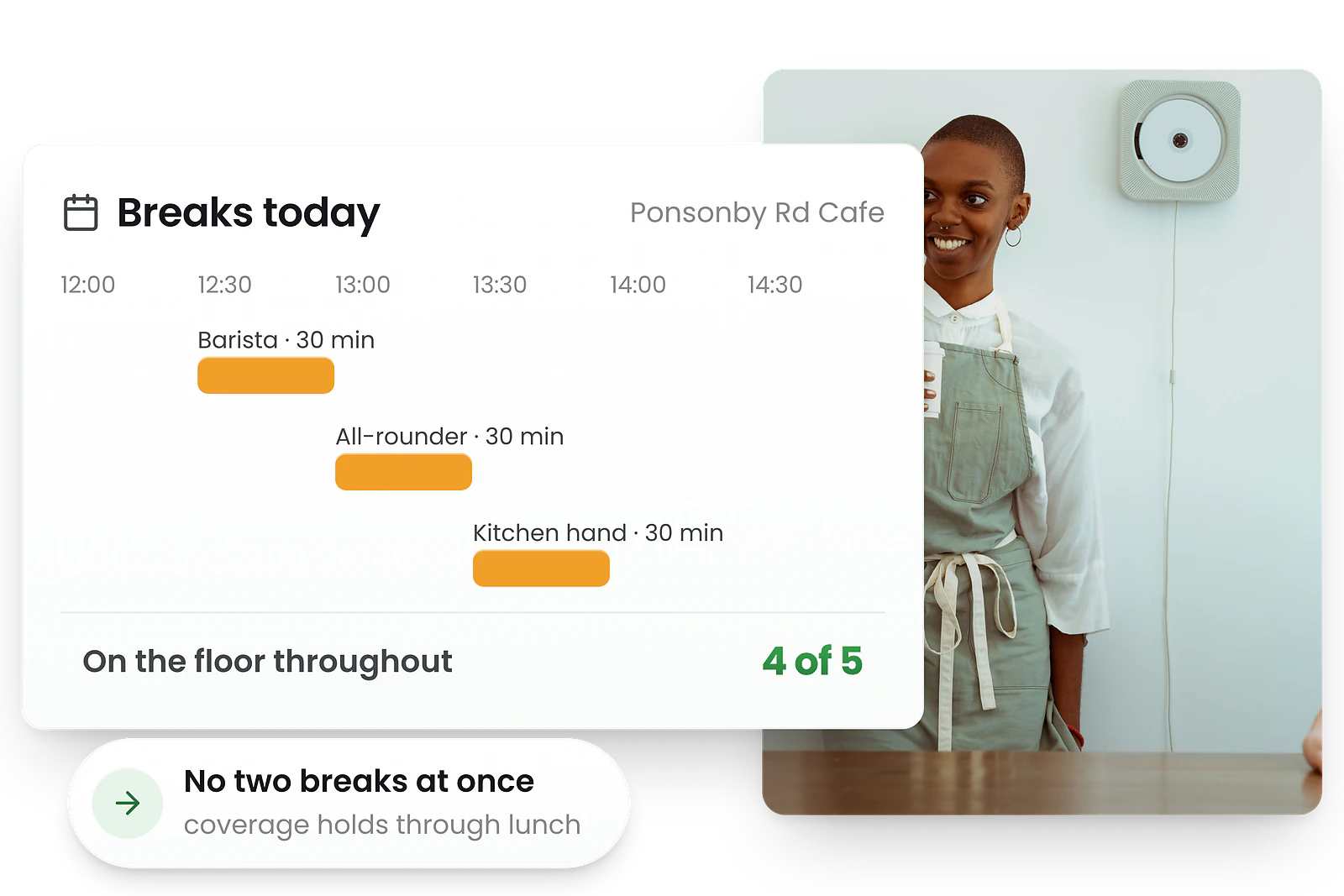
See live headcount by time to ensure you always have enough people on the floor during peak periods.
- Schedule meal and rest breaks per shift
- Real-time coverage view during breaks
- break and hours compliance warnings
- Unpaid break tracking for payroll
Plan breaks that maintain coverage
RosterElf helps you schedule the rest and meal breaks your employees are entitled to while maintaining adequate coverage.
Break rules engine
Configure minimum break lengths and timing requirements by role or site.
Coverage view
See live headcount by time, factoring in breaks to maintain service.
Compliance warnings
Get alerts for shifts missing required breaks before publishing.
Payroll tracking
Unpaid breaks flow through to timesheets automatically.
Open shifts
Open shift software that fills unfilled shifts fast
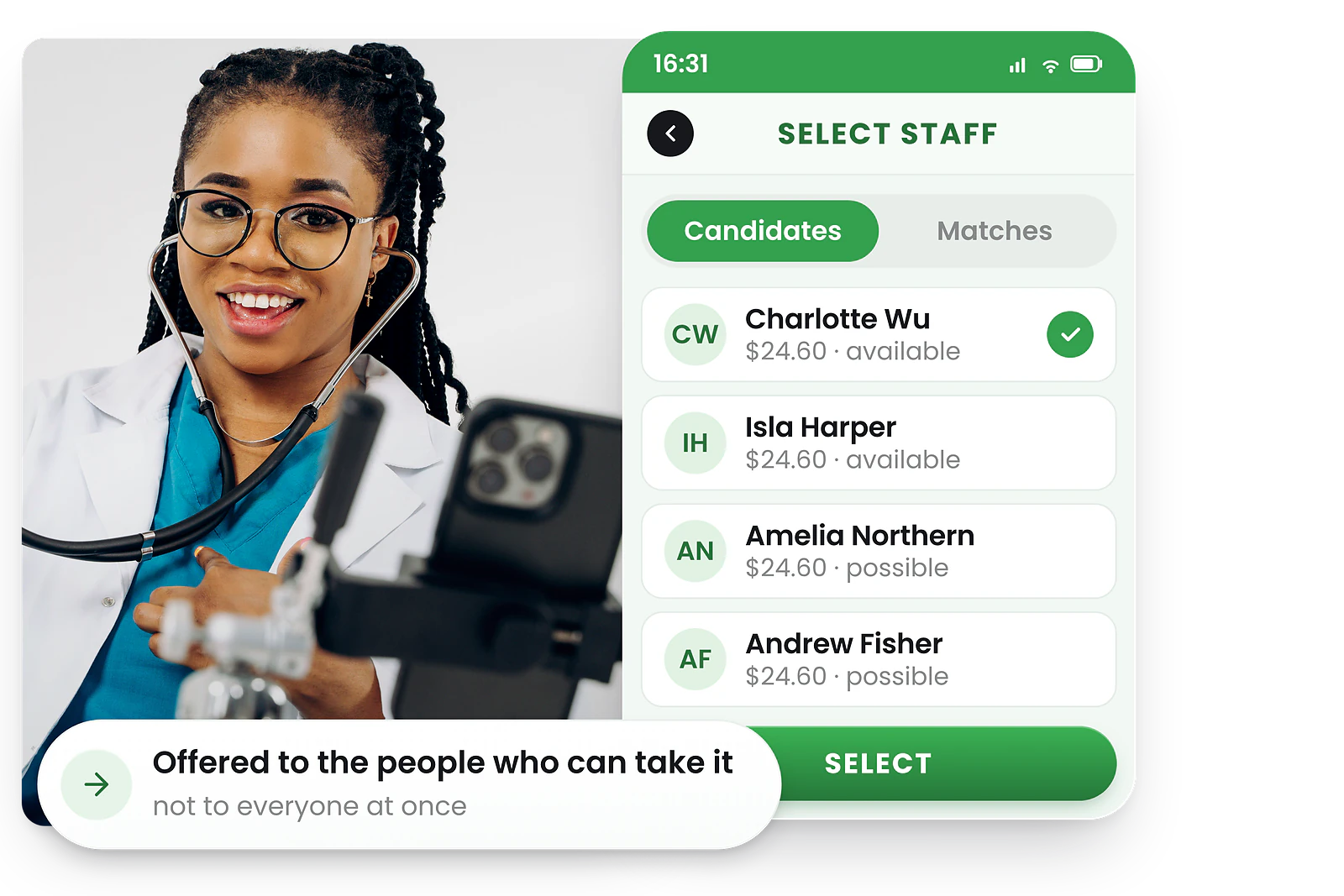
Fill unfilled shifts with eligible team members
Publish unassigned shifts to eligible team members. Staff receive notifications and can express interest.
Managers review applicants and approve the best fit—the roster updates automatically without endless phone calls.
- Post shifts to available staff instantly
- Staff apply via mobile app
- Auto-assign based on criteria you set
- Fill gaps without endless phone calls
How open shift software works
RosterElf's open shift software lets you publish unfilled shifts to qualified staff instantly. Available employees claim open shifts from their app, and managers approve the best fit.
Publish the open shift
Mark an unfilled shift as open and RosterElf instantly notifies all qualified, available staff.
Staff claim open shifts
Available employees see the notification and put their hand up to claim the shift from their app.
Manager approves
Review who's applied and approve the best fit. The roster updates automatically.
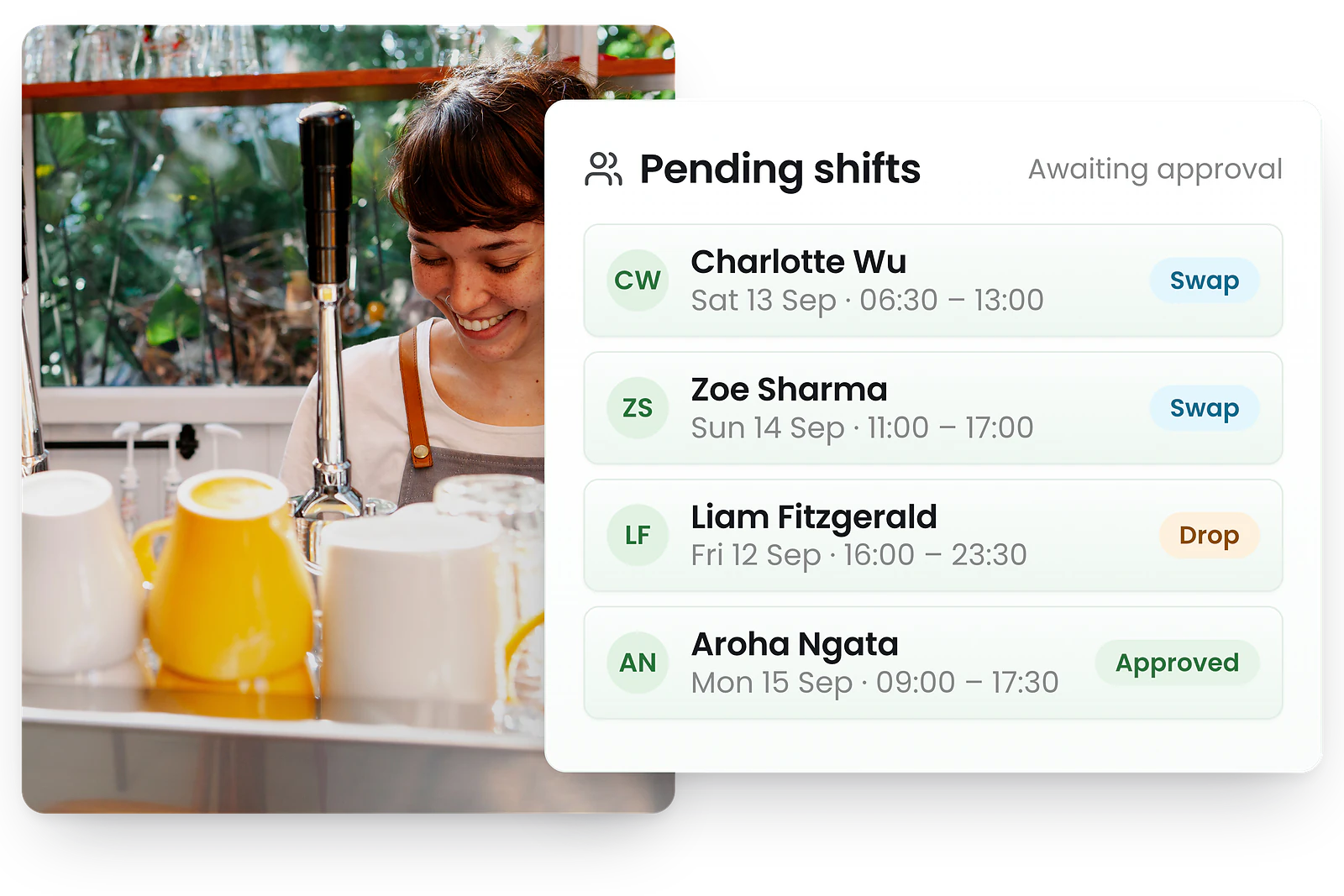
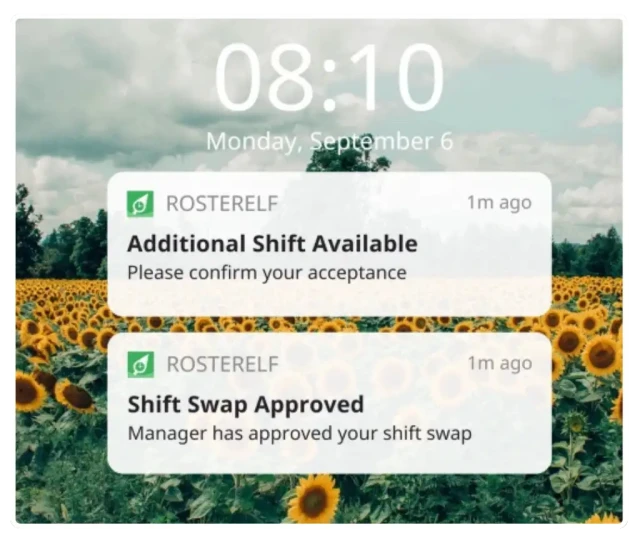

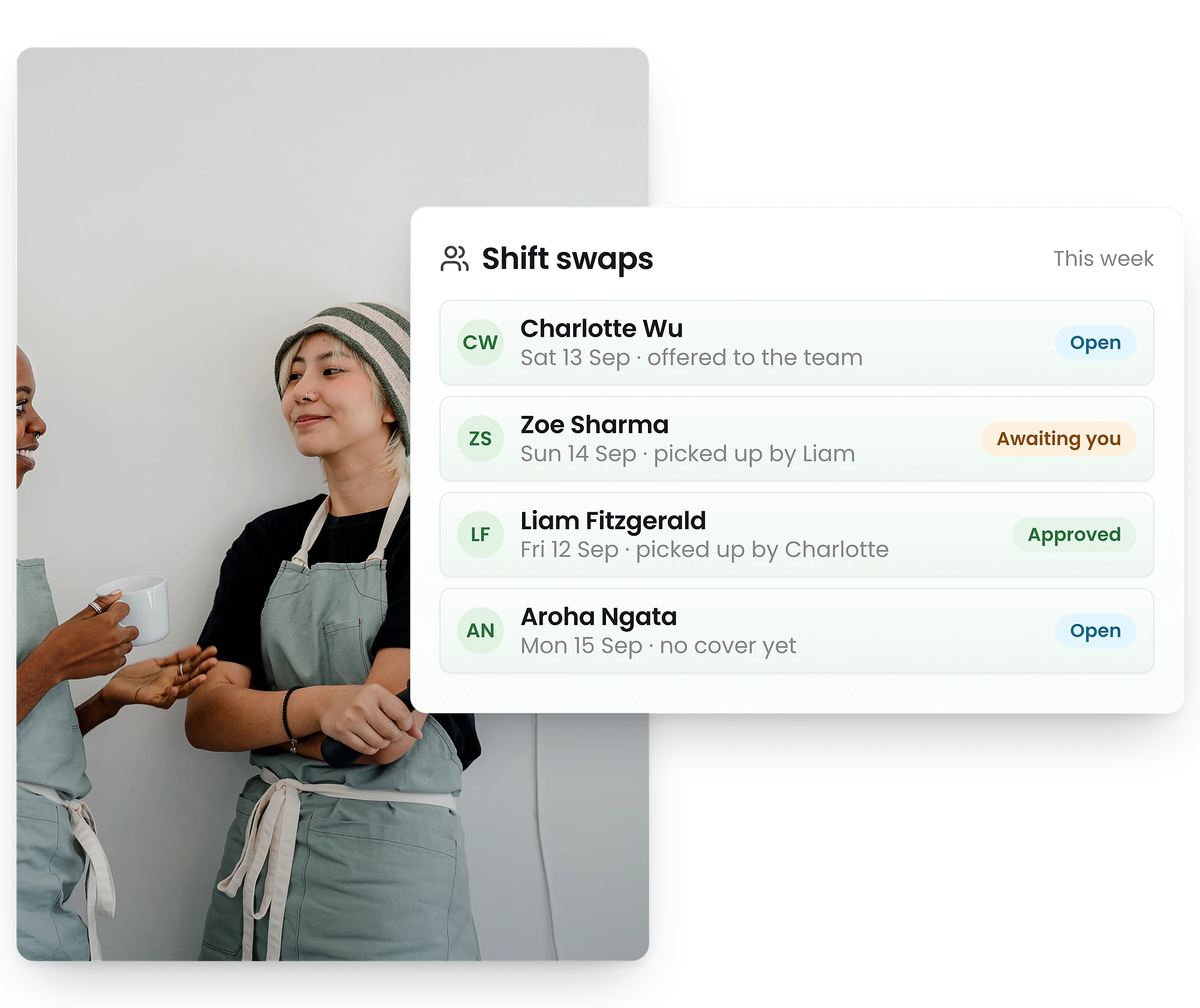
Auto shift swaps
Shift swapping software with manager approval
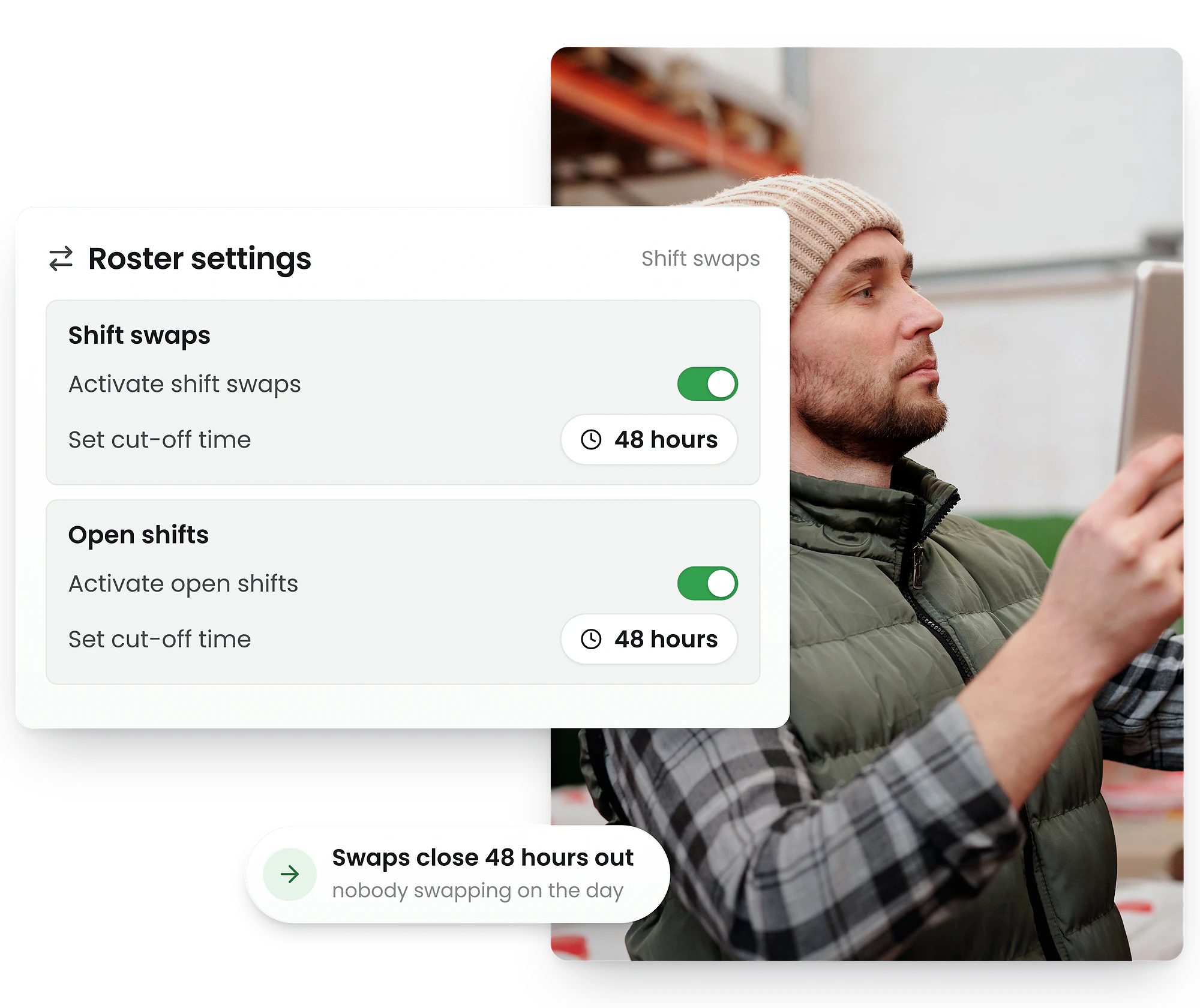
Let employees trade shifts within your rules
Employees trade shifts within rules you set. RosterElf checks eligibility and flags issues automatically.
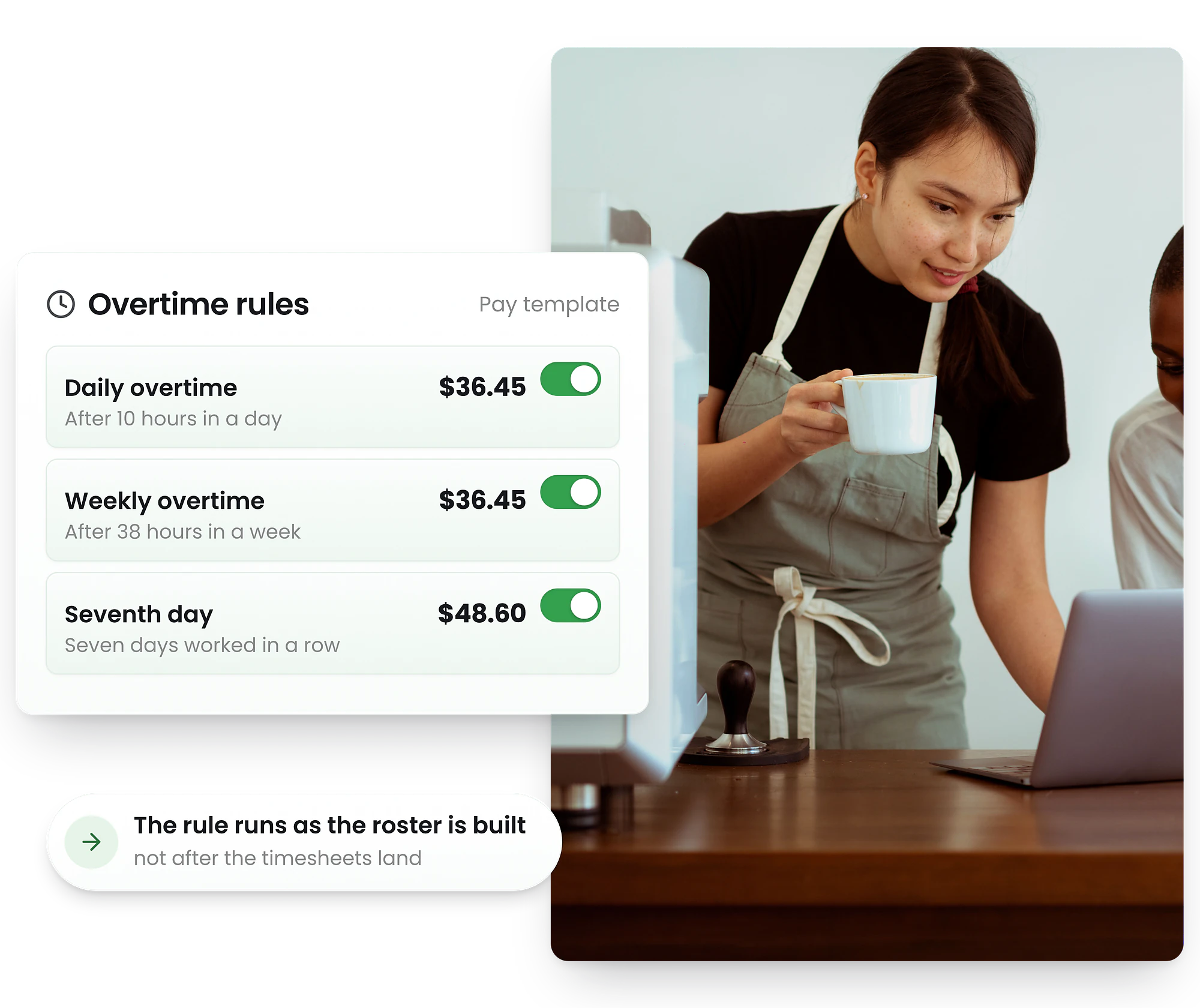
Only staff with required skills and certifications can swap into specialised shifts, and the system warns if a swap would push someone into overtime.
- Staff-initiated shift swaps
- Automatic eligibility checking
- Manager approves in one tap
- Roster updates instantly
Staff-initiated shift swaps with guardrails
Employees can trade shifts within rules you set. RosterElf automatically checks eligibility, validates certifications, and flags potential issues.
Skill matching
Only staff with required skills can swap into specialised shifts.
Availability check
Swaps blocked if the replacement isn't available.
Certification validation
Ensures swapping staff have required licences and certs.
Overtime warnings
Flags if a swap would push someone into overtime.

Why New Zealand businesses choose RosterElf employee roster software
less time building rosters
fewer scheduling conflicts
increase in staff satisfaction
faster payroll processing
Based on data reported by RosterElf customers. Individual results may vary.
Shift confirmation
Shift confirmation so you know who's actually showing up
Know who's confirmed before the shift starts — not after
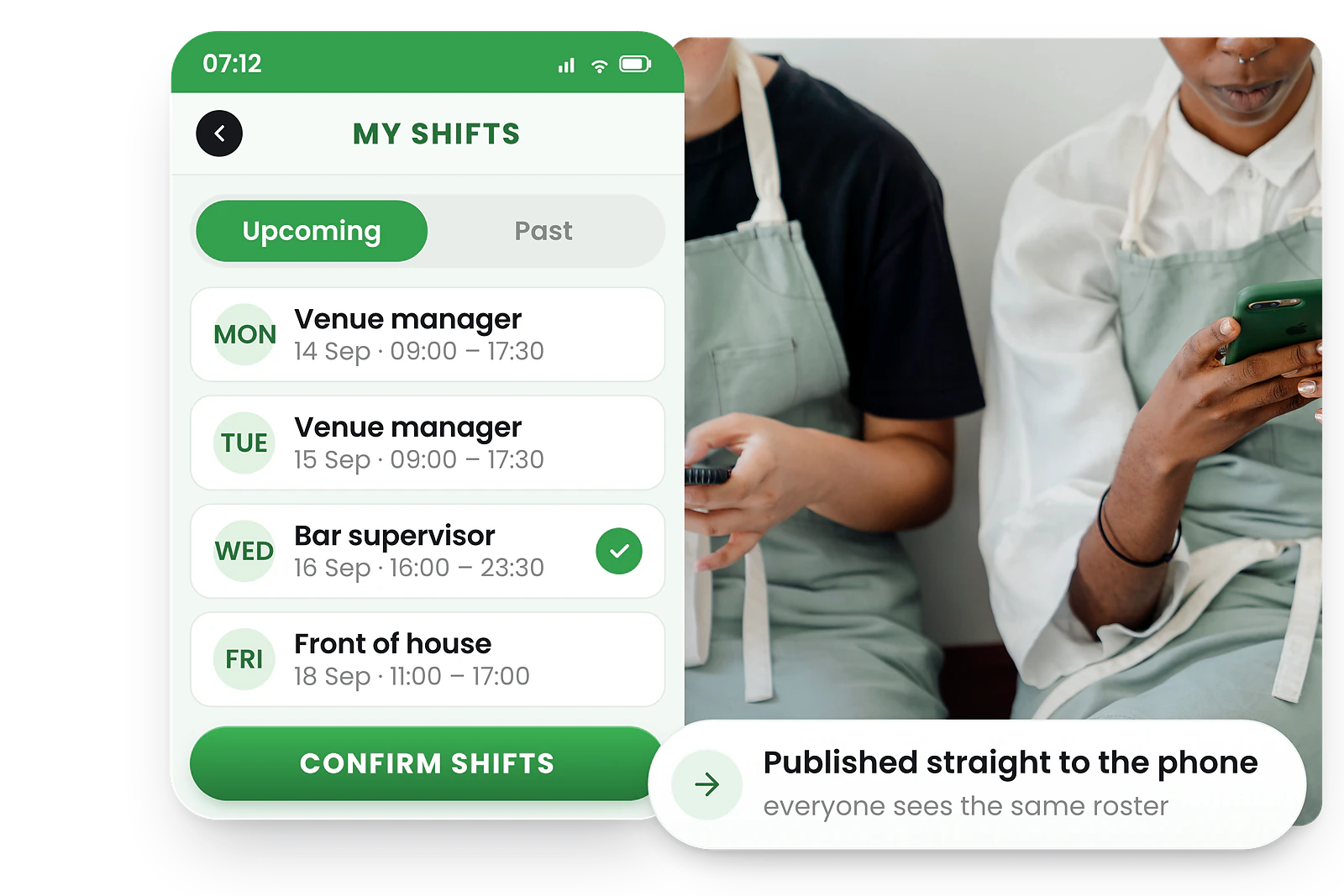
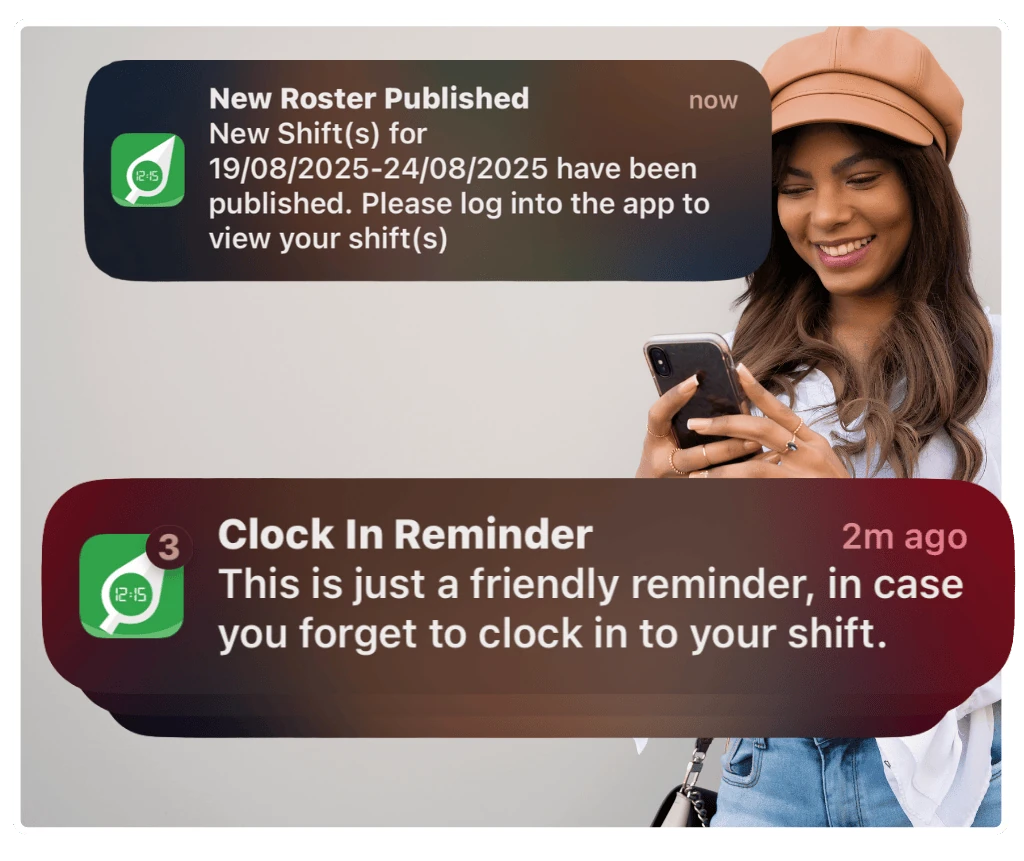
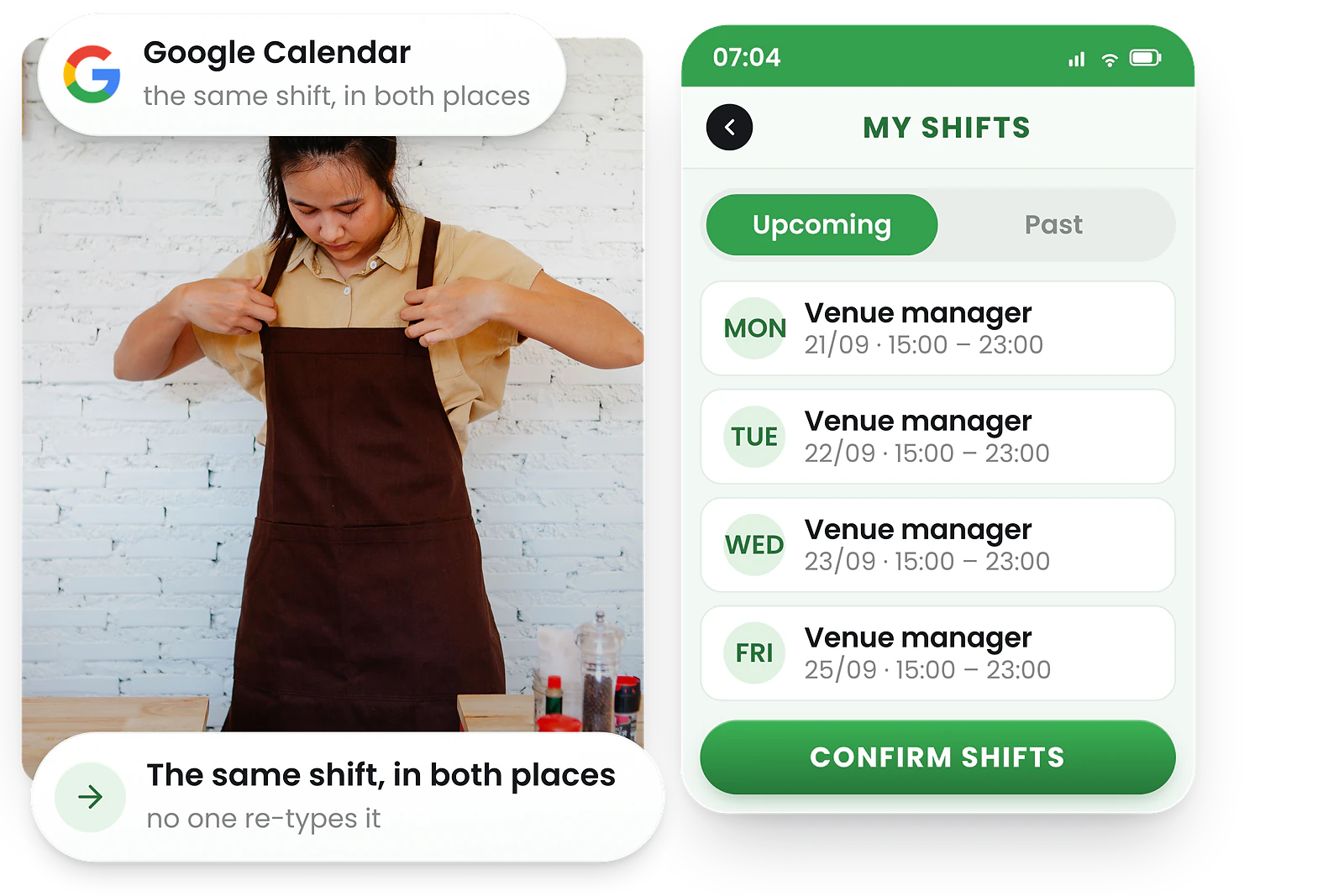
Require staff to accept or reject published shifts via the app. See confirmation status at a glance in the roster.
Reduce no-shows before they happen. Not after they cost you.
- Staff confirm shifts in one tap from the mobile app
- Green visual indicator on confirmed shifts in the roster
- Set a cut-off time for when confirmations are required
- Spot unconfirmed shifts and follow up before the day starts
How shift confirmation works
Enable in roster settings. Staff receive push notifications to confirm or reject published shifts. Managers see status instantly.
Staff get notified
Push notifications prompt staff to confirm or reject after the roster is published.
One-tap confirmation
Accept or decline directly from the RosterElf mobile app. No calls needed.
Manager visibility
Confirmed shifts show a green indicator. Unconfirmed shifts are visible for follow-up.
Labour budgeting
Labour budgeting software with real-time cost tracking
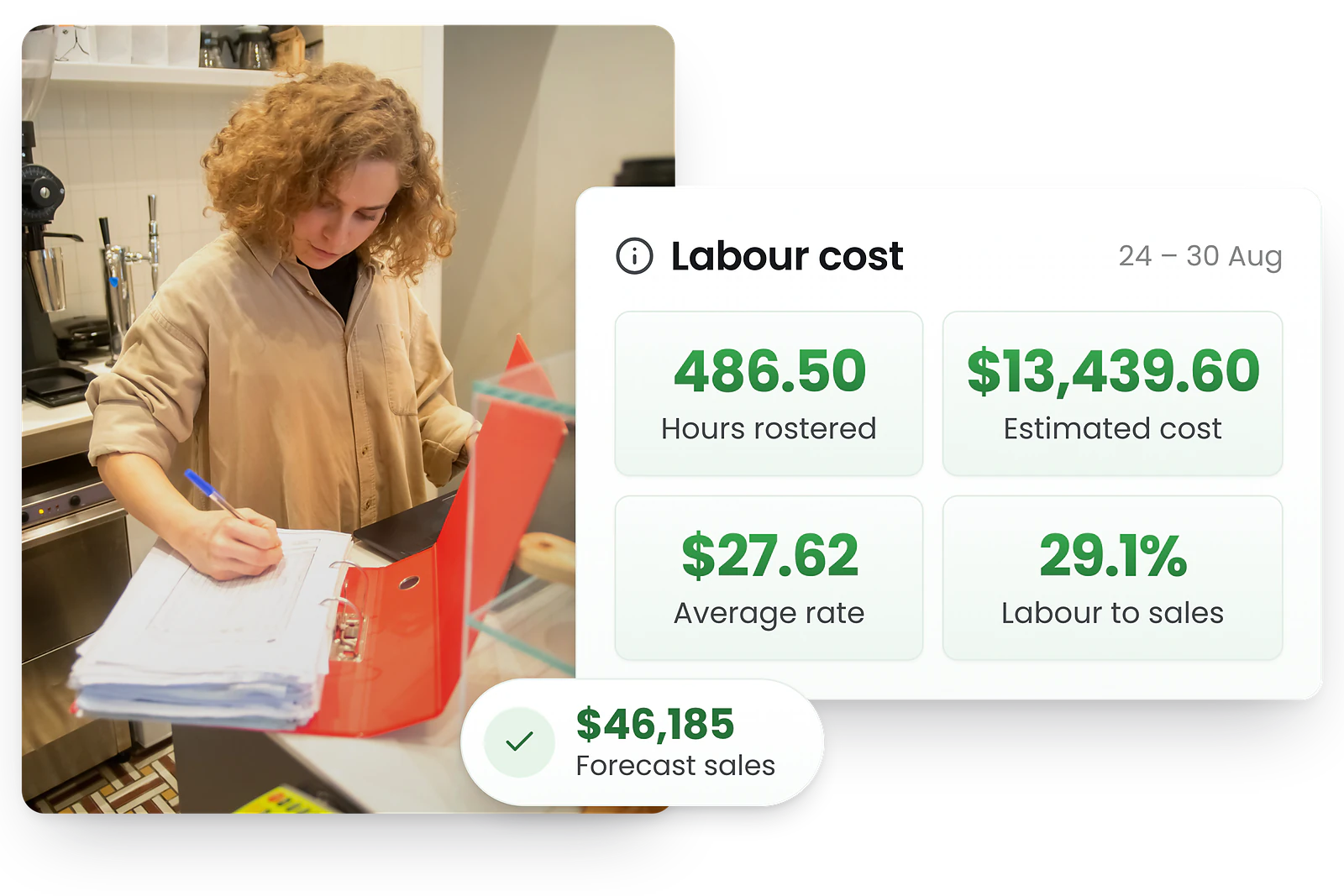
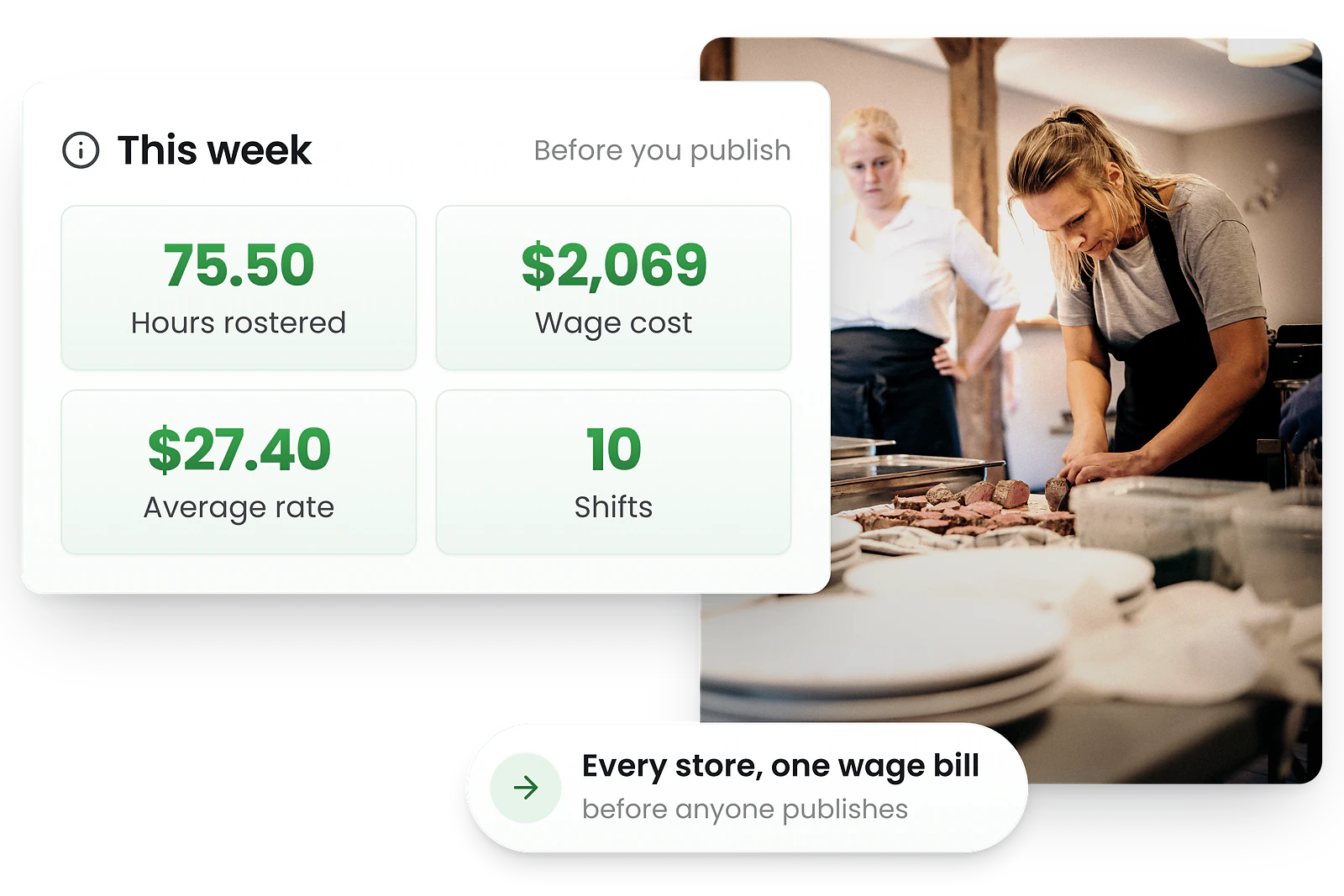
See wage costs as you build staff schedules
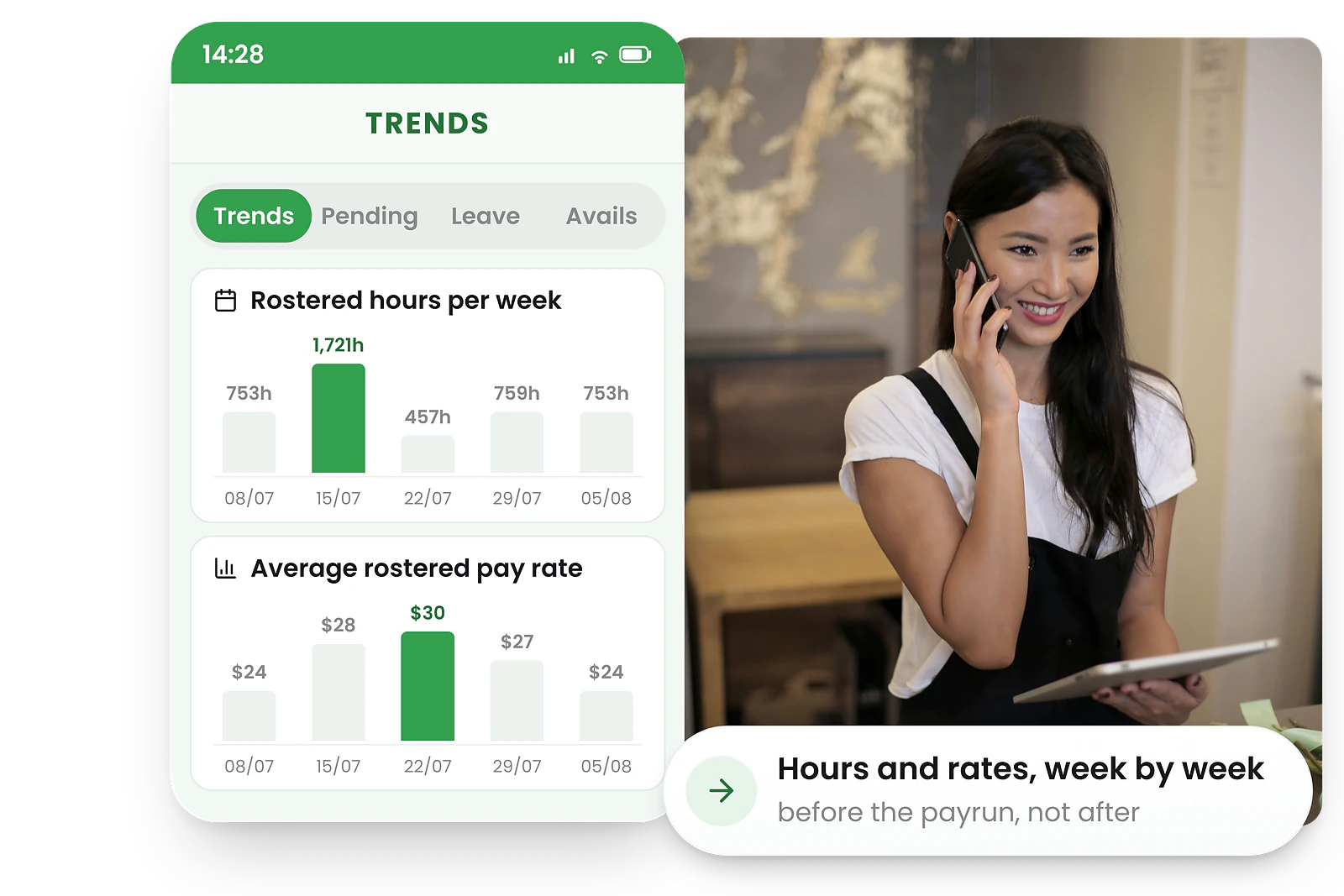
Set daily or weekly targets and watch live totals update as shifts are added. Compare planned hours and costs by role or location.
Make informed decisions before you publish the roster, not after payroll is processed.
- Real-time wage cost tracking
- Budget vs actual comparisons
- Overtime and premium rate warnings
- Cost breakdown by role/location
How labour budgeting software works
RosterElf's labour budgeting software calculates wage costs in real time as you build rosters, comparing them against your budget targets so you can adjust before publishing.
Set labour budget targets
Define weekly or monthly wage budgets by site, department, or role.
Real-time tracking
Watch labour costs update in real time as you add, move, or remove shifts.
Budget overspend alerts
Receive alerts when spending approaches or exceeds your budget.
Mobile roster app
Mobile roster app for managers and staff
Build and adjust rosters from anywhere
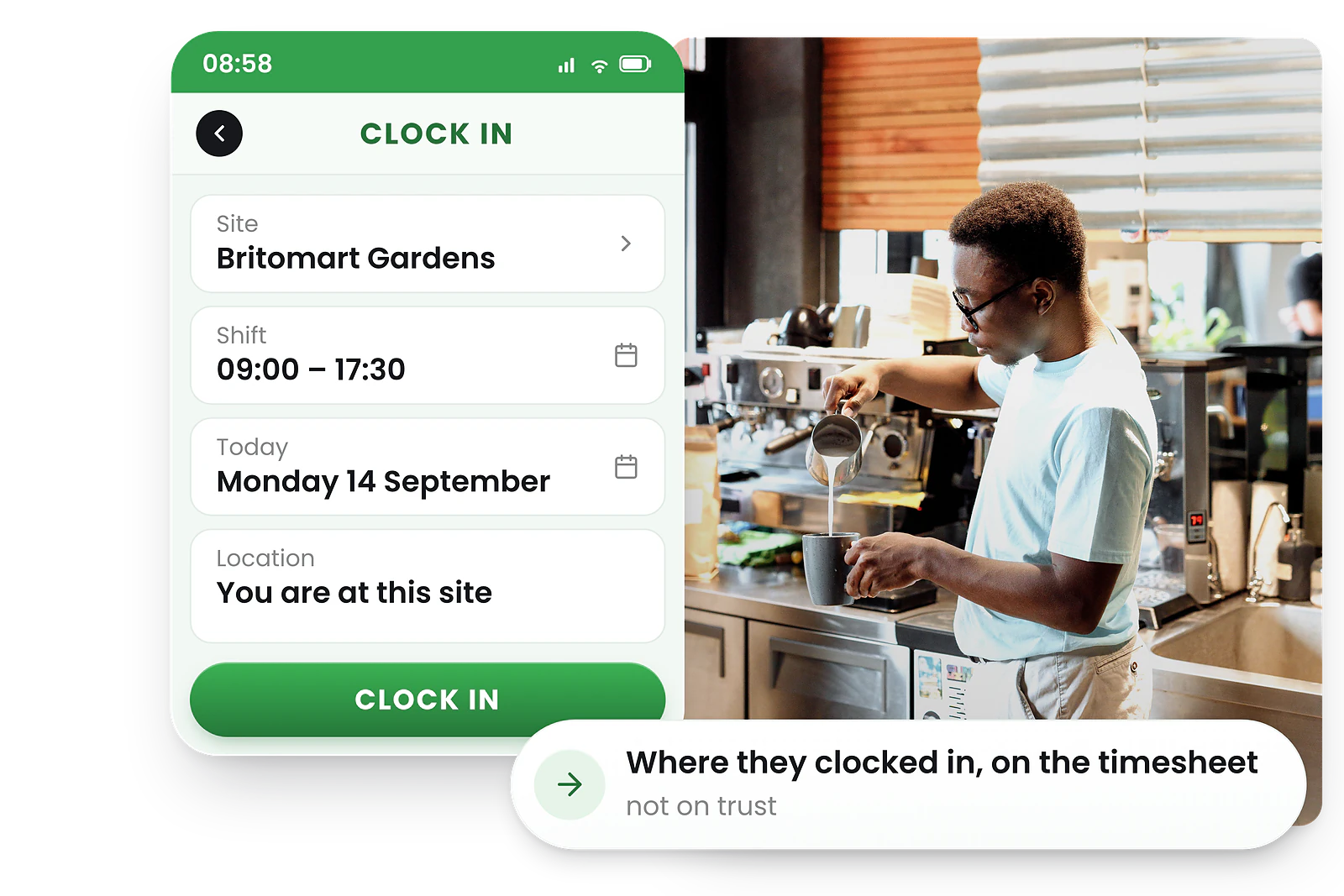
Build and adjust rosters from your phone. Push notifications, GPS clock-in, shift reminders, leave requests, and compliance alerts—all in one free app for iPhone and Android.
See all mobile roster app features →
- Full roster management on iPhone & Android
- Push notifications to staff
- Clock in/out via mobile
- View and manage shifts anywhere
Roster management in your pocket—for managers and staff
The RosterElf mobile app gives managers full roster control and staff self-service access from any smartphone. Explore the full mobile roster app →
Manage on the go
Build, edit, and publish rosters from your phone. No need to be at a computer.
Instant notifications
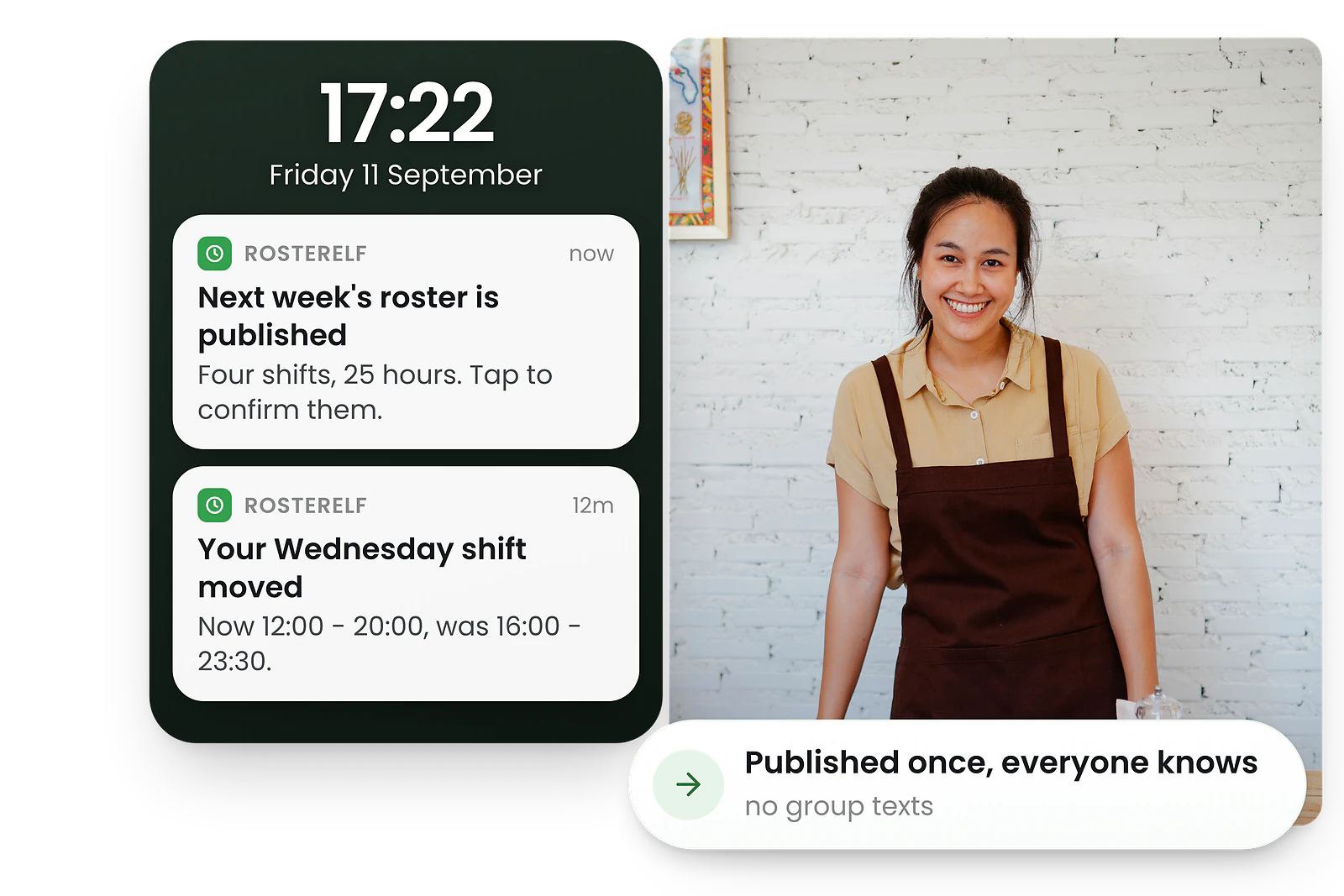
Staff receive push notifications for new shifts, changes, and open shifts.
Real-time sync
Changes sync instantly across all devices. What managers publish is what staff see.
Roster reporting
Real-time roster dashboard & live data
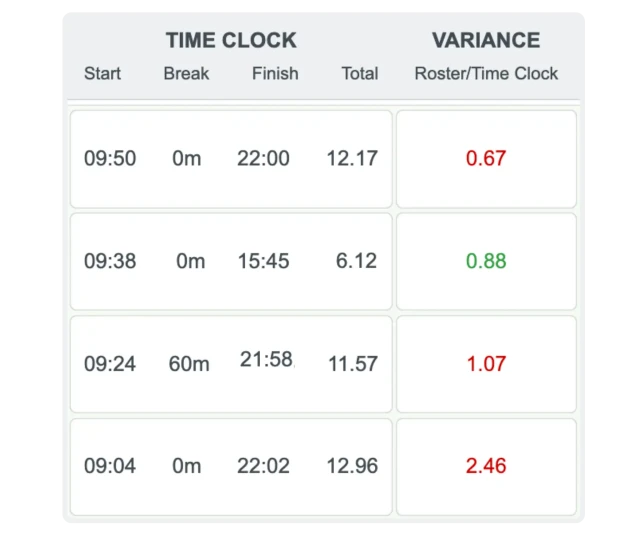
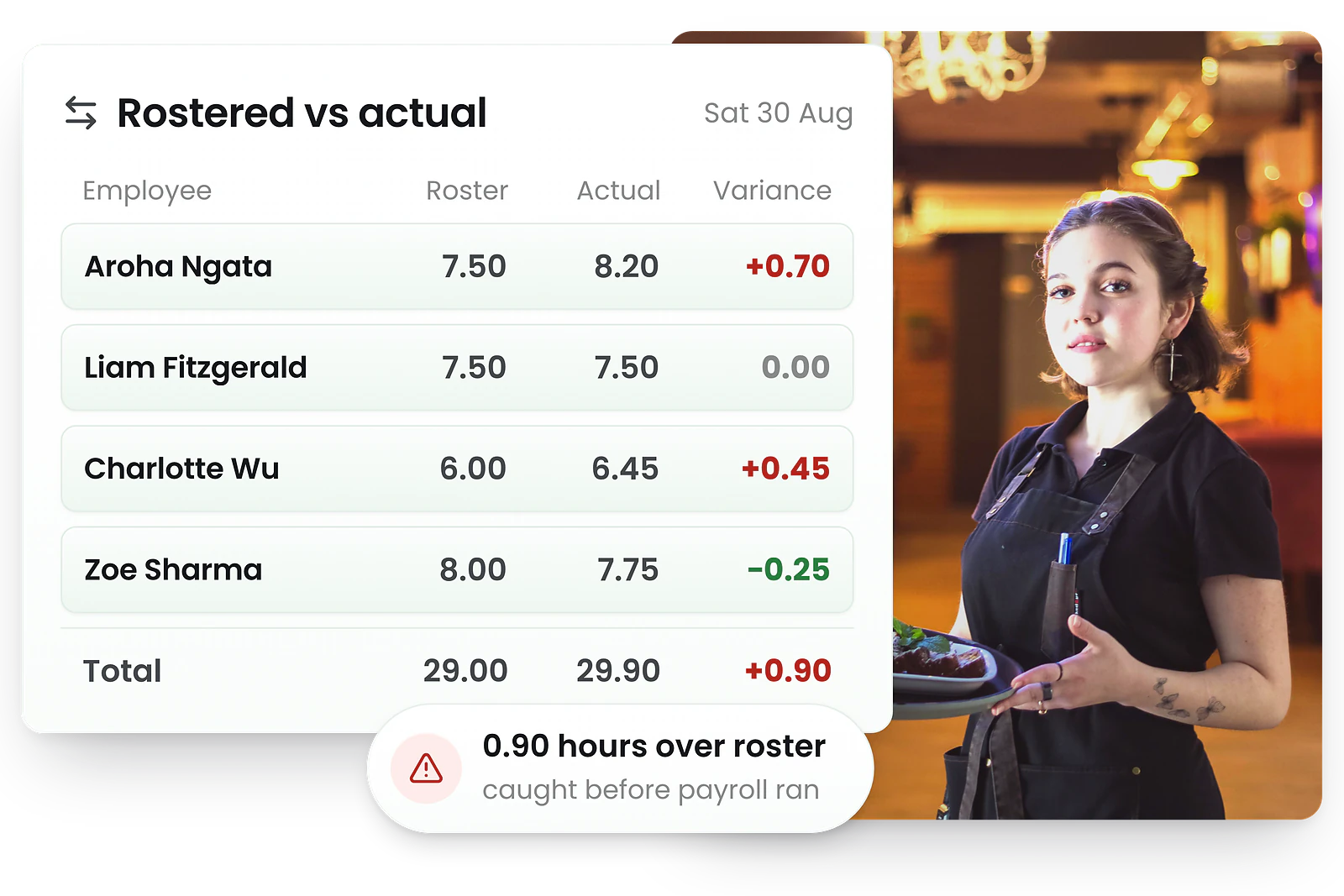
Track scheduled vs worked hours
View hours and costs by location, role, and person. Track scheduled vs worked hours to identify patterns.
Instantly create and export labour cost reports filtered by date range, location, or cost centre.
- Hours by role, location, person
- Rostered vs actual comparisons
- Labour cost reports
- Exportable data for analysis
Roster reports and wage analytics
Generate reports showing hours rostered per employee, compare planned vs actual hours, and view wage costs by role, site, or individual staff member.
Scheduled hours
See total hours scheduled by day, week, or pay period.
Variance analysis
Compare planned vs actual hours to spot discrepancies.
Cost breakdown
View wage costs by role, site, or individual staff member.
Compliance reports
Track break compliance, overtime, and hours against agreed hours.
Daily, weekly & monthly views
Roster view software with daily, weekly & monthly calendar
See your roster the way you need it
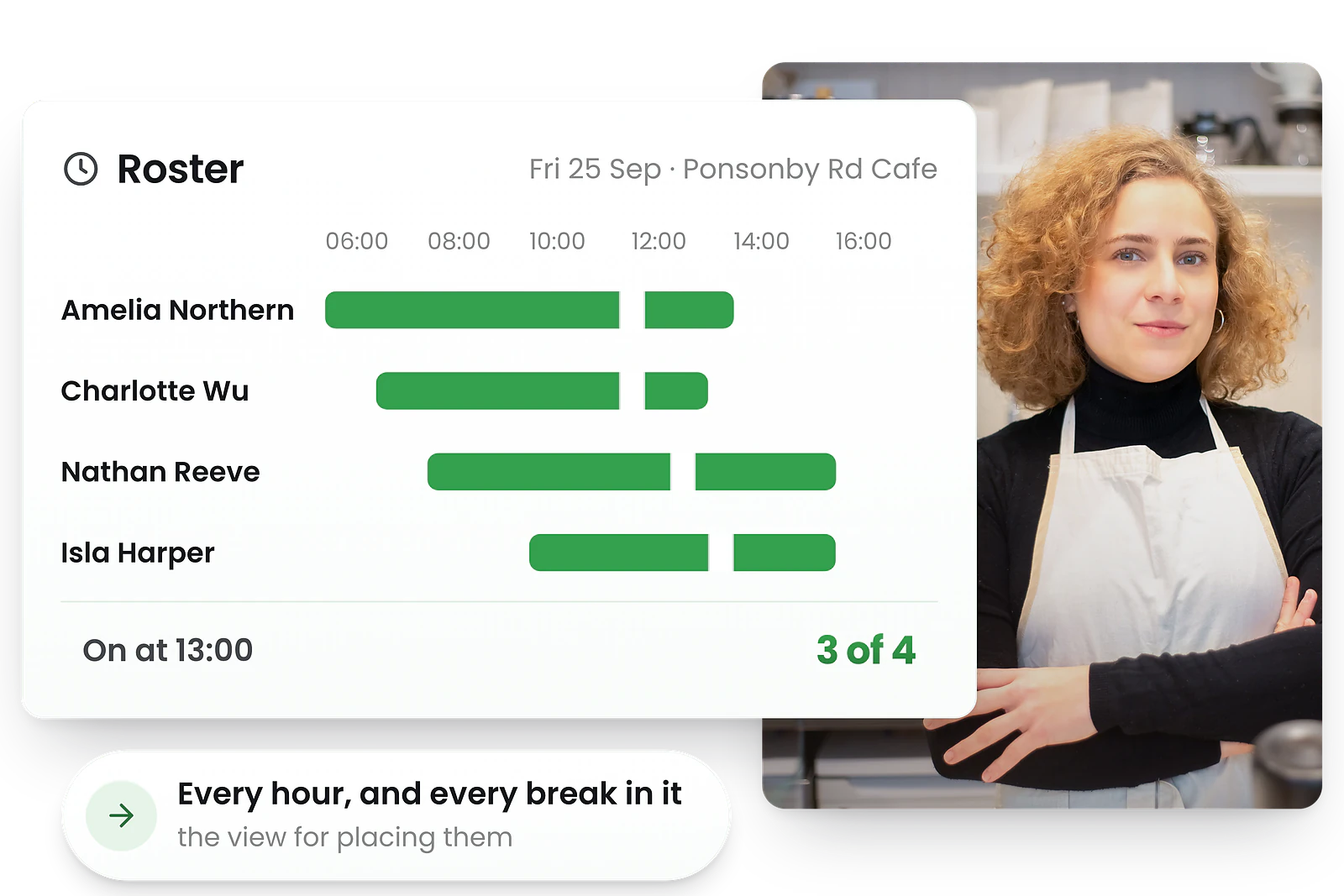
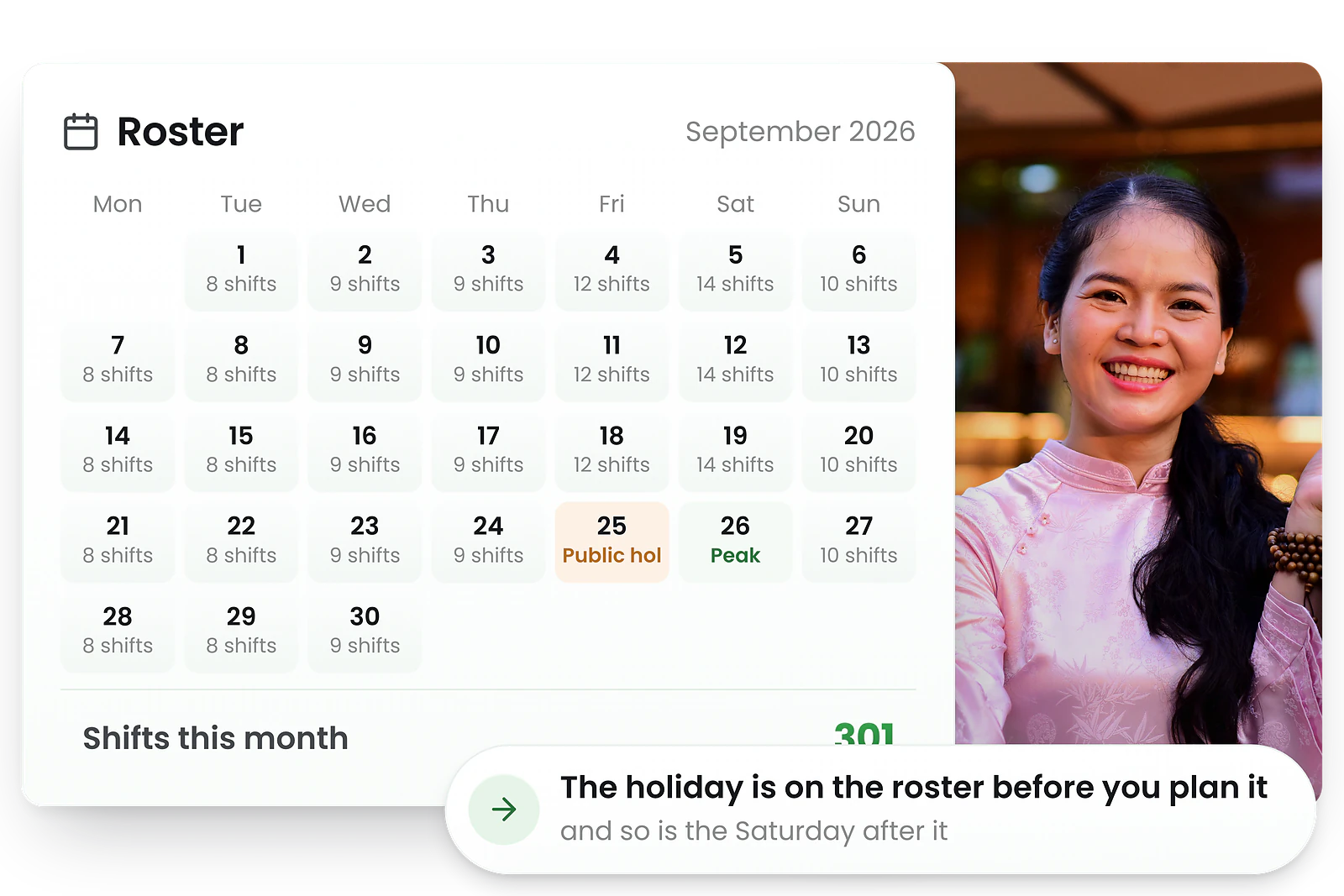
Move from daily detail to monthly overview in the same drag-and-drop workspace. Plan ahead with ease.
Use daily view for fine-tuning, weekly for the classic roster, or monthly for high-level planning.
- Switch views with one click
- Drag-and-drop in all views
- Coverage summary at a glance
- Filter by role, site, or team
Flexible roster views for every need
Move from daily detail to monthly overview in the same drag-and-drop workspace. Each view is optimised for different planning needs.
Daily view
Detailed hour-by-hour view for fine-tuning single days.
Weekly view
The classic roster view showing all staff across the week.
Monthly view
High-level planning for longer-term scheduling.
Coverage view
See headcount by hour to spot gaps or overstaffing.
Roster warnings
Roster warning software with real-time conflict alerts
Catch problems before you publish
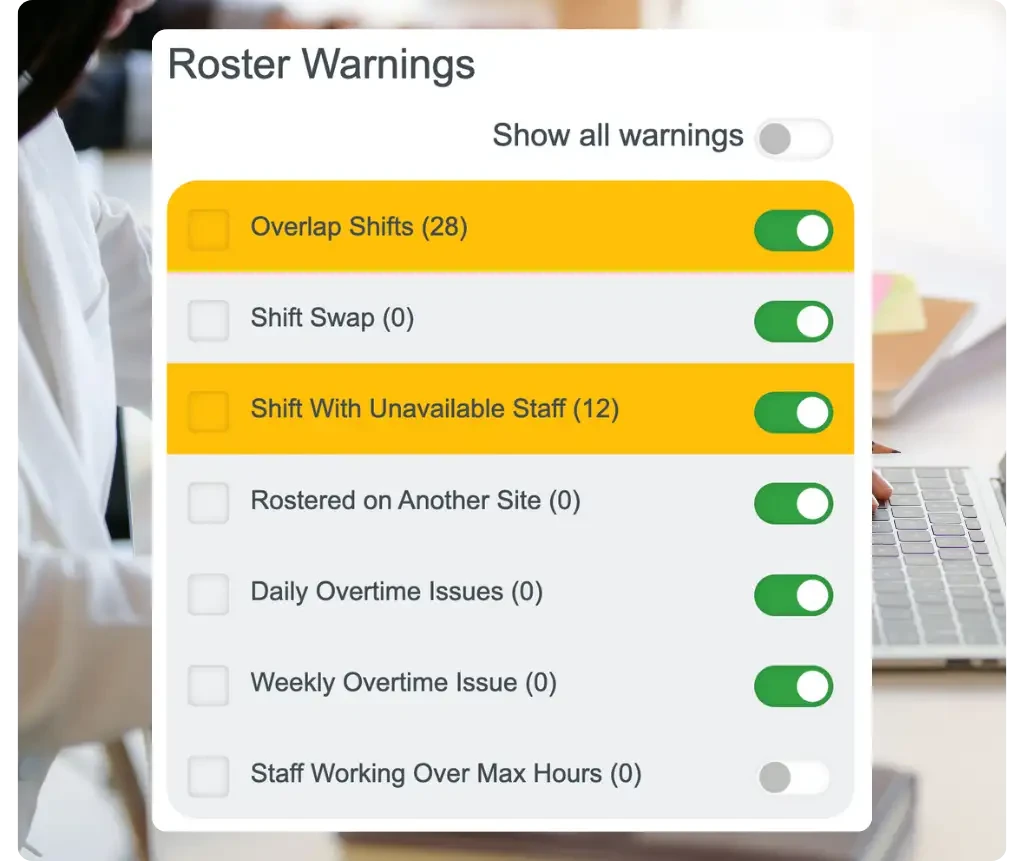
Colour-coded warnings flag overlaps, unavailable staff, and overtime risks instantly as you build.
From overtime breaches to missing qualifications, issues are flagged the moment they occur so you can fix them before publishing.
- Real-time conflict detection
- Overtime and compliance alerts
- Missing break warnings
- Budget threshold notifications
Real-time warnings that catch problems early
Custom scheduling rules trigger warnings instantly so managers can resolve problems before they affect payroll or service levels.
Availability conflicts
Staff scheduled when marked unavailable or on leave.
Double bookings
Same person assigned to overlapping shifts.
Break compliance
Shifts missing required meal or rest breaks.
Hour limits
Approaching or exceeding maximum weekly hours.

Trusted by New Zealand businesses
From local cafes to national retail chains, thousands of businesses rely on RosterElf for rosters, HR and payroll.










What businesses achieve with RosterElf
See how real businesses use RosterElf's staff scheduling software to build rosters faster, manage shifts via mobile app, and simplify workforce management.

Bush Kids Childcare
Roster building now takes minutes instead of hours
Fast staff scheduling, drag-and-drop roster building, and seamless Xero integration transformed how this childcare centre manages shifts.

The Embassy
Managers learned the roster app in just 45 minutes
Intuitive staff scheduling software helped this bar onboard 30 employees and build rosters from day one without training headaches.

Pressed Earth
Switched roster apps and cut software costs by 50%
Better roster features, mobile scheduling app, and responsive support made switching from Deputy worthwhile.

Inspire Care SA
Staff scheduling app so simple anyone can use it
Intuitive roster management and reliable workforce scheduling made RosterElf the perfect choice for this care provider.

Bagel O's
2.5+ years using the same roster app with zero complaints
Simple staff scheduling, responsive support, and automated roster management keep this café running smoothly week after week.

Toowoomba Catholic Kindergartens
Build rosters for 86 casual staff in just 5 minutes
Multi-site roster management, shift swaps via the mobile app, and streamlined staff scheduling across multiple locations.
Calculate your roster scheduling savings
See how much time and money your New Zealand business could save with RosterElf.
Your current rostering
Based on 70% time reduction with automated rostering
Your potential savings
No credit card required
How does RosterElf compare for scheduling?
Compare roster and scheduling software ratings from verified Xero users. See why New Zealand businesses rate RosterElf highest.

All-in-one rostering, HR & time tracking. Top-rated Xero app with award compliance.
93 Reviews

Employee scheduling, time tracking, and team communication app with Xero integration.
50 Reviews

Staff scheduling and time tracking with Xero integration. One-click timesheet to invoice.
147 Reviews

HR, payroll & benefits platform. Syncs employee data with Xero.
17 Reviews
All-in-one rostering, HR & time tracking. Top-rated Xero app with award compliance.
Employee scheduling, time tracking, and team communication app with Xero integration.
Staff scheduling and time tracking with Xero integration. One-click timesheet to invoice.
HR, payroll & benefits platform. Syncs employee data with Xero.
How RosterElf employee roster software compares to competitors
See how New Zealand employee roster software platforms stack up on features, pricing, and support.
| Feature | RosterElf | Deputy | Planday |
|---|---|---|---|
| Break and hours checks | Limited | Limited | |
| Xero integration | |||
| Auto-scheduling AI | Limited | ||
| New Zealand support | Mixed | EU-focused | |
| Best for | SMEs (5-200 staff) | Large enterprises | Mid-size businesses |
What is employee roster software?
Roster management software that replaces spreadsheets with smart scheduling
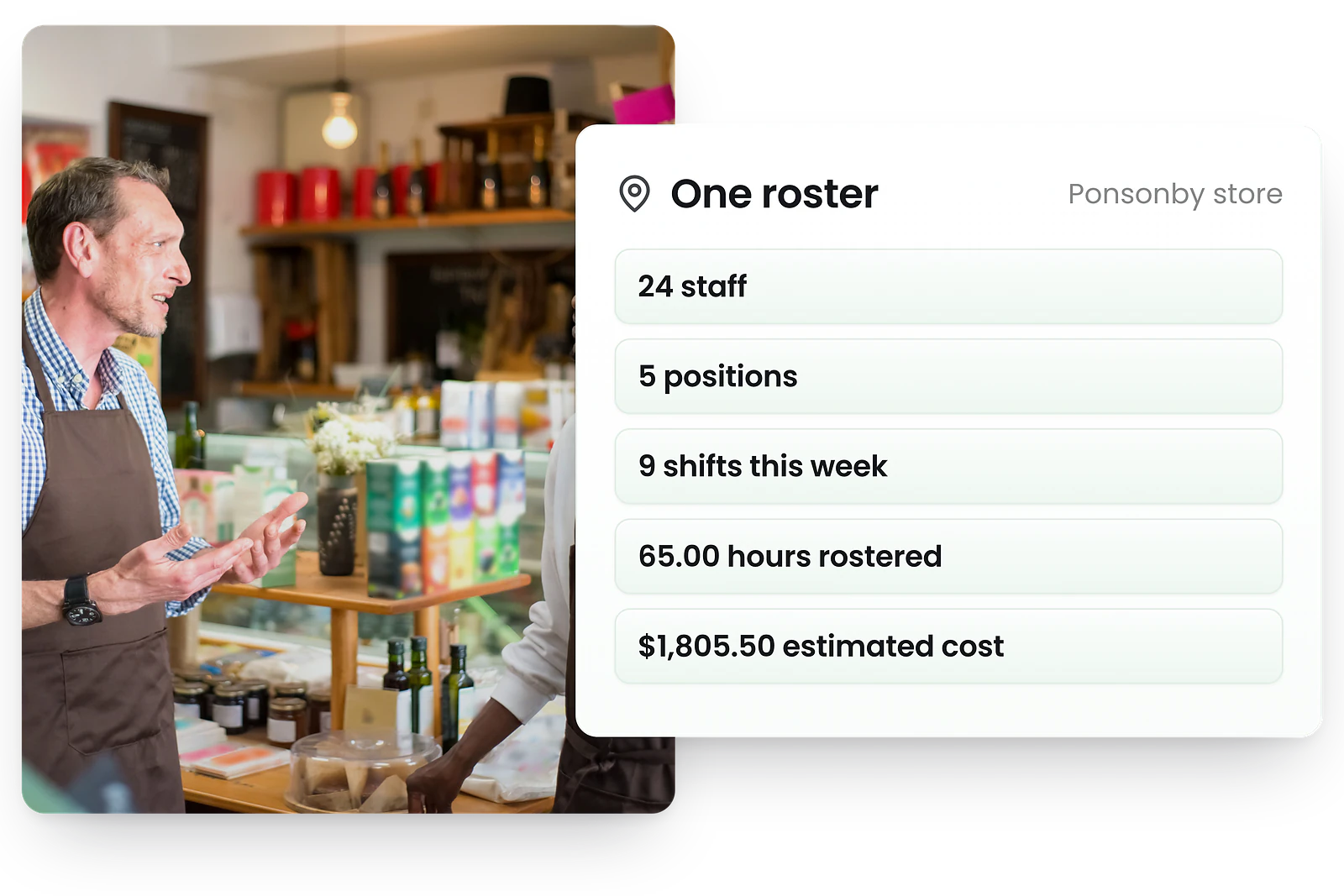
Employee roster software is a digital tool that helps businesses create, manage, and share staff schedules. It replaces spreadsheets and paper rosters with a centralised system that saves time and reduces errors.
Build rosters with drag-and-drop
Visual scheduling that's faster than spreadsheets
See staff availability in real-time
Know who's available before you schedule
Calculate wage costs before publishing
Budget accurately with premium rates included
Send schedules to staff phones
Instant notifications when rosters are published
Track hours with time & attendance
Compare scheduled vs actual hours worked
Export timesheets to payroll
Seamless Xero NZ integration
For New Zealand businesses, RosterElf includes built-in break and agreed-hours checks to ensure legal scheduling and compliant rosters.
Roster software for New Zealand teams of every size
The rostering problem changes shape depending on who you are rostering. These are the four patterns we see most often across New Zealand.
Small businesses and owner-operators
One café, one clinic, one store — and the roster still eats a Sunday afternoon. Build it on your phone, publish it once, and let staff see their own shifts instead of asking. Agreed hours from the employment agreement stay visible while you roster, so the hours you promised are the hours you schedule.
See the mobile appHealthcare, nursing and aged residential care
Round-the-clock cover, rotating shifts and a skill mix that has to hold at 3am. Set the rotation once so it repeats, and keep annual practising certificates under the Health Practitioners Competence Assurance Act 2003 tracked against the people they belong to — expiries surface before you roster someone who cannot legally work the shift.
Certification trackingHospitality, retail and variable trade
Trade moves week to week, so the roster has to as well. Availability provisions have to be written into the employment agreement and reasonably compensated under the Employment Relations Act 2000, and rest and meal breaks under Part 6D are easy to lose on a busy split shift — both are checked as you build.
Time and attendanceAnyone who runs payroll in Xero NZ
Rostering is only half the job — the hours have to reach payroll without being retyped. Approved timesheets export straight to Xero NZ, and Holidays Act 2003 leave balances stay attached to the employee rather than living in a separate spreadsheet.
Xero NZ integrationWhat to look for in employee roster software
Not all employee roster software is built for New Zealand businesses. Here's what matters most when choosing a platform.
Break and hours checks
New Zealand employee roster software should handle your break and hours rules for you. Look for configurable break rules, agreed-hours checks, and warnings before publishing. Manual compliance checking leads to errors and breaches—automation is essential for compliance.
Payroll integration
Your employee roster software should sync seamlessly with Xero NZ. Manual exports waste time and create opportunities for data entry errors. One-click payroll sync ensures accuracy and saves hours each pay cycle.
Mobile accessibility
Modern employee roster software needs a full-featured employee scheduling app for both managers and staff. Check rosters on the go, approve shift swaps instantly, and get real-time notifications. Desktop-only solutions create bottlenecks and slow decision-making.
Responsive support
When choosing employee roster software, prioritise vendors with responsive support teams who understand New Zealand employment obligations. Australian and New Zealand business hours and knowledgeable staff—get help when you need it most.
See how RosterElf delivers on all four
RosterElf employee roster software includes break and hours compliance, Xero NZ sync, mobile apps, and responsive support—everything you need in one platform.
Latest employee roster software features
Discover the newest features we've added to make staff scheduling even better.
Auto-approval for open shifts
Staff can now pick up open shifts instantly without waiting for manager approval. Perfect for fast shift coverage.
Read moreRecurring staff hours for payroll
Set regular working patterns once and save hours on repetitive roster entry. Improves consistency and payroll accuracy.
Read moreUnscheduled shift tracking
Track ad-hoc shifts and impromptu coverage with unscheduled shift clocking. Staff can clock in for unplanned work without pre-scheduled shifts.
Read moreRelated support articles
Step-by-step guides to help you get started
How to manage shift confirmations in roster software
Set up shift confirmations to reduce no-shows and improve staff accountability. Enable confirmations for all shifts or per-shift.
Scheduling & Rostering View guideHow to create and publish multiple shifts in RosterElf
Learn how to efficiently add multiple shifts at once and publish your roster to staff.
Scheduling & Rostering View guideManaging roster warnings
Understand and resolve roster warnings before publishing to support compliance and avoid conflicts.
Scheduling & Rostering View guideBuilding a roster, and the rules behind it
Free Excel roster templates to start from, and the rules that decide what you can actually schedule.
Frequently asked questions about roster software
- Employee roster software is used to create, manage, and share staff schedules digitally. It helps businesses assign shifts, track availability, manage leave requests, calculate labour costs, and communicate schedules to employees. For New Zealand businesses it also keeps the wage and time records you are required to keep.
- Employee roster software and employee scheduling software are essentially the same thing—both help you plan who works when. 'Roster' is the most common term in New Zealand, while 'scheduling' is preferred in the US. RosterElf provides both employee roster scheduling and time tracking in one platform.
- If you have more than 5 employees with variable shifts, roster software typically saves significant time compared to spreadsheets. It eliminates double-bookings, automates availability tracking, and reduces payroll errors. Most small businesses see ROI within the first month through time savings and reduced overtime costs.
- Yes. Healthcare rostering has three demands most industries do not: continuous 24/7 cover, a skill mix that has to hold on every shift, and practising certificates that expire. RosterElf repeats rotating patterns so the cycle advances on its own, warns you before you roster someone whose annual practising certificate has lapsed under the Health Practitioners Competence Assurance Act 2003, and shows live cover so a gap on a night shift is visible while you can still fill it.
- There are free tools, and they are usually free because they stop at the roster grid — no time clock, no payroll export, no record of what was actually worked. That matters in New Zealand because you are required to keep a wages and time record and a holiday and leave record for six years, and a free roster app generally will not produce either. RosterElf offers a free trial with no credit card so you can test the whole workflow, including the Xero NZ export, before deciding.