

Payroll integration for New Zealand businesses
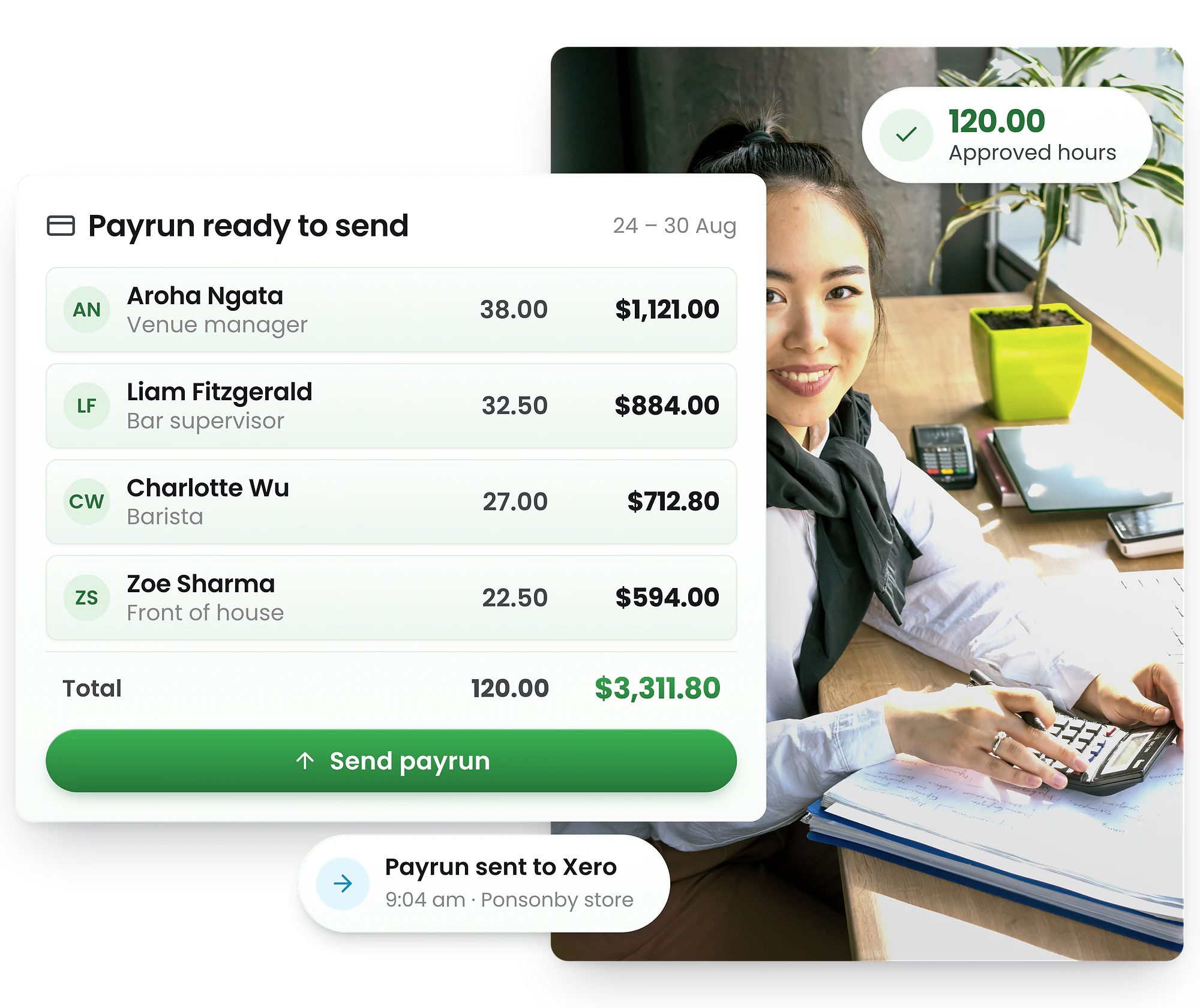
Approved hours go from the roster to Xero or Smartly with the rates already attached — so the hours that were worked are the hours that get paid, without anyone retyping them.
-
Export approved hours to Xero or Smartly
-
Public holiday rates and alternative days recorded as they are earned
-
Wage and time records kept for the six years the law requires




Trusted by New Zealand businesses
Shift-based teams across hospitality, retail, care and trades run their rosters, timesheets and payroll exports on RosterElf.










The gap between the roster and the pay run
Most payroll errors in a shift-based business are not calculation errors. They are transcription errors — hours that were worked, written down somewhere, and typed into payroll a second time by someone reading a different version of events.
Payroll integration closes that gap. The roster says who was meant to work; the clock-in says who actually did; the manager approves the difference; and the approved hours move into Xero or Smartly with the pay rates already attached. Nothing is re-keyed, so there is nothing to mistype.
It also produces the record you are required to keep. Hours worked each day, what was paid for them, and the leave taken and owing — the wage and time and holiday and leave records that must survive six years.
From clock-in to pay run in four steps
1. Hours are captured as they happen
Staff clock in against the published roster from a phone or a kiosk. Actual start, finish and unpaid meal break are timestamped, so the timesheet is a record rather than a reconstruction.
2. A manager approves them
Exceptions surface first — a shift that ran long, a missed break, a clock-in away from the site. Approval is the moment the hours become the agreed record of what was worked.
3. Pay rules are already applied
Minimum wage tiers, public holiday time and a half, and any premium your employment agreements commit to are attached to the shift, not worked out afterwards in a spreadsheet.
4. Approved hours export to payroll
Hours land in Smartly or Xero with the rates attached, so nobody retypes them and the pay run starts from the same numbers the roster produced.
RosterElf sends the hours; payroll does the tax
The split is deliberate. Two systems calculating the same deduction is how they end up disagreeing.
KiwiSaver and ESCT stay with payroll
RosterElf sends the hours and the rates. Your payroll system calculates PAYE, KiwiSaver deductions and the employer contribution, and the ESCT on it. That split matters — the default KiwiSaver rate rose to 3.5% from the first pay date on or after 1 April 2026 and rises to 4% in 2028, and a change like that belongs in one system, not two.
Payday filing needs hours on time
Employment information goes to Inland Revenue every payday, not monthly. The practical constraint is not the filing, it is having approved hours ready before the pay run — which is the step that usually slips.
The record you must keep, as a by-product
Wage and time records and holiday and leave records must be kept for six years and produced on request. Approved timesheets and rosters produce that record without a separate filing job.
Popular industries we serve
RosterElf is trusted by shift-based businesses across New Zealand
Free New Zealand payroll and rostering tools
Check your payroll export is ready, cost a roster in NZD, or work out annual holiday pay — no signup.
Start your free 15-day RosterElf trial today
Join 30,000+ workplaces using RosterElf to simplify rosters, payroll and HR.
Explore related features
Discover other RosterElf features that work great together
Payroll and timesheet guides
How timesheet accuracy, approvals and clean data decide whether a pay run goes smoothly.

Why payroll errors usually start with bad timesheets
How inaccurate timesheets cause payroll errors and disputes, and how time tracking prevents them.
Read article
Timesheet approval workflows explained
Approval workflows that reduce payroll disputes and timesheet errors, with practical steps.
Read article
Preparing payroll data for Xero and MYOB
Get clean payroll data into Xero and MYOB without errors, step by step.
Read articleNew Zealand payroll integration questions
Xero, Smartly, KiwiSaver, payday filing and the records you have to keep.
- Xero and Smartly are the two most New Zealand shift-based businesses use, and MYOB is also supported. Approved hours export with the pay rates already attached, so the pay run starts from the roster rather than from a re-keyed spreadsheet.
- No, and deliberately. RosterElf produces the hours and the rates; your payroll system calculates PAYE, KiwiSaver deductions, the employer contribution and the ESCT on it. Keeping the tax calculation in one place is what stops two systems disagreeing about the same pay run.
- The default employee contribution rate, and the matching employer rate, rose from 3% to 3.5% from the first pay date on or after 1 April 2026. It rises again to 4% on 1 April 2028. Employees can opt down to 3% and have that matched, with the rate resetting after 12 months. Your payroll system applies this — RosterElf does not need to know about it.
- Payday filing is your payroll system’s job — employment information goes to Inland Revenue every payday. RosterElf’s part is making sure the approved hours are there before the pay run, which is the step that actually delays filing.