

Recurring shifts and rota templates for UK teams — stop rebuilding from scratch
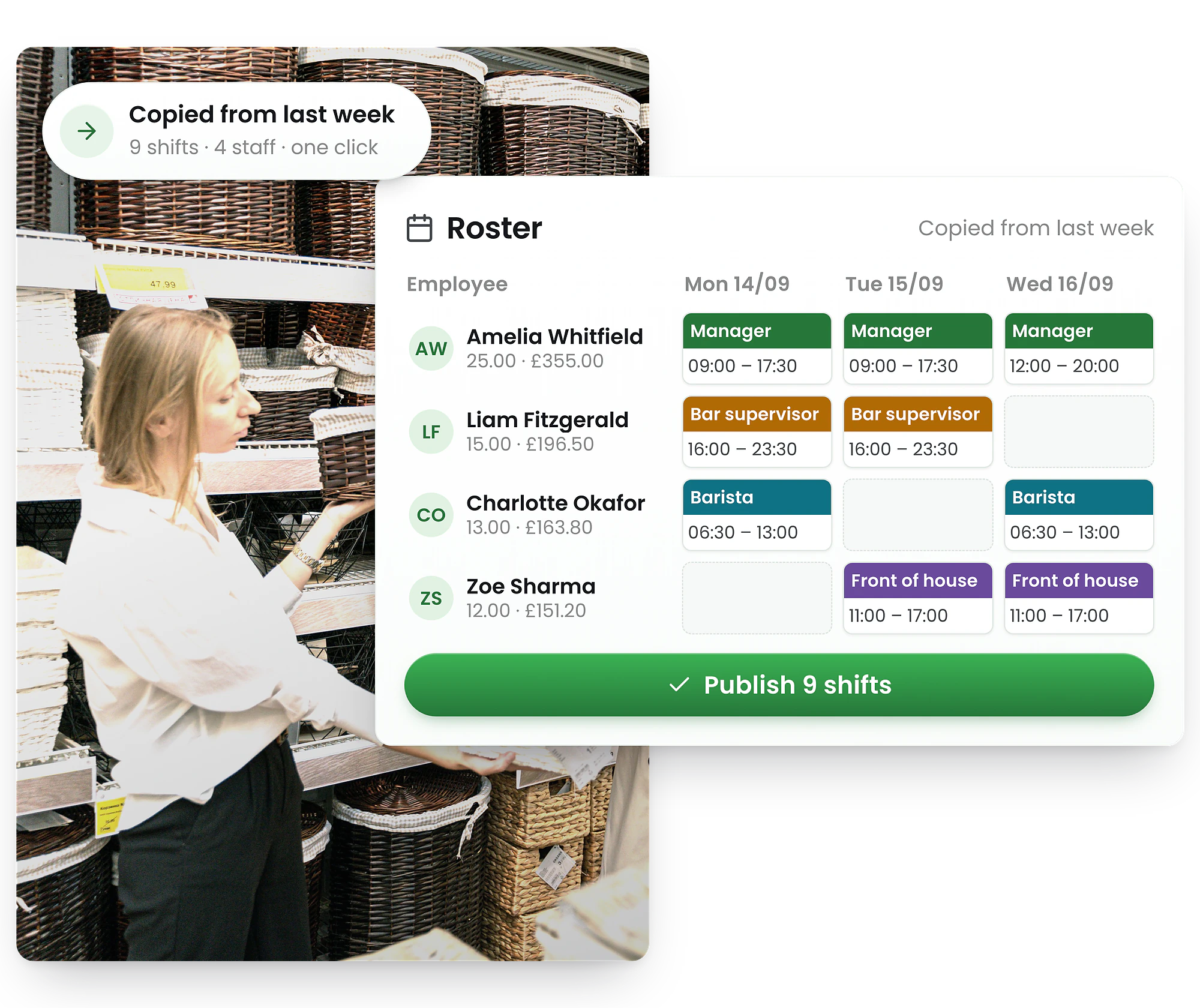
Most rota tools lock you into shift series that break the moment plans change. RosterElf lets UK managers build once, reuse every week, and handle exceptions in seconds — no rigid series, no re-entry, no wasted time.
-
One-click rota templates — apply any week, any site
-
Copy last week and publish in minutes
-
Set each employee's hours once — feeds into the rota and Xero payroll automatically




Three ways to use recurring shifts and rota templates
Most rota software locks you into a rigid per-shift repeat series. RosterElf gives you three smarter approaches — more flexible, less admin, and nothing to break when plans change.
Rota templates
Save a full week's rota as a named template. Select it from Upload Template and apply it to any future period — all shifts, roles, and breaks carry over as drafts, ready to review and publish.
See rota templates →Copy last week
Duplicate last week's published shifts in seconds using Copy a Roster. Adjust for leave, events, or extra shifts — then publish. Turns hours of work into minutes.
How to copy a rota →Recurring staff hours
Set each employee's standard weekly hours once. Used as a repeating reference pattern for rota planning and payroll — no manual re-entry week to week.
Set recurring hours →Build your rota once — reuse it any week
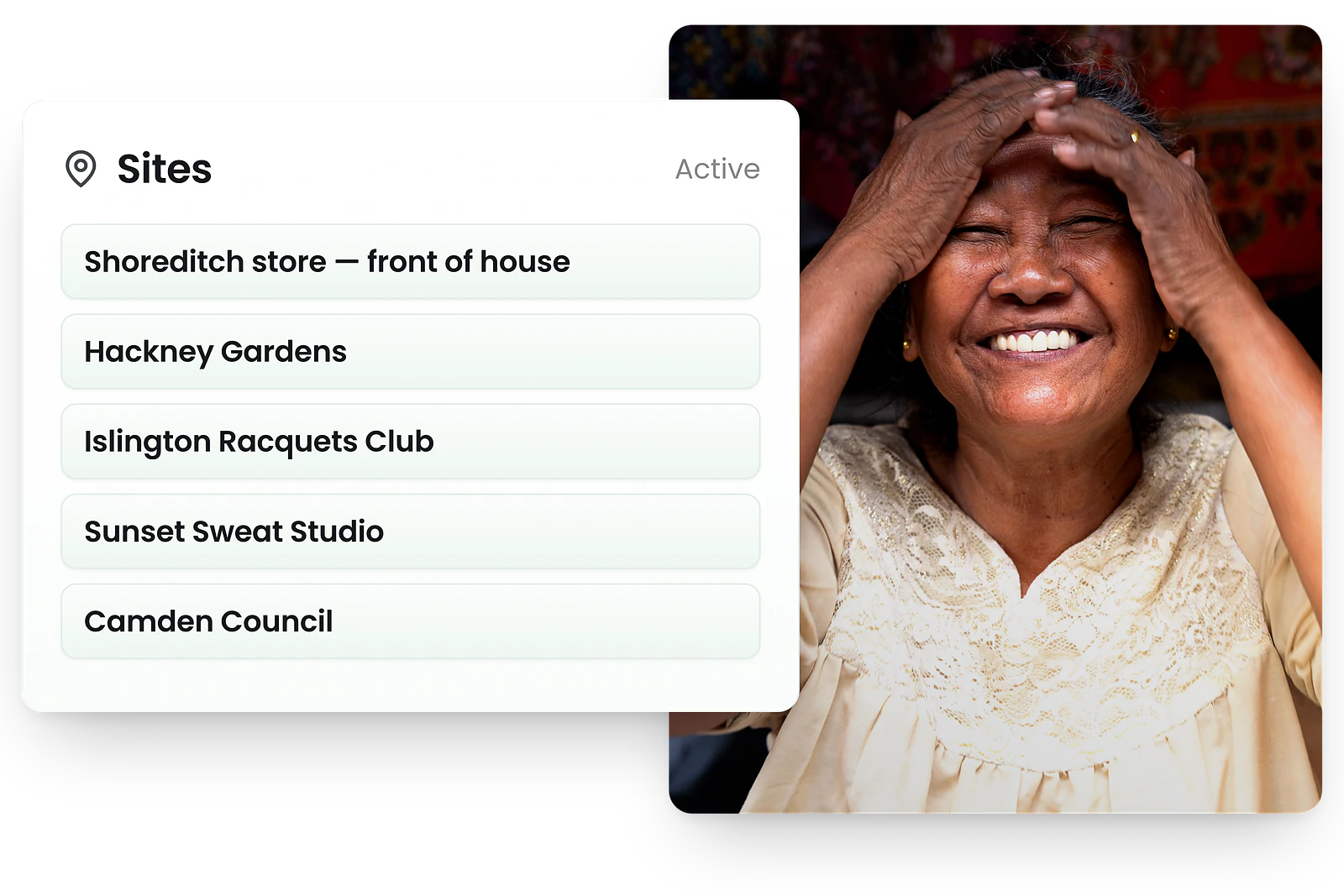
Reusable rota patterns without the rigid series
With other tools, a recurring shift series breaks the moment you need to make an exception. Edit one shift and you're manually overriding every occurrence. RosterElf's rota templates work differently: save a full week's schedule as a named template, then upload it to any future period — all shifts, roles, and breaks carried over instantly as draft shifts, ready to review and publish.
Name templates by season, event type, or location — "Weekend hospitality", "School term rota", "Christmas trading hours". Upload to any week, adjust for leave and demand changes, then publish. No series to maintain. No cascading edits when something changes.
The result: managers spend minutes on a recurring rota instead of hours. And when your schedule changes — seasonal demand, a bank holiday, a new site — templates flex with you.
Copy your rota in seconds — no rebuilding, no re-entry
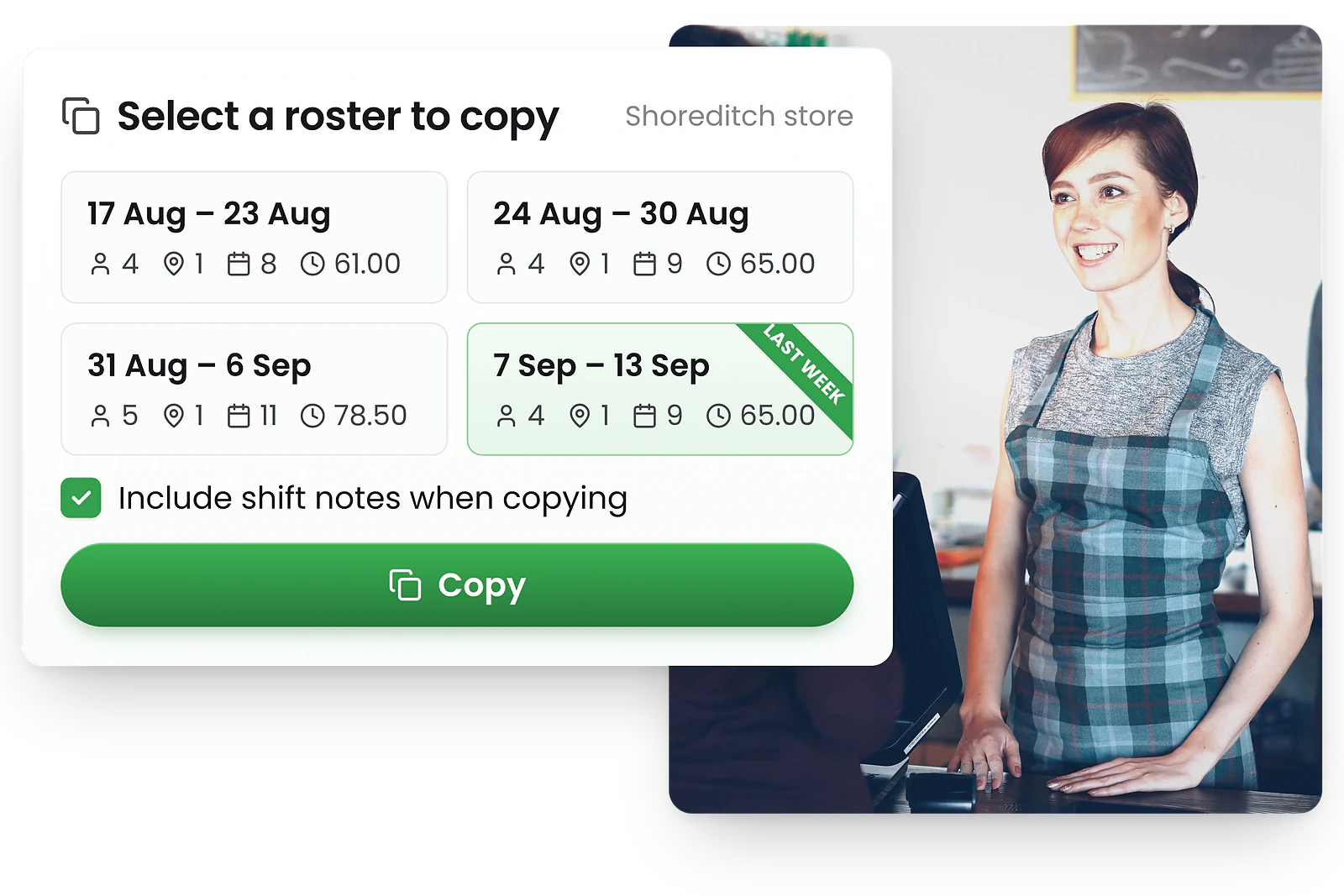
Last week's rota becomes this week's starting point
If your recurring schedule changes week-to-week but follows the same general pattern, Copy a Roster is your fastest path to a published rota. One click duplicates every published shift, assignment, and break from the previous week into the new one — no manual re-entry. Note: this replaces all existing shifts in the target week, so copy before making manual additions.
From there, handle your exceptions: swap a staff member on leave, add a shift for a busy Saturday, fill a gap with an open shift. You're editing a copy — not locked into a series — so there's nothing to break and nothing to unpublish if plans change.
What used to take managers 2–3 hours of manual shift entry becomes under 10 minutes of exceptions management each week — every week, without fail.
Set recurring hours per employee — once, not weekly
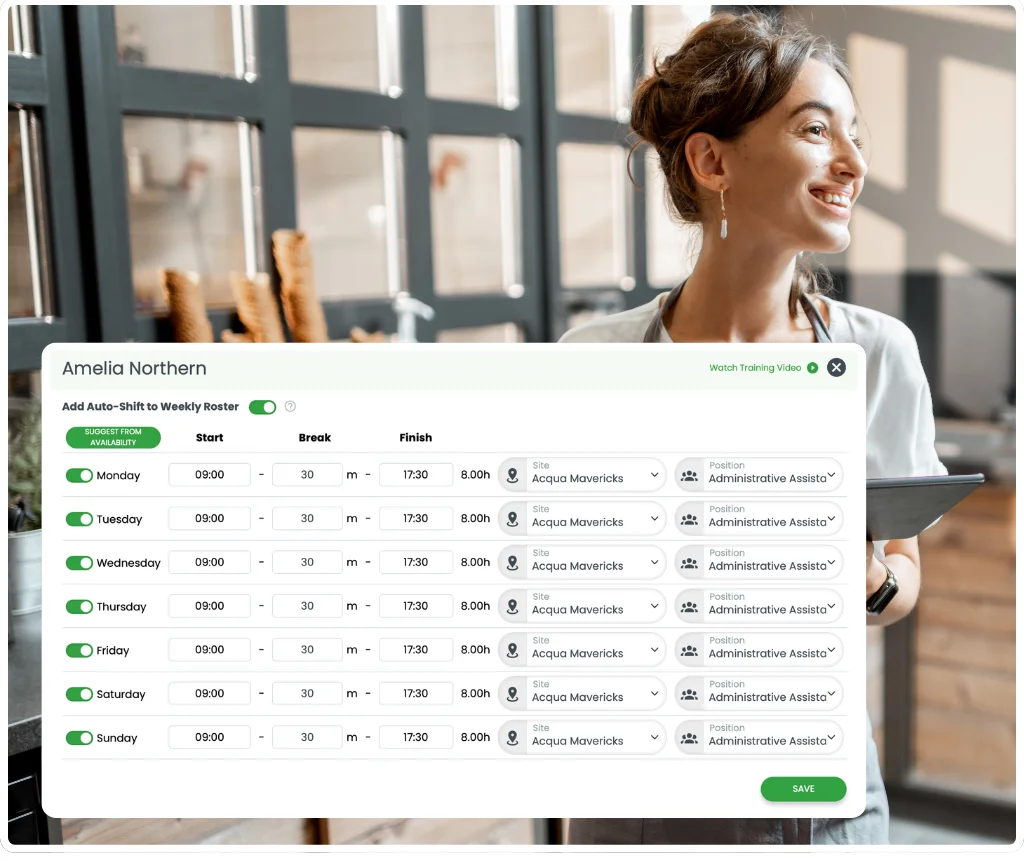
Your team's regular hours, set once and done
For employees on fixed contracts — Mon–Fri 9am–5pm, or any regular repeating pattern — set their standard recurring hours once in RosterElf. These become a reference pattern for both rota planning and Xero UK payroll — no manual re-entry, no weekly guesswork.
Use the "by availability" toggle to ensure hours only apply on days the employee has marked themselves available. If they update their availability, the recurring pattern adjusts automatically — keeping hours realistic without manual correction.
Recurring hours don't auto-create shifts — they act as a per-employee reference you draw from when building rotas. You stay in full control of every published shift.
The rota template software UK managers actually use
Rigid shift series look simple on paper. In practice, one exception breaks everything. UK managers who've switched to RosterElf's rota templates get patterns that flex with their business — not against it.
Other rota software
- Locked to a fixed repeating pattern
- Editing one shift can break the whole series
- Leave requires manual overrides on every occurrence
- Hard to adjust for peak periods or bank holidays
- Series must be recreated if business needs change
RosterElf recurring shifts
- Apply templates to any period — no fixed series to maintain
- Copy and adjust freely — editing one week never affects others
- Handle leave, bank holidays, and demand changes without breaking patterns
- Combine with auto-scheduling for intelligent gap-filling
- Per-employee recurring hours flex with staff availability automatically
Why UK businesses choose RosterElf for recurring shifts
From hospitality and retail to care homes and the NHS — any UK team with a repeating rota pattern saves time with RosterElf.
Hours back each week
Apply a template or copy last week. Build a recurring rota in minutes, not hours — every single week.
Your rota stays intact, whatever changes
Templates are independent copies — editing one week never affects past or future rotas. Nothing to break.
Works for any shift pattern, any industry
Daily, weekly, fortnightly — combine templates, copy last week, and recurring hours to fit any repeating pattern.
Cleaner payroll every week
Recurring hours feed directly into payroll as a consistent baseline — fewer errors, less manual correction at month-end.
Recurring shifts built into your whole rota platform
Recurring patterns in RosterElf flow through to payroll, auto-scheduling, availability management, and the mobile app — one consistent system.
What are recurring shifts?
Every week, thousands of UK managers rebuild essentially the same rota from scratch. Recurring shifts fix that — define your team's regular patterns once, and let RosterElf do the rest. Daily, weekly, or monthly: same employee, same time, same location, without the manual work.
Most rota tools implement recurring shifts as a per-shift "repeat series" — set a frequency, pick the days, add an end date, and the software auto-creates shifts in a locked series. The problem is rigidity: when leave, demand peaks, or last-minute changes hit, you're manually overriding individual occurrences or breaking the series entirely.
RosterElf takes a different approach. Rota templates apply a full week's pattern to any future period in one click. Copy Last Week duplicates your previous rota in seconds. And recurring staff hours give each employee a fixed per-day reference pattern for both rota planning and payroll. Same outcome — more control, and less to manage when things change.
See all rota software features →Common use cases — UK
- Hospitality — fixed weekly pub, restaurant, or café rotas
- NHS & care homes — recurring shift patterns per ward or unit
- Retail — standard trading hour crew patterns
- Security — fixed site coverage patterns
- Cleaning services — scheduled recurring site visits
- Childcare — consistent staff-to-child ratios each week
How RosterElf handles it
Rota templates — save a full week, apply to any future period
Copy Last Week — duplicate and adjust in seconds
Recurring staff hours — per-employee fixed patterns for payroll
Recurring shifts and working time regulations
Every recurring shift pattern you build in RosterElf is validated against Working Time Regulations 1998 — so you support your compliance efforts without manually checking each week's hours.
48-hour weekly limit
Recurring patterns that push an employee over the WTR 48-hour average are flagged automatically before you publish the rota.
11-hour daily rest
RosterElf checks that shifts in recurring patterns maintain the required 11-hour rest period between working days.
Break entitlements
The 20-minute rest break for shifts over 6 hours is preserved consistently across all recurring patterns, every week.
WTR compliance checks work alongside the broader rota scheduling compliance tools in RosterElf. Every rota you build — whether from a template, copied, or built from scratch — is validated against Working Time Regulations before you publish.
Explore related features
Discover other RosterElf features that work great together
How-to guides
Step-by-step guides to help you master these workflows
Start your free 15-day RosterElf trial today
Join 30,000+ workplaces using RosterElf to simplify rotas, payroll and HR.
Rota guides for UK businesses
Reduce scheduling admin, build better recurring rotas, and keep your team on the same page — guides from the RosterElf team.

How to design roster templates that save hours every week
Practical guide to building and using roster templates in RosterElf. Save time, reduce errors, and handle repeating shift patterns without starting from scratch.
Read article
How to create a staff roster
Step-by-step guide to building your first roster in RosterElf — from setting up locations and roles to publishing shifts and notifying staff.
Read article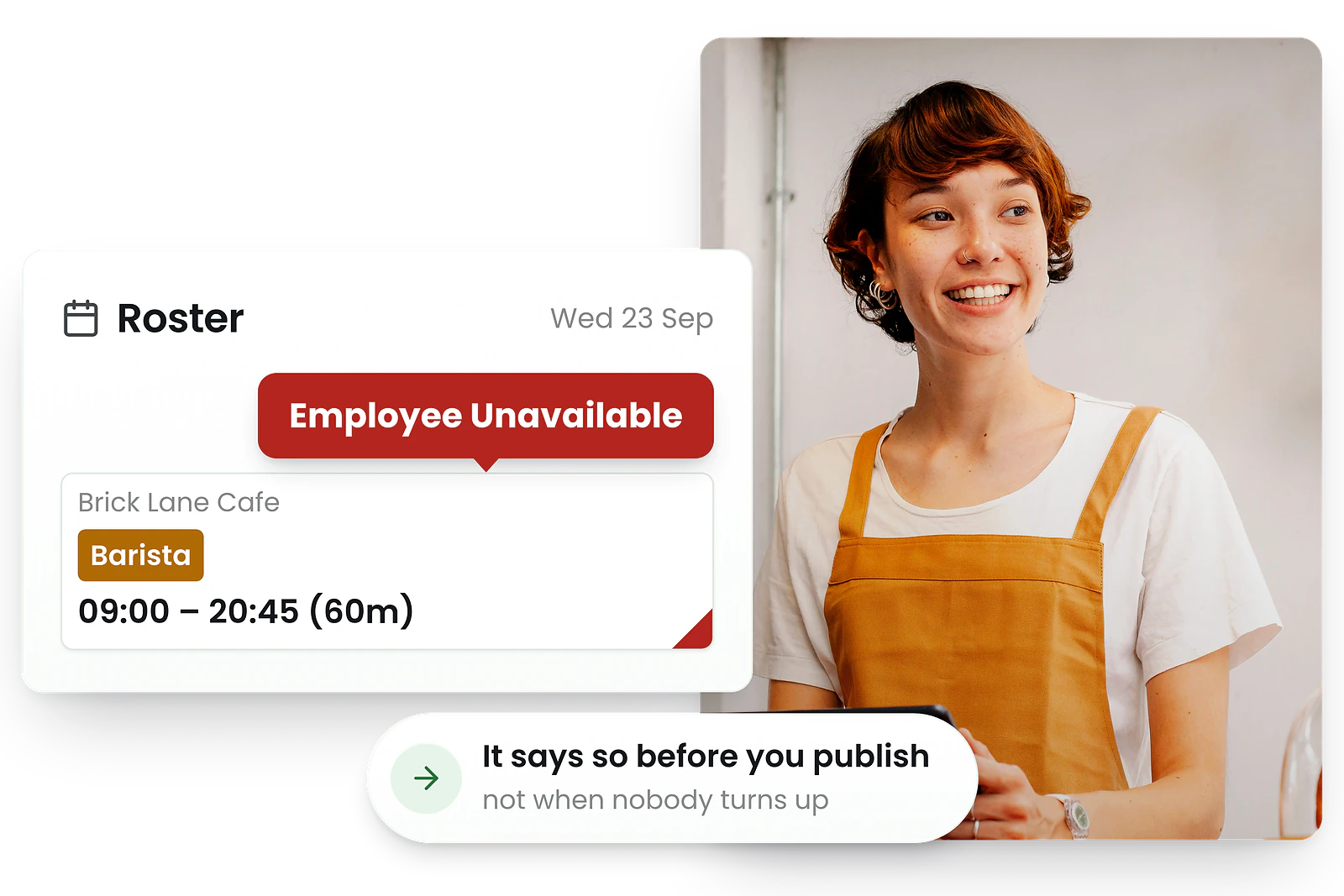
How to manage staff availability
Practical strategies for collecting and managing staff availability in RosterElf — recurring patterns, time-off requests, and conflict prevention.
Read articleRecurring shifts FAQ
- Recurring shifts are repeating rota patterns — daily, weekly, or monthly — where the same employee works the same time and location on a regular basis. Most rota tools implement this as a per-shift "repeat series" with frequency settings and an end date. RosterElf achieves the same outcome through rota templates (apply a full week's pattern to any future period), Copy Last Week (duplicate and adjust in seconds), and recurring staff hours (per-employee fixed patterns for rota planning and payroll).
- RosterElf does not have a per-shift repeat series toggle. Instead, it handles recurring schedules at the rota level — through rota templates and Copy Last Week — and at the employee level through recurring staff hours. This approach is more flexible: you're never locked into a rigid series that breaks when one shift changes. Apply a template to any week, adjust for exceptions, and publish. No cascading edits, no broken series.
- A rota template saves a full week's schedule — all shifts, roles, breaks, and assignments — and lets you apply it to any future period with one click. Recurring staff hours are a per-employee setting that defines an individual's standard weekly hours (e.g. Mon–Fri, 9am–5pm) as a reference pattern for rota planning and payroll. You can use both together: templates for the overall rota structure, recurring hours for individual employee baselines.
- No. Recurring staff hours act as a reference pattern — they define what hours an employee is expected to work each week, which feeds into payroll and helps managers plan rotas consistently. They do not auto-generate shifts. Managers remain in full control of every published shift. This keeps your rota software flexible rather than forcing automatic shift creation you then have to unpublish.
- Yes. When setting recurring staff hours, toggle on the "by availability" option. This means the recurring pattern only applies on days the employee has marked themselves as available in the app. If they update their availability, the pattern adjusts automatically — so your recurring hours always reflect realistic working patterns without manual correction.
- Recurring staff hours feed directly into payroll calculations, providing a consistent baseline for wages. When rotas are built using templates or Copy Last Week, those shift patterns carry through to timesheets and Xero UK payroll integration automatically. This reduces payroll errors caused by inconsistent shift entry week to week.