

Sync RosterElf with Google Calendar
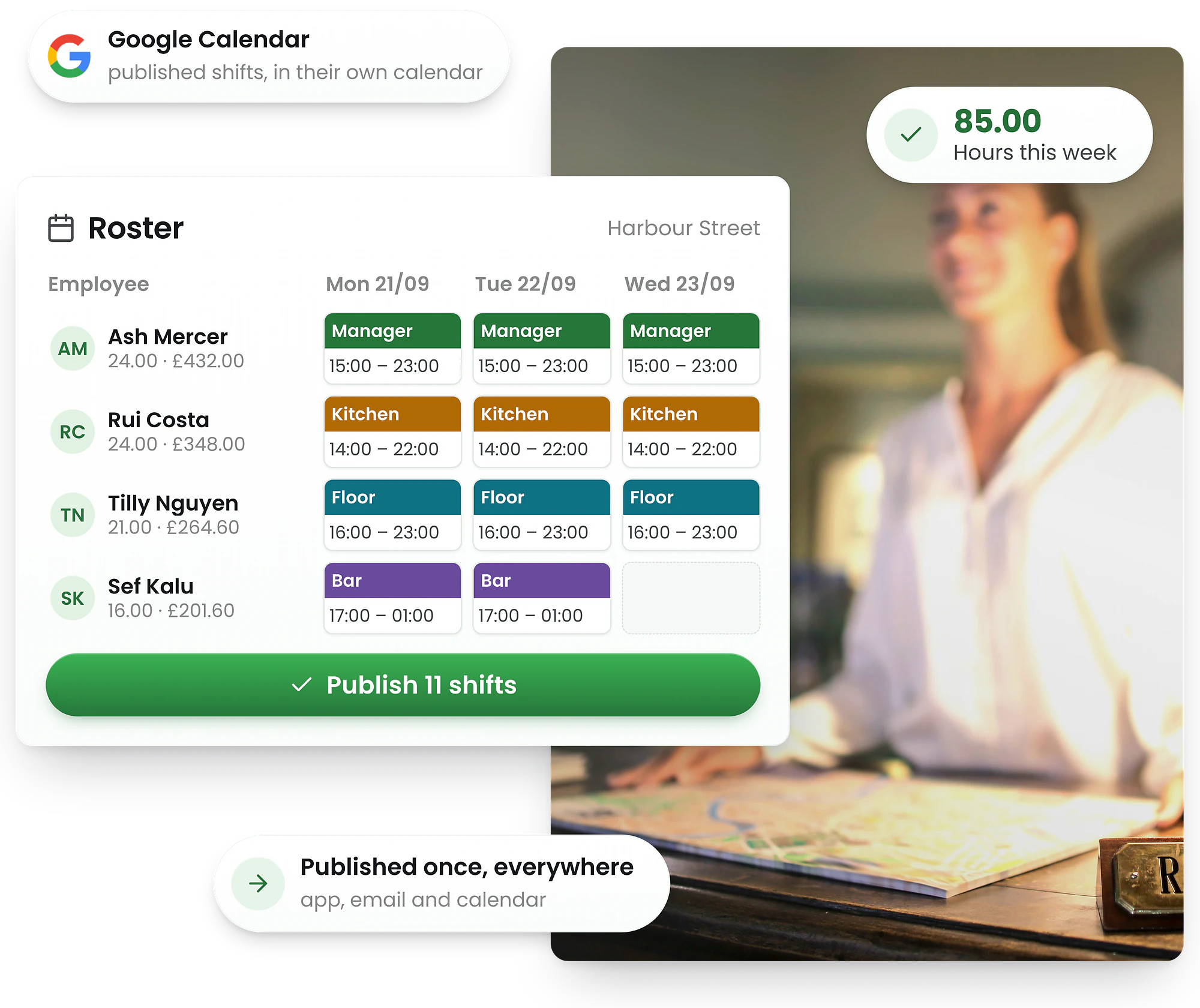
Copy your personal calendar link from RosterElf and add it to Google Calendar — no sign-in, no extra login. Staff can manage their rota alongside meetings, reminders and personal events in one unified view, refreshed automatically every 8–24 hours.
-
Shifts appear in Google Calendar, no sign-in needed
-
One personal link, works on any device
-
Perfect for mobile, desktop & remote teams




More visibility. Less confusion.
Total schedule sync.
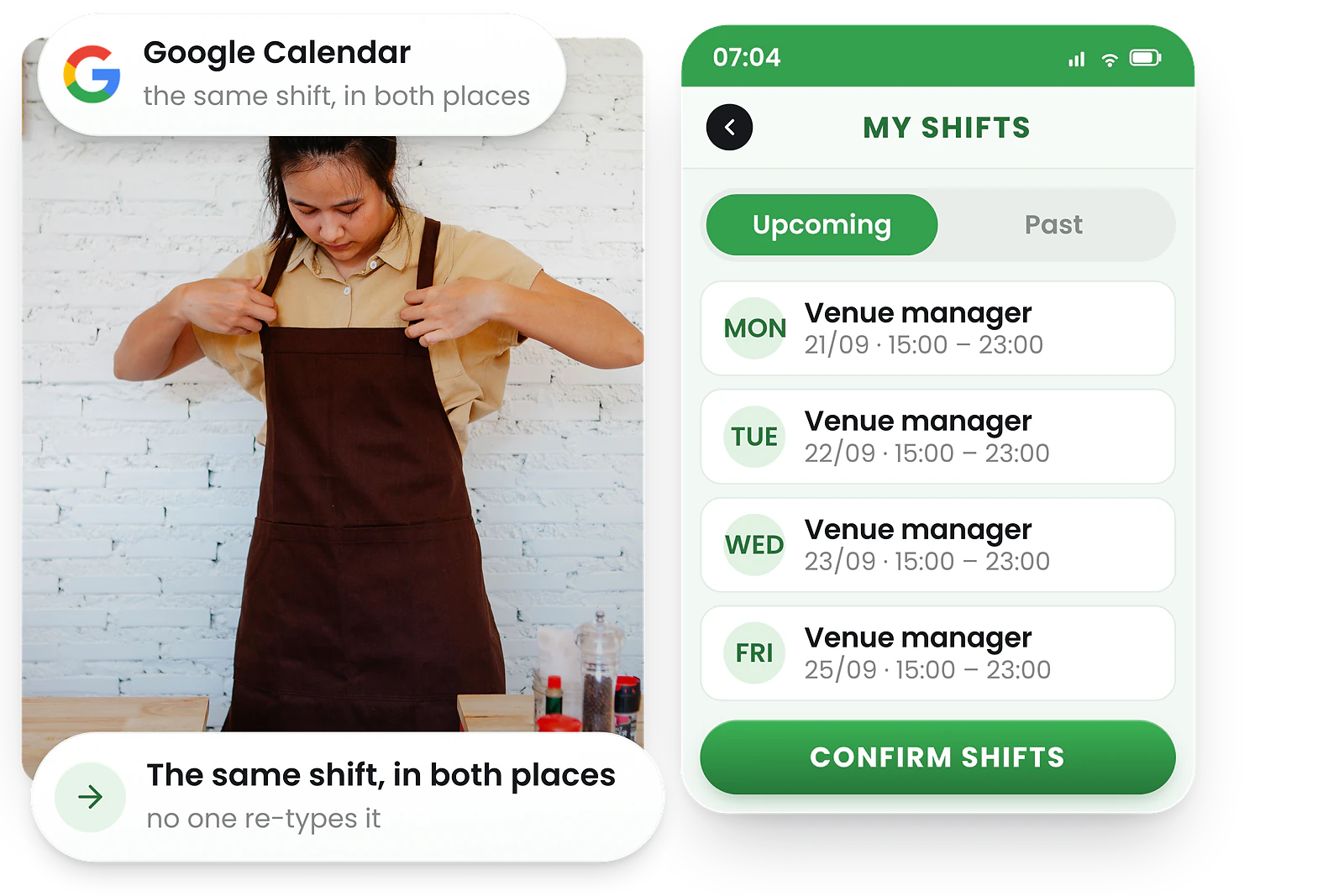
Shifts appear directly in google calendar
Each team member copies their own personal calendar link from RosterElf and adds it to Google Calendar as a subscription — no admin setup, no sign-in step.
Team members no longer need to switch apps — they see work and personal events together in one place, kept up to date automatically.
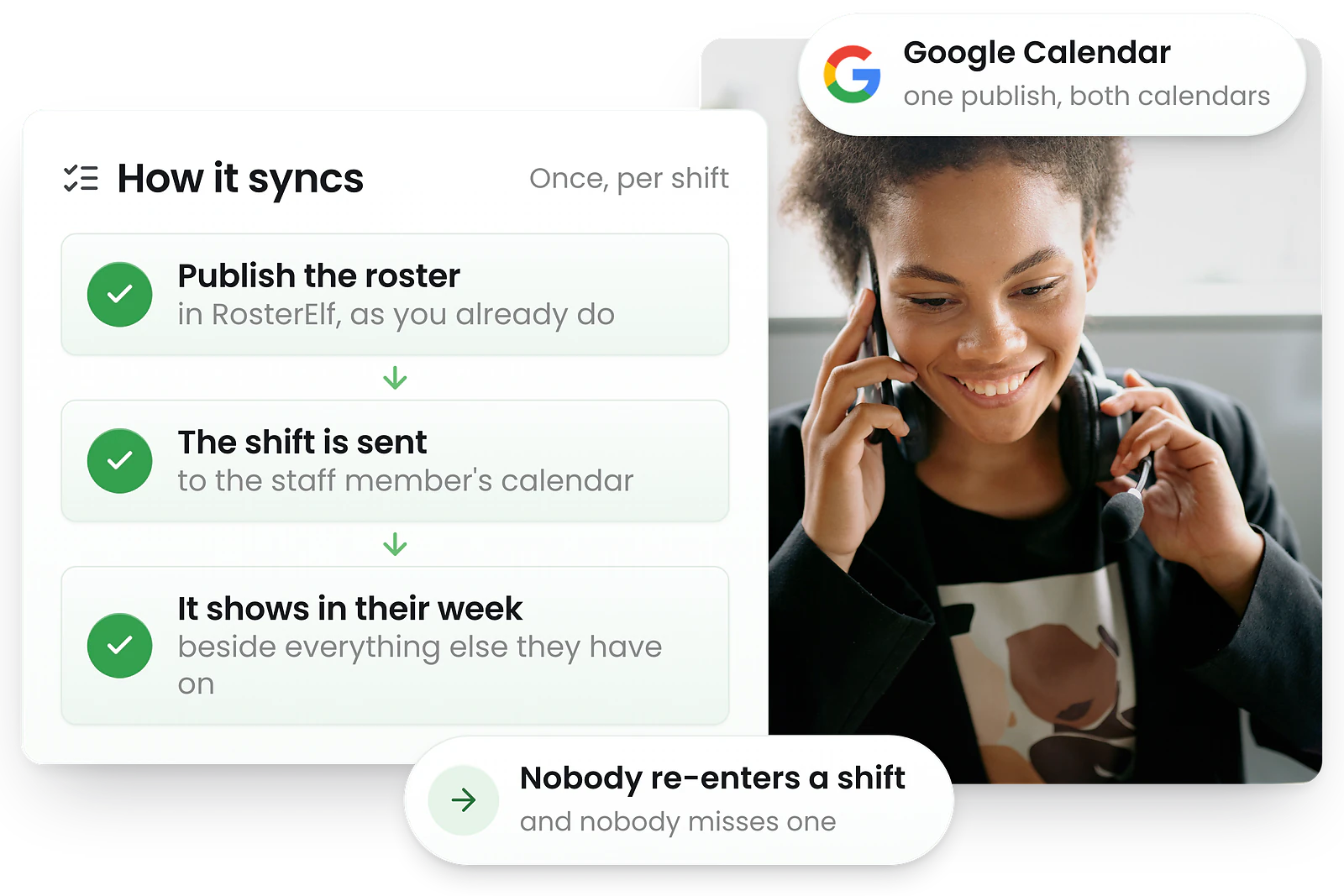
Changes sync automatically with google calendar
When you update a shift in RosterElf — a swap, cancellation, or new assignment — it flows through to the same calendar feed, refreshed automatically by Google Calendar every 8–24 hours.
That means teams stay up to date without extra messages or emails — for anything time-sensitive, the RosterElf app or website remains the most accurate source.
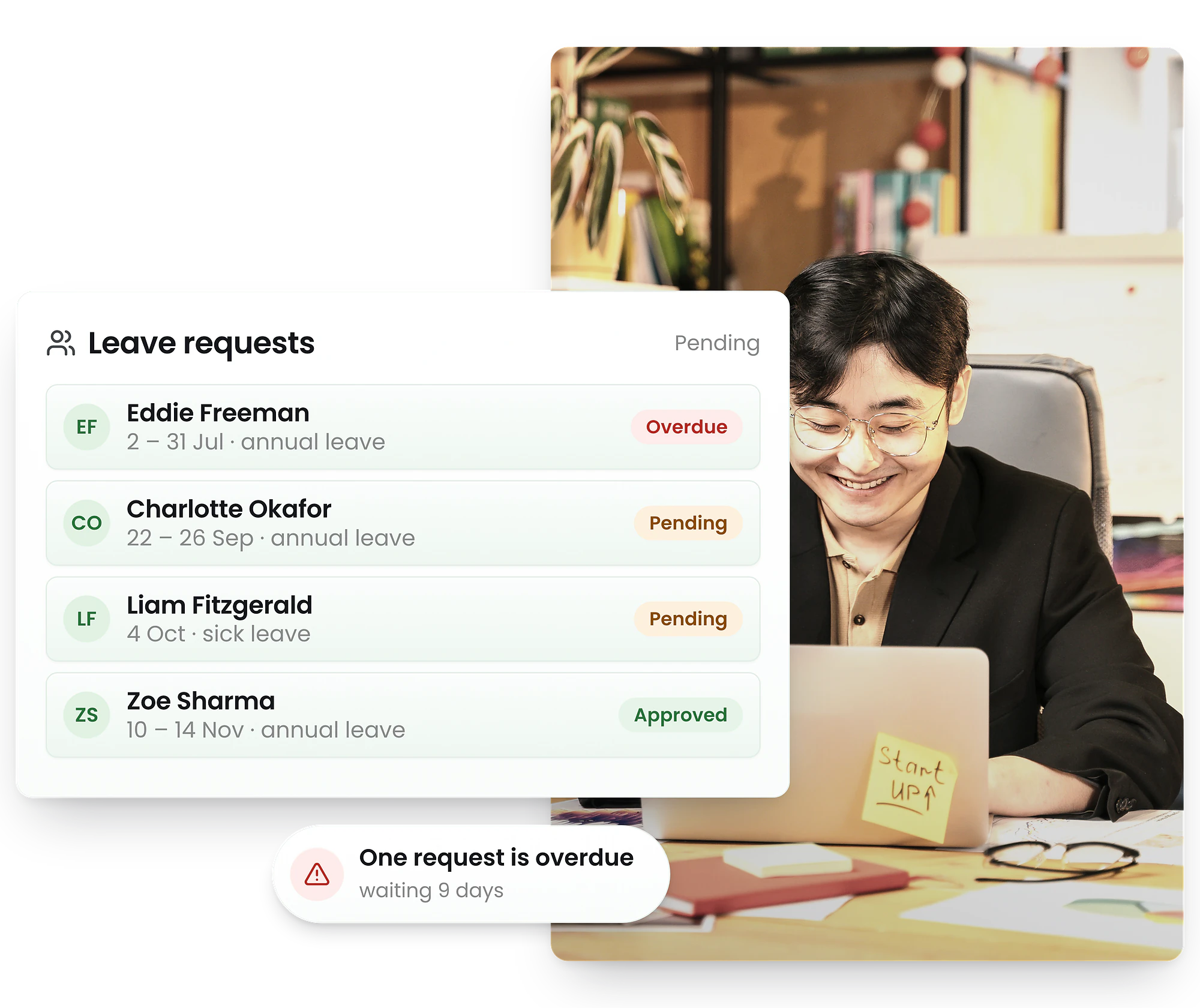
Team schedules meet personal plans
With RosterElf and Google Calendar synced, employees see both work shifts and personal events in one interface.
Managers get fewer queries, staff get fewer scheduling surprises — everyone knows what's next.
Why UK businesses sync rotas with Google calendar
UK shift workers across hospitality, retail, NHS trusts, and care homes benefit enormously from seeing rota changes flow through to their personal calendars automatically. In a country where zero-hours contracts and variable shifts are common, an up-to-date calendar reduces missed shifts and helps employees manage work-life balance — while the RosterElf app remains the best place to check anything urgent, since the Google Calendar feed refreshes every 8–24 hours.
When staff can see every upcoming shift alongside personal commitments, last-minute confusion drops and attendance improves — particularly important in sectors with high turnover and irregular hours.
Working time regulations compliance
When combined with RosterElf's time tracking, managers can monitor actual hours worked against the 48-hour weekly limit set by the Working Time Regulations 1998. Employees who work across multiple sites see all shifts in one calendar, making it easier to flag when they're approaching the limit. Pair this with RosterElf's rota scheduling tools to build compliant rotas from the start.
Trusted by UK businesses
From independent cafés to national retail chains, thousands of businesses rely on RosterElf for rotas, HR and payroll.








Start your free 15-day RosterElf trial today
Join 30,000+ workplaces using RosterElf to simplify rotas, payroll and HR.
Common questions about Google Calendar integration
- Click your profile icon in RosterElf, select My Calendar Sync, and click Copy my link to copy your personal calendar URL. In Google Calendar, click the + next to "Other calendars" and choose From URL, then paste the link. No sign-in or authorisation step is needed — the link is unique to you.
- No Google account linking is required. Each employee copies their own personal calendar link from RosterElf and adds it to whichever calendar app they use — there's no RosterElf-to-Google sign-in step.
- Yes. Your personal calendar link is just a URL, so you can add it to Google Calendar, or any other calendar app that supports subscribing to a calendar by URL.
- Yes. Managers can see personal commitments alongside work schedules, making it easier to align shifts with availability. Staff can view work and personal events together, helping reduce rota scheduling conflicts. This works seamlessly with auto scheduling and rota templates.
- If you remove the subscribed calendar from Google Calendar, existing events disappear along with it. You can re-add it at any time by pasting your personal calendar link again — it doesn't expire.
- No. The Google Calendar integration is included with all RosterElf plans at no additional cost — no Google account or sign-in required, just a link to copy.