

Pay rate builder for UK businesses

Configure your pay rates once using RosterElf's step-by-step builder. NMW tiers, overtime rules, bank holiday pay — set up your UK pay rules and every timesheet calculates accurately.
-
Configure NMW tiers and contracted rates
-
Set overtime and unsociable hours rules
-
Applies to every timesheet automatically




What is a pay rate builder?
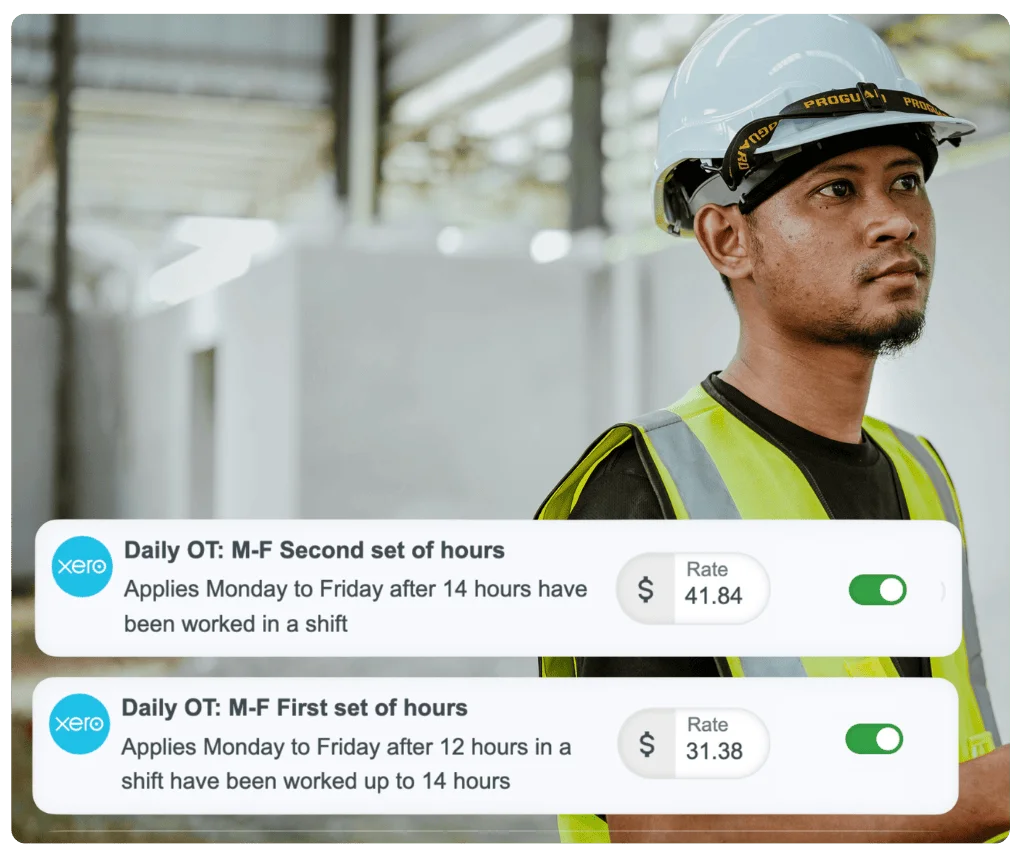
Set up pay rates for your UK business
A pay rate builder is a configuration tool that lets you define your complete UK pay structure — NMW-compliant base rates for each age band, overtime thresholds, bank holiday pay rules, and allowances — all in one place.
Once you configure your pay rules, they apply automatically to every timesheet. No more manual calculations, no more spreadsheet formulas, no more guessing which rate applies to which shift.
Configure UK pay rates your way
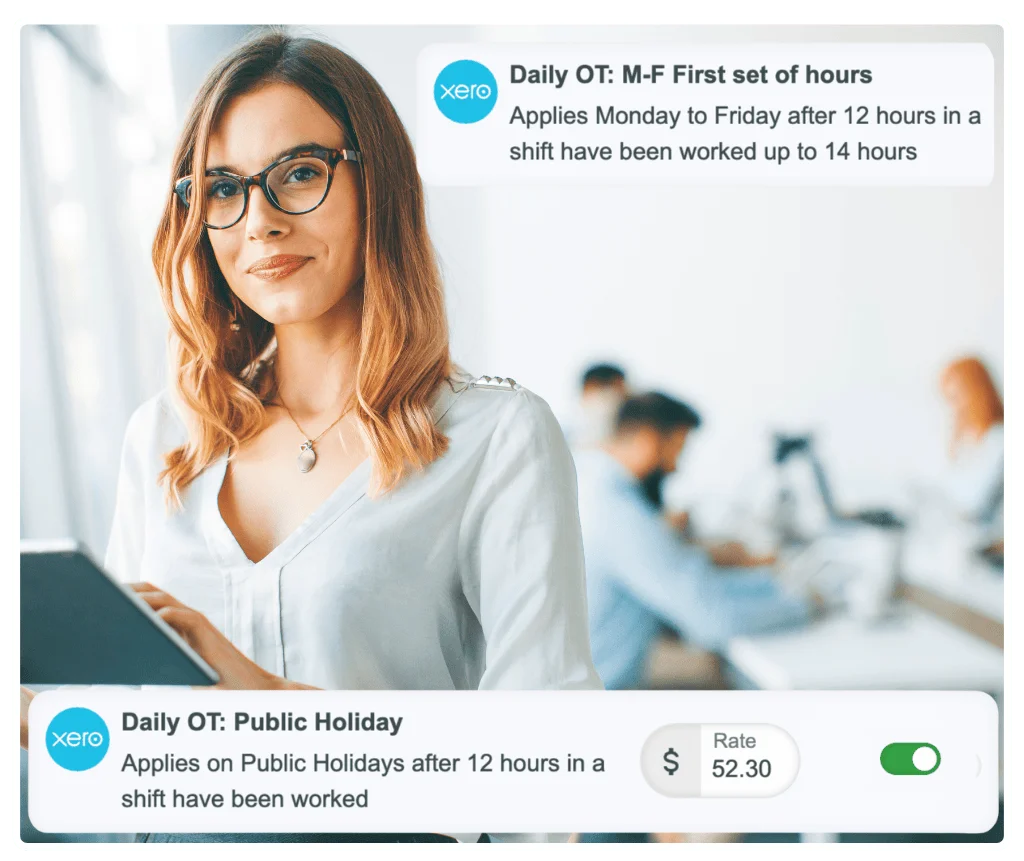
Define when enhanced rates apply
In the pay rate builder, specify exactly when enhanced rates apply — Saturdays, Sundays, bank holidays, evening shifts, early mornings — and set the multiplier or flat rate for each.
Configure different pay structures for zero-hours vs contracted staff, different age bands under NMW rules, or different roles. Your rules, configured once, applied consistently to every shift.
Set up overtime rules
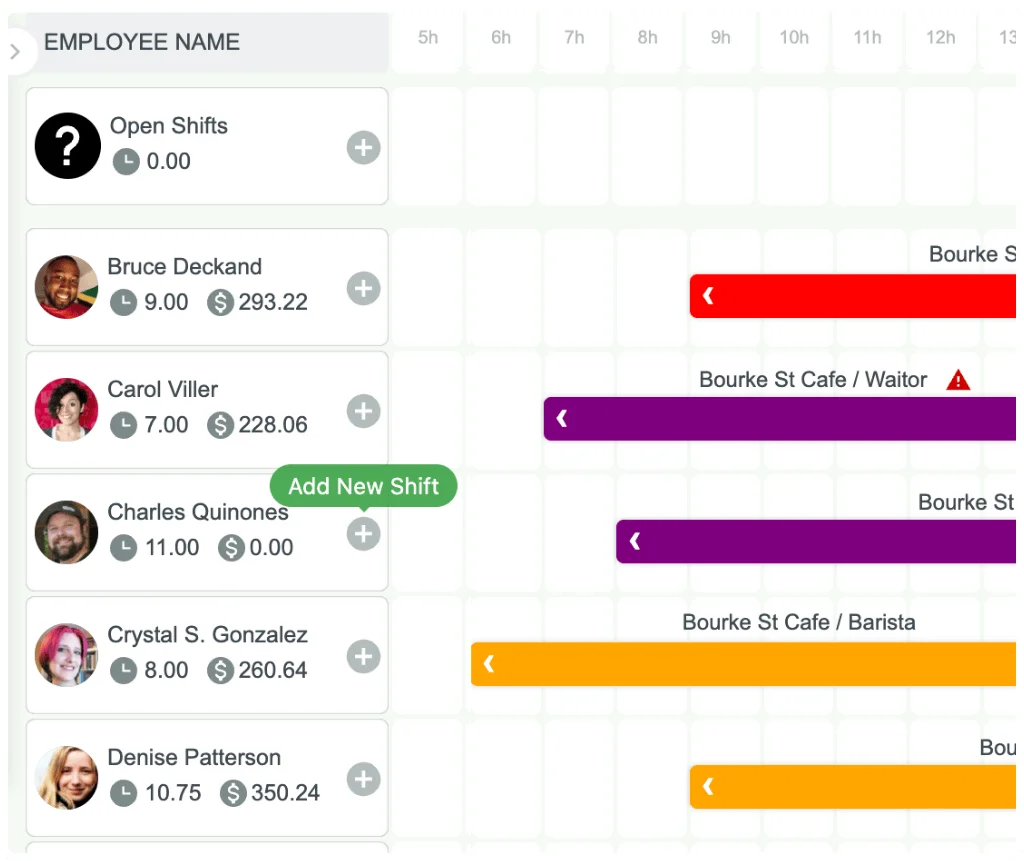
Configure overtime thresholds
Set up daily overtime thresholds and weekly thresholds aligned to your contracted hours. Define the overtime rate multiplier — time and a half, double time — for each scenario.
RosterElf tracks hours against your configured thresholds and automatically categorises overtime hours at the correct rate. Split-rate shifts crossing overtime boundaries are handled automatically. Supports WTR 48-hour weekly limit monitoring.
Complete pay rate control
Base hourly rates
Set rates by NMW age band (apprentice, under 18, 18–20, 21+), role, or individual employee. Ensure every worker is paid at least National Minimum Wage.
Unsociable hours pay
Configure evening, weekend, and bank holiday pay multipliers. Set as multipliers (1.25x, 1.5x, 2x) or fixed amounts above contractual rate.
Overtime thresholds
Daily and weekly overtime limits with configurable rates. Different thresholds for different employment types or contracts.
Allowances
Meal allowances, travel allowances, uniform allowances, and more. Fixed amounts or calculated based on hours worked.
Zero-hours contract loading
Configure pay uplifts for zero-hours or casual contract workers, applied automatically to eligible employees' hours.
Bank holiday rates
Set bank holiday pay rates and mark UK bank holiday dates in the calendar. Rates apply automatically to shifts on those days and export to Xero.
Works with any UK pay structure
Not locked into pre-built templates
Whether you operate on contracted hours, zero-hours contracts, or a collective agreement — RosterElf's pay rate builder adapts to your business, not the other way around.
Enter the exact rates and rules that apply to your team. The system doesn't assume or guess. You configure what applies, and it calculates accurately every time.
- ✓ Pubs, restaurants, hotels, and hospitality
- ✓ Retail, supermarkets, high street chains
- ✓ Care homes, nurseries, healthcare providers
- ✓ Collective agreements and custom pay structures
Why use a pay rate builder?
Manual pay calculations using spreadsheets are time-consuming and error-prone. Different unsociable hours rates for different shifts, overtime thresholds that vary by contract, allowances with specific conditions — the complexity leads to mistakes.
A pay rate builder is ideal for UK businesses that:
Configure your pay rates once in the builder, and every timesheet calculates accurately — bank holiday pay, overtime, allowances, all applied consistently.
Trusted by UK businesses
From independent cafés to national retail chains, thousands of businesses rely on RosterElf for rotas, HR and payroll.








How-to guides
Step-by-step guides to help you master these workflows
Start your free 15-day RosterElf trial today
Join 30,000+ workplaces using RosterElf to simplify rotas, payroll and HR.
Pay rate guides for UK businesses
Learn more about configuring pay rates, overtime calculations, and UK employment law compliance.

National Minimum Wage rates and rules
Where a fair-looking hourly rate quietly falls below the minimum — unpaid working time, deductions, and what the arrears look like.
Read article
Why payroll errors usually start with bad timesheets
Learn how inaccurate timesheets cause payroll errors and disputes, and how time tracking integrations prevent costly mistakes.
Read article
Payroll processing bottlenecks explained
Identify payroll processing bottlenecks and speed up your pay cycles. Practical solutions for businesses simplifying payroll.
Read articlePay rate builder questions
- A pay rate builder is a configuration tool that lets you set up your business's complete pay structure — NMW-compliant base rates, overtime rules, unsociable hours allowances, bank holiday pay, and zero-hours contract loading. Once you configure your pay rules, the system automatically applies them to every timesheet based on actual hours worked.
- Navigate to Pay Rates in your RosterElf account and use the step-by-step builder to configure base rates by NMW age band or role, overtime thresholds, and allowances for each employment type. The builder guides you through each rate type, and setup typically takes 20–30 minutes.
- Yes. RosterElf's pay rate builder works with any UK pay structure — enter the rates from your contracts or collective agreements, configure when overtime and unsociable hours allowances apply, and the system calculates pay exactly as your structure specifies.
- RosterElf handles collective agreements just as easily as standard contracted rates. Enter your agreed rates and configure custom rules — overtime multipliers, allowances, shift thresholds — and the system applies them consistently to every timesheet.
- Most businesses complete their pay rate setup in under 30 minutes. The step-by-step builder guides you through each rate type, and once configured, rates apply automatically to every timesheet without ongoing maintenance.