

GPS time clock app for UK mobile workers
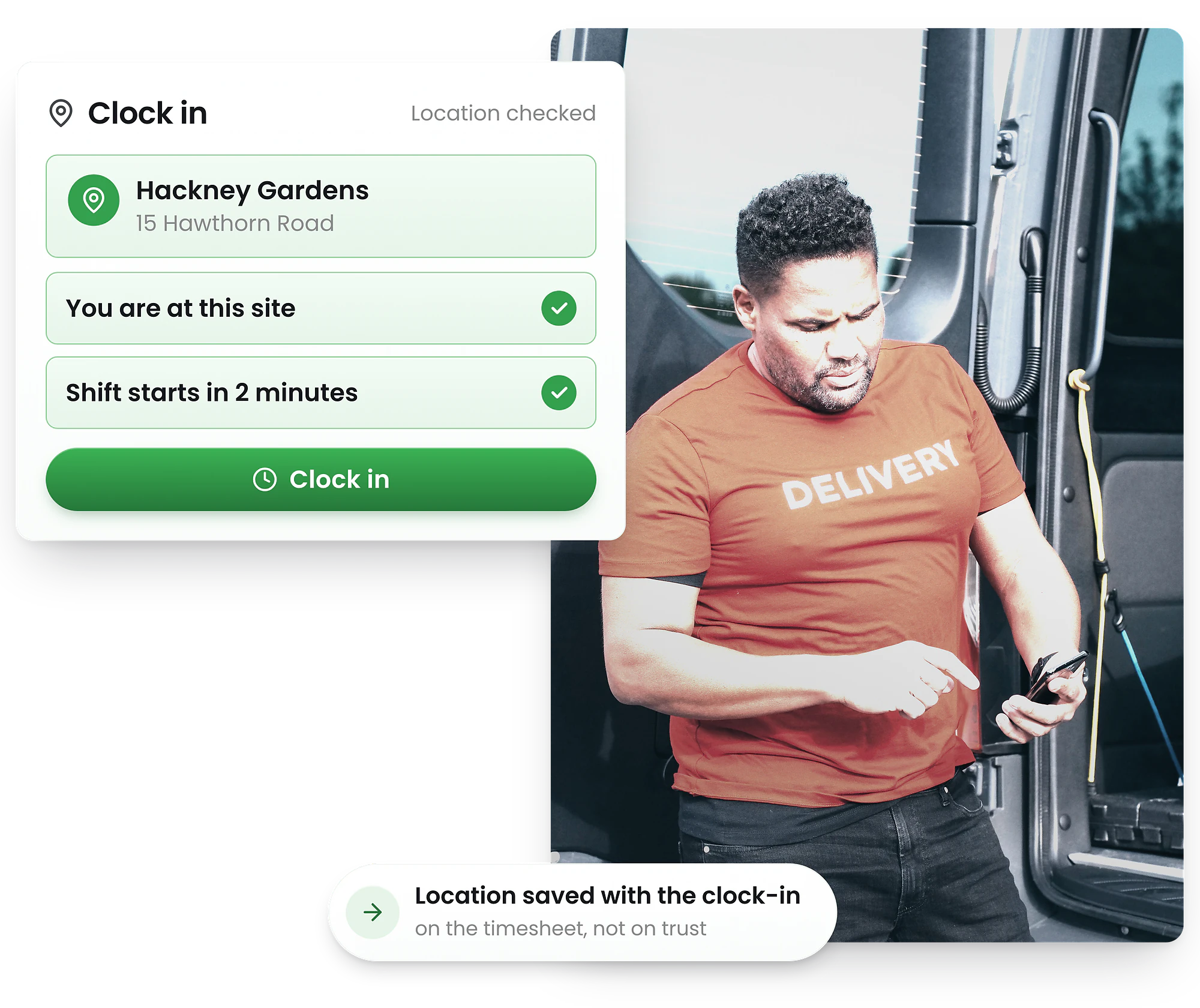
Turn staff smartphones into GPS-verified time clocks. Employees clock in from their mobile when they arrive on-site — geofencing ensures they're actually there.
-
Free iOS & Android app
-
GPS location verification
-
Geofence per UK work site




Download the free GPS time clock app
Free from App Store & Google play
Download the free RosterElf mobile time clock app on any iPhone or Android smartphone. Staff clock in from their own device — no shared hardware needed.
GPS verification happens automatically. When employees arrive at work, they open the app and tap clock in. If they're within the geofence, it works. If not, the button stays disabled.


How employees clock in on their mobile
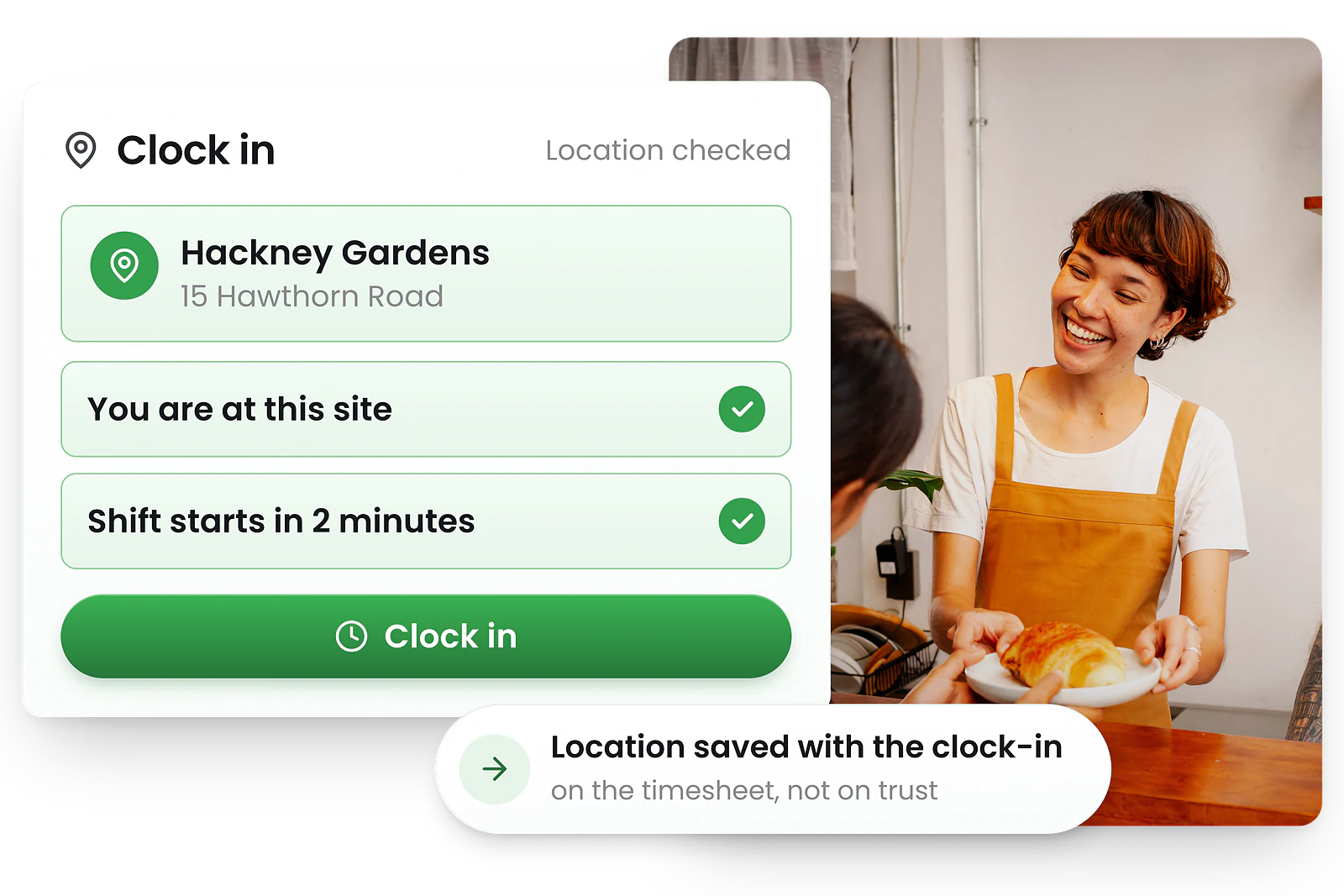
Staff clock in on their smartphone in seconds
1. Arrive at work — GPS detects they're within the geofence
2. Open the app — Tap their shift and hit Clock In
3. Confirm — Optional photo verification, then they're clocked in
If they're outside the geofence, the clock-in button stays disabled. No more clock-ins from the car park or while still at home.
Managers see live GPS clock-ins from every mobile
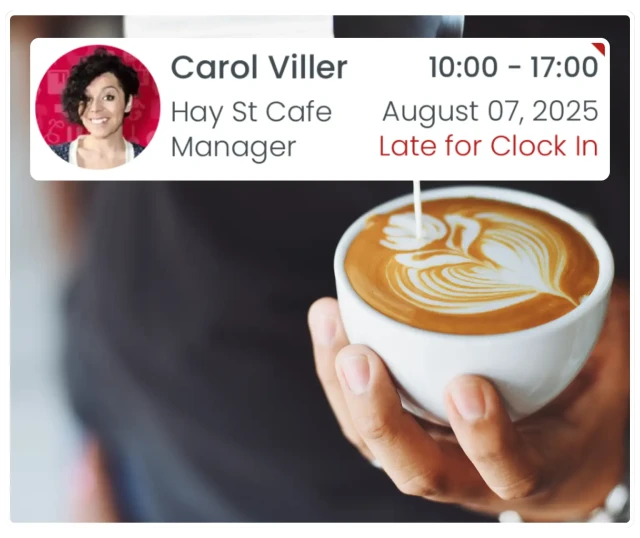
Know who's in, late, on break, or finished — instantly
Every mobile clock-in syncs instantly to RosterElf's live dashboard. Managers can see at a glance who's clocked in, who's running late, who's on break, and who's finished for the day.
GPS coordinates are recorded with each clock-in, so you have a complete audit trail of where staff were when they started work — supporting WTR record-keeping requirements.
iPhone GPS clock-in vs Android — both work great
iPhone GPS clock-in
- ✓ Works on any iPhone with GPS
- ✓ Background location for accurate geofencing
- ✓ Face ID or passcode to open app
- ✓ Push notifications for shift reminders
Android mobile clock-in
- ✓ Samsung, Google Pixel, or any Android phone
- ✓ Precise GPS with Google location services
- ✓ Fingerprint or PIN security
- ✓ Push notifications for shift reminders
Both platforms provide accurate GPS location for geofence verification. Staff use their own phones — no company devices required.
Setting up GPS geofencing for your UK sites
1. Set your location
Enter your site address or Google Plus Code. RosterElf pinpoints the exact location on the map.
2. Set the radius
Choose a GPS tolerance (50–200m typically). Larger sites need wider radius; small shops can be tight.
3. Staff download the app
Employees install the free app and enable location services. They can only clock in when inside the geofence.
GPS accuracy tips
- • Urban areas: Set 50–100m radius for accurate city GPS
- • Rural areas: Increase to 150–200m for variable signal
- • Multi-building sites: Consider wider radius to cover car parks
- • Indoor workers: Ensure WiFi is on for improved accuracy
What is GPS time tracking?
GPS time tracking (also called mobile time clock, geofence clock-in, or location-based time tracking) uses smartphone GPS to verify employees are at the correct work site before they can clock in. Unlike tablet kiosk time clocks that sit at a fixed location, GPS mobile clock-ins let UK staff use their own phones.
Ideal for
GPS time tracking is perfect for employees who don't have a fixed workplace or who travel between sites during their shift.
Trusted by UK businesses
From independent cafés to national retail chains, thousands of businesses rely on RosterElf for rotas, HR and payroll.








Explore related features
Discover other RosterElf features that work great together
How-to guides for GPS & geofencing
Step-by-step guides to help you master these workflows
Start your free 15-day RosterElf trial today
Join 30,000+ workplaces using RosterElf to simplify rotas, payroll and HR.
GPS mobile clock-in guides for UK businesses
Learn more about GPS time tracking, geofencing setup, and mobile workforce management for UK shift-based teams.

Balancing accountability and trust with GPS clock-ins
Learn how geofencing prevents time theft without harming trust. Practical guidance for businesses implementing location-based time tracking.
Read article
Choosing the right clock-in method for your team
Compare GPS and tablet clock-in options for shift-based teams. See which time tracking method suits different work environments.
Read article
Identifying time theft without damaging trust
Spot potential time theft issues while maintaining employee trust. Learn ethical approaches to time and attendance monitoring in your business.
Read articleGPS mobile time clock questions
- GPS geofencing creates a virtual boundary around your workplace using GPS coordinates. When enabled, staff can only clock in through the RosterElf time and attendance system when they're physically inside the geofence radius. This prevents early clock-ins from home or remote locations.
- Simply enter your workplace address or Plus Code in RosterElf, then set the GPS tolerance radius (typically 50–200 metres depending on your site size). The system creates a virtual perimeter, and staff smartphones automatically detect whether they're inside the zone when attempting to clock in.
- GPS accuracy is typically within 5–10 metres under good conditions. RosterElf lets you adjust the geofence radius to account for GPS variance, building size, or parking areas. Larger sites can use wider tolerances while maintaining location verification.
- No, the clock-in button is disabled when staff are outside the geofence. They'll receive a message indicating they need to be at the work location. Managers are alerted if someone attempts to clock in from an invalid location, helping prevent time fraud.
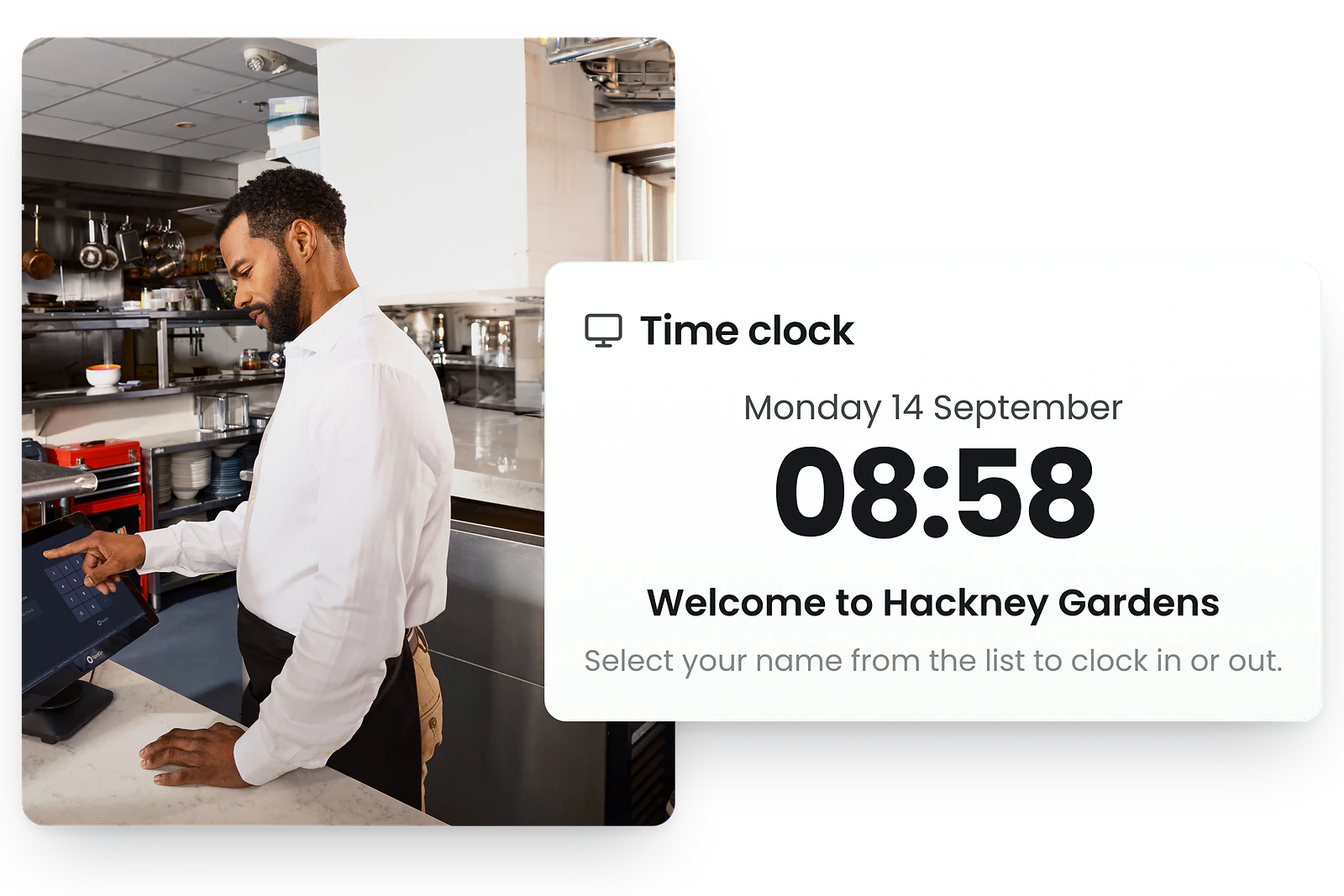
- Geofencing is designed for mobile clock-ins via smartphone. The tablet kiosk time clock is physically located at your workplace, so GPS verification isn't required. You can use both methods together for maximum flexibility.