

Shift swap software that automates the swap, you approve it
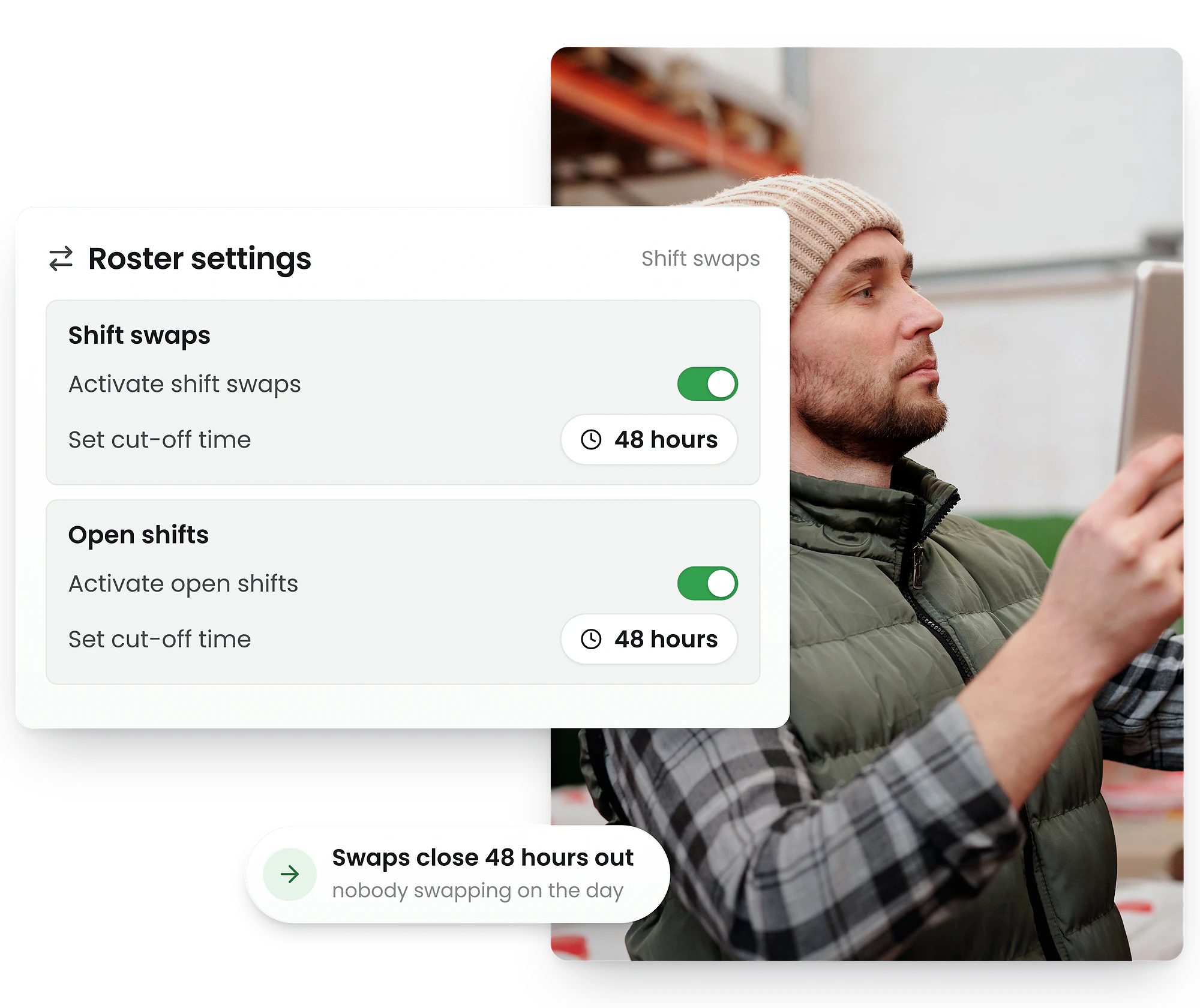
Handle last-minute shift swapping without the phone tag. Employees request swaps from the app, RosterElf validates skills and availability, then managers approve in one tap.
-
Automatic skill & availability checks
-
Manager approval workflow
-
Instant rota updates




How shift swapping works in RosterElf
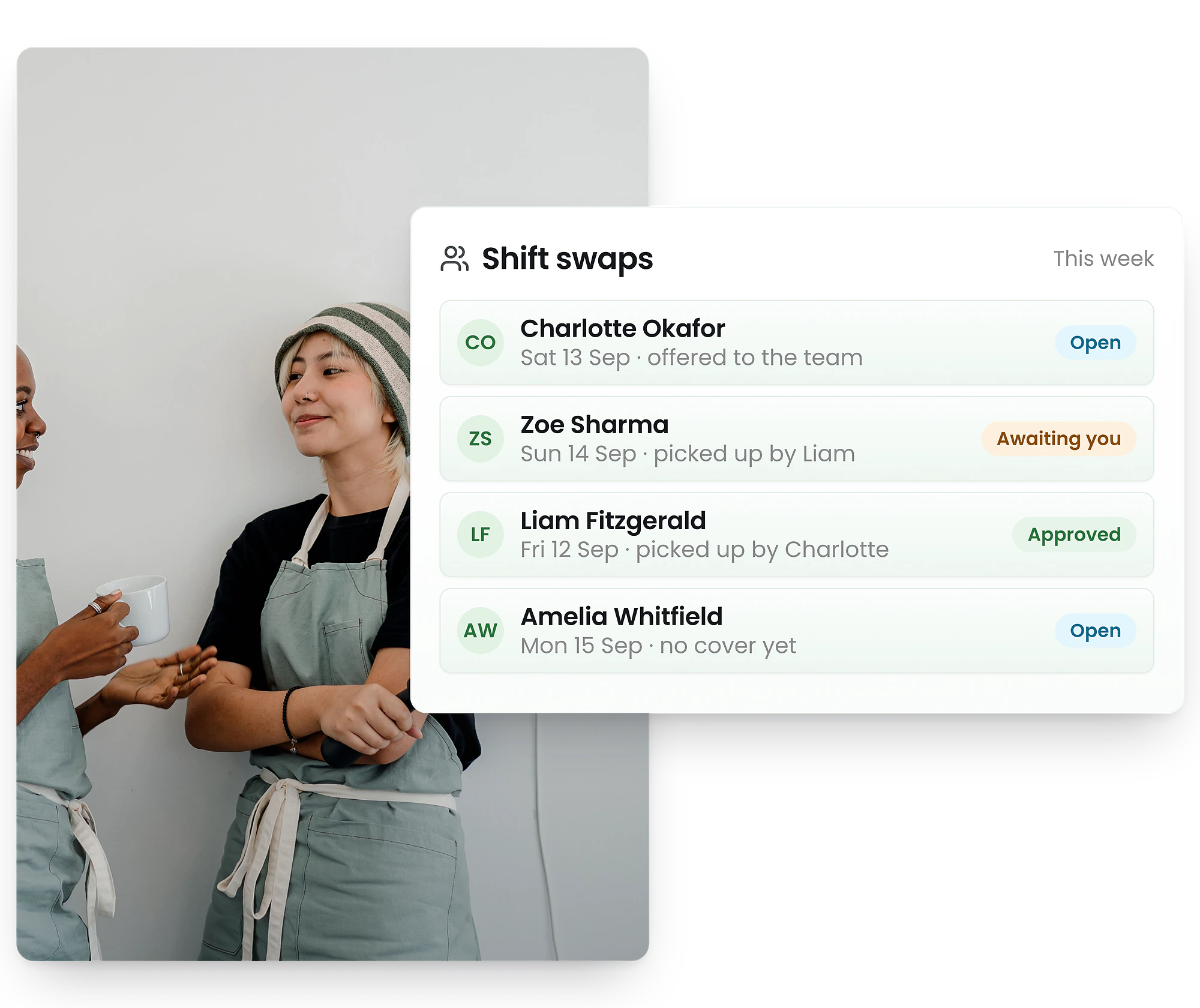
From swap request to updated rota in minutes
1. Request — An employee opens the app and requests to swap their shift with an eligible colleague
2. Validate — RosterElf automatically checks skills, certifications, and availability for both employees
3. Approve — The manager receives a notification and approves or declines with one tap
4. Update — The rota updates instantly and both employees are notified of the change
Every swap is validated before it reaches a manager
Skill matching
Only staff with the right skills and role qualifications can be selected as swap partners, so you never end up with an unqualified person on shift.
Availability check
RosterElf cross-references employee availability so swaps are only offered to staff who are actually free during the shift window.
Certification validation
For roles that require current licences or certifications (personal licence, first aid, food hygiene), the system verifies credentials haven't expired before allowing the swap.
Overtime warnings
If approving a swap would push either employee into overtime, the manager sees a clear warning before approving—helping control labour costs.
Keep every shift swap within budget
Before a manager approves a swap, RosterElf shows the labour cost impact. If the replacement employee is on a higher pay rate, or if the swap pushes either person into overtime or penalty rate hours, the manager sees a clear cost summary. No surprises on the next pay run.

Shift swapping from the mobile app
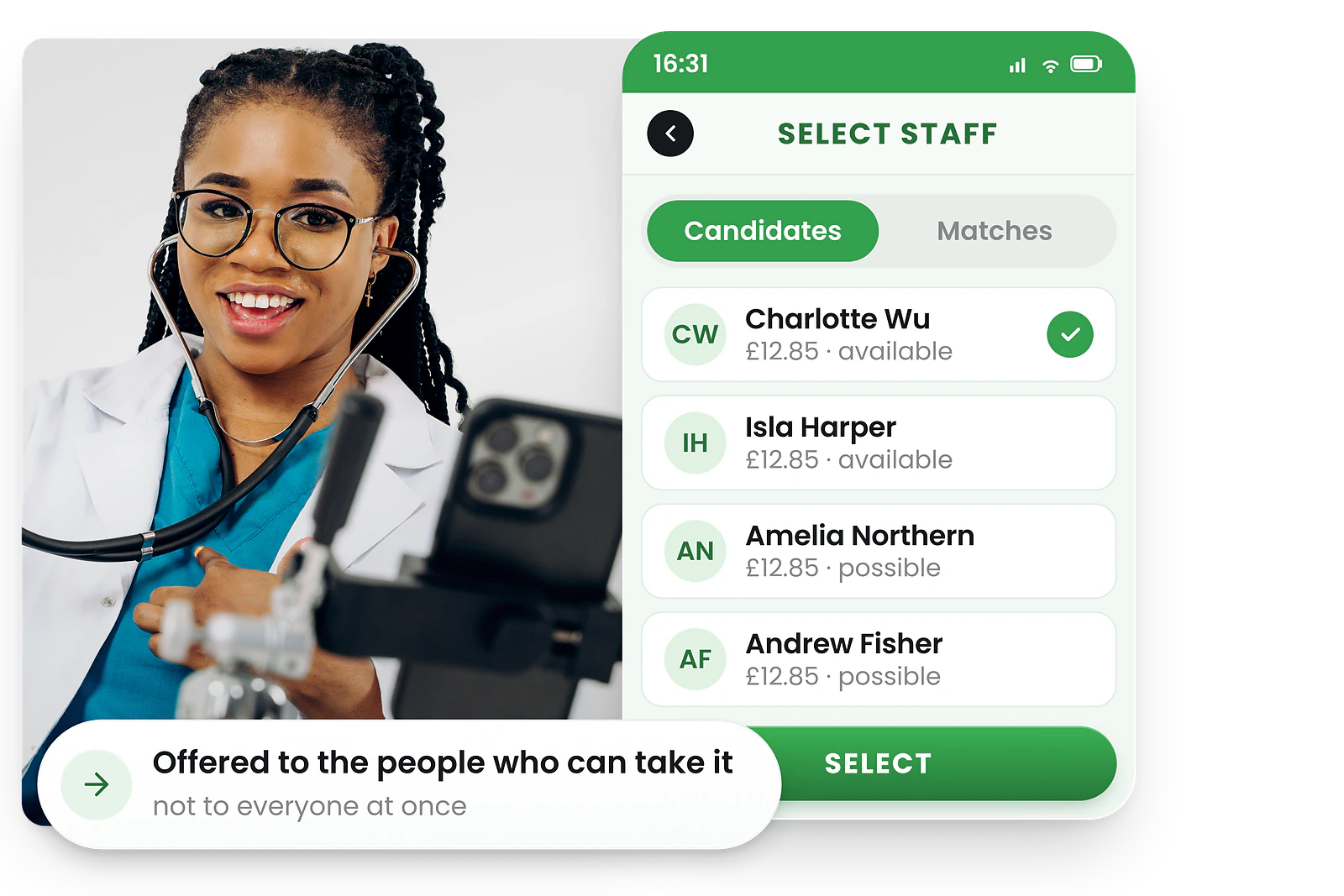
Staff handle swaps themselves—no phone calls needed
When something comes up, employees don't need to ring around looking for cover. They open the app, tap the shift they can't work, and choose from a list of eligible colleagues.
The colleague gets a push notification to accept or decline. If they accept, the request goes straight to the manager. The whole process takes minutes, not hours of phone tag.
Staff can also add a note explaining why they need the swap, giving managers full context when they review the request.
Manager approval workflow
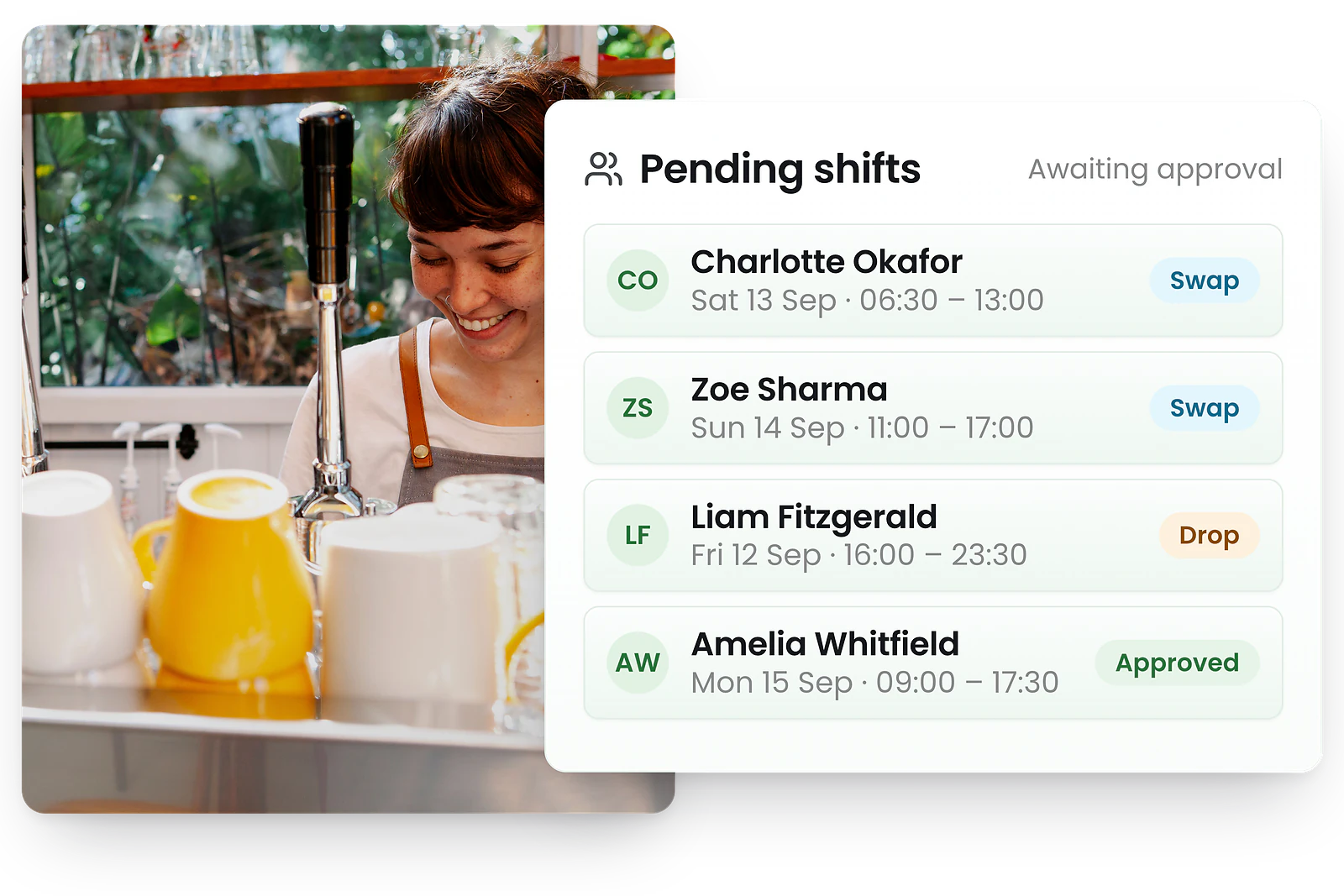
Review and approve swaps in seconds
When a swap request comes in, managers see everything they need at a glance: who's swapping, the shift details, any overtime implications, and qualification checks—all pre-validated.
One tap to approve, one tap to decline. No need to check spreadsheets, ring staff, or manually update the rota. The system handles all of it.
If a manager is unavailable, notifications can be escalated to other authorised approvers so swaps don't sit waiting.
Handle last-minute shift swaps without the chaos
In hospitality, retail, and healthcare, last-minute shift swaps are a reality—not an exception. A staff member calls in sick two hours before service, a parent needs to pick up a child from school, or someone simply double-booked themselves. The question isn't whether it will happen, but how quickly you can fill the gap.
With RosterElf, last-minute shift swapping takes minutes instead of hours. The employee submits a swap request from their phone, the system instantly identifies qualified and available colleagues, and the replacement accepts via push notification. The manager approves with one tap, and the rota updates in real time.
Hospitality
Cover no-shows before the dinner rush. Personal licence and food hygiene certs are checked automatically.
Retail
Fill weekend gaps across multiple stores. Staff can swap shifts between locations they're trained at.
Healthcare
Maintain minimum staffing ratios. Licence and certification checks prevent compliance breaches.
Reducing last-minute shift swaps starts with better rota scheduling
The best shift swap system is one you rarely need to use. When staff are scheduled around their actual availability, swaps drop dramatically. RosterElf's rota software builds schedules using real-time employee availability and shift preferences, which means fewer conflicts from day one.
Combine availability-aware rota scheduling with automated shift swapping, and you get a system that both prevents unnecessary swaps and handles the unavoidable ones seamlessly. Managers spend less time on scheduling admin and more time running the business.
Build rotas around staff availability so shifts match real-life commitments from the start
Factor in preferred shifts and days off to reduce swap requests before they happen
Spot patterns—like staff who always swap Friday nights—and adjust rotas proactively
When swaps are needed, employees handle them independently through the app
What are shift swaps and shift trading?
A shift swap (also called shift trading) is when two employees agree to trade scheduled shifts. Instead of one person calling in sick and leaving a gap in the rota, they find a qualified colleague who's available and willing to cover.
Traditionally, shift trading involved phone calls, group chats, and managers manually updating spreadsheets. With rota software, the entire process is automated—from finding eligible swap partners to updating the rota after approval.
Businesses that enable self-service shift swaps typically see fewer no-shows, higher staff satisfaction, and less time spent by managers on last-minute scheduling changes. Having a clear shift swap policy ensures the process is fair and consistent for everyone.
Benefits of shift swapping for your business
Employee flexibility
Staff gain more control over their schedules without leaving the business short-staffed. When employees can manage their own shift changes, they feel trusted and are more engaged at work.
Fewer no-shows
When swapping is easy, staff find cover instead of calling in sick or not showing up. Businesses that enable self-service swaps see a measurable drop in unplanned absences and last-minute rota gaps.
Lower replacement costs
Instead of calling in agency staff or paying overtime to cover gaps, an existing team member takes the shift at their normal rate. Swaps keep labour costs predictable and within budget.
Less manager admin
Managers spend less time on the phone finding cover. Staff handle the swap themselves, and the manager simply approves—freeing up hours every week for higher-value work. Pair this with task management to assign shift duties alongside rota coverage.
Better staff retention
Flexibility is one of the top reasons employees stay in a role. Offering easy shift swaps shows you respect their time, which reduces turnover in high-churn industries like hospitality and retail.
Continuous coverage
Every approved swap means the shift is still filled by a qualified person. Unlike absences that leave gaps, swaps maintain your staffing levels and service quality without disruption.
Common shift swapping challenges and how to solve them
Shift swapping has real risks when managed informally—but every challenge has a solution when the right guardrails are in place.
Skill and experience gaps
An unqualified employee covers a shift they're not trained for, creating safety or compliance risks.
How RosterElf solves it: Automatic skill matching ensures only qualified staff can be selected as swap partners. Certifications like personal licences and first aid are checked before the swap is offered.
Overtime cost blowouts
Accepting a swap pushes an employee into overtime or premium rate hours, inflating labour costs unexpectedly.
How RosterElf solves it: Managers see a clear overtime and cost warning before approving any swap that would push either employee over their ordinary hours.
Scheduling conflicts
Two swaps create a clash, or a swap leaves one shift overstaffed and another understaffed.
How RosterElf solves it: Availability is cross-referenced in real time. The system won't offer a swap to someone who's already scheduled elsewhere or has marked themselves unavailable.
No audit trail
Informal swaps via text or group chat leave no documentation, making it impossible to track who actually worked which shift.
How RosterElf solves it: Every swap request, acceptance, and approval is logged automatically. The full history is visible in the dashboard for compliance and payroll accuracy.
Swap abuse
Some employees swap constantly to avoid unpopular shifts, creating an unfair distribution of work across the team.
How RosterElf solves it: Swap analytics highlight patterns so managers can spot and address abuse. A formal shift swap policy sets limits on frequency.
Pay rate confusion
When employees on different pay rates swap, it's unclear who gets paid what—creating payroll errors and disputes.
How RosterElf solves it: The rota updates with the new employee's profile, so timesheets and payroll reflect the correct rate automatically. Swapped shift data exports to Xero for accurate UK payroll processing.
Shift swaps and UK employment law
When staff swap shifts, Working Time Regulations still apply. RosterElf checks every swap against WTR rules before approval—so managers don't accidentally breach the 48-hour weekly limit or rest break requirements.
48-hour weekly limit
Swaps that would push an employee over the 48-hour WTR average are flagged automatically before approval.
11-hour daily rest
RosterElf checks that swapped shifts maintain the required 11-hour rest period between working days.
Break entitlements
The 20-minute rest break for shifts over 6 hours is preserved regardless of which staff member takes the shift.
Shift swap compliance rules work alongside the broader rota scheduling compliance checks in RosterElf. Every rota you build and every swap you approve is validated against Working Time Regulations automatically.
Trusted by UK businesses
From independent cafés to national retail chains, thousands of businesses rely on RosterElf for rotas, HR and payroll.








Explore related features
Discover other RosterElf features that work great together
How-to guides for shift swaps
Step-by-step guides to help you master these workflows
Start your free 15-day RosterElf trial today
Join 30,000+ workplaces using RosterElf to simplify rotas, payroll and HR.
Shift swap guides for UK businesses
Learn more about managing shift swaps, reducing no-shows, and building transparent rotas.

Shift swap patterns: what frequent swaps reveal about your rota
Frequent shift swaps are symptoms of deeper rota problems. Learn how to read swap patterns as diagnostic data and fix the root causes in your scheduling.
Read article
Preventing last-minute shift swaps in hospitality teams
Discover why last-minute shift swaps happen in hospitality and learn root-cause prevention strategies through better rota scheduling, availability collection, and cross-training.
Read article
Shift swap policy for UK employment law compliance
Learn how to create a shift swap policy that meets Working Time Regulations requirements, covers employment law, and protects your business from compliance risk.
Read articleShift swap questions
- Shift swaps let employees trade shifts with each other directly through the RosterElf rota app. When a staff member can't work their scheduled shift, they request a swap with an eligible colleague. The system validates qualifications and availability, then sends the request to a manager for approval.
- When staff can easily swap shifts instead of calling in sick or simply not showing up, they're more likely to find a replacement themselves. This self-service approach means fewer last-minute gaps in your rota and less scrambling for managers to find cover.
- Not automatically. RosterElf checks that the replacement employee has the right skills, qualifications, and availability before allowing the swap request. This prevents unqualified staff from covering specialist roles and ensures compliance with any certification requirements.
- Yes. Every shift swap request goes to the manager for final approval. Managers can review the swap details, check both employees' hours for the week (including overtime implications), and approve or decline with a single tap from the mobile app.
- Once a swap is approved, the rota updates automatically and the new employee's name appears on the shift. When they clock in via the time and attendance system, their timesheet records the correct hours under their profile—no manual adjustments needed. Approved swapped shifts export directly to Xero for UK payroll processing.