

Stop buddy punching with photo verification clock-ins
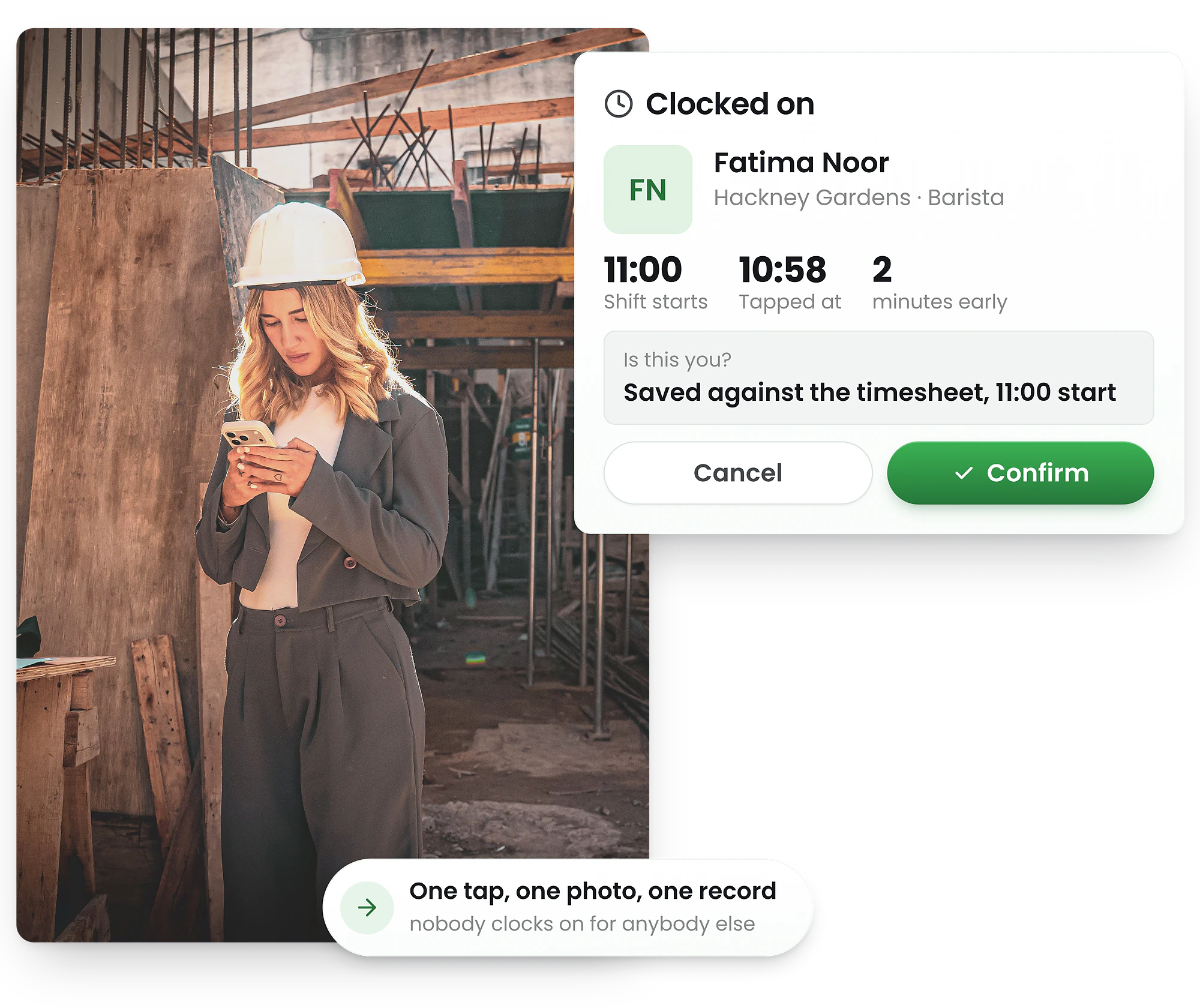
Employees take a quick selfie when clocking in. You see exactly who worked each shift—no more buddy punching, no more time theft, no more disputes before payroll.
-
Selfie verification in seconds
-
Prevent buddy punching & time theft
-
Review photos before payroll




Add photo verification to any clock-in
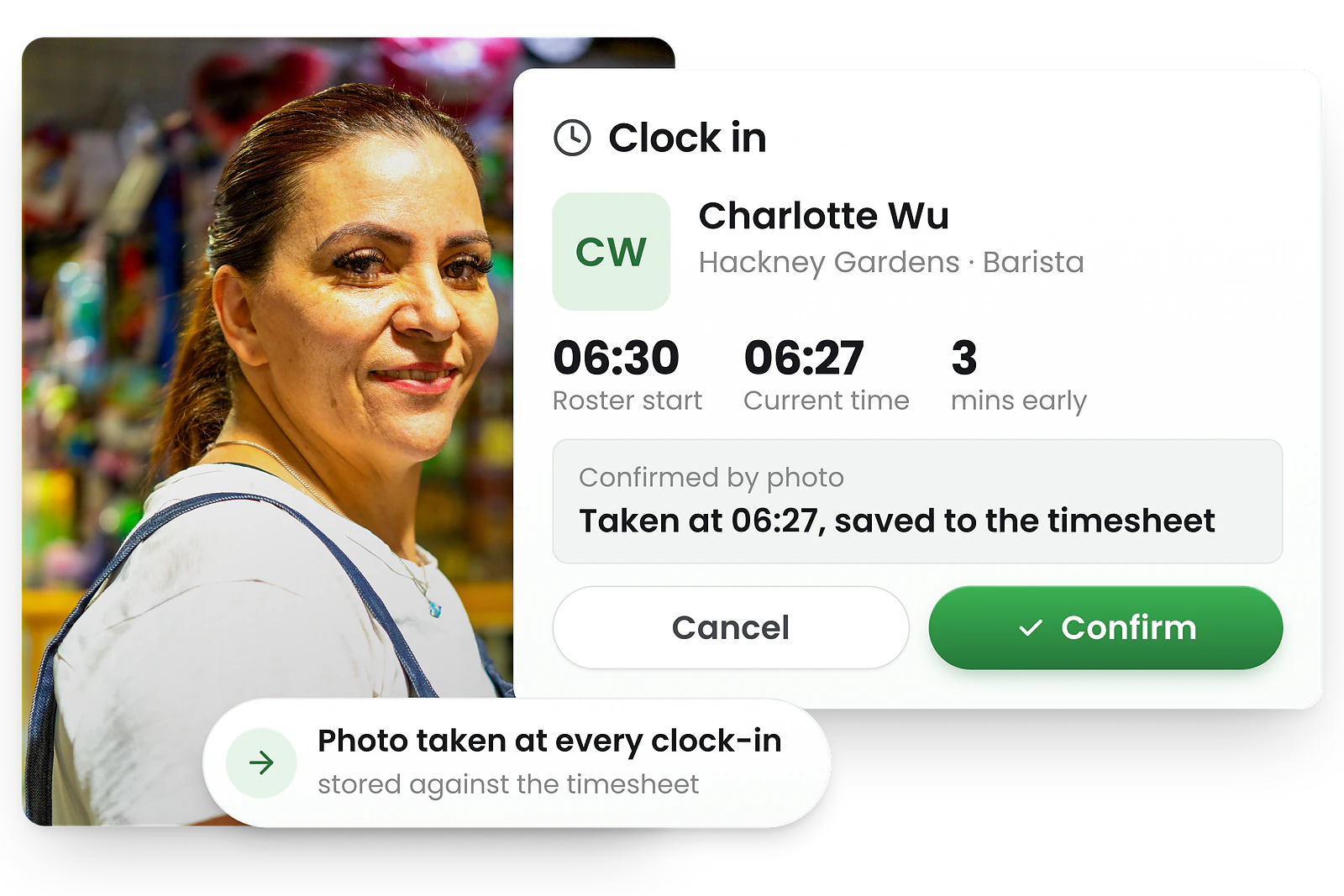
Works on tablet kiosk and smartphone
Photo verification works wherever your staff clock in—on a shared tablet kiosk or their own smartphone with GPS verification.
Enable photo proof per site and choose which clock events require a selfie. Staff tap, snap, and confirm—the whole process takes seconds.


How employees verify their clock-in with a photo
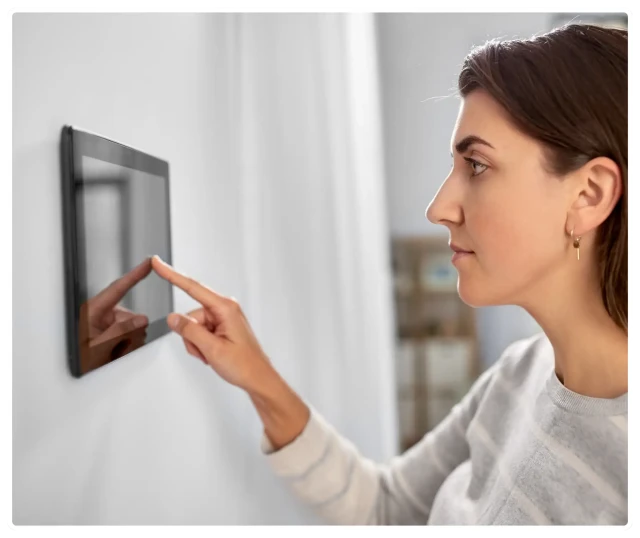
Tap → snap → confirm in seconds
1. Start clock-in — Enter PIN or tap name on kiosk/mobile
2. Take selfie — Camera opens, face captured automatically
3. Confirm — Photo attaches to time record instantly
If lighting is poor or the photo is blurry, staff can retake before confirming. The process is fast and doesn't slow down shift starts.
Review photos before approving timesheets
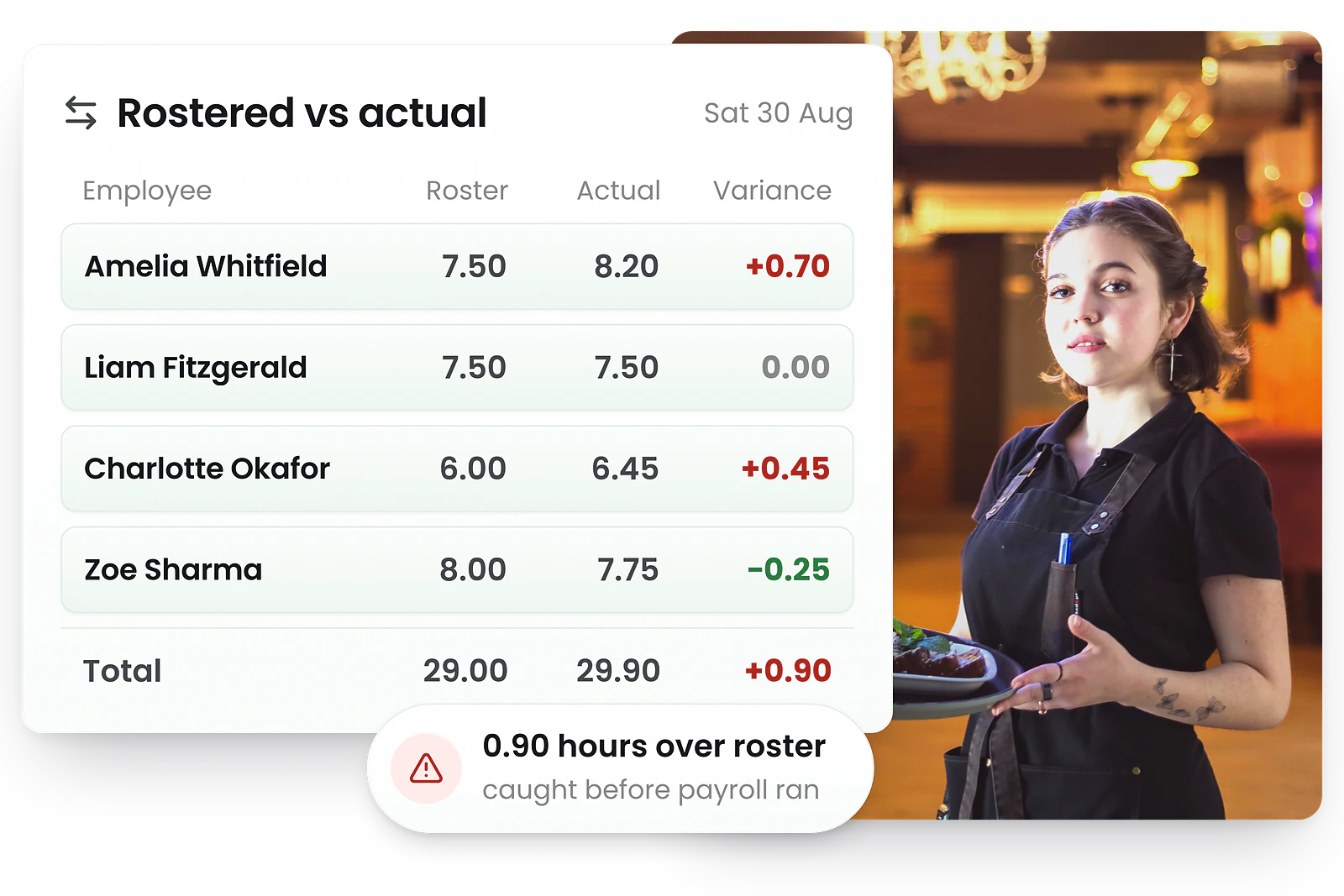
Verify attendance before processing payroll
Photo thumbnails appear next to each clock-in record. Click to view full-size images with timestamps. Quickly verify that the right person clocked in at the right time.
Investigating a late arrival or early departure? Photos provide the evidence you need to resolve disputes fairly—no more "he said, she said" before payroll runs.
Eliminate buddy punching and time theft
Stop buddy punching
Buddy punching happens when employees clock in for absent colleagues. With photo verification, the camera captures who's actually at the clock-in device—making it impossible to fake attendance.
Prevent time theft
Time theft costs UK businesses thousands each year. Photo proof ensures employees can only claim hours they actually worked—no more early clock-ins from the car park or late arrivals going unnoticed.
Build accountability culture
When everyone knows photos are captured, accountability becomes the norm. Most staff appreciate that time theft by others won't go unnoticed—it's fair for everyone.
Audit trail for disputes
Photos create an undeniable record for employment law compliance. If an employee disputes their hours, you have timestamped visual evidence to resolve the issue quickly and fairly.
Enable photo verification where you need it
1. Choose your sites
Enable photo verification for high-risk sites (remote locations, high turnover) while leaving it off for trusted office environments.
2. Select clock events
Require photos at clock-in only, clock-in and clock-out, or all events including breaks. Balance security with staff convenience.
3. Set privacy controls
Control which managers can view photos and set automatic deletion after 30, 60, or 90 days to support UK GDPR data minimisation requirements.
Combine with other verification methods
- • PIN + Photo: Staff enter PIN, then take selfie for double verification
- • GPS + Photo: Location confirms site, photo confirms identity (GPS geofencing)
- • Kiosk + Photo: Shared tablet with photo proof for fixed locations (tablet kiosk)
What is photo verification for time clocks?
Photo verification (also called selfie clock-in, photo proof, or biometric-lite verification) is an attendance feature that captures an employee's photo when they clock in, out, or take breaks. The photo is timestamped and attached to the time record.
Photo verification is especially valuable for:
Unlike fingerprint or facial recognition systems that require expensive hardware, photo verification works with standard tablet or smartphone cameras. It's a simple, cost-effective way to ensure attendance accountability without complex biometric infrastructure.
Trusted by UK businesses
From independent cafés to national retail chains, thousands of businesses rely on RosterElf for rotas, HR and payroll.








Explore related features
Discover other RosterElf features that work great together
How-to guides for photo proof
Step-by-step guides to help you master these workflows
Start your free 15-day RosterElf trial today
Join 30,000+ workplaces using RosterElf to simplify rotas, payroll and HR.
Attendance verification guides for UK businesses
Learn more about preventing buddy punching, time theft, and building accountable time tracking processes.

Identifying time theft in your business
Learn to spot the signs of time theft and implement practical controls. Covers buddy punching, early clock-ins, extended breaks, and prevention strategies.
Read article
Attendance KPI review: what to keep and what to change
Review attendance KPIs to focus on what matters. Analyse absenteeism, punctuality, and patterns to set realistic targets for your team.
Read article
Attendance anomalies that signal system issues
Learn to spot attendance patterns that indicate system, process, or compliance issues before they become major problems.
Read articlePhoto verification clock-in questions
- Photo verification requires employees to take a quick selfie when clocking in, out, or during breaks. The photo is attached to the time record, providing visual proof that the correct person was present. This prevents buddy punching and time theft while creating an audit trail for payroll compliance.
- Buddy punching occurs when one employee clocks in for another who isn't present. Photo verification stops this by requiring a selfie at the time of clock-in. Since the photo is timestamped and stored with the time record, it provides clear evidence of who was actually on site.
- Time theft happens when employees claim hours they didn't work—arriving late, leaving early, or having colleagues clock in for them. Photo verification makes this impossible by capturing visual proof at every clock event. Managers can review photos before approving timesheets and processing payroll.
- Photo verification is optional and can be enabled per site. You control when photos are required—at clock-in only, at clock-in and clock-out, or for all time events including breaks. This flexibility lets you balance accountability with employee experience.
- Yes, photo verification works on both tablet kiosk time clocks and smartphone clock-ins. Staff use the device camera to capture their photo, whether they're clocking in at a fixed kiosk or via the mobile app with GPS geofencing.
- Photos are securely stored in the cloud and encrypted in transit and at rest. They're accessible only to managers with appropriate permissions and can be viewed when reviewing timesheets or investigating attendance discrepancies. You control retention periods in line with your UK GDPR obligations.