

Clocking in app for iPad & Android tablets
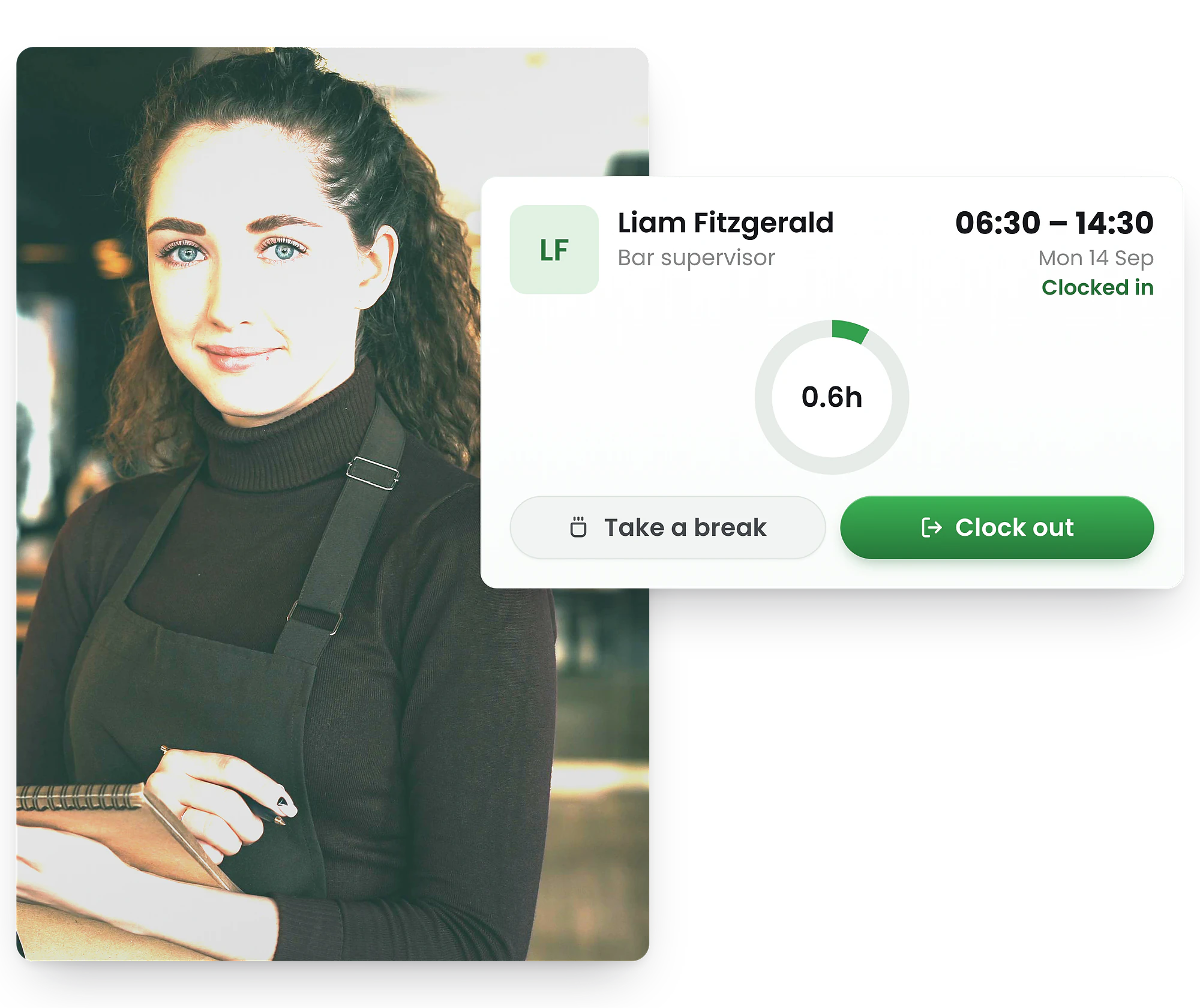
Turn any iPad or Android tablet into an employee clock-in kiosk. Staff enter their PIN, take a photo, and clock in. Digital records support Working Time Regulations compliance—no expensive hardware required.
-
Free iPad & Android app
-
PIN login + photo verification
-
WTR-ready digital records




Download the free tablet time clock app
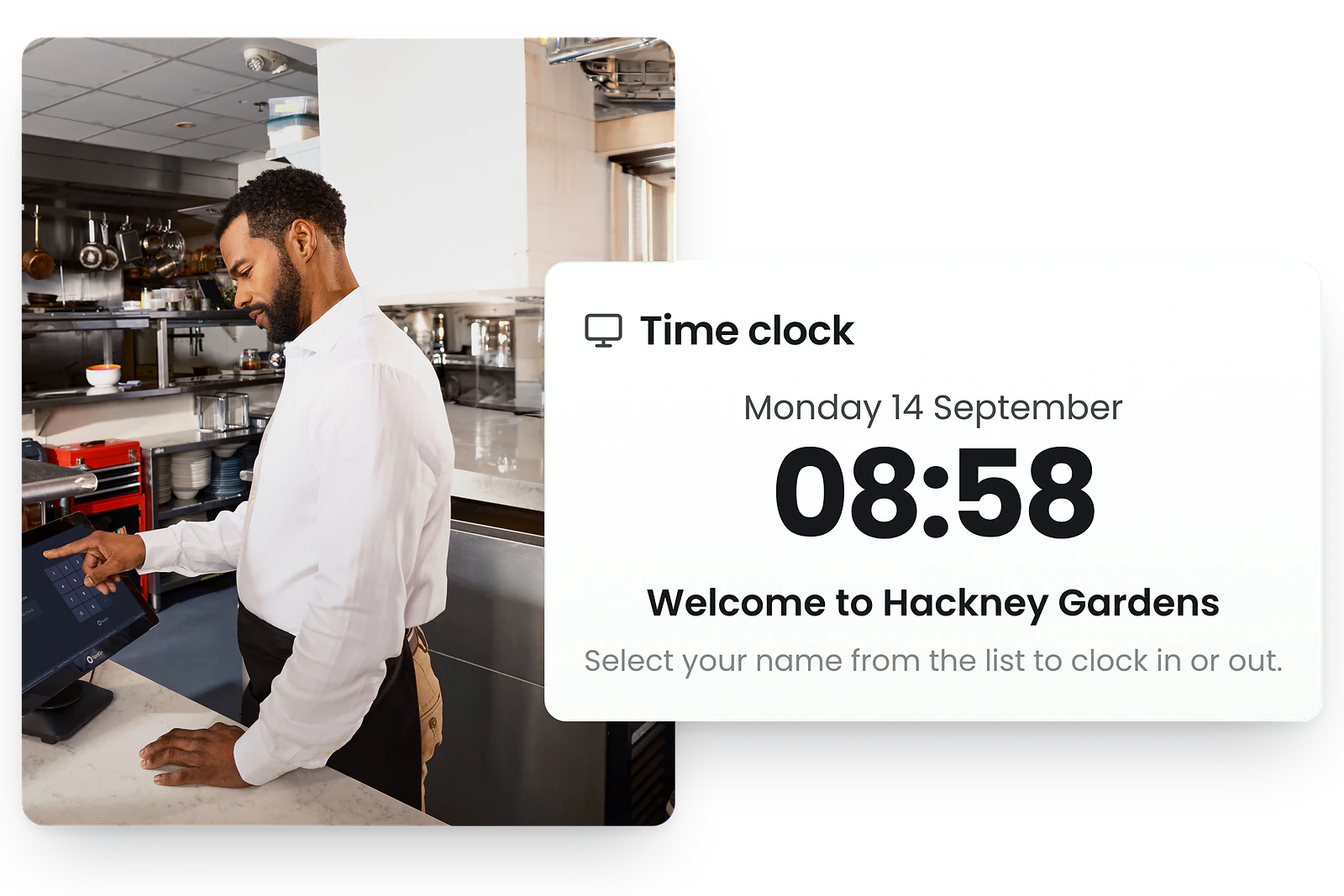
Free from App Store & Google play
Download the free RosterElf tablet time clock app from the App Store or Google Play. Mount your iPad or Android device at your entrance, break room, or back office—setup takes just minutes.
Staff simply tap their name, enter their PIN, and clock in. No training required, no complicated menus—just fast, accurate time tracking from day one.
Every clock-in creates a digital record that supports your Working Time Regulations obligations. Approved timesheets export directly to Xero for fast, accurate UK payroll runs.


How employees clock in on the tablet kiosk
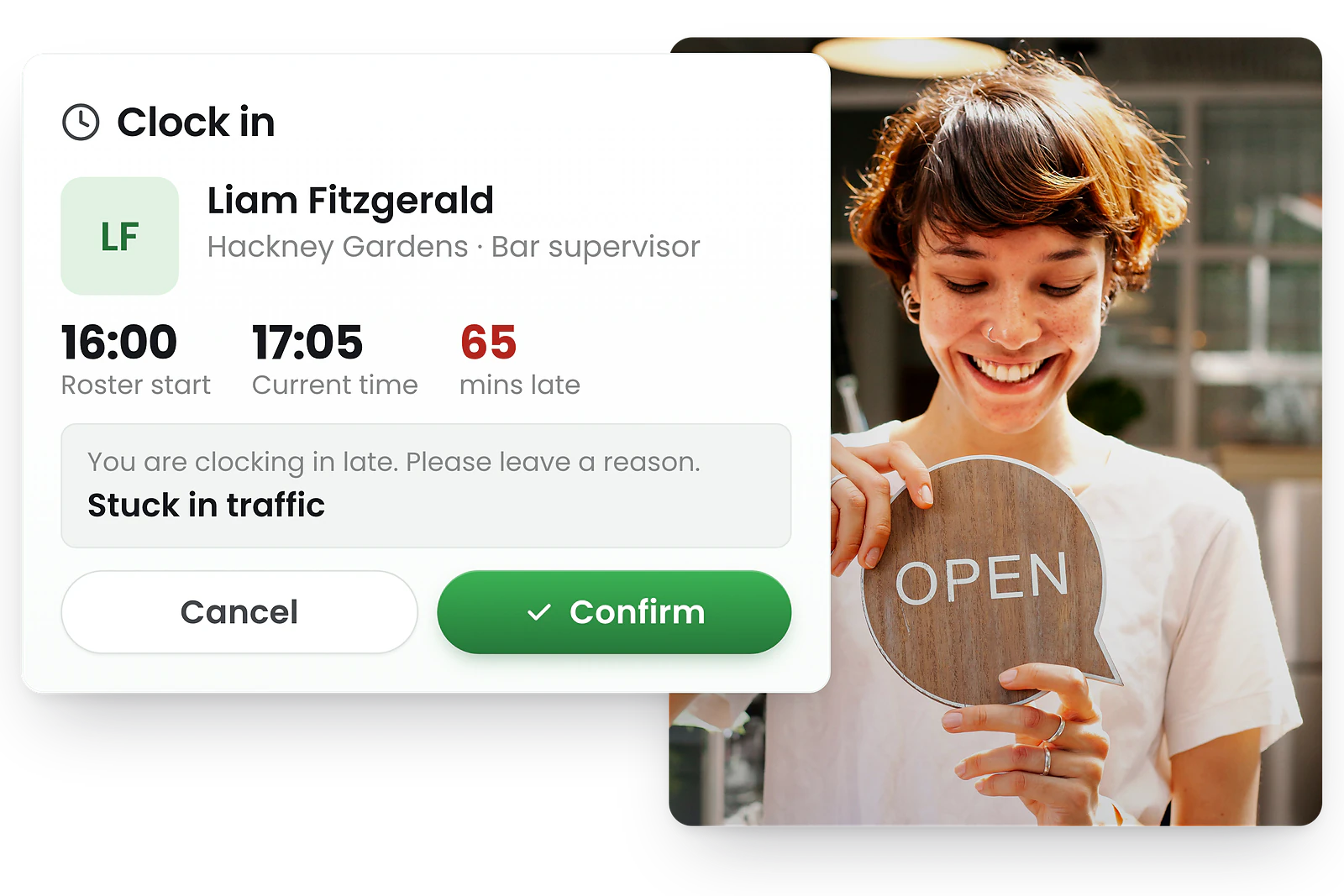
Staff clock in on the tablet in seconds
1. Tap the screen — Select their name or enter their PIN
2. Take a photo — Optional selfie for verification
3. Confirm — Clock in, start break, end break, or clock out
The tablet kiosk guides staff through each step. Late arrivals are prompted to add a reason. Break tracking is automatic, supporting your WTR rest-break obligations.
Managers see live clock-in status from every tablet kiosk
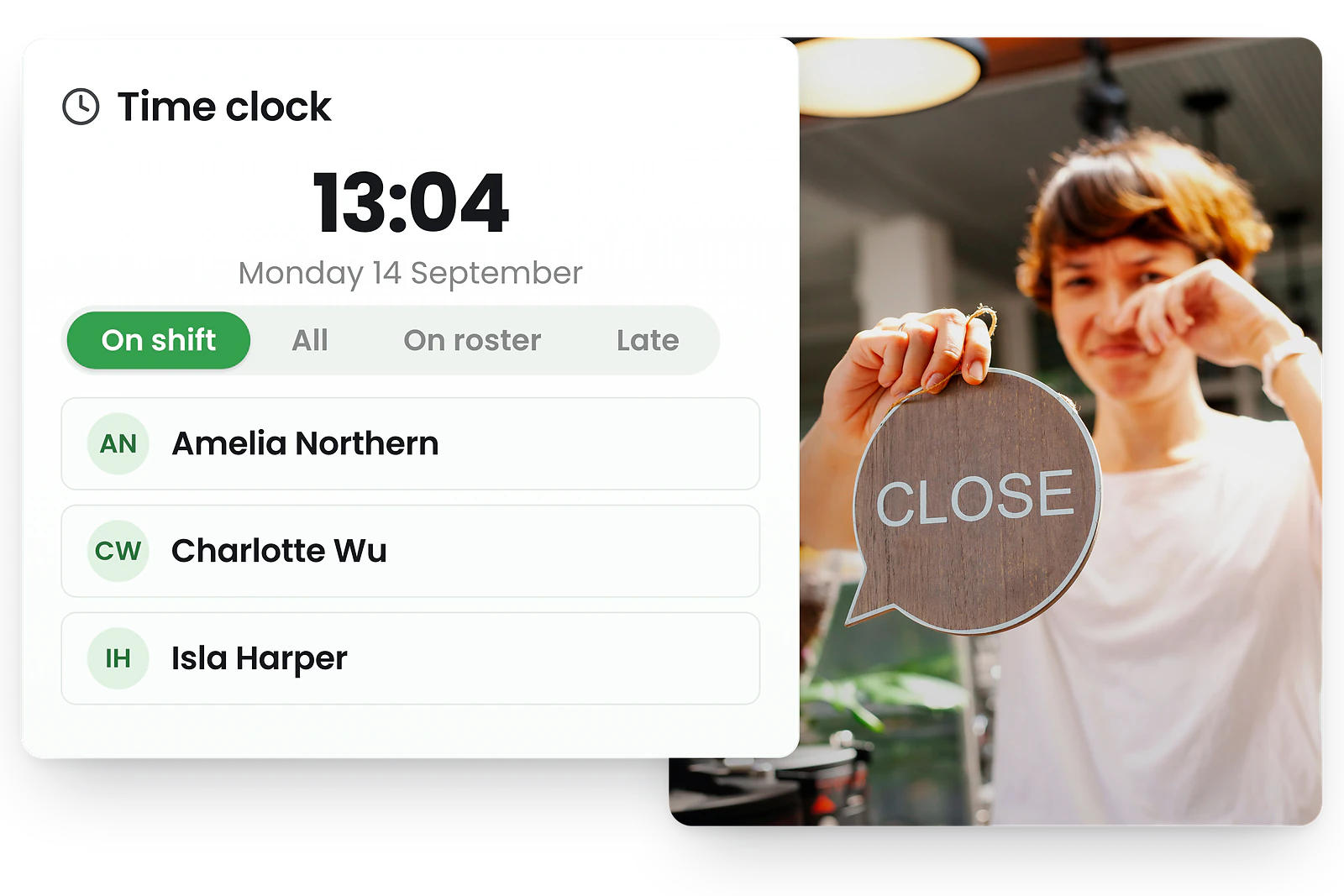
Know who's in, late, on break, or finished—instantly
Every clock-in from your tablet kiosk syncs instantly to RosterElf's live dashboard. Managers can see at a glance who's clocked in, who's running late, who's on break, and who's finished for the day.
Filter by status, role, or location to focus on what matters. Spot no-shows before they impact service and take action while there's still time to find cover. Every record creates a digital audit trail for WTR compliance.
iPad time clock vs Android tablet—both work great
iPad time clock
- ✓ Works on any iPad (including older models)
- ✓ Use Guided Access to lock to kiosk mode
- ✓ Ideal for retail, hospitality, and offices
- ✓ Front camera for photo verification
Android tablet Clock-In
- ✓ Samsung, Lenovo, or any Android tablet
- ✓ Use Screen Pinning for kiosk mode
- ✓ Budget-friendly tablet options available
- ✓ Front camera for photo verification
Both platforms sync instantly to your RosterElf dashboard. Choose whichever tablet fits your budget and workplace.
Setting up your tablet time clock kiosk
1. Choose your tablet
Any iPad or Android tablet with a front camera works. Even older models are fine—the app is lightweight.
2. Mount the tablet
Use a wall mount, desk stand, or secure enclosure. Position at eye level near your entrance or break room.
3. Enable kiosk mode
Lock the tablet to the RosterElf app using Guided Access (iPad) or Screen Pinning (Android) to prevent misuse.
Recommended tablet specs
- • Screen size: 8" minimum (10" recommended for easier use)
- • Camera: Front-facing camera required for photo verification
- • WiFi: Reliable internet connection at kiosk location
- • Power: Keep tablet plugged in or use a powered mount
Kiosk time clocks and UK employment law
UK employers must keep adequate records of working hours under the Working Time Regulations 1998. A tablet kiosk provides the digital audit trail you need—every clock-in, break, and clock-out is timestamped and stored securely.
RosterElf's kiosk time clock helps UK businesses support their compliance efforts by automatically tracking:
Working hours
Digital records of actual hours worked, supporting the 48-hour weekly limit and opt-out documentation requirements.
Rest breaks
Automatic break tracking ensures the 20-minute rest break entitlement for shifts over 6 hours is recorded and visible to managers.
Night work limits
Clock-in and clock-out times make it straightforward to monitor night worker hours against the 8-hour average limit.
Payroll accuracy
Approved timesheets export to Xero with overtime and premium rates calculated, reducing HMRC payroll errors.
Combined with rota scheduling, your kiosk time clock creates a complete picture: planned hours vs actual hours, with any variances flagged before payroll approval.
What is a kiosk time clock?
A kiosk time clock (also called a tablet time clock, clock-in kiosk, or punch clock tablet) is a shared device where employees record their work hours. Instead of expensive proprietary hardware, modern kiosk time clocks run on standard iPads or Android tablets.
For UK businesses, a tablet kiosk provides the digital working-hours records required under the Working Time Regulations—replacing paper sign-in sheets with accurate, exportable data that flows straight to Xero payroll.
Popular across UK industries
Unlike GPS mobile clock-ins where each employee uses their own phone, a tablet kiosk is a single shared device at a fixed location—perfect when you want all clock-ins to happen on-site.
Trusted by UK businesses
From independent cafés to national retail chains, thousands of businesses rely on RosterElf for rotas, HR and payroll.








Explore related features
Discover other RosterElf features that work great together
How-to guides for tablet time clock
Step-by-step guides to help you master these workflows
Start your free 15-day RosterElf trial today
Join 30,000+ workplaces using RosterElf to simplify rotas, payroll and HR.
Tablet time clock guides for UK businesses
Learn more about setting up tablet kiosks, clock-in best practices, and timesheet workflows.

Choosing the right clock-in method for your team
Compare GPS and tablet clock-in options for your team. See which time tracking method suits different work environments.
Read article
Timesheet approval workflows explained
Implement approval workflows that reduce payroll disputes and timesheet errors. Practical steps for businesses managing shifts.
Read article
What makes a timesheet legally defensible
Learn what employment regulations expect from timesheets and how to protect your business in disputes. Covers record standards, approval workflows, and audit trails.
Read articleTablet time clock questions
- A time clock system is software or hardware that records when employees start and finish work. Modern time clock systems like RosterElf run on tablets or smartphones, replacing old punch cards with digital clock-ins, break tracking, and automatic timesheet generation. RosterElf's time clock system syncs instantly to payroll and provides real-time attendance visibility.
- A kiosk time clock is a tablet-based time clock system that turns any iPad or Android device into a shared clock-in station. Staff enter their PIN, optionally take a photo, and record clock-in, break, and clock-out times. RosterElf's kiosk time clock syncs instantly to your live attendance dashboard and timesheets.
- No special hardware is required. Simply download the RosterElf Time Clock app from the App Store or Google Play, install it on any iPad or Android tablet, and mount the device at your workplace. The app is free to download and works with tablets you already own.
- Staff tap the screen, enter their unique PIN, and follow simple prompts to clock in, start/end breaks, or clock out. If photo proof is enabled, they take a quick selfie before confirming their action. The entire process takes seconds.
- Yes, you can set up kiosk time clocks at multiple sites. Each tablet is linked to a specific location, and all clock-in data syncs to your central RosterElf account. Managers can view live attendance across all sites from one dashboard.
- The kiosk uses secure PIN authentication for each employee, and you can enable photo verification to prevent buddy punching. The app can be locked to prevent access to other tablet functions, and all data is encrypted and stored securely in the cloud.