

Real-time attendance monitoring across all sites
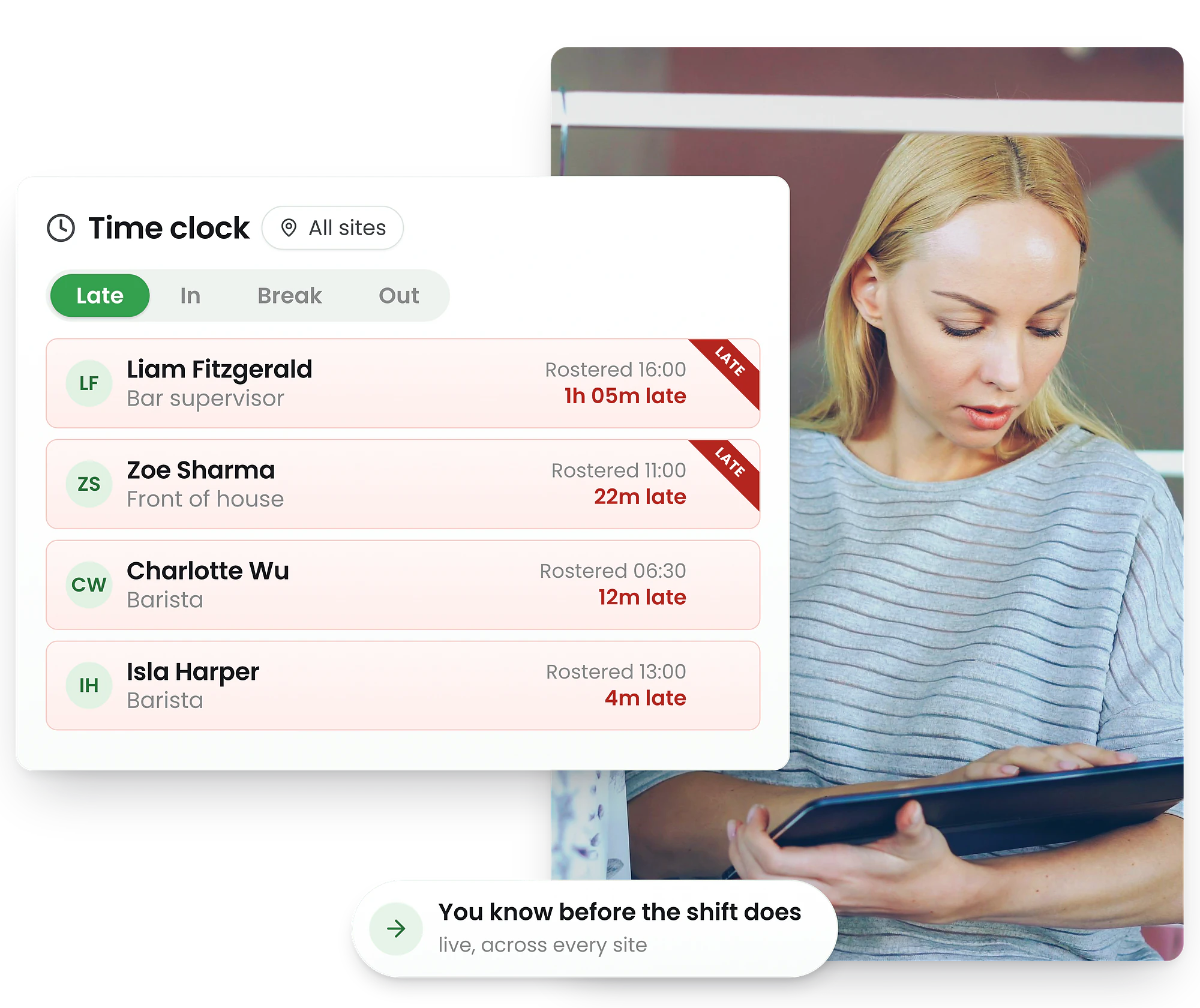
See who's clocked in, who's late, who's on break—instantly. Spot no-shows before they impact service and find replacement staff in seconds.
-
Real-time clock-in visibility
-
No-show & late arrival alerts
-
Find replacements instantly




Monitor staff attendance from anywhere
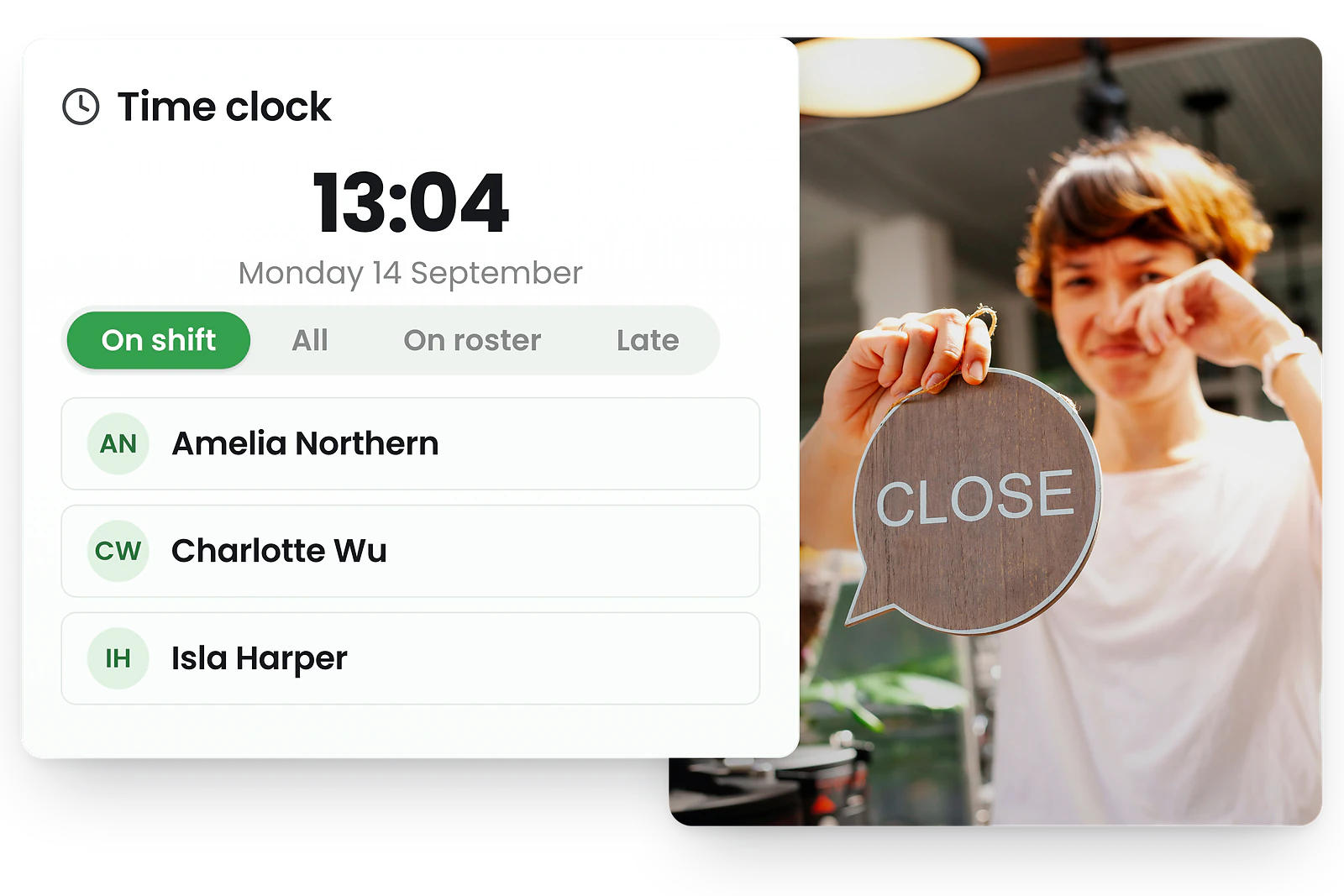
Real-time visibility on any device
Access the live attendance dashboard from your computer, tablet, or phone. Whether you're in the office, on the floor, or managing remotely—see exactly who's working across all your locations.
Clock-ins from tablet kiosks and mobile GPS sync instantly. No refreshing, no waiting.


See attendance status at a glance
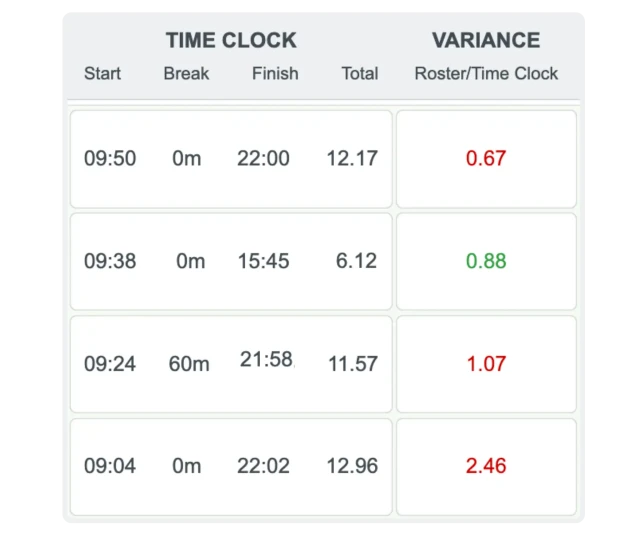
Late, In, Break, Out—instantly visible
Staff who haven't clocked in by their scheduled start time are marked as Late.
Currently working employees show as In. Those on scheduled or unscheduled breaks display as Break. When staff finish for the day and clock out, they show as Out.
Filter by status to focus on what needs attention. Click any employee to see full details, scheduled vs actual times, and take action.
Get alerts for no-shows and late arrivals
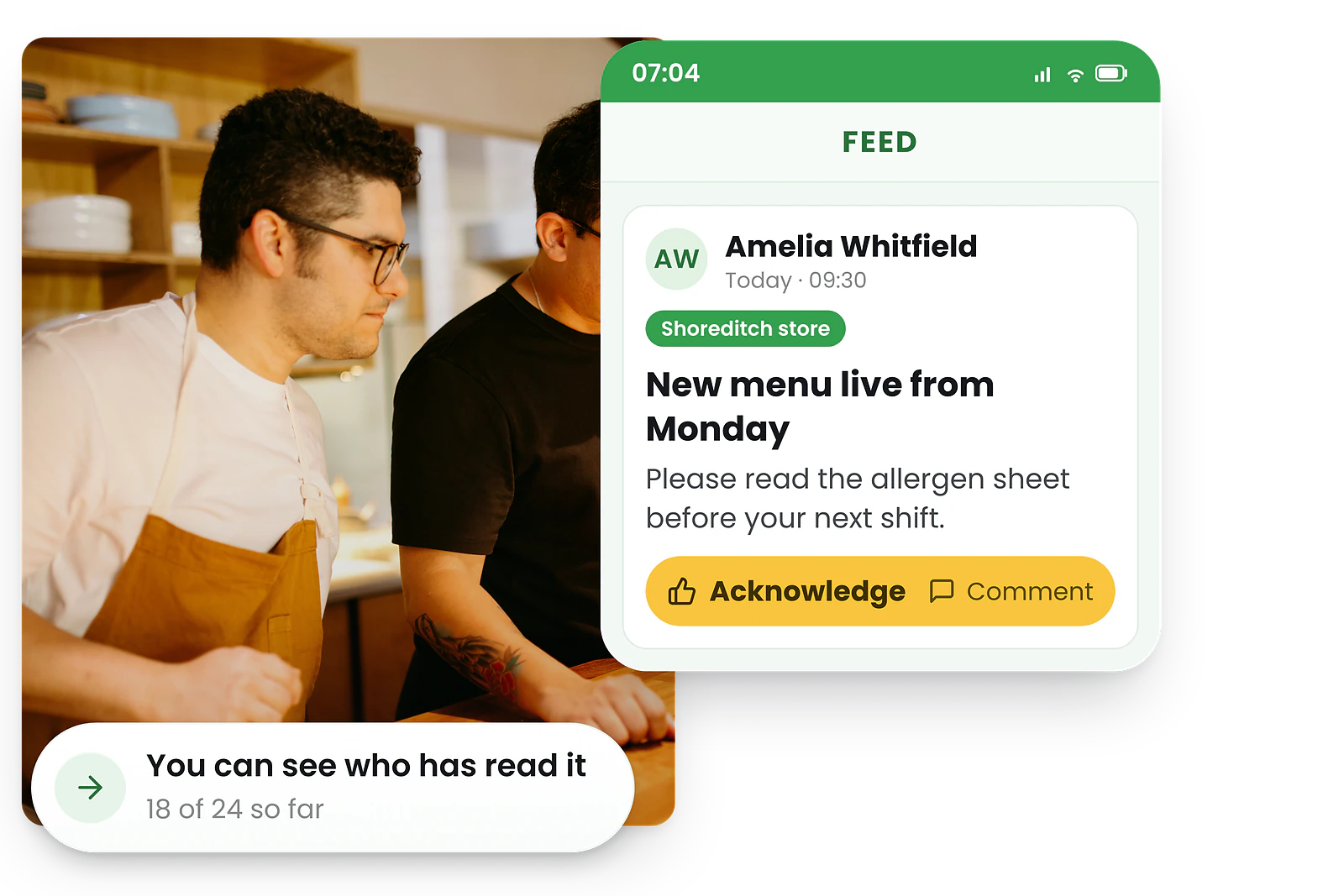
Know immediately when something's wrong
Configure automatic alerts when staff are late or fail to clock in. Set thresholds (e.g., 5 minutes, 15 minutes) and choose how you want to be notified—push notification, email, or SMS.
Different sites can have different alert settings. High-priority shifts can trigger faster alerts. You control who receives notifications and when.
Find replacement staff in seconds
Post an open shift
Broadcast the uncovered shift to all available staff. Qualified employees receive a notification and can accept instantly. First to respond gets the shift—no phone calls needed.
Perfect match AI suggestions
RosterElf's AI identifies the best replacement candidates based on skills, availability, proximity, and hours worked. Accept the suggestion or choose from the ranked list.
Available candidates list
See everyone who's qualified and available for the shift. View their skills, current hours, and contact them directly from the dashboard. Assign with one click.
Approve shift swaps
When staff arrange their own cover, approve the swap from the dashboard. Both parties are notified, the rota updates automatically, and attendance tracking continues seamlessly.
One dashboard for every location
View all sites together
See attendance across your entire business in one consolidated view. Perfect for area managers and head office oversight.
Filter by location
Drill down to a single site when you need to focus. Switch between locations instantly without losing your place in the workflow.
Track shared staff
Employees who work across multiple sites show the correct location for each clock event. No confusion about where they actually worked.
Filter and search options
- • By site: Single location or all locations combined
- • By role: Focus on kitchen staff, front of house, managers, etc.
- • By status: Late, In, Break, Out—see only what needs attention
- • By name: Search for specific employees instantly
What is a live attendance dashboard?
A live attendance dashboard (also called real-time attendance monitoring or employee attendance tracker) is a management tool that displays the current clock-in status of all employees as it happens. Unlike end-of-day reports, you see attendance data the moment staff clock in, take breaks, or leave.
Especially valuable for
The live dashboard works alongside your clock-in methods (tablet kiosk, GPS mobile) and verification features (photo proof) to give you complete visibility into who's working and when.
Trusted by UK businesses
From independent cafés to national retail chains, thousands of businesses rely on RosterElf for rotas, HR and payroll.







Explore related features
Discover other RosterElf features that work great together
How-to guides for live attendance
Step-by-step guides to help you master these workflows
Start your free 15-day RosterElf trial today
Join 30,000+ workplaces using RosterElf to simplify rotas, payroll and HR.
Attendance management guides for UK businesses
Learn more about reducing no-shows, managing coverage gaps, and improving attendance tracking.
Proven strategies to reduce staff no-shows
Learn practical strategies to reduce no-shows and last-minute rota gaps. Covers communication tactics, backup staffing, and accountability systems.
Read article
Attendance KPI review: what to keep and what to change
Review attendance KPIs to focus on what matters. Analyse absenteeism, punctuality, and patterns to set realistic targets for your team.
Read article
Attendance anomalies that signal system issues
Learn to spot attendance patterns that indicate system, process, or compliance issues before they become major problems.
Read articleLive attendance dashboard questions
- A live attendance dashboard displays real-time clock-in status for all staff across your locations. As employees clock in, take breaks, or clock out via kiosk or mobile app, their status updates instantly. Managers see who's late, working, on break, or finished without manual updates or refreshes.
- Updates appear in real time as soon as staff complete their clock-in action. There's no delay or batch processing—clock events sync instantly across web and mobile, allowing managers to respond immediately to attendance issues or coverage gaps.
- Yes, the dashboard consolidates attendance across all your sites into one view. You can filter by specific locations, roles, or individuals, or view everything together. This is especially useful for area managers overseeing multiple venues from a central office.
- The dashboard displays employee name, current status (late, clocked in, on break, clocked out), scheduled vs actual times, location, and any variances. You can click into individual records to see photo verification, GPS coordinates, and detailed shift history.
- Yes, the live attendance dashboard captures clock-ins from all sources—tablet kiosk, smartphone GPS clock-ins, or manual manager entries. Everything appears in one unified view regardless of how staff clocked in.
- Configure automatic notifications in your account settings to alert managers when staff are late or fail to clock in within a defined timeframe. Set different thresholds per site, choose delivery method (email, mobile push, SMS), and designate which managers receive alerts for quick response.